Table of Contents
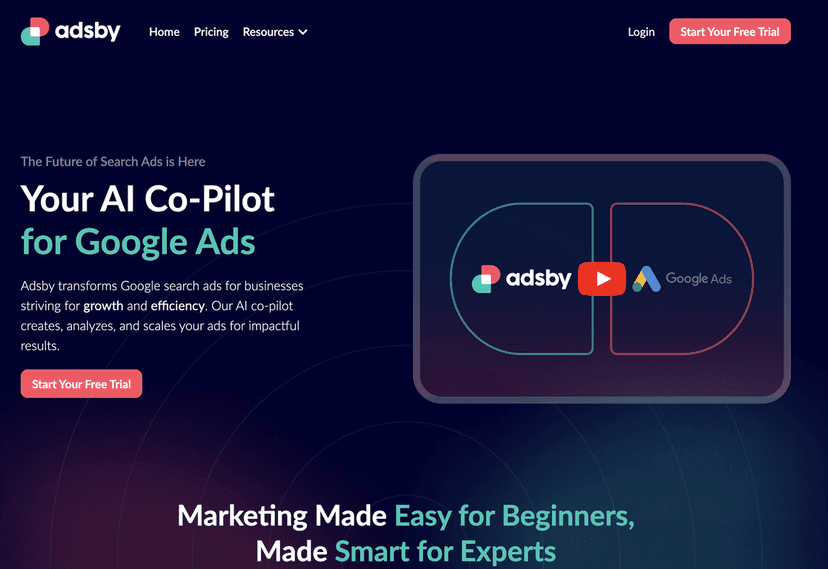
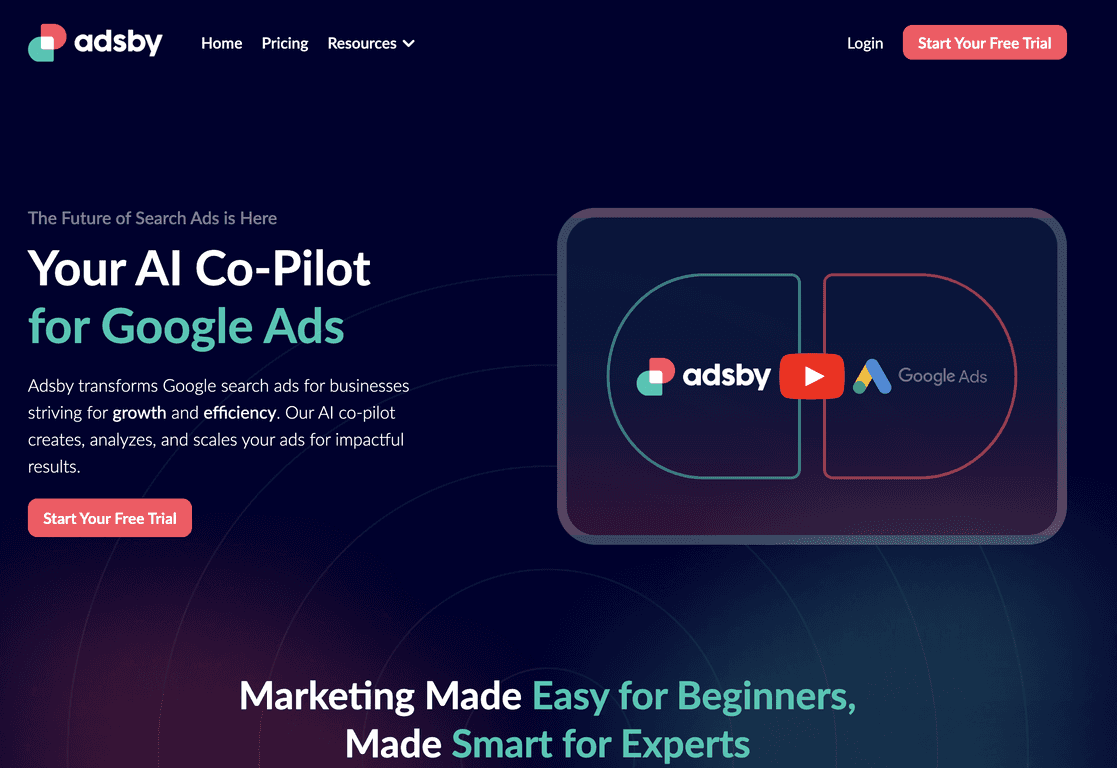
Google Ads can feel like a full-time job sometimes. You’re writing ad copy, checking search terms, tweaking bids, watching budgets… and somehow it still never feels “set and forget.” That’s why I was interested in Adsby—it’s positioned as a kind of co-pilot that helps you build, test, and improve campaigns with AI support.

In my experience, the biggest win with tools like this isn’t “magic results.” It’s speed. Adsby helps you move faster from idea → ad variations → targeting suggestions, so you spend less time staring at spreadsheets and more time deciding what to scale.
Adsby Review: What It Does (and What I’d Watch Out For)
Adsby is built around the idea that you should be able to create and improve Google Ads campaigns without spending every day on manual setup. It leans heavily on AI for tasks like ad copy generation, keyword ideas, and optimization prompts.
When I look at a tool like this, I ask a pretty simple question: will it help me get to a better starting point faster? Adsby does that. Instead of starting with a blank page, you can generate ad variations and get keyword suggestions you can actually review and refine.
That said, I don’t treat AI outputs as “publish immediately” content. If you’re expecting perfectly tailored messaging without any human input, you might be disappointed. You still need to sanity-check things like offer clarity, audience fit, and whether the tone matches your brand.
Key Features (How They Show Up in Real Campaign Work)
- AI Ad Creation to generate relevant ads automatically. In practice, this is useful when you need multiple headlines/descriptions quickly for testing.
- Keyword Suggestions to enhance ad targeting. I like having a list to start with, but I still filter for intent (and I always check match types).
- Swift Ad Copy Generation using AI assistance. The fastest way to get unstuck is generating options, then editing the ones that match your value proposition.
- Performance Optimization for maximum return on ad spend. The “optimization” part is where you’ll want to pay attention—what exactly is changing and why?
- Multi-Language Support to reach a global audience. If you run international campaigns, this can save time on initial drafts.
- Target Audience Detection for effective engagement. This helps you think about who the ads are for, but you’ll still want to confirm it aligns with your actual customer segments.
- Auto Bidding to manage your ad expenses. I’d use this carefully at first—especially if you’re working with a tight daily budget.
- Real-time Budget Control for monitoring spending. This is one of those features that becomes “must-have” the moment you notice spend creeping up.
- Campaign Timing Suggestions for optimal engagement. Even basic timing tweaks can help, but you’ll still want to verify performance by day/time.
Pros and Cons: My Honest Take
Pros
- User-friendly interface that doesn’t assume you already know everything about Google Ads.
- Advanced AI capabilities that reduce the time spent generating ad text and keyword ideas.
- Free tools for ad text and keyword generation (handy when you want to test-drive the workflow).
- Scalable for both small businesses and bigger teams—especially if you need to produce more ad variations.
- Free trial to explore features before committing. I always recommend using the trial to run a small test campaign, not just click around.
Cons
- You still need marketing basics. If you don’t understand things like match types, ad relevance, and search intent, AI suggestions can lead you in the wrong direction.
- Advanced features may feel like a lot for very small startups—mostly because there’s a lot you can tweak, and you’ll want to tweak carefully.
If you want a quick rule of thumb: use Adsby to generate and suggest, then use your judgment to decide what’s actually worth spending on.
Pricing Plans (What I’d Consider Before Paying)
The Launch Plan is priced at $19/month. For a lot of small businesses, that’s a reasonable “try it without going broke” price point.
It includes essentials like 1 ad account, AI ad creation, keyword generation, and smart reporting to help you kick off your Google Ads journey.
One practical tip: before you upgrade, check whether the reporting actually helps you make decisions. I look for things like what changed, what improved (CTR, conversions, CPA), and whether the recommendations match the numbers I’m seeing in Google Ads.
Wrap Up
Adsby is a solid option if you want to speed up the early stages of Google Ads—writing ad variations, getting keyword ideas, and getting suggestions that point you toward better campaign structure. It won’t replace your strategy (and it definitely won’t eliminate the need to review performance), but it can cut down the busywork.
If you’re the type who’s tired of staring at drafts and constantly rewriting headlines, you’ll probably like what Adsby does. Start with a small test, watch the results closely, and keep the parts that actually improve your metrics—not just the parts that sound good.