Table of Contents
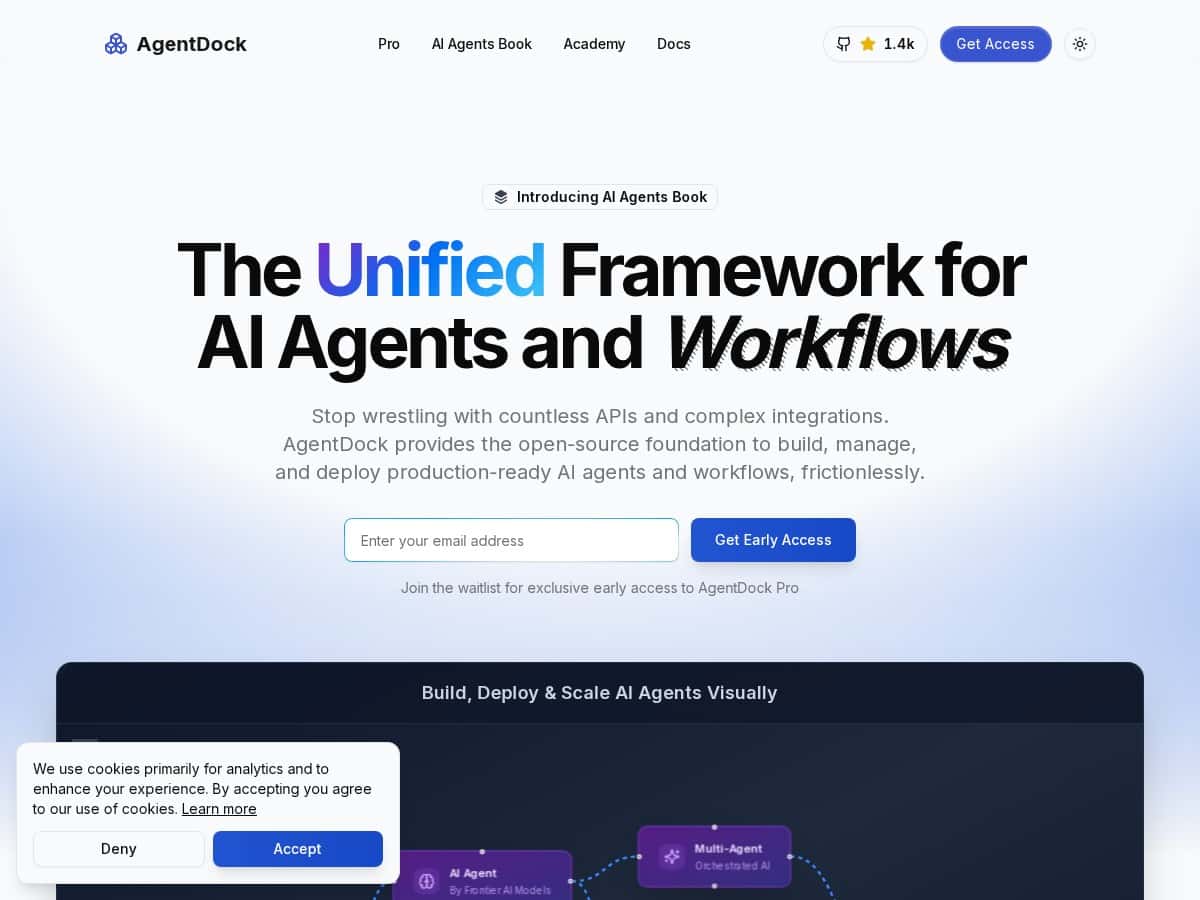
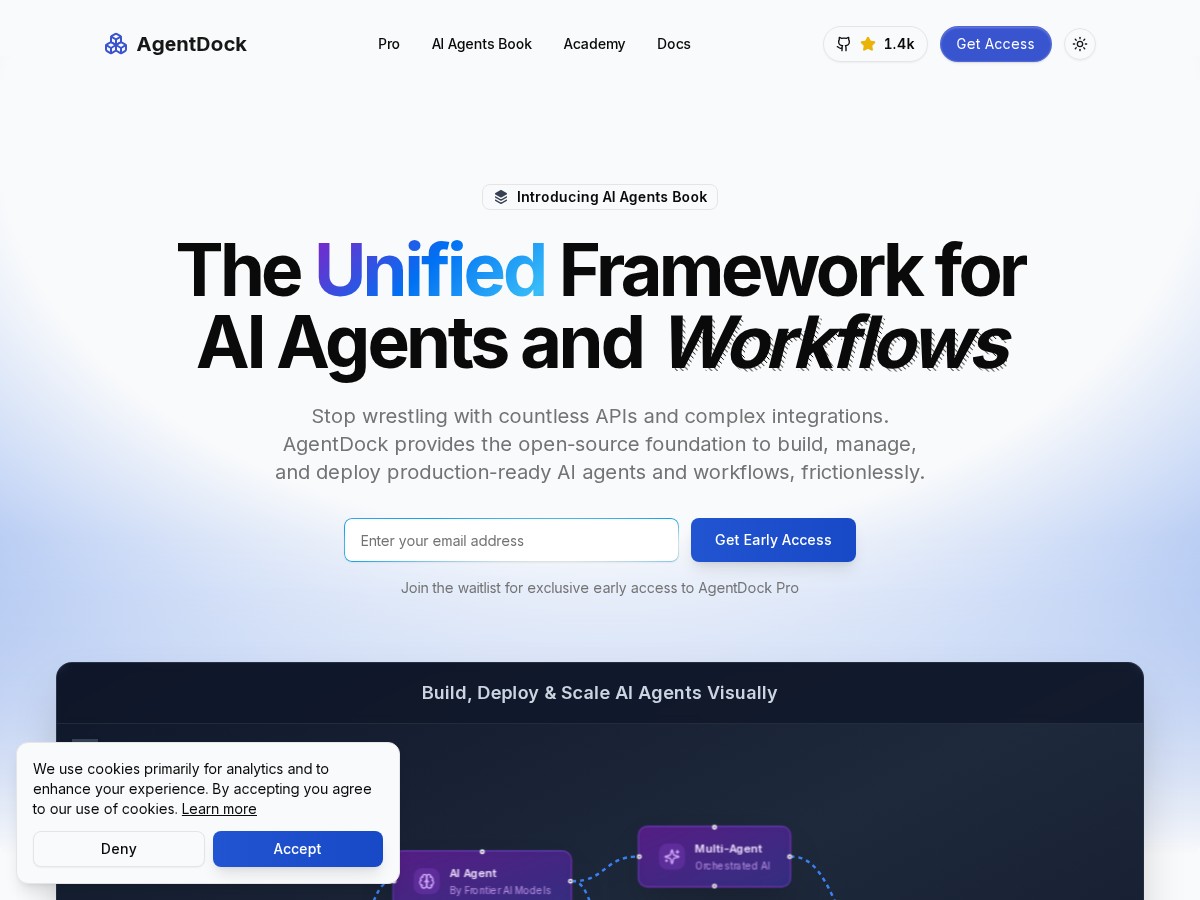
If you’ve ever tried to build an AI agent and thought, “Cool… but why does this require a whole engineering team?” you’ll probably like what AgentDock is aiming for. The pitch is simple: create AI automation without deep coding, using a visual workflow builder plus natural language.
In my experience, the real question isn’t whether the platform can do “AI automation” in theory—it’s whether you can go from idea to working agent fast, and whether the setup stays understandable when your workflow gets more complex. I tested AgentDock by building a few practical automations (the kind you’d actually use at work), poking at integrations, and seeing where the platform felt smooth vs. where it got a little rough around the edges.
AgentDock Review
I tested AgentDock with a few “real work” workflows instead of just playing with demo prompts. The first thing I noticed: the interface is built around a visual workflow builder, and it doesn’t feel like you need to memorize a bunch of syntax to get going. You can describe what you want, and it helps translate that into the right steps.
What I built (and what happened):
- Support-style triage agent: I drafted a simple flow that takes an incoming message, classifies it (billing vs. technical vs. account), and then routes it to the right next action. What I liked: the agent consistently produced structured outputs (categories + recommended next step) instead of vague text. What I didn’t love: when I gave it messy input, the routing confidence wasn’t always obvious, so I had to tweak the prompt and add a clearer “decision rule” step.
- Content repurposing workflow: I tried an agent that turns a short article summary into multiple formats (social post, newsletter bullet list, and an FAQ-style section). This one worked well because the workflow was mostly “generate + format.” Where it got tricky: keeping the tone consistent across outputs. I ended up adding a small “style” node early on to lock in constraints, and after that, the results tightened up.
- Automation with external apps: I connected common tools and tested triggers and actions. AgentDock’s integration story is a big part of the appeal—it's positioned as supporting connections to 1000+ apps—and the setup felt fast once the integration was available. Still, I hit the kind of issues you’d expect in any new platform: a couple of apps required extra configuration steps, and one integration didn’t behave exactly the way I assumed until I adjusted the mapping fields.
Time-to-first-agent: For me, getting a basic agent running took under an hour (mostly because I was still learning the node layout). Once the workflow skeleton was in place, iterating was quicker—editing steps, adjusting logic, and rerunning tests felt straightforward.
So does it live up to the hype? For “agent building” as a practical workflow tool—yes, especially if you want something you can modify without writing a ton of code. If you’re expecting a perfectly polished, enterprise-grade experience out of the gate, I’d temper expectations. A few areas felt like they’re still being refined, and that shows up most in documentation clarity and edge-case behavior.
Key Features
AgentDock’s feature set is easiest to understand if you think in layers: how you create the agent, how you orchestrate steps, and how it connects to the rest of your stack.
- Natural Language Agent Creation: You can describe what you want in plain language. In practice, this speeds up the “first draft” of a workflow. I found that the best results came when I was specific about inputs and the output format (for example: “Return JSON with fields: category, confidence, next_action”).
- Node-Based Workflow Orchestration: This is the visual part. You build flows using triggers, actions, and logic. I like this approach because it makes it harder to “lose” what the agent is doing. The tradeoff? If you don’t have a mental model for triggers and data flow, you’ll spend a bit of time learning the builder.
- Enterprise Agent Intelligence: AgentDock is positioned as supporting memory and knowledge integration. When I tested knowledge-like behavior, it was most noticeable when I required the agent to follow specific rules consistently (like a policy checklist). The more constraints I added, the more stable the output became.
- Seamless Integration (1000+ apps): This is where AgentDock can become genuinely useful at work. If your team already uses tools like CRMs, helpdesks, or spreadsheets, the integration layer matters. In my tests, connecting apps was fast when the integration existed and field mapping was clear. Where I got stuck: when the platform didn’t infer mappings the way I expected, I had to manually adjust which fields feed into the next node.
Pros and Cons
Pros
- Fast iteration compared to “code-first” agent tools: I could tweak a workflow and rerun it without rebuilding from scratch. That made testing prompts and logic feel practical, not painful.
- Natural language helps non-technical users start: I didn’t need to write custom code to get a working prototype. If you’re a marketer, ops person, or support lead, you can still contribute.
- Visual workflows are easier to audit: When something goes wrong, you can trace which node produced the unexpected output. That’s a big deal for real-world use.
- Integration breadth: The “1000+ apps” angle isn’t just marketing in my testing—it actually changes what you can automate quickly.
- Good for repeatable business tasks: The workflows I tested (triage, repurposing, routing) are the kind of tasks that benefit from consistent structure and templates.
Cons
- Documentation can feel thin or uneven: I ran into moments where I had to experiment to figure out the correct node configuration. It wasn’t impossible—just not as guided as I’d want.
- Learning curve with the workflow builder: The UI is friendly, but understanding triggers, data mapping, and logic branching takes a little practice.
- Edge cases can require prompt + logic tuning: When inputs were noisy, the agent output quality varied. I had to add clearer decision rules and formatting constraints to stabilize results.
- Integration mapping isn’t always “set and forget”: Even when an app connection worked, I sometimes needed to adjust field mappings so the next step received the data in the format I expected.
Pricing Plans
Here’s the part I wish was clearer up front: public pricing wasn’t obvious in what I reviewed. What I found is that AgentDock mentions a Pro version with additional features, and there’s a waitlist / early access style entry point.
What I can say based on what’s available:
- No public price list: As of my review, I didn’t see a straightforward “$X/mo for Pro” page.
- Pro tier exists: It’s described as including extra capabilities beyond the base experience.
- Enterprise pricing: It appears to be tailored, likely based on team needs, integrations, and deployment requirements.
If you’re deciding whether to try it, I’d recommend signing up for early access only if you’re ready to evaluate quickly. Otherwise, you might end up waiting for pricing details while you’re trying to plan a budget.
Who should buy (and who shouldn’t)
AgentDock is a good fit if: you want to build practical AI automations without heavy coding, you care about visual workflows you can review, and you need integrations across lots of tools.
I’d be cautious if: you require rock-solid enterprise documentation and predictable behavior in every edge case right away. In my testing, the platform is usable and promising, but it still feels like it’s evolving—especially around guidance and a few “why didn’t it map that field?” moments.
Wrap up
AgentDock feels like one of those tools that can genuinely help non-developers build real automations—especially when you combine natural language agent creation with a node-based workflow you can actually inspect. If you want a quick path from idea to working agent (and you’re okay doing a little tweaking), it’s worth your attention. Just don’t assume everything will be perfectly plug-and-play on day one, and keep an eye on pricing details as the platform matures.