Table of Contents
In today’s fast-paced academic and professional landscapes, harnessing the power of AI tools for research isn’t just smart; it’s essential. These innovative tools, tailored to streamline the research process, have been my go-to for optimizing workflow. Their ability to automate mundane tasks, analyze vast amounts of data, and provide insightful recommendations has not only saved time but also significantly enhanced the quality of outcomes.
Exploring numerous AI tools, I’ve discovered each comes with a unique set of features and capabilities. Their prowess in handling everything from data analysis, literature review to drafting and revising articles is nothing short of impressive. The right AI tool can indeed be a game-changer, propelling your research endeavors to new heights.
The landscape of AI tools for research is vast and continually evolving, making it a thrilling domain to delve into. As we navigate through some of the standout tools in the following sections, you’ll get a sense of how these AI marvels can be the catalysts for your next big discovery.
Best AI Tools for Research
1. Scite Assistant
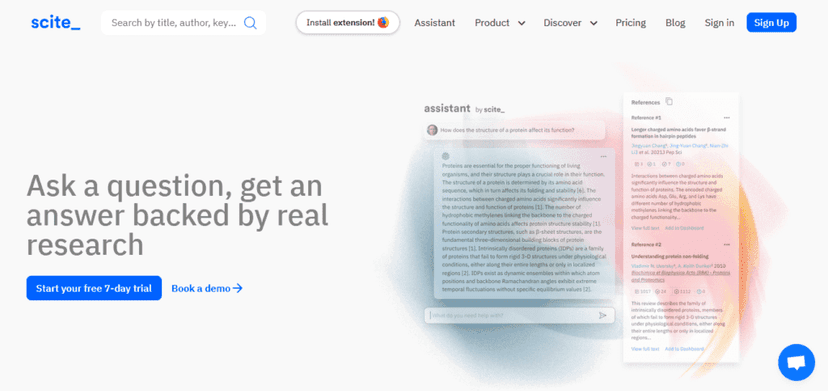
In my pursuit of efficient research, Scite Assistant emerged as a reliable ally. This tool is tailored for those who seek to streamline the process of literature discovery, offering a seamless pathway to relevant papers. Its AI-driven core stands as its hallmark, delving meticulously through texts to fetch crucial insights for my research journey.
Scite Assistant has a knack for swiftly identifying pertinent papers which is a cornerstone for literature discovery. Moreover, its prowess in the automatic extraction of key information is noteworthy. With minimal input, it effortlessly pulls out the research question, methods, results, and conclusions from papers, a feature that saved me countless hours.
Having Scite Assistant at my disposal transformed the once cumbersome task of sifting through endless papers into a manageable and efficient process. It didn’t just accelerate the literature review process, but enriched my understanding through its precise extraction of core information from each paper, making my research journey less daunting and more fruitful.
2. Consensus
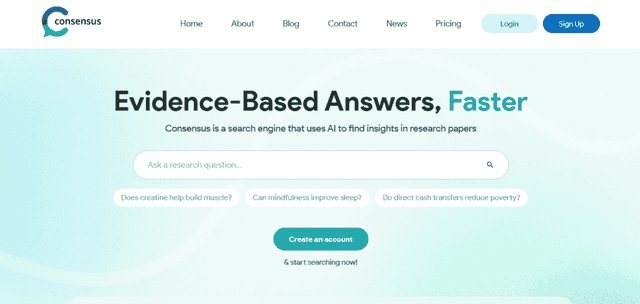
Navigating through the academic ocean, Consensus emerged as my beacon. This tool redefines how one approaches literature, encapsulating an AI-powered search engine fine-tuned for digging out relevant research papers. Its ability to transcend mere keyword matching and delve into the essence of research queries made it a noteworthy companion in my scholarly endeavors.
The AI-powered search is the heart of Consensus, forging paths through the dense academic forest to fetch papers resonating with my research questions. Additionally, the paper summarization feature stood out, condensing extensive papers into succinct summaries, thus offering a quick grasp on the paper’s relevance and content.
With Consensus, the daunting task of finding and reviewing relevant literature transformed into a swift, streamlined process. The time saved from not having to read through every paper in detail, and the ease with which I could now access a plethora of summarized research, significantly accelerated my project’s pace, marking Consensus as an indispensable asset in my research toolkit.
3. Elicit
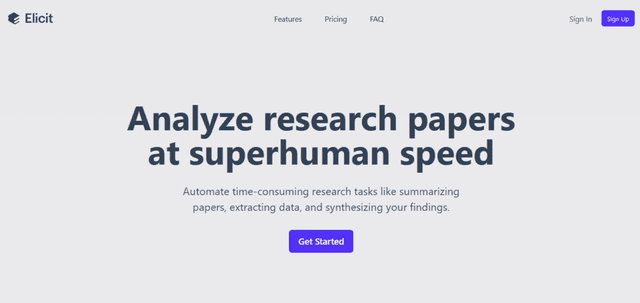
Elicit proved to be a game-changer, offering a set of dynamic tools that streamlined my brainstorming and research processes. Its intuitive design made idea generation and information gathering a breeze, propelling my projects forward with fresh insights.
Notably, Elicit shines with its brainstorming and research assistance, stimulating creativity and driving comprehensive exploration. Additionally, its capabilities extend to presentation and poster creation, which simplified sharing my findings in a visually engaging manner.
Elicit not only enhanced my research productivity but also elevated the quality of my presentations. Its multifaceted assistance proved invaluable in both conceptualizing and communicating my research, making it a cornerstone of my academic toolkit.
4. ChatGPT
ChatGPT emerged as a reliable companion in my research journey. Its ability to generate text and translate languages seamlessly became indispensable in overcoming linguistic barriers and enhancing communication within my global research network.
The text generation feature of ChatGPT is a marvel, aiding in drafting initial versions of my research findings swiftly. Moreover, its language translation capabilities broke down linguistic barriers, making cross-border collaboration smoother.
With ChatGPT, not only was I able to expedite the drafting process, but I also engaged with a broader spectrum of international peers, enriching my research experience and fostering a diverse exchange of ideas.
5. ChatPDF
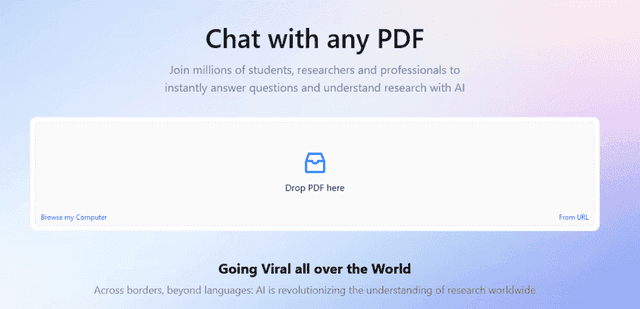
ChatPDF emerged as my go-to tool for handling myriad PDF files, effortlessly extracting text and translating content, making my research process significantly streamlined.
The PDF text extraction feature is splendid, pulling out textual content with precision, while the language translation element bridges linguistic gaps, rendering every piece of research accessible irrespective of the language barrier.
With ChatPDF, the tedious task of manually sifting through PDFs was alleviated, and I could engage with global research effortlessly, appreciating the wealth of knowledge beyond linguistic confines.
6. Research Rabbit
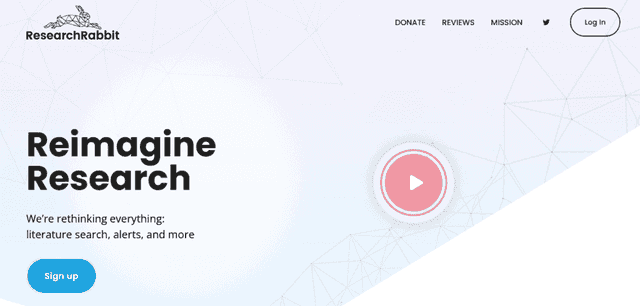
Research Rabbit has been a cornerstone in managing my academic endeavors, providing a structured approach towards handling references and bibliographies, which are crucial in upholding the integrity and credibility of any scholarly work.
The citation tracking feature is impeccable, effortlessly keeping tabs on all the references used, ensuring none slip through the cracks. Additionally, the bibliography creation tool is intuitive, generating a well-organized bibliography that adheres to the stipulated formatting styles, a task that otherwise can be quite tedious and time-consuming.
For any researcher, the significance of a well-curated bibliography cannot be overstated. Research Rabbit not only simplifies this process but also ensures accuracy and conformity to the academic standards, thereby enhancing the quality and credibility of the research output.
7. SciSpace
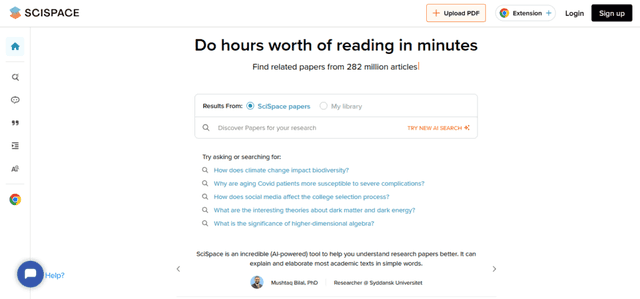
Navigating through the publication process with SciSpace has streamlined my academic journey. This platform encapsulates a researcher’s needs from manuscript submission to peer review, easing the otherwise tumultuous voyage towards publication.
The manuscript submission feature is straightforward, providing a seamless interface to submit your work to various journals. Additionally, the peer review facilitation is well-structured, connecting researchers with experts for constructive feedback, which is invaluable in refining the manuscript.
SciSpace significantly cuts down the time from manuscript preparation to publication, a boon for any researcher eager to share their findings with the community. The peer review facilitation ensures the research work is scrutinized and refined, enhancing its quality and relevance in the academic sphere.
8. Paperguide
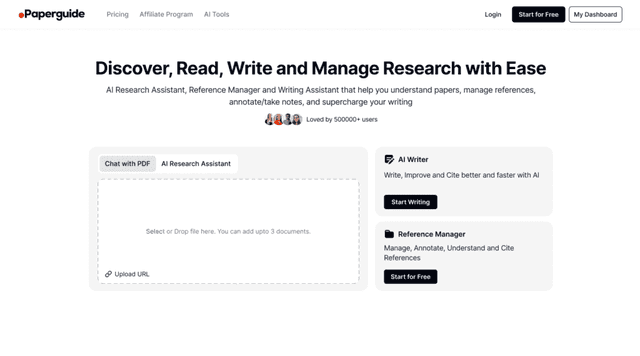
In my search for a comprehensive research tool, Paperguide stood out as an all-in-one platform designed specifically for researchers. It’s more than just an AI-powered tool; it’s a complete research assistant that helps streamline reading, writing, and managing research. What I found most useful is its ability to organize references and easily handle citation management.
The AI Research Assistant helps find relevant papers and summarize key insights, saving valuable time during research. Paperguide also simplifies literature reviews, allowing researchers to quickly analyze and compare multiple papers. The Reference Manager keeps all sources organized, making citations stress-free and easy to manage.
Additionally, Paperguide offers data extraction, enabling researchers to pull out important information from papers efficiently. Paired with the AI Writer, which supports the writing process, drafting and refining academic work becomes smoother and less time-consuming.
Overall, Paperguide is an all-in-one research platform that enhances every stage of the research process, helping researchers stay focused on their work without getting bogged down by tedious tasks.
Impact on Academic Research
The advent of AI tools in the research arena has significantly streamlined research processes. Tasks that once took hours can now be executed in a fraction of the time, allowing researchers to focus on the core of their investigative endeavors.
With the power of AI, data analysis has transitioned into a phase of enhanced accuracy and speed. Researchers can now delve deeper into data sets, unveiling patterns and insights that drive innovative outcomes.
The efficiency and automation brought about by AI tools have accelerated the pace of discoveries. By swiftly navigating through vast amounts of information and automating routine tasks, researchers can reach conclusive insights faster, propelling the academic world forward.
Conclusion
Embracing AI tools for research is stepping into a realm of endless possibilities. These instruments are not just accelerating the pace of discoveries but are also simplifying complex processes involved in academic research.
Whether it’s about staying organized with Research Rabbit or delving deeper into literature with Scite Assistant, the aid provided is undeniably substantial. As we venture further into the digital age, integrating these AI tools in research endeavors is a wise stride towards enhanced productivity and groundbreaking findings.
So, why wait? Explore these tools and redefine the way you approach academic research.