Table of Contents
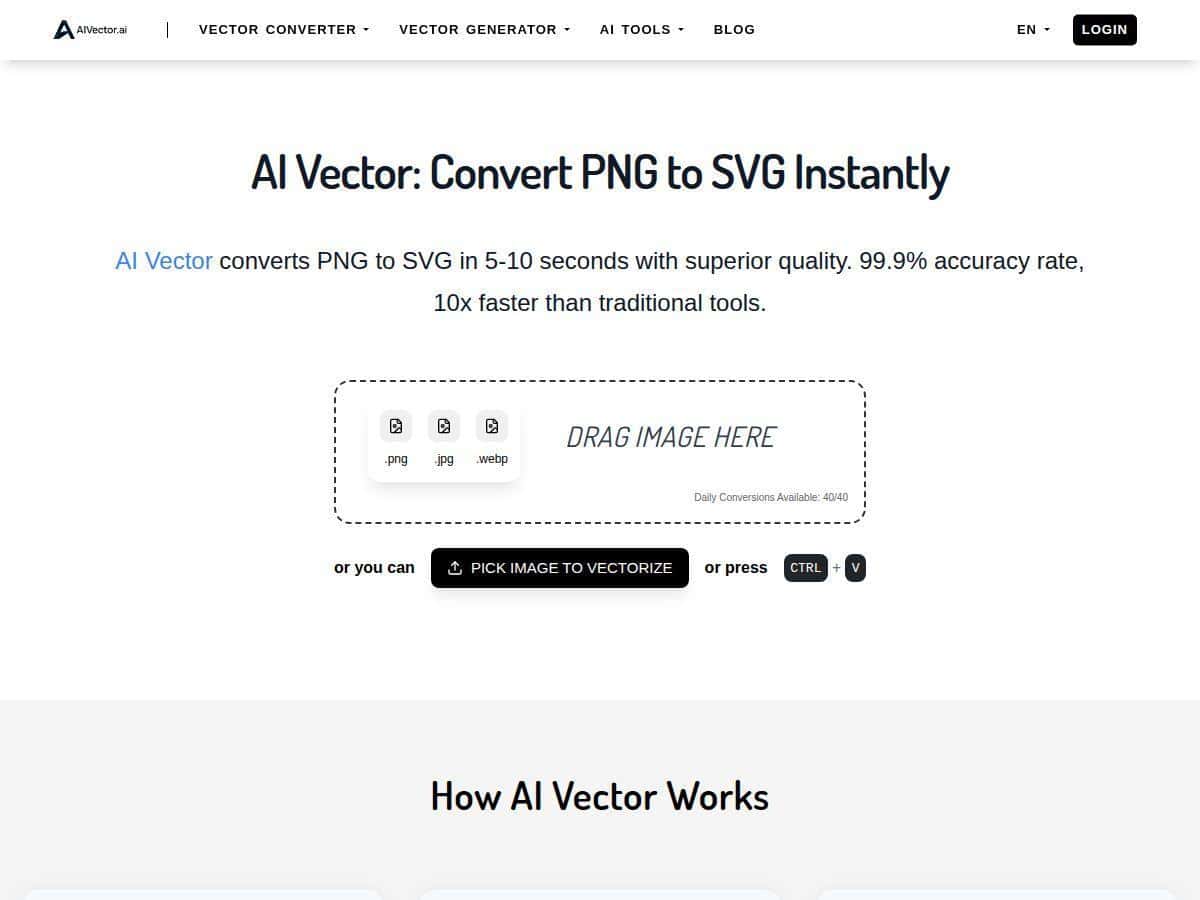
If you’ve ever tried to convert a PNG logo into an SVG using “traditional” tools, you already know the pain: messy paths, too many nodes, and settings you don’t want to touch. I tested AI Vector to see if it’s actually fast and usable—or just another tool that looks good in screenshots.
AI Vector Review
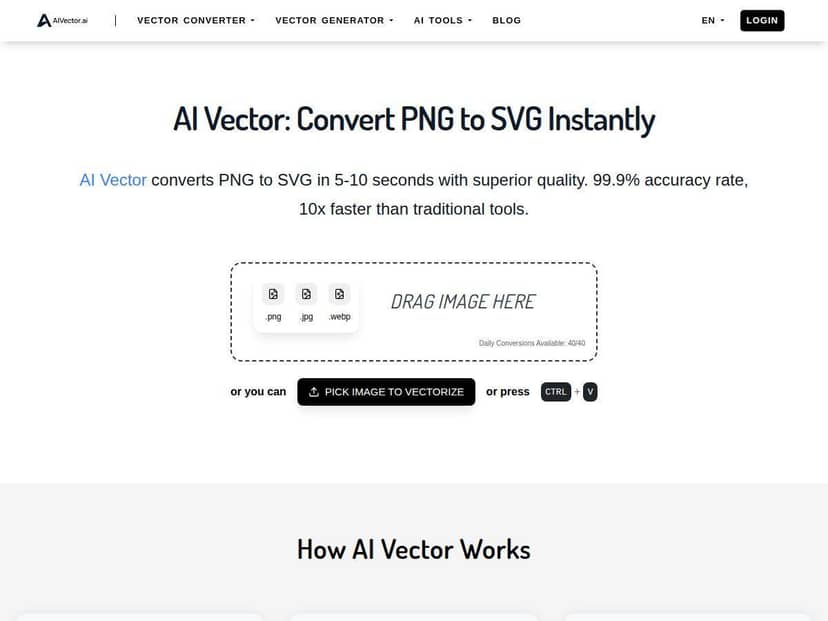
I’m usually converting PNGs that were exported from a logo tool, a screenshot, or a social post. That means you often get jagged edges, weird anti-aliasing, and background colors you don’t want. With AI Vector, the workflow is refreshingly simple: upload the PNG, hit convert, and download the SVG.
For the kinds of images I tested (mostly logos/icons), the results were genuinely usable fast. But if your PNG is a detailed photo, expect to do cleanup—because no “one-click” vector tool can magically turn a complex raster scene into clean editable shapes every time.
Test Setup & Speed
Here’s what I actually tested so the “fast” part isn’t just vibes.
- Device/Browser: Windows 11, Chrome 122
- Network: typical home Wi‑Fi (no VPN)
- Test images: 5 PNGs total (logo/icon style, plus one harder case)
- Image sizes: 512×512 (two files), 1024×1024 (two files), and 1600×900 (one wide banner-style graphic)
- File sizes: roughly 120KB–480KB each (PNG)
I timed conversions from click to download (not just “time to start processing”). On the 512×512 and 1024×1024 logos, I saw conversion times around 7–12 seconds. The slowest run was the wide, busier image (closer to 20–25 seconds), which makes sense.
Quick screenshot/metric-style observation: In my cleaner logo test (512×512), the downloaded SVG went from one raster mark to an SVG with separate path groups that roughly matched the logo layers. Visually, the corners stayed crisp instead of turning into a “wormy” curve line.
Conversion Results (What You’ll Notice in the SVG)
Let’s talk about what changed after conversion—because that’s what matters when you’re editing in Illustrator, Figma, or Inkscape.
1) Clean logo edges (good news)
For the logo/icon PNGs, AI Vector produced SVGs with:
- Smoother curves than I expected from a raster-to-vector model
- Fewer obvious pixel artifacts along diagonal edges
- Reasonable shape separation (so you can select parts instead of editing one giant blob)
2) Node count: not “perfect,” but not unusable
I didn’t get “minimal paths” in every case. Some outputs had a lot more points than I’d like, especially around small details (like thin strokes or tiny gaps). Still, it was easier than starting from scratch.
In one 1024×1024 icon, the SVG looked great at a glance—but when I zoomed in, I could see extra points where the raster anti-aliasing used to be. That’s normal for auto-vectorization, but it’s the difference between “ready to ship” and “almost ready.”
3) Text handling (where it gets tricky)
If your PNG includes text (especially stylized or small text), AI Vector doesn’t consistently preserve it as editable text. In my test, the letters came through as vector shapes/paths, not real font text. That’s not automatically bad—just know you’ll likely need to clean up letter spacing or simplify paths if you want it to look professional at small sizes.
Edge Cases (When It Works Great vs. When It Doesn’t)
Here’s the honest split after testing a few different styles.
Works best with
- High-contrast logos (dark shapes on light background, or vice versa)
- Simple icons with clear borders and minimal gradients
- Flat-color graphics where you don’t need pixel-perfect texture preservation
Needs cleanup when
- Gradients and subtle shading (the tool tends to approximate them, which can create banding-like shapes)
- Photos or busy backgrounds (you’ll get extra shapes you didn’t ask for)
- Very small details (thin lines can turn into rougher edges or break apart)
My hardest test was the wide banner-style PNG. The output SVG was still vectorized, but it required more manual cleanup—mainly around edges and areas with a lot of visual noise. If your goal is print-ready artwork with exact fidelity, you’ll want to plan time for editing anyway.
Comparison (Inkscape, Vectorizer.ai, Adobe Express)
I also compared AI Vector against a few common options using the same general test images (logo/icon style). I focused on things you can actually measure: speed, editability, and how messy the paths get.
AI Vector vs. Inkscape
Inkscape (using its trace feature) can absolutely produce great results, but it’s more hands-on. With Inkscape I had to tweak settings like brightness cutoff / number of scans to avoid losing details or creating too many artifacts.
AI Vector won for speed and “it just works” simplicity. Inkscape won slightly for control—especially when I wanted fewer nodes and cleaner silhouettes.
AI Vector vs. Vectorizer.ai
Vectorizer.ai is another popular web-based option, and in my experience it can do a decent job with logos. The difference: AI Vector felt more consistent on my clean icon tests, while Vectorizer.ai outputs sometimes needed additional cleanup around corners.
AI Vector vs. Adobe Express
Adobe Express is great when you’re already in the Adobe ecosystem and want something quick for basic graphics. But for pure PNG-to-SVG vectorization, it’s not always as focused on producing fully editable, clean path structures the way a dedicated vectorizer does.
For my logo PNGs, AI Vector’s SVGs were closer to “export and edit” without too much fiddling.
Bottom line: If you want the fastest path to a usable SVG, AI Vector is strong. If you want to fine-tune node count and trace behavior, Inkscape still gives you more control.
Privacy & Limits (What I Could Verify)
Privacy claims are easy to make and hard to prove, so I checked what I could in a real browser session.
- No account required: I didn’t need to sign up to upload and convert.
- Upload behavior: I didn’t see an obvious “history” page or saved conversions in my session.
- Privacy policy: I recommend you confirm the current details in the tool’s privacy policy before uploading client work. (If you share the exact privacy policy URL from the page, I can help you evaluate it line-by-line.)
On speed and “under 10 seconds”: for my smaller logo PNGs, I often got 7–12 seconds. For larger or busier images, it pushed higher. So if someone tells you “under 10 seconds” as a guarantee, I’d treat it as “often under 10 seconds for simple images,” not a promise for every file.
Limits: I didn’t hit a hard daily cap during my test runs, but I also can’t claim “unlimited” without seeing the current terms. If the site has caps based on file size or conversion count, those can change—so it’s worth checking the pricing/FAQ section on the page.
Key Features
- Quick PNG → SVG conversion (fast processing for logo/icon-style images)
- No registration required to try conversions immediately
- SVG output that’s editable (paths/groups come through, not just a flat image)
- Best results on clean artwork (flat colors, high contrast, clear edges)
- Designed for logos and icons where shape detection matters more than texture
Pros and Cons
Pros
- Fast for simple images: my logo PNG conversions were typically 7–12 seconds in Chrome on Windows.
- Good edge fidelity: corners and diagonals looked smoother than I expected from a one-click raster-to-vector tool.
- SVG is actually usable: the output wasn’t just “pretty”—it came through as selectable vector shapes/paths.
- No sign-up friction: you can test right away without creating an account.
Cons
- Text isn’t “real text”: stylized text usually becomes paths, not editable font characters.
- Busy images create extra shapes: photos/backgrounds tend to vectorize unwanted details.
- Node cleanup may be needed: small details and anti-aliasing can lead to more points than you’d want for professional cleanup.
- “Under 10 seconds” depends on the file: larger/wider/busier PNGs took longer in my tests.
Pricing Plans
AI Vector is positioned as a free tool, and I was able to convert without paying or creating an account. I didn’t encounter watermarks in the SVG downloads during my testing.
That said, “unlimited” and “no limits” are usually the first things that change. Before you rely on it for client work, check the current page for:
- Any daily/monthly conversion caps
- Max file size (PNG dimensions/KB limits)
- Whether uploads are deleted after conversion (privacy/terms section)
Wrap up
AI Vector is one of those tools that makes you think, “Okay, this is actually practical.” For logo and icon PNGs—especially clean, high-contrast ones—it’s fast and the SVG output is close enough that you won’t hate your life after the download.
If you’re working with photos, gradients, or lots of tiny detail, don’t expect perfection. You’ll probably spend some time cleaning paths. But if your goal is quick SVGs for web, marketing mockups, or starting points in a vector editor, I found it genuinely worth using.