Table of Contents
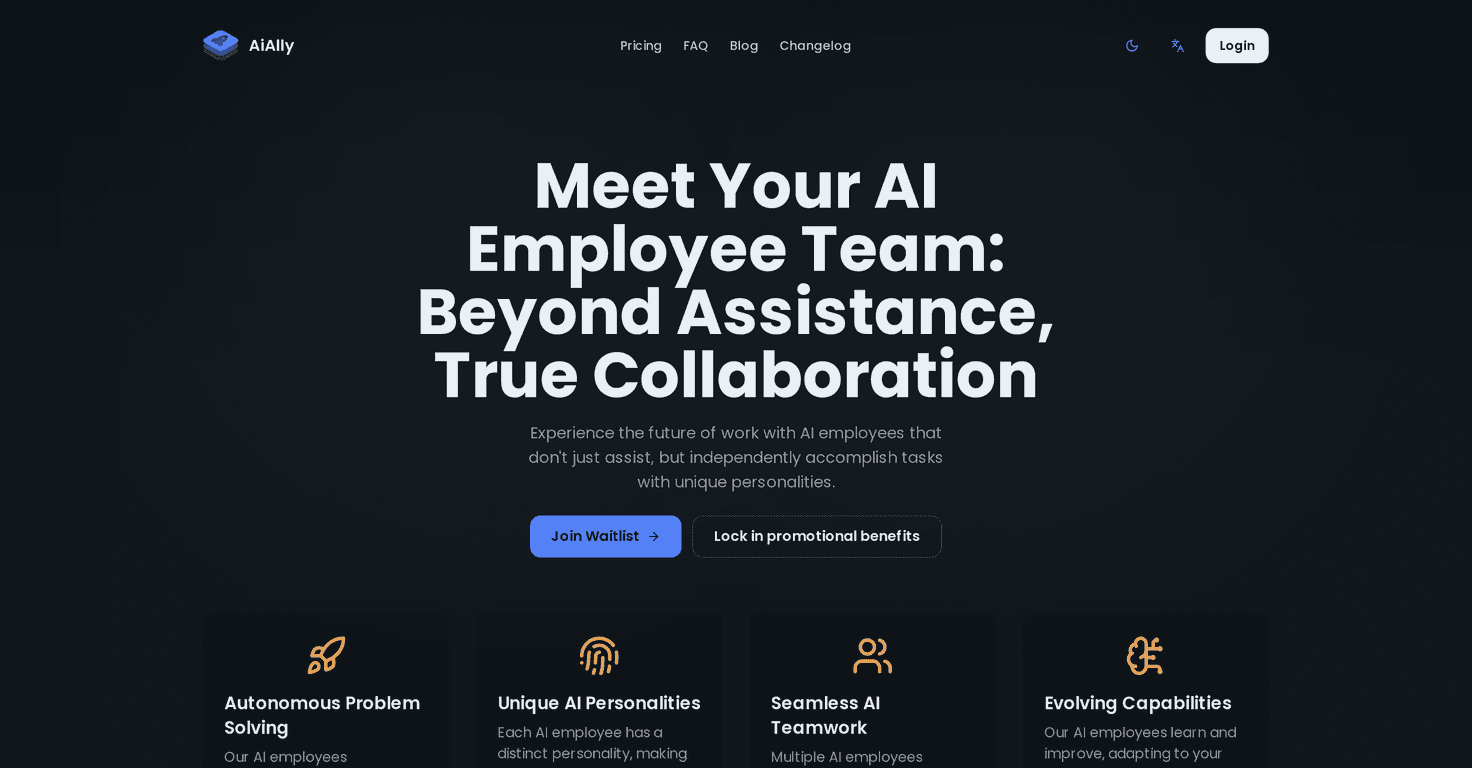
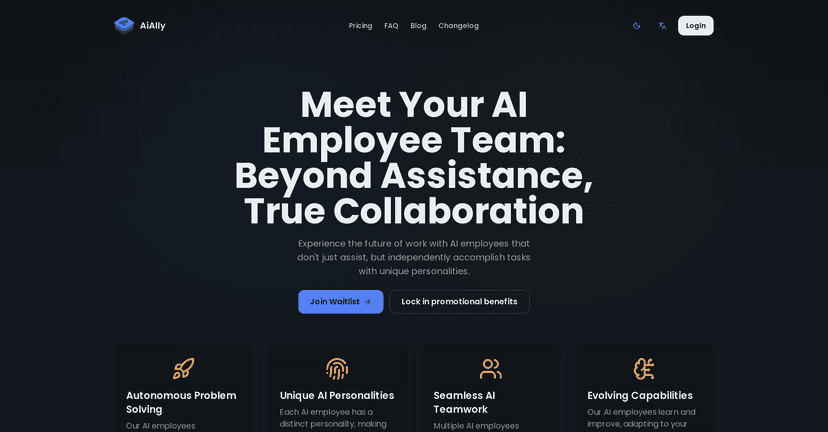
I’ve been testing AI productivity tools for a while now, and I’ll be honest: most of them feel like “smart search” with a fancy interface. AiAlly is different. Instead of just answering questions, it positions itself as a set of AI employees—agents that can actually take on tasks, collaborate, and keep improving based on how you work.
In this AiAlly review, I’ll walk through what the platform claims, what I actually looked for, what stood out (good and bad), and who I think it’s best for. If you’re considering AI assistants for day-to-day operations, this one’s worth a close look.
AiAlly Review: AI “Employees” That Try to Work Like Your Team
AiAlly’s big pitch is that it’s not just automation—it’s “AI employees.” That means the system is designed to handle tasks more independently than typical chatbots. Instead of you manually stitching steps together, you can set goals and let the AI coordinate the work, then bring you results that are closer to what you’d expect from a real teammate.
What I paid attention to while evaluating it:
- How much it relies on you for every step. If you have to micromanage it constantly, it’s not really saving time.
- Whether the outputs match your tone. “Generic AI writing” is easy to spot, and it usually doesn’t last long in real business use.
- How well it fits existing workflows. If the product forces you to change everything, adoption gets painful fast.
AiAlly also emphasizes self-learning and adaptation—basically, it should get better as it learns how your company operates. In my experience, this is the difference between a tool you “try” for a week and something you actually keep using. The tricky part is always the same, though: you still need to guide it with clear expectations and the right inputs.
Another detail I liked conceptually is the customizable AI personalities. That’s not just a gimmick. When you’re using multiple assistants (say, one for customer communication and another for internal research), having distinct “personalities” helps keep the work consistent and on-brand.
Key Features I’d Actually Use in AiAlly
- Self-Learning AI that adapts to your company’s unique needs
- This is the core promise. The practical question is: does it learn from the way your team handles tasks? I’m looking for improvements over time—fewer clarifying questions, more accurate formatting, and outputs that feel less “template-y.”
- Customizable AI Personalities for tailored interactions
- I like this because it helps you avoid the “same voice, every time” problem. For example, I’d want one assistant to write customer-facing emails in a friendly tone, while another keeps internal notes concise and direct.
- Seamless Integration with existing tools and processes
- AI tools fail when they live in a separate universe. If AiAlly connects to what your team already uses, it’s easier to roll out. If it doesn’t, you’ll end up copying/pasting everything—and that kills the productivity gains.
- Autonomous Problem Solving for freeing up human resources
- “Autonomous” is a strong word. What I look for is the ability to take a task from brief to draft without constant supervision. For instance, if you give it a problem statement, can it propose a plan, gather the right context, and produce a usable result?
- Enterprise-Grade Security ensuring data protection
- If you’re using AI for sensitive workflows, security matters. I’d specifically want clarity on how data is handled, access controls, and whether it supports compliance requirements your company already has.
Pros and Cons (My Take After Thinking Through Real Use)
Pros
- Potential productivity lift—especially for tasks that repeat or require stitching multiple steps together.
- Continuous improvement—the “learning” angle can be a big advantage if it actually reflects your workflows over time.
- More on-brand communication thanks to customizable AI personalities (when configured well).
- Security posture looks enterprise-focused—important if you’re evaluating AI for business-critical work.
Cons
- You can’t fully escape oversight. Even when it’s autonomous, you’ll still need review—at least at first. If your team expects “set it and forget it,” that’s where disappointment starts.
- Onboarding takes effort. There’s usually an initial transition period where you tune instructions, workflows, and expectations. That’s normal, but it’s still time you have to budget.
- Risk of over-dependency. If people stop thinking critically because the AI is “always there,” quality can drift. I’d set guardrails and keep humans accountable for final decisions.
Pricing Plans: 50% Off Future Access (Details to Confirm)
AiAlly is currently promoting 50% Off Future Access if you book through their offer. That’s a nice incentive, but I’ll point out the obvious: the exact pricing tiers aren’t clearly disclosed in what I reviewed.
If you’re serious about budgeting, I’d recommend doing two things before you commit:
- Ask what’s included (number of AI employees/agents, limits on tasks, and any usage caps).
- Confirm integration requirements—sometimes “seamless integration” depends on setup work or specific connections on your side.
For the most accurate and up-to-date numbers, you’ll want to check the latest info directly on their site via the link below.
Wrap up
AiAlly feels like it’s aiming for something more ambitious than a typical productivity assistant: AI employees that can actually take ownership of tasks, collaborate, and improve as they learn your workflow. When that works, it’s genuinely useful—less busywork, faster drafts, and more consistent output.
That said, I don’t think it’s a magic switch. You’ll still need to guide it, review results, and set clear boundaries so the system helps without letting quality slip. If your team has repeatable processes and you’re ready to invest a little time upfront, AiAlly could be a strong fit.
If you want to explore the current offer, start here: AiAlly.