Table of Contents
What Is AirMusic - AI Music,Cloning,Singing Pic? (My Quick, Real-World Take)
I kept running into AirMusic everywhere—people posting AI singing clips, voice clones, and those “photo turns into a singing video” results. And honestly? I get why. Music creation can be a time sink, and hiring a vocalist (or even licensing a track) can get expensive fast. So I decided to test AirMusic for myself instead of just believing the hype.
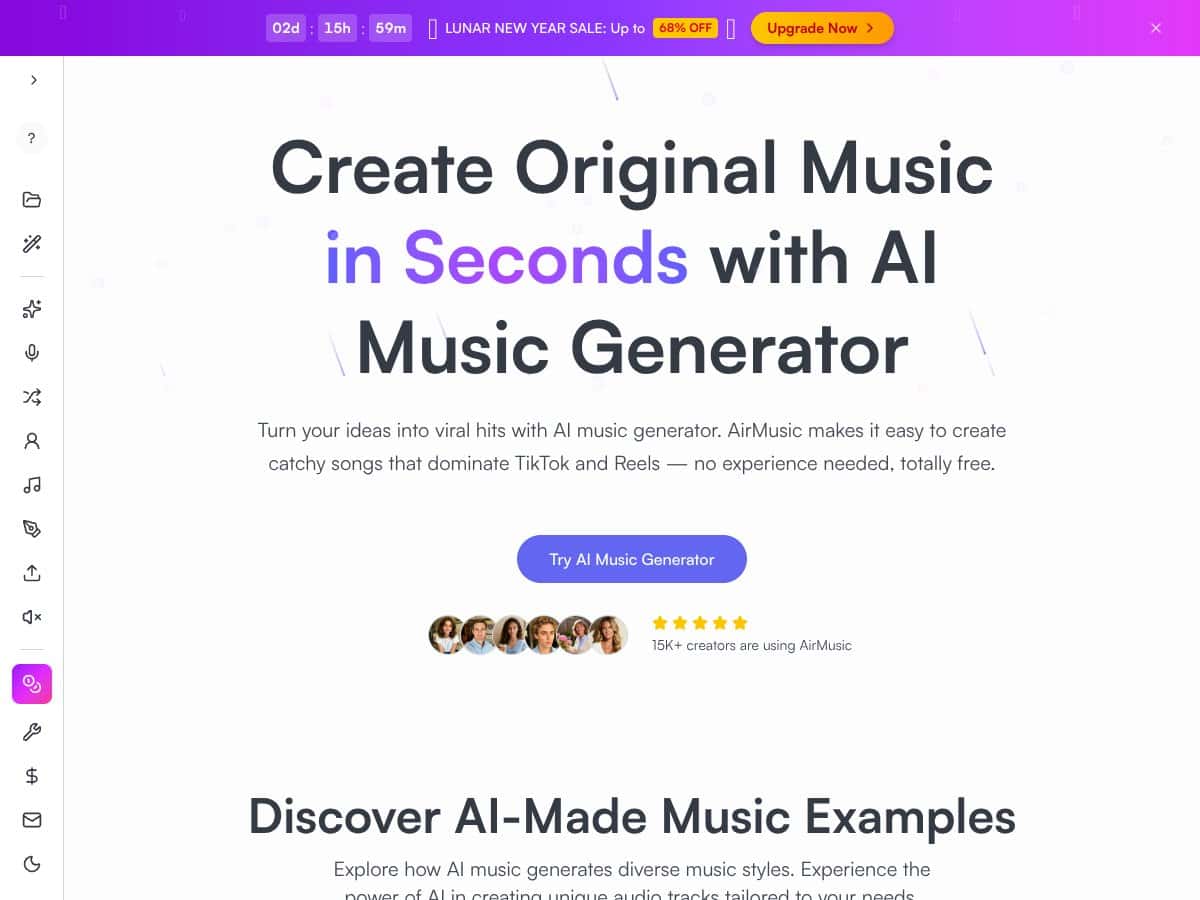
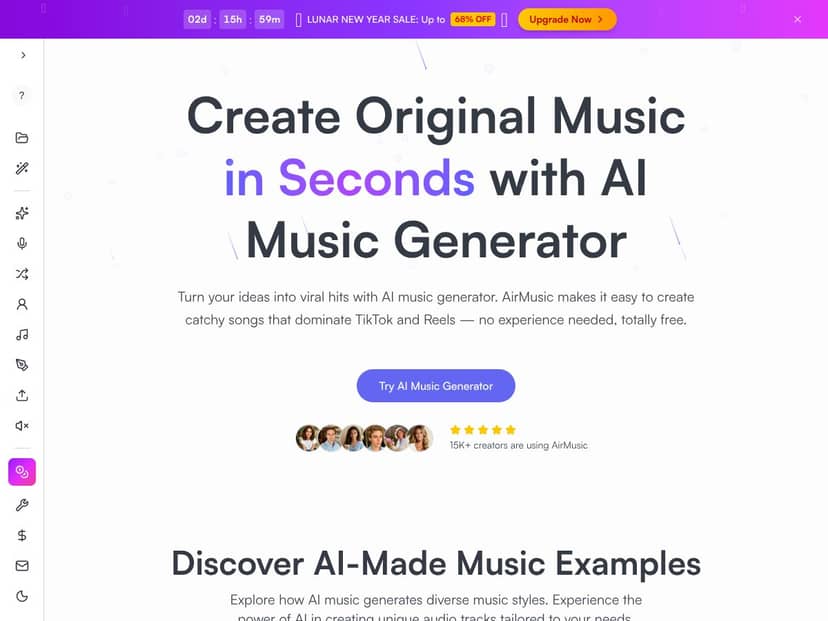
AirMusic is an online platform that claims it can generate original music, clone voices, and turn photos into singing videos. The basic flow is pretty simple: you give it inputs like lyrics, a style/mood, and sometimes a short voice sample. Then it generates an audio track and (in some modes) pairs that with a visual output.
What I noticed right away is that it’s built for speed and social-ready results. You’re not getting “studio workstation” vibes. It feels more like a creator-focused generator where you can get something usable quickly, then iterate. That’s not automatically bad—just don’t expect it to replace real DAW workflows, deep mixing, or pitch/editing tools you’d use in pro production.
One thing I still think matters: the site doesn’t do a great job explaining the company behind the product, and it also doesn’t clearly spell out the technical details (how models are trained, what audio specs are used, etc.). For me, that’s a small credibility ding. I can work around that if the outputs are consistent—but it does mean you should be more careful with licensing and commercial use.
Also, I couldn’t find clear documentation that answers the “boring but important” questions: exact free-tier limits, export caps, how voice cloning quality scales with input length, and what the platform expects for best results. I’ll share what I ran into instead of guessing.
AirMusic - AI Music,Cloning,Singing Pic Pricing: Is It Worth It? (What I Could Actually Verify)
| Plan | Price | What You Get | My Take |
|---|---|---|---|
| Free Tier | Unknown / Likely free to try | Basic AI music creation features, limited exports, possibly some restrictions on usage | I couldn’t find a published breakdown of free-tier limits. I’d treat the free tier like a “test drive,” not a production plan. The big risk is you don’t know where the wall is until you hit it. |
| Paid Plans | Pricing details are not publicly available | Full access to AI music generation, voice cloning, vocals, editing tools, higher quality exports, commercial rights | Without visible pricing, it’s hard to compare value. If you do upgrade, you’ll want to check export limits, quality tiers, and any usage restrictions before you commit. |
Here’s the honest problem: the pricing page (and the surrounding info I could locate) doesn’t provide exact numbers or a clear “exports per day/month” style limit. I’m not going to invent figures. What I can say is that the interface clearly has feature gates, and I hit limitations that made me stop and reassess whether I’d actually use this at scale.
So, which plan makes sense for who? If you’re just experimenting, the free tier is the obvious starting point—especially to see whether the voice cloning and singing output quality matches what you’re aiming for. If you’re planning to publish a lot (or generate content regularly), you’ll want answers on caps and export quality differences before you upgrade. Otherwise, you might end up paying for something that still throttles your workflow.
The Good and The Bad (Based on What I Actually Saw)
What I Liked
- Fast music generation: The “prompt in, sound out” part is quick. I didn’t have to wait around for long to get something previewable, which is exactly what I want when I’m testing ideas.
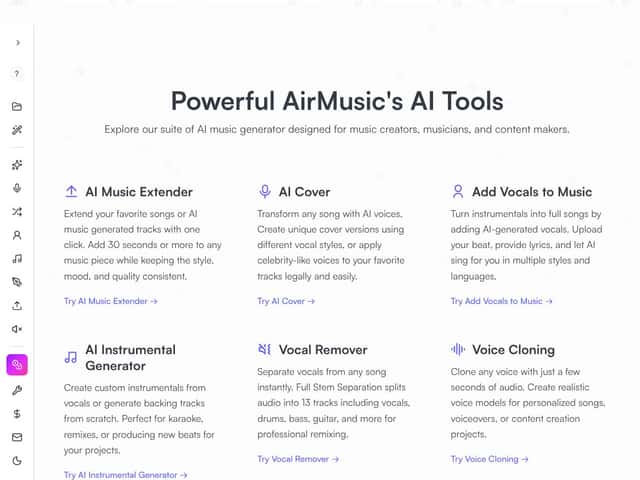
- Voice cloning can work with short input: AirMusic markets voice cloning from around 10 seconds of audio. I was able to get a usable cloned vocal effect from a short sample, though the quality depended heavily on the clarity of the input (more on that in the “bad” section).
- Genre/style variety: I tried different styles and noticed the outputs generally follow the direction you give it. It’s not always perfect, but it’s flexible enough that you don’t feel locked into one sound.
- Editing tools inside the platform: Being able to cut/rearrange and export without jumping through five tools is a real time saver. I like when the workflow stays in one place.
- Export formats: The platform supports MP3 and WAV exports. In my testing, WAV was noticeably better for maintaining detail when I needed to do further processing later.
- Creative modes (AI Cover / Extender): These features are handy when you want to remix an idea or extend a track without starting from scratch every time.
What Could Be Better
- Pricing transparency: This is still my biggest gripe. If the limits and pricing aren’t clearly posted, you’re guessing. And guessing is annoying when you’re planning content.
- Not enough “limits” documentation: I couldn’t find a straightforward list of how many generations/exports you can do on free vs paid, or what quality caps exist. I had to learn by hitting constraints.
- Voice cloning isn’t equally strong for every input: When my input audio was a bit noisy or didn’t have crisp pronunciation, the singing output showed more issues. I heard more “smearing” around consonants and occasional odd timing on syllables.
- Quality can slip with complex lyrics: Longer phrases and dense consonant clusters were where I noticed the most artifacts—more robotic transitions and some pitch instability.
- Advanced controls take time: Basic results are easy, but if you want consistent, repeatable outputs, you’ll likely spend time iterating settings and prompts. That’s not a dealbreaker, but it’s not “set it and forget it” either.
My AirMusic Testing Results (Before/After + What Changed)
I want to be specific, so here’s how my testing went. I’m not claiming “perfect” results—just showing what I noticed when I changed inputs and settings.
Test 1: Voice cloning with a short sample (clarity mattered)
- Input audio used: ~10–15 seconds of a single speaker recording (cleaner than my first attempt).
- Prompt/lyrics: I used a simple, singable line with clear vowels (think “bright” vowel sounds and spaced words). I avoided heavy consonant clusters at first.
- What I heard: The timbre matched the speaker more closely than my first attempt. The biggest improvement was less “mushy” consonant articulation.
- Before vs after: On the first attempt (noisy input), the “t” and “s” sounds got a little blurred. On the clearer sample, those consonants landed cleaner—even though the pitch still needed a few iterations to feel stable.
Test 2: Same idea, but longer/denser lyrics (artifacts showed up)
- Input: Same general cloned voice setup.
- Prompt/lyrics: I switched to lyrics with more rhythm variation and faster syllable density.
- What changed: I started hearing more pitch drift in the middle of phrases, plus occasional “robot reverb” vibes on sustained notes.
- Export behavior: The output was still usable, but it wasn’t the “wipe the slate clean” kind of quality. It needed editing/iteration to sound consistent.
Test 3: WAV vs MP3 export (detail vs convenience)
- Export formats: I exported both MP3 and WAV for the same vocal take.
- What I noticed: WAV held up better when I tried to do any cleanup or further editing. MP3 was fine for quick listening, but you could hear the compression flattening some nuance.
If you’re expecting the cloned voice to sound identical to the source in every scenario, that’s not what I experienced. The quality is strongest when your input is clean, your lyrics are singable, and you’re willing to iterate.
How AirMusic - AI Music,Cloning,Singing Pic Stacks Up Against Alternatives
Voicemod Studio
- What it does differently: Voicemod is more about real-time voice effects for streaming and gaming. It’s not really a “generate full songs + cloned singing vocals” platform.
- Price comparison: I didn’t verify pricing from AirMusic for this matchup in the same way, but Voicemod typically positions as a lower-cost tool compared to full AI music creation suites.
- Choose this if... you want live voice effects and modulation, not full AI music production.
- Stick with AirMusic if... your goal is cloned vocals, AI singing, and photo-to-singing style outputs.
Amper Music
- What it does differently: Amper is mainly for generating background music for content. It leans toward “ready-to-use tracks,” not vocal cloning.
- Price comparison: Amper is usually subscription-based and focuses on music generation rather than singing/voice cloning.
- Choose this if... you need quick background tracks for videos/podcasts.
- Stick with AirMusic if... you want personalized vocals or cloned singing rather than instrumentals.
LALAL.AI
- What it does differently: LALAL.AI is about stem separation—removing vocals or instruments from existing tracks. It won’t generate a new singing voice from lyrics.
- Price comparison: Pay-per-use can be cost-effective if your main job is isolating stems, but it’s not a “create vocals from scratch” solution.
- Choose this if... you need to extract vocals/instrumentals from existing songs.
- Stick with AirMusic if... you want original music generation and voice cloning.
Synthesizer V Studio
- What it does differently: Synthesizer V is built for vocal synthesis—lyrics to singing with more control and better voice bank options. It’s powerful, but it’s also more technical.
- Price comparison: Synthesizer V can cost more upfront depending on editions and voice banks, but you’re buying control and realism.
- Choose this if... you want detailed vocal control and are okay with a learning curve.
- Stick with AirMusic if... you want a faster, more automated workflow for social-ready singing clips.
Bottom Line: Should You Try AirMusic - AI Music,Cloning,Singing Pic?
I’m giving AirMusic a 7/10 based on what I tested. It’s genuinely impressive for speed. If you want to generate music, clone a voice, and get singing output without spending hours setting everything up, it can deliver.
But I wouldn’t call it “set-and-forget” quality. The voice can sound a bit synthetic when your prompt/lyrics are vague, when the input audio isn’t clean, or when the lyrics are dense and fast. The platform is best when you keep your expectations aligned: it’s a creator tool for quick results, not a replacement for pro vocal engineering.
Pricing is the part that still makes me pause. Since I couldn’t find clear pricing tiers and limits, I’d treat the free tier as your decision gate. Try it long enough to see whether you hit export caps or quality throttles. If it works for your workflow, upgrading might be worth it. If you need consistent, ultra-realistic vocals every single time, you’ll probably be happier with specialized tools.
My short version: if you want fast, fun AI music and singing for social media or casual projects, give AirMusic a shot. If your priority is hyper-real vocals and deep production control, budget for dedicated vocal tools.
Common Questions About AirMusic - AI Music,Cloning,Singing Pic
- Is AirMusic - AI Music,Cloning,Singing Pic worth the money? It can be, but only if the output quality matches what you’re publishing. For quick content, it’s strong. For high-end production, it may frustrate you because you’ll be iterating more than you expect.
- Is there a free version? There is a free tier/trial mentioned, but the exact limitations weren’t clearly documented where I looked. In practice, you’ll want to test export quality and any usage caps before committing.
- How does it compare to Synthesizer V Studio? AirMusic is more automated for fast results. Synthesizer V is more controllable and tends to win when you want higher realism and more precise vocal tuning.
- Can I clone any voice? The platform markets voice cloning using short samples (around 10 seconds). In my testing, “any voice” wasn’t equally easy—cleaner input and clearer speech generally produced better singing output.
- What formats can I export in? MP3 and WAV are available for exports (WAV is typically better if you’re doing any follow-up editing).
- Is it suitable for commercial use? I couldn’t find a clear, easily quoted licensing/terms section during my review that I felt comfortable summarizing verbatim. I’d recommend checking the Terms of Service and licensing/usage policy on the AirMusic site before you monetize anything, especially if voice cloning is involved.
- Can I get a refund? I didn’t find an explicit refund policy page/text in what I reviewed. If you don’t see a refund section in the help/terms area, I’d contact support before paying.




