Table of Contents
When I’m trying to ship marketing stuff fast, I don’t want another tool that just “suggests ideas” and then leaves me stuck editing forever. That’s why I tested Aiter—to see if it actually helps with ads, content, and basic strategy without me babysitting the output. After a couple of weeks, my takeaway is pretty clear: it’s genuinely useful for getting drafts out quickly, and the SEO/keyword suggestions help you avoid the “blank page” problem.
Aiter Review: What I Actually Did (and What Changed)
I’ve been using Aiter for a few weeks now, and I’ll be honest: the first time I tried it, I expected “okay-ish” results. Instead, I got drafts that were close enough that I didn’t feel like I had to start from scratch.
Here’s the workflow I tested repeatedly:
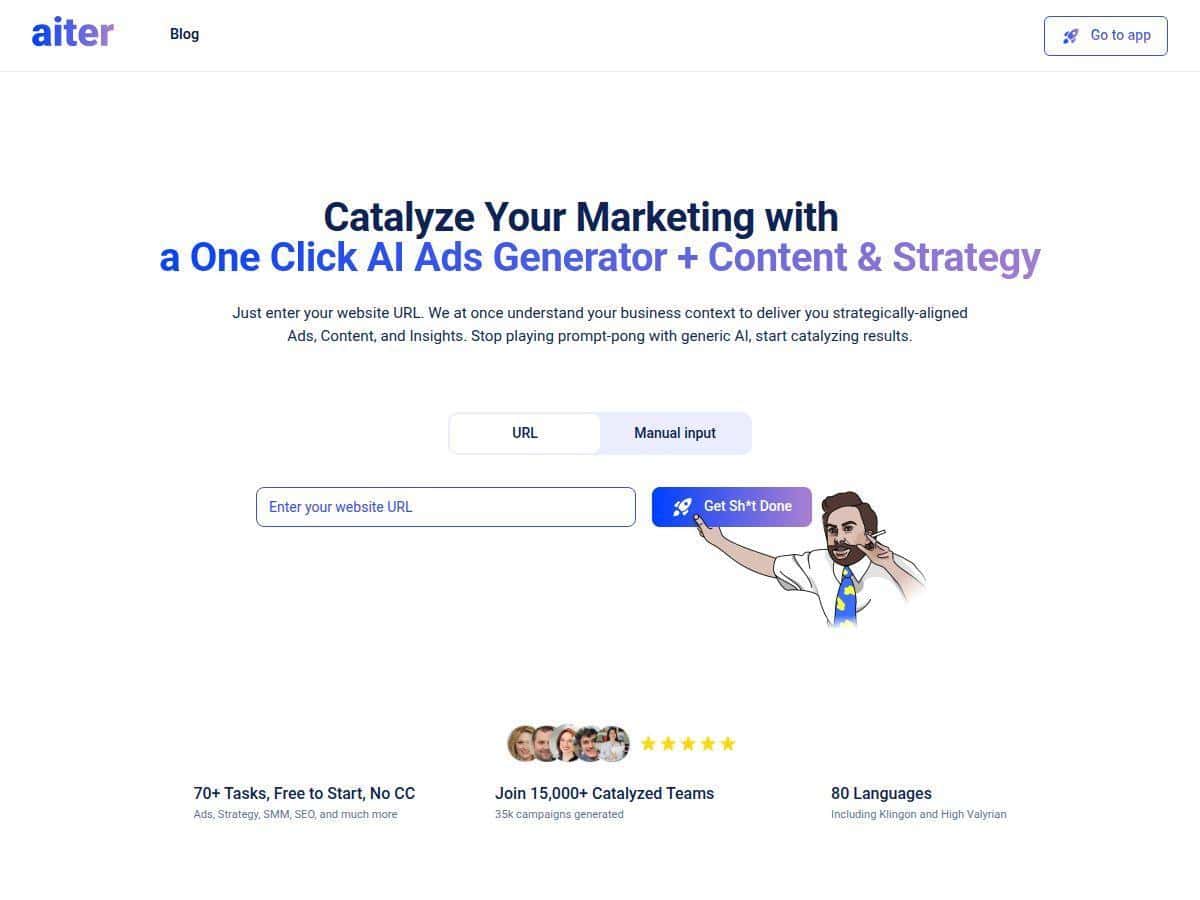
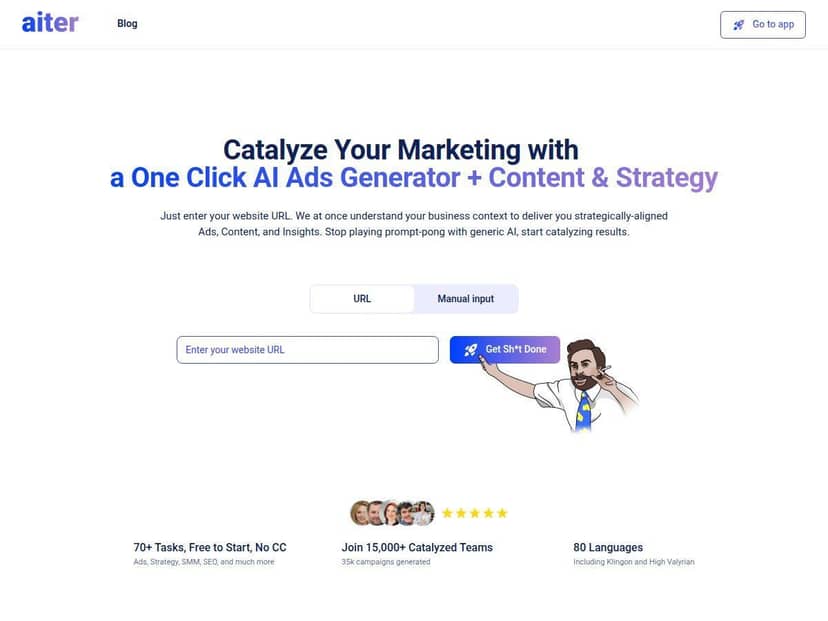
- Step 1: I entered a website URL (my landing page) instead of typing a long brief.
- Step 2: I generated ad copy using the one-click ads flow.
- Step 3: I requested SEO keywords + topic angles to match what I was selling.
- Step 4: I adjusted tone (more “direct response” vs. more “friendly”) and re-generated.
What I noticed right away was how fast I could get multiple variations. For example, with the same URL + offer, I generated a set of ad variations in minutes. The wording wasn’t perfect out of the box (more on that below), but it gave me a strong starting point and reduced the time I usually spend staring at a blank editor.
It also helped me tighten my messaging. Aiter didn’t just throw random phrases at me—it suggested keyword directions and strategy angles that made my campaign feel more “planned” than “hopeful.” And honestly, that’s the part I care about most when I’m moving quickly.
Key Features That Matter (How They Work in Practice)
1) One-Click AI Ads Generation
This is the feature I used the most. The basic idea is simple: feed Aiter your URL (or offer details), then generate ad copy without building a whole campaign document first.
What I did: I ran the one-click ad generation using the same offer but changed the target angle (problem-first vs. benefit-first).
What I got: multiple headline + description-style variations that were internally consistent (they didn’t feel like they came from random prompts). Still, I had to tweak a few things:
- Replace generic lines with my actual pricing/guarantee wording.
- Make sure the CTA matched the landing page (e.g., “Book a demo” vs. “Get a quote”).
Example of what needed editing: One output used a broad value claim (“transform your marketing”) without specifying the outcome I wanted to highlight. I fixed it by adding a more specific prompt like: “Focus on lead generation results and mention the exact deliverable.”
2) Content Creation for Social Media, Blogs, and Emails
Aiter can generate drafts across channels—posts, email copy, and longer-form content. The biggest win for me wasn’t just “writing,” it was structure. The content came out in a usable format instead of a single blob of text.
What I tested: I asked for a short social post and a follow-up email using the same angle. Then I compared whether the messaging stayed consistent.
- Social draft: quick hook + benefit + CTA
- Email draft: longer narrative with clearer sections
Still, branding sometimes needs a hand. In one run, it leaned a bit too “corporate.” When I switched the tone setting to something more casual/direct, the output felt more like something I’d actually send.
3) Strategic Marketing Insights and Models
This part is easy to overlook, but it’s useful when you’re trying to get your strategy unstuck. Instead of only generating copy, Aiter tries to give you a framework—what to say, who to say it to, and how to angle it.
In my experience: the strategy suggestions were most helpful when I already knew my audience basics but wanted better positioning phrases.
Limitation: it won’t magically replace your market research. If your offer is vague, the “model” will still produce vague copy. Garbage in, garbage out—no surprise there.
4) Support in 80+ Languages
If you market internationally (or even just want multilingual versions for testing), this is a practical feature. I didn’t do a full localization project, but I did check that the tool can output in different languages without breaking the structure of the content.
Tip: don’t skip a quick human review—especially for CTAs and any culturally sensitive phrasing.
5) SEO and Keyword Suggestions
This is where Aiter felt more “marketing tool” and less “generic AI writer.” The keyword suggestions helped me pick a direction for blog topics and improve the focus of my content.
What I did: I generated SEO keyword ideas, then used those keywords to guide what I asked for next (blog outline + article draft).
What I noticed: the tool tends to suggest keywords that align with the page/topic you provide, which is exactly what you want when you’re trying to move fast.
6) Customizable Content Style and Tone
Changing tone made a noticeable difference. I tried:
- More direct / salesy for ad copy
- Friendly / conversational for email
It’s not perfect every time. One draft sounded like it was trying to be “inspirational.” I fixed it by tightening the prompt to: “Keep it concise. No fluff. Use short sentences.”
7) User-Friendly Interface
Even if you’re not “prompting” all day, Aiter is pretty straightforward. The flow feels designed for marketers who want output quickly. I didn’t have to watch tutorials for long, and I could repeat the same process across different content types.
8) Data Privacy and Security
Aiter positions itself with data privacy/security in mind. I can’t verify internal policies from the outside, so I treated it like any other AI tool: don’t paste anything you wouldn’t want stored/processed, and avoid sensitive client data unless the platform explicitly supports it for your use case.
Pros and Cons (Real-World Notes from My Testing)
Pros
- Fast drafts: I could generate multiple ad variations and content outlines in a short window.
- Better starting point: outputs were structured enough that editing felt like “refining,” not “rebuilding.”
- Useful SEO direction: keyword suggestions helped me pick angles instead of guessing.
- Multi-channel support: ads + social + email + blog drafts in one place.
- Free trial available without credit card: good for testing before you commit.
Cons
- Visual content is limited: it’s not really a banner/image generator. You’ll still need a design tool for creatives.
- Input quality matters: if you give vague details, the output will be vague too.
- Brand voice sometimes drifts: I had to re-run with a tighter tone/prompt to match my style.
- Support is not chat-based: it’s primarily email-based, so if you need quick answers, plan for delays.
Concrete editing examples I ran into:
- Example 1 (Ad CTA mismatch): Aiter generated a CTA that didn’t match my landing page. I fixed it by specifying the exact CTA wording and the action the page performs.
- Example 2 (Too generic value claim): One ad claimed “better results” without specifics. I updated the prompt to include the specific outcome (lead volume / turnaround time / deliverable).
- Example 3 (Tone mismatch): A draft sounded overly polished. I changed tone to “direct + short sentences” and regenerated.
Pricing Plans (What I’d Check Before You Pick a Tier)
I don’t want to guess on pricing details, because these tools change plans/credits over time. In my notes, Aiter starts with a free tier (credit-limited) and then moves into paid subscriptions with monthly/annual/lifetime options. Paid plans are described as starting around $9.97/month, and higher tiers typically unlock more credits and advanced usage.
Here’s what I recommend you verify on the pricing page before choosing:
- Exact plan names (sometimes tiers rotate)
- Monthly vs annual vs lifetime prices
- Credit amount per month (and whether credits roll over)
- What features are limited by credits (ads generation vs. long-form content can cost differently)
- Any “advanced” features (like extra language outputs or higher limits)
If you want a practical way to decide: run your typical workflow on the free tier (or lowest paid tier) and see if your credit usage matches your pace. That’s the only “real” way to know whether it’s cost-effective for you.
Wrap up
Overall, Aiter is a solid AI marketing assistant if your main goal is getting usable drafts out quickly—ads, social posts, emails, and blog content—while also nudging you toward SEO/keyword direction. It’s not a replacement for branding or creative design, and you’ll probably edit a chunk of the output (that’s normal).
But if you want to reduce the time between “idea” and “something you can publish,” Aiter does that. I’d especially recommend it to startups, solopreneurs, and small teams who need momentum more than perfection.