Table of Contents

What Is AllSkills? (And What I Actually Tested)
I kept running into the same problem over and over when I’m working with Claude: I’d find a “great prompt” on a forum, but it would be buried in a thread, missing context, or just not repeatable. So I went looking for something more organized—prompt templates I could trust, copy, and tweak without starting from scratch.
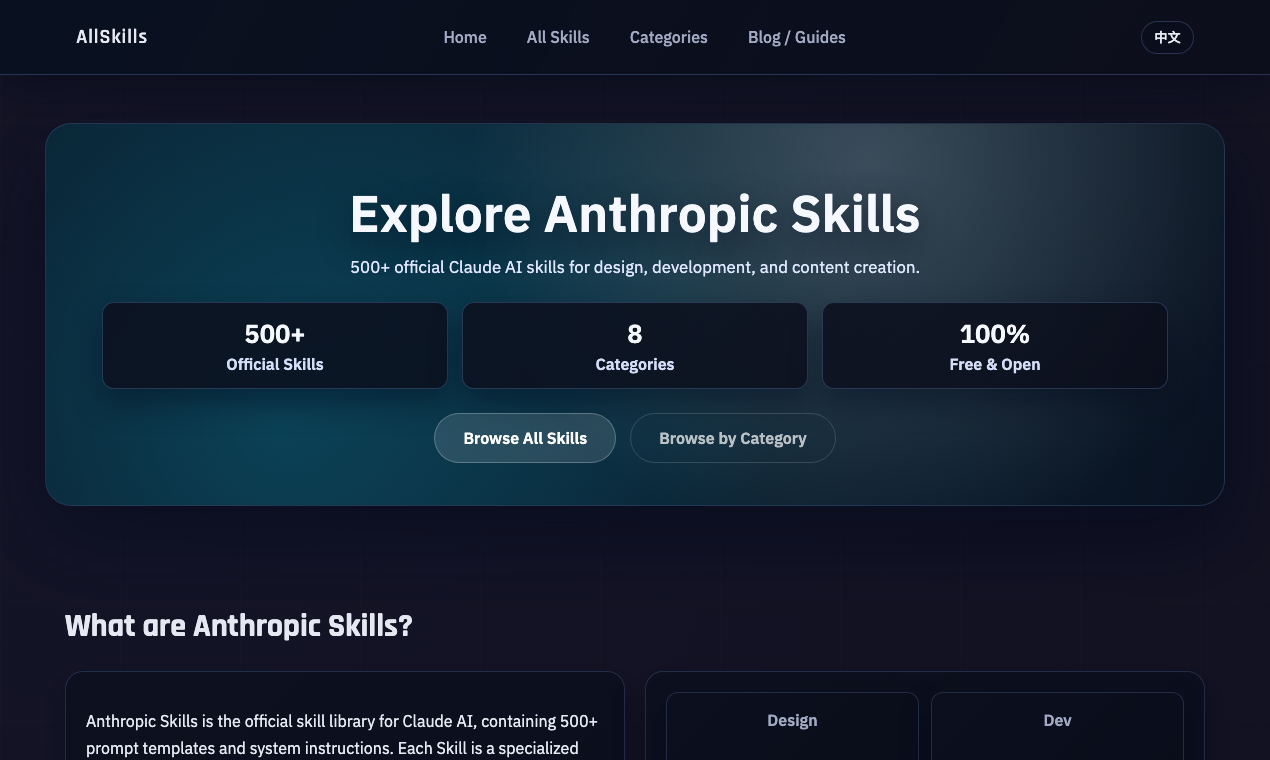
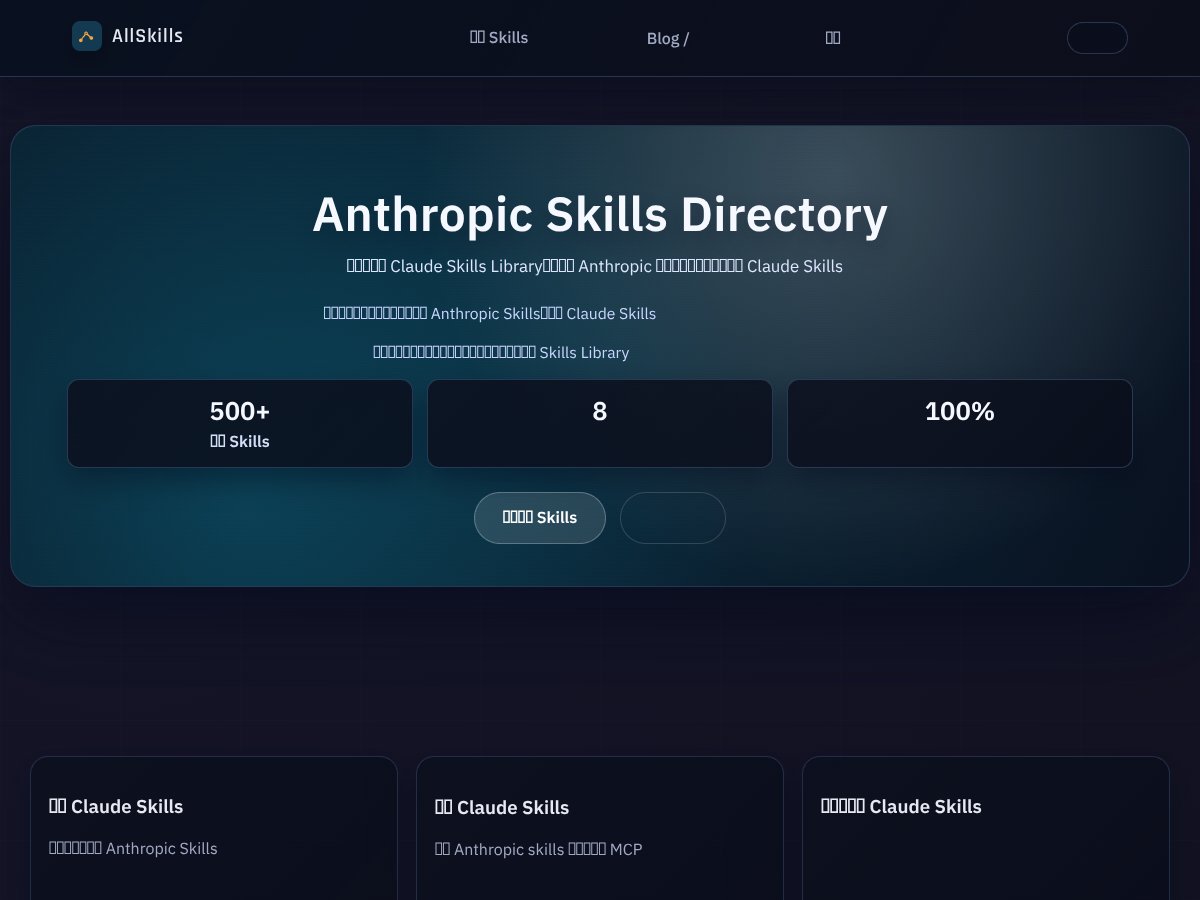
That’s basically why I ended up trying AllSkills. From what I saw, it’s a directory of 500+ pre-made Claude Skills. In practice, “Skills” are structured prompt templates (often with instructions, formatting rules, and variables) that you can copy into Claude to get more consistent outputs.
Here’s what I did during my testing. I picked a few skills across different categories and used them with Claude in the same general workflow: copy the skill prompt → fill any variables if the skill asks for them → run it, then iterate once. I’m not claiming every skill will work perfectly for everyone, but I wanted to see if the templates actually improved quality and reduced my prompt-hunting time.
Skills I tried (examples from my run)
I focused on tasks I do frequently, so the comparison was meaningful. These are the kinds of skills I pulled from the library:
- “Product Requirements / PRD Builder” style skill: I used it to generate a structured PRD outline (problem, goals, non-goals, user stories, success metrics). What I noticed: Claude produced a cleaner section breakdown and fewer “blank page” moments than when I start from a rough idea.
- “Code Review / Refactor Suggestions” style skill: I fed it a small snippet and asked for review notes. The output was more organized (issues first, then suggested changes) instead of a long generic explanation.
- “Technical Writing / Rewrite for Clarity” style skill: I tested it by pasting a messy paragraph and asking for a clearer version plus a short summary. This is where the formatting guidance helped most—Claude didn’t just rewrite, it followed the requested structure.
- “Prompt for Summarizing Research” style skill: I tried summarizing a short block of text and requested key points + assumptions. The result was closer to the “study notes” format I wanted, not just a vague summary.
One thing I’ll be blunt about: some skills are obviously better than others. A few felt more like “good prompt ideas” than hard constraints. If you’re the kind of person who likes strict output formatting, you’ll likely need to fine-tune the template wording after the first run.
How the browsing experience felt
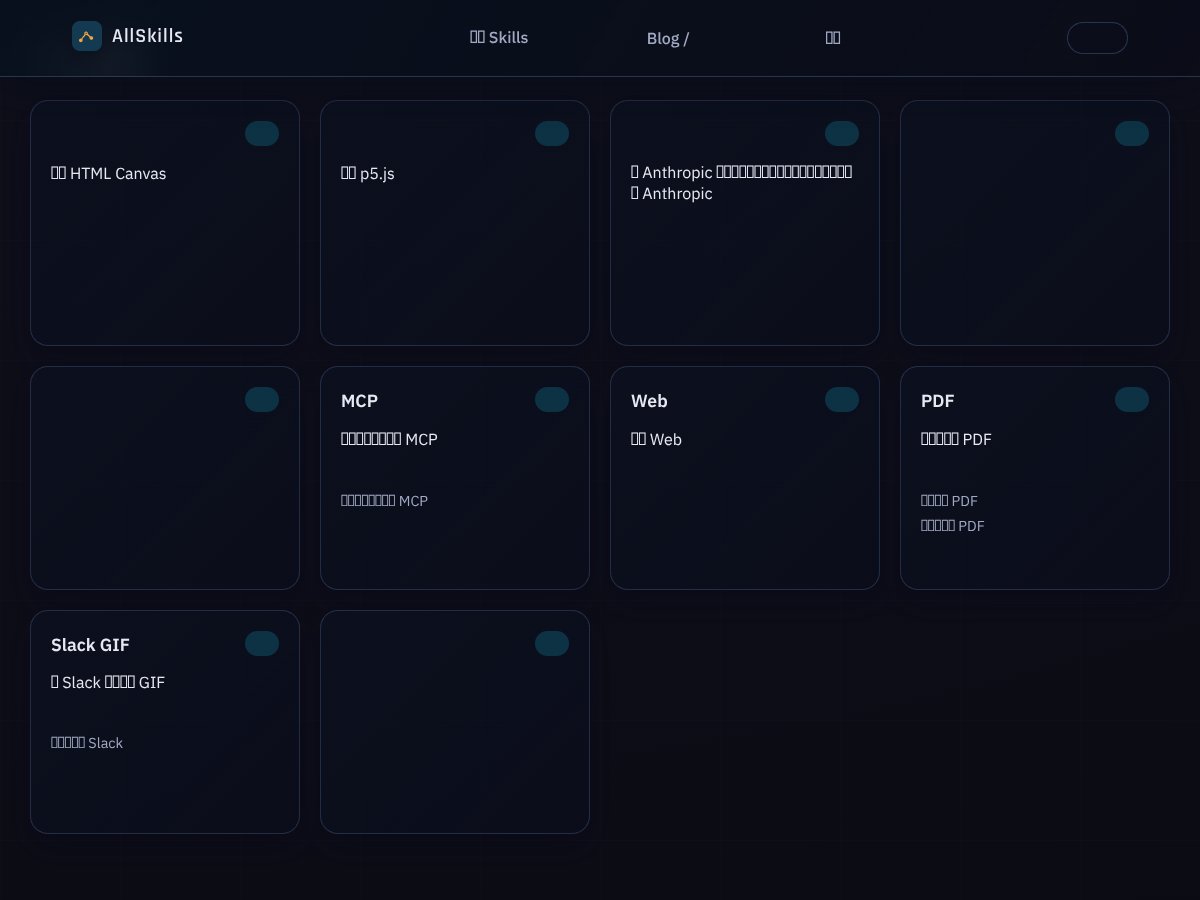
Initial impressions: the site is clean and the library is easy to browse. I didn’t have to fight the interface to find relevant skills, and I could quickly preview/copy prompt templates.
Also, the site appears to be associated with AllSkills.cn. I tried to verify more about the team/company (about page, public profiles, and general site references), but I couldn’t find enough detailed, verifiable information to confidently name the people behind it. If you care about that part, I’d still recommend checking the site’s own pages before subscribing—links matter.
What AllSkills isn’t (important boundaries)
Let’s be clear so you don’t end up disappointed: AllSkills is not an AI chatbot. It’s not a Claude replacement and it doesn’t act like an integrated AI workspace. You still use Claude separately—you copy the prompt template into Claude and run it there.
I also didn’t see evidence of direct Claude integration, a browser extension, or an API that would let you call skills automatically from your own app. It’s essentially a standalone prompt library.
If you’re the type who expects “one-click” automation, this is the part to double-check on the site before you pay.
Bottom line for the “what it does” part: AllSkills is a curated prompt template directory for Claude. If you want structure, copy-paste speed, and less prompt tinkering, it can help. If you want an integrated platform, it won’t.
How AllSkills Stacks Up Against Alternatives

I tested comparisons the way I actually work: I used the same kinds of tasks across tools (write a spec, generate unit-test-like checks, and tighten a prompt for better outputs). Here’s what changed depending on the alternative.
ChatGPT Plugins
- What it does differently: Plugins extend ChatGPT with external tools/data. That’s a different goal than AllSkills, which is about prompt templates and consistent formatting.
- Price comparison: Many plugins are bundled with ChatGPT Plus ($20/month), but others have their own costs or limited free access.
- Choose this if... your workflow depends on tool access (search, actions, data retrieval) and you don’t want to leave the ChatGPT interface.
- Stick with AllSkills if... you mostly want better Claude prompts—structured instructions you can reuse across tasks.
Replit AI
- What it does differently: Replit is built around coding projects. Its AI features are focused on generating code and helping you build inside an IDE.
- Price comparison: It’s free to start, then premium tiers typically cost around $7/month depending on what you unlock.
- Choose this if... you’re trying to go from idea → running code quickly, with an environment that supports the whole build loop.
- Stick with AllSkills if... you want reusable skills beyond coding—writing, design, planning, and prompt-driven structure.
Hugging Face Spaces
- What it does differently: Spaces are community-driven apps/models. It’s more “try projects” than “copy prompt templates.”
- Price comparison: A lot is free, but heavy usage or hosting can cost depending on what you run.
- Choose this if... you want to experiment with models, deploy, or explore open-source communities.
- Stick with AllSkills if... you want a curated set of prompt skills that are easier to apply to Claude right away.
Microsoft Azure AI Studio
- What it does differently: Azure is about building, deploying, and managing AI solutions at scale. That’s not what AllSkills is.
- Price comparison: Usually pay-as-you-go and it can get expensive fast once usage ramps up.
- Choose this if... you need enterprise deployment, governance, and infrastructure integration.
- Stick with AllSkills if... you’re an individual or small team who just wants better Claude prompts without building a platform.
Bottom Line: Should You Try AllSkills?
After testing it, I’d put AllSkills at about 7/10 for most Claude users. Why? It’s genuinely useful as a prompt library. But it’s not magical, and it won’t replace your own thinking.
What I liked:
- Speed: I spent less time searching for “the right prompt.” Copy-paste is fast, and the templates are ready to run.
- Structure: Several skills produced outputs with clearer sections and better formatting than my usual “wing it” prompts.
- Task variety: It covers more than just coding—writing, design, and planning are represented.
What held it back:
- Inconsistent quality: Like any large directory, some skills are better executed than others.
- No integrated Claude workflow: You still have to copy prompts into Claude manually, and that matters if you want automation.
- Pricing/integration clarity: I couldn’t find enough transparent details from the content I reviewed to confidently summarize exact plan limits without checking the site directly.
Free tier vs paid plans (what you should verify)
The free tier is good for exploring, but “good” isn’t a number. Before you commit, I’d check the site for the exact limits—things like:
- How many skills you can create or publish (if the site allows creation on your account)
- Whether free users can access the full 500+ library or only a subset
- Any restrictions on exporting/copying prompts
- Community features you can use (comments, ratings, or submissions)
Same deal for paid plans: if you’re paying, you want the real differences spelled out (skill access, creation limits, community access, and any premium collections). I recommend checking the pricing page directly so you’re not guessing.
My honest recommendation: If you want a practical way to learn Claude using real templates (instead of hunting prompts across the internet), yes, try AllSkills. If you need deep automation, API access, or an integrated coding/workflow environment, you’ll probably be happier with other tools.
Common Questions About AllSkills
- Is AllSkills worth the money? If you frequently write prompts and you want structure fast, it can be worth it—especially if the paid tier removes access limits. If you only use Claude occasionally, the free tier might be enough to judge value.
- Is there a free version? Yes, there’s a free tier. In my testing, it was enough to explore the library and see whether the skill templates match your workflow. Just make sure you check what “limited access” actually means on the current pricing page.
- How does it compare to Hugging Face? Hugging Face is broader and more developer/open-source oriented. AllSkills is narrower: it’s a curated prompt skill directory aimed at making Claude outputs more consistent. Different goals.
- Can I create my own skills? The site appears to support creating/sharing skills, but the exact permissions (what free users can do vs paid users) are worth confirming on the account/settings area.
- Does it support other AI models? It’s primarily focused on Claude. If they’re expanding beyond Claude, you’ll want to check the “directory” or “skills” filters on the site to see what’s currently included.
- Can I get a refund if I’m not satisfied? Refund rules depend on the payment method and the current policy. Don’t rely on “generally”—check the refund policy text on the site (or the checkout terms) so you know the actual window and process.