Table of Contents
If you’ve ever stared at a blank document the night before assessments are due, you already know the struggle. I’ve been there—trying to write something that actually engages students, hits the right learning goals, and still feels fair and manageable to grade. That’s exactly why I checked out the Assessment Idea Generator from Blueye.
In my experience, the hardest part isn’t coming up with “something.” It’s making sure the assessment matches the unit, the grade level, and the standard you’re expected to cover. This tool aims to help with that by generating assessment ideas you can use right away. And yeah—it's free, so I didn’t have to worry about paywalls while testing it.
Assessment Idea Generator Review: What I Actually Thought
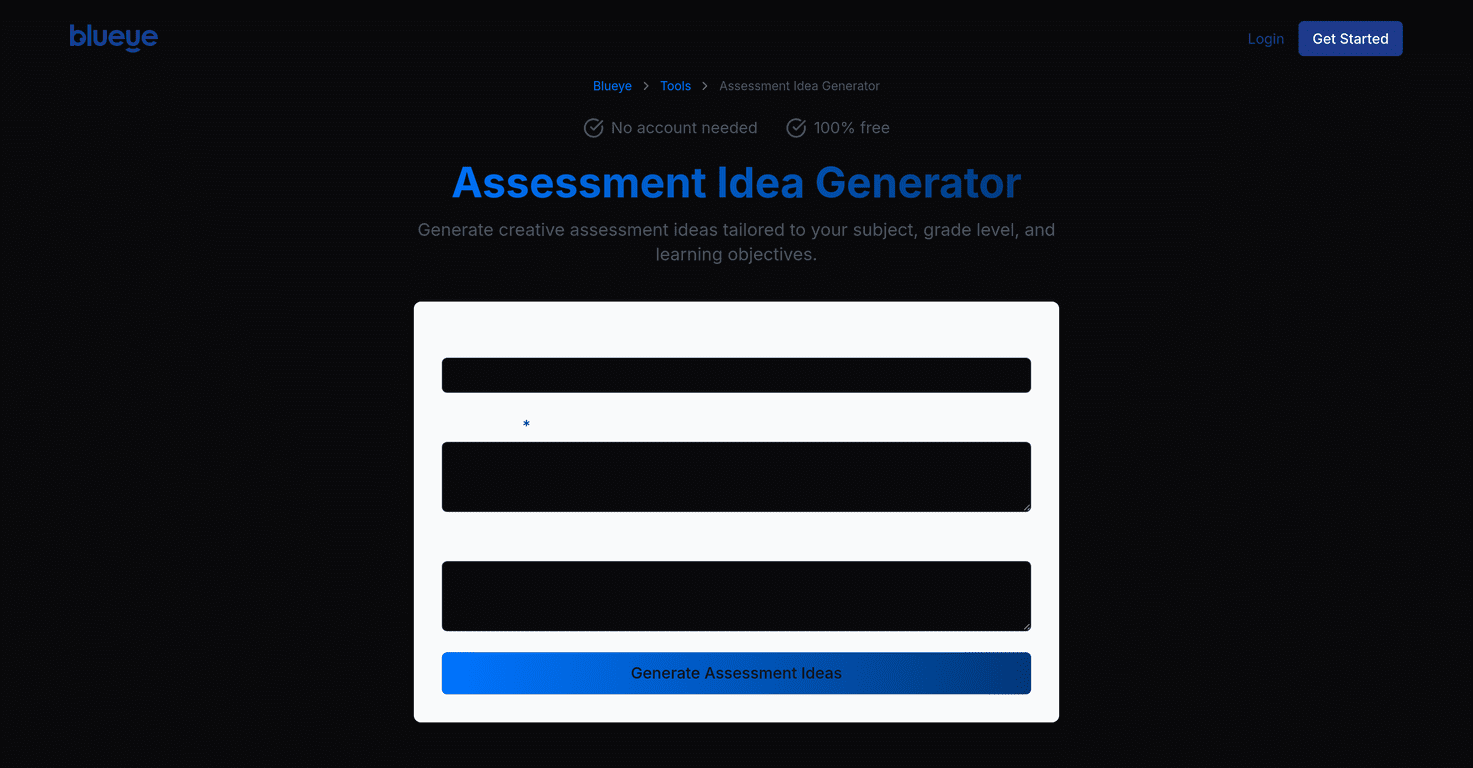
The big promise here is simple: you tell the tool what you need, and it spits out assessment ideas that fit your subject and grade. No complicated setup. No digging through templates. I like that.
When I tested it, I tried a few different prompts (mostly around common classroom tasks—reading comprehension, writing, and science concepts). What I noticed right away is that the results are broad enough to spark ideas, but specific enough that I didn’t feel like I was starting from zero.
For example, instead of only suggesting “a test,” it offered options like projects, essays, and presentations. That matters because not every standard is best measured with a worksheet. Sometimes students show what they know better through explanation, modeling, or a short performance. This tool seems to understand that.
One more thing: it’s designed to work without forcing you into an account. If you’re teaching multiple classes or you just need something quick before a planning period ends, that friction-free access is a real benefit.
Key Features That Matter in Real Teaching
- Customizable assessment ideas for different learning styles
- Instead of giving one “generic” assessment, it generates multiple directions you can choose from—useful when you’re trying to differentiate without rewriting everything from scratch.
- Subject-specific content you can plug into your unit
- In my experience, the best outputs are the ones that match the subject you’re teaching. This tool leans into that so the ideas feel connected to the content, not just the format.
- Standards alignment as a built-in goal
- If you’ve ever had to justify an assessment to an administrator, you know why this matters. The tool’s suggestions are meant to align with learning objectives, which can save time when you’re mapping assessments to standards.
- User-friendly interface for quick planning
- I didn’t have to wrestle with settings or menus. It’s the kind of tool you can open during prep and actually use, which is exactly how I want assessment tools to work.
- Free to use (no registration required)
- This is a big deal. I don’t love tools that make you create an account just to generate a few ideas. Here, you can test it immediately and decide if it’s worth coming back to.
Pros and Cons (Honest Take)
Pros
- Free access—no charges, which makes it easy to try without committing.
- No account needed—I can generate ideas quickly and move on with my day.
- Variety of assessment types—it doesn’t just stick to one format like quizzes only. You’ll see options like projects, essays, and presentations.
- Standards-focused suggestions—the ideas are meant to connect to learning objectives, which helps when you’re planning intentionally.
- AI-generated inspiration—it’s good for brainstorming and getting unstuck fast.
Cons
- You’ll still need to refine the output. AI ideas can be solid, but they won’t automatically match your exact classroom expectations, grading rubric, or accommodations.
- Quality depends on your prompt. If you’re vague (like “math assessment”), you’ll get broader results. If you include details (topic, grade, standard focus), the ideas are noticeably better.
- Not a full assessment builder. It gives ideas and directions—so you’ll still have to create the actual questions, rubrics, and instructions.
Pricing Plans: Is It Actually Free?
The Assessment Idea Generator is entirely free to use. There are no charges and no account requirements, which is honestly rare enough that I appreciate it.
How I’d use it (quick practical tips)
If you want to get better results in less time, here’s what I recommend:
- Be specific about the standard and skill. Example: “evaluate evidence in informational text” beats “reading assessment.”
- Include your constraints. If you only have 30 minutes for grading, say it. If you need something group-friendly, mention that.
- Use the ideas like a menu. Pick one format you like, then adjust it to match your rubric and pacing.
- Plan one “creative” option and one “direct” option. That way you can compare outcomes and choose what fits your class best.
Wrap up
Overall, I found the Assessment Idea Generator to be a helpful starting point when I’m short on time or stuck on how to assess a standard in a more engaging way. It’s not magic—you’ll still need to add your human judgment, build the final questions, and make sure it fits your students. But if you want fast, standards-oriented assessment ideas without paying for another tool, this one’s worth trying.
Promote Assessment Idea Generator