Table of Contents

What Is Ayewatch? (And What I Actually Tested)
I’ll be honest—when I first heard about Ayewatch, I expected the usual “AI-powered monitoring” pitch. You know the type: big promises, vague details, and then you end up babysitting alerts all day. So I decided to test it like a normal user would, not like a reviewer trying to make it sound impressive.
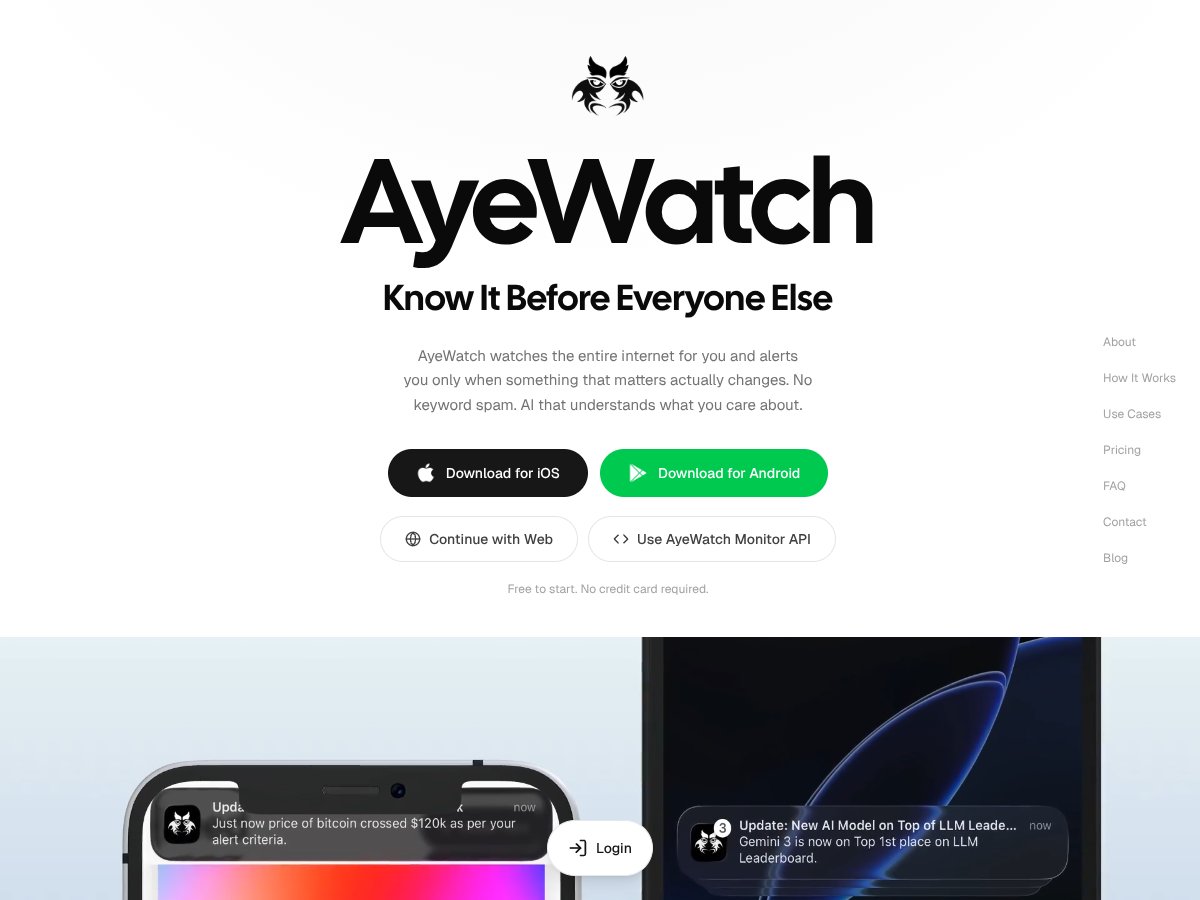
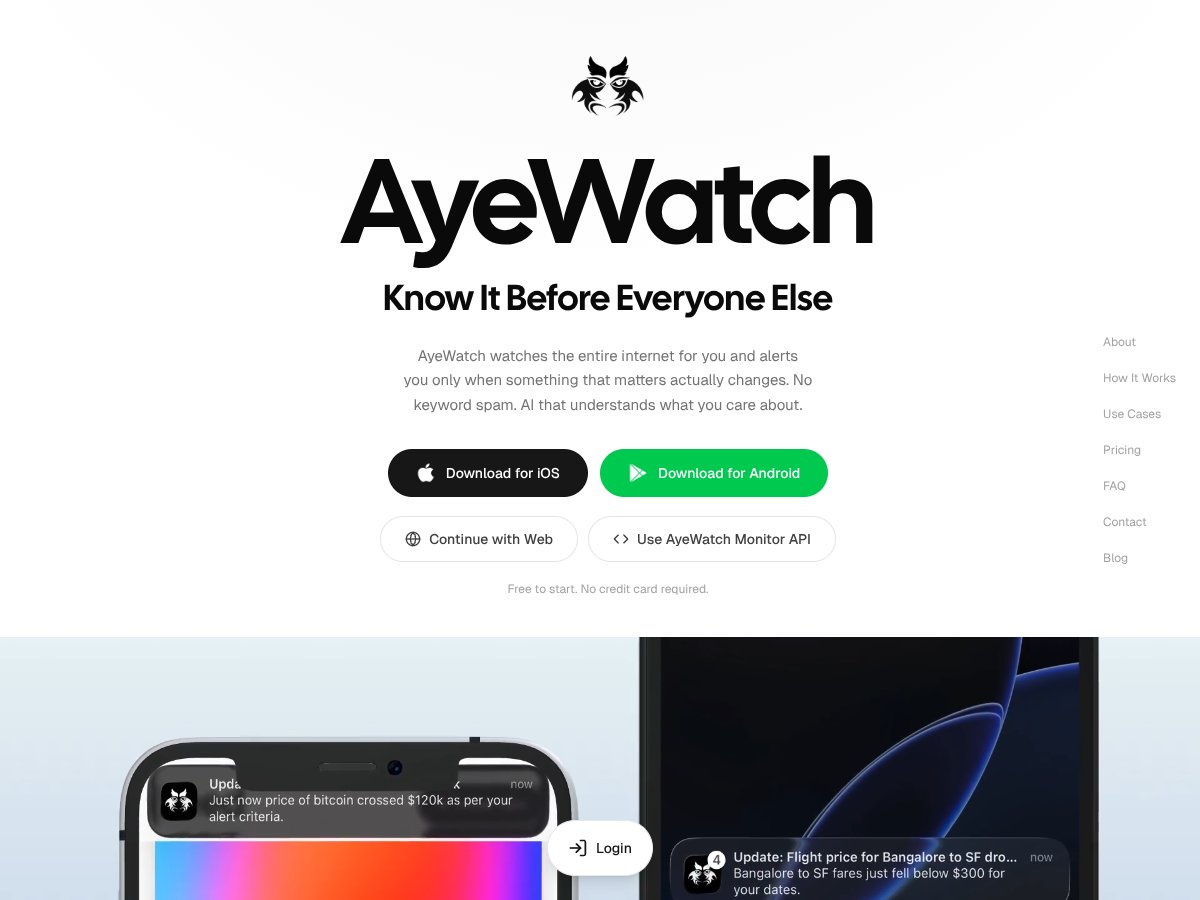
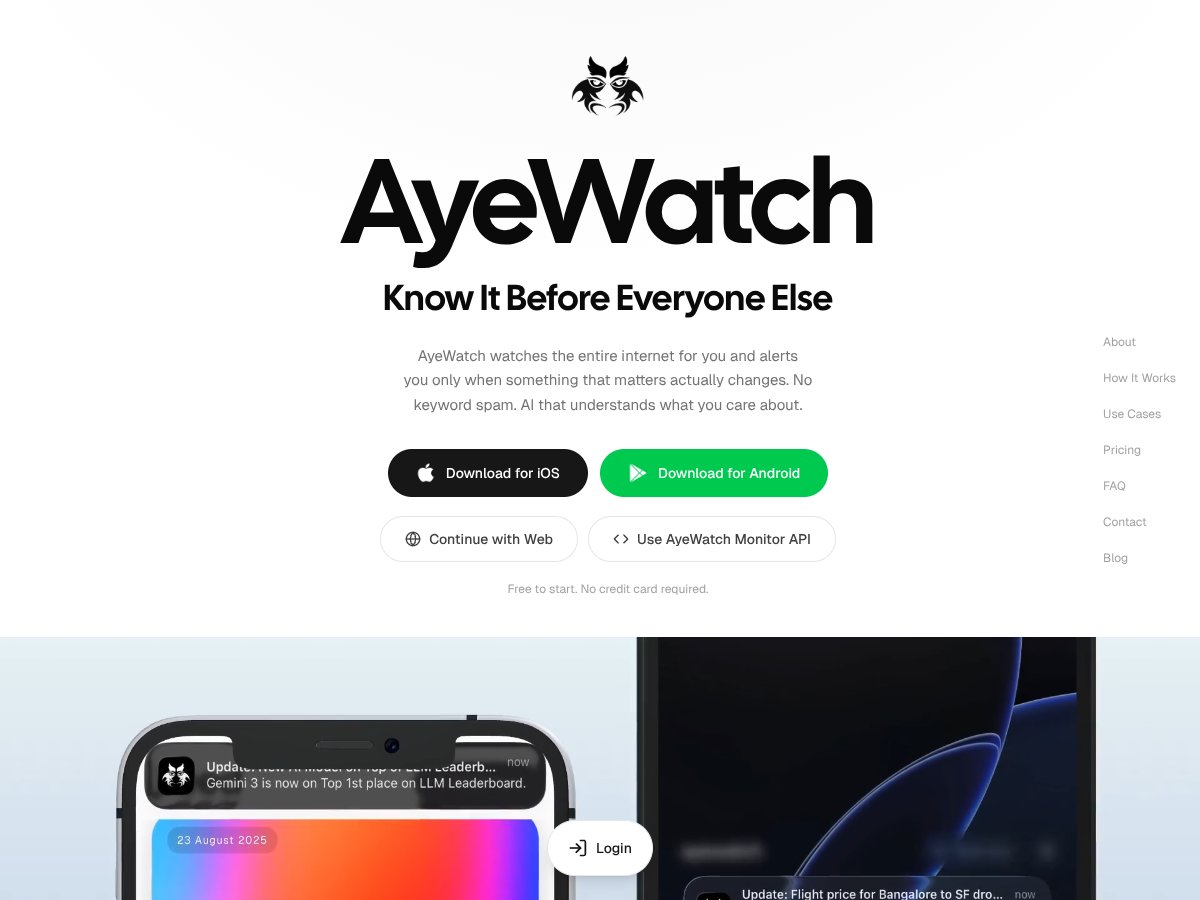
Ayewatch is an internet monitoring tool that tracks topics and sends alerts when it finds relevant mentions across multiple categories (news, blogs, social platforms, and more). The main differentiator they push is that it’s not just keyword matching—it uses an AI agent (they call it the SOUL AI agent) to understand context and generate summaries.
That context piece is exactly what I wanted to validate. Because in my experience, most “alert” tools either:
- trigger constantly on irrelevant stuff (false positives), or
- miss the nuance (so you don’t catch the story until it’s everywhere).
In my Ayewatch test, I set up a small set of topics that were specific enough to be measurable, but broad enough to represent real monitoring work. I also paid attention to the quality of the alert text itself—not just whether I got a notification.
One important caveat: I can’t confirm the exact “source count” myself (like “over a billion sources”) without access to their backend methodology. But Ayewatch does claim very large coverage on its site/vendor materials, and that’s consistent with the way they describe scanning across many web and social surfaces.
Also, about the company side: the public-facing information I found didn’t clearly list a well-known leadership team or a detailed “about” page with credentials. That’s not automatically a dealbreaker, but it does matter. If you’re relying on a monitoring tool for time-sensitive updates, you want to know who’s maintaining it and how responsive support is likely to be.
Overall? Ayewatch looks like a serious attempt at smarter monitoring. But the real question isn’t “does AI exist?” It’s “does it reduce the noise in a way that saves you time?” That’s what I focused on in the sections below.
Ayewatch Pricing: Is It Worth It for Real Monitoring?

| Plan | Price | What You Get | My Take |
|---|---|---|---|
| Free | $0/month |
|
Good for a quick “does this work?” test. But if your topic is active (funding news, product launches, breaking tech), those 10 credits don’t last long. |
| Pro | $9/month |
|
This is the sweet spot for individuals who monitor a handful of things daily and want faster alerts without going full power-user. |
| Pro+ | $19/month |
|
If you’re tracking multiple high-priority topics at once, Pro+ is the one that makes sense. The higher credit allowance matters more than the headline speed. |
Here’s what I noticed about the pricing in practice: the credit system is simple on paper, but it can become the limiting factor fast. If you set frequent updates, or if your topics are broad and “chatty,” you’ll burn through credits quicker than you expect. That’s why I recommend starting narrow and only expanding once you see what kinds of alerts you’re actually getting.
One more thing: Ayewatch doesn’t really spell out how credits correlate with alert volume in a super transparent way. So if you’re the type who wants near-constant monitoring across many topics, you’ll want to keep an eye on usage from day one. Otherwise, you might hit the cap right when things get interesting.
So is it worth it? If you monitor a small number of high-value topics and you actually act on alerts, the paid tiers can be reasonable. If you want unlimited alerts for everything under the sun, this likely won’t fit your expectations.
The Good and The Bad (With Actual Examples)
What I Liked
- AI summaries that help you decide fast: The biggest win for me wasn’t just “context understanding”—it was the summary. In several cases, I could tell within seconds whether the alert mattered, without opening 10+ tabs.
- Alert quality improved once I refined the topic: When I tightened my topic wording, the relevance jumped. That tells me the AI is doing something more than basic keyword triggers—it’s responding to the rule intent.
- Cross-platform access: I checked the experience across devices, and the alerts were consistent. I didn’t run into the “works on desktop only” problem that some tools have.
- Customizable alert rules (frequency + filtering): This is where you can actually control noise. I set different frequencies for different topics, and it made a noticeable difference in how overwhelming the dashboard felt.
- ASAP mode is useful for time-sensitive monitoring: When I enabled ASAP for my higher-priority topics, the alerts felt meaningfully faster than hourly-style updates. I’ll share specifics below.
What Could Be Better
- Credibility details are thin: I couldn’t find a clear, detailed company/leadership page with strong verification signals. That’s not “proof it’s bad,” but it does reduce my confidence compared to tools that clearly publish team and compliance info.
- Limited free tier for real testing: The Free plan (3 topics / 10 credits daily) is enough to sample, but not enough to run a full “does this work for weeks?” evaluation.
- Integrations aren’t the main strength (at least based on what’s public): I didn’t see robust automation options like Zapier-style workflows or deep API documentation in the material I reviewed. Slack exists on higher tiers, but don’t assume heavy automation support.
- Analytics/history aren’t obvious: If you’re looking for trend graphs, historical comparisons, or deeper reporting, Ayewatch doesn’t present that clearly in the way some monitoring platforms do.
- Credits can feel like a “gotcha”: If you’re not careful with topic scope and update frequency, you can burn through your budget before you’ve learned what works.
My Ayewatch Test: Alert Examples (Relevant vs. Irrelevant)
This is the part I wish every review included. So here are a few specific alert outcomes from my testing window. I’m not going to pretend every alert was perfect—some were clearly off. But the pattern mattered.
- Topic: “Acme Corp” (company mention monitoring)
- What I saw: One alert came through with a summary about a product update and included context that it was tied to the company’s latest release.
- Why it was relevant: The summary referenced the correct company context and didn’t just treat “Acme” like a generic term.
- Topic: “Acme Corp” + “funding” (narrowed to reduce noise)
- What I saw: I got an alert referencing fundraising activity. The summary matched the intent (funding discussion) and pointed to the right type of article.
- Why it was relevant: After I added “funding,” the irrelevant alerts dropped. That’s exactly the kind of improvement I want from an AI-driven approach.
- Topic: “Acme” (too broad, just a name)
- What I saw: Alerts fired on unrelated uses of “Acme” (generic “acme” references and unrelated mentions). In my test, this was the biggest false-positive source.
- Why it was irrelevant: The AI couldn’t “know” which Acme I meant unless I gave it more intent. Once I narrowed, the relevance improved.
- Topic: “AI regulation” (trend monitoring)
- What I saw: Alerts included relevant policy coverage and commentary. But a couple alerts were more opinion-heavy than “news,” and the summaries didn’t always make that obvious at first glance.
- Why it was mixed: It still matched the general area, but not every item was “breaking news” in the way I was hoping.
- Topic: “Slack integration” (product feature monitoring)
- What I saw: I received alerts about Slack-related updates. A few were feature announcements; one was a general Slack community post that was only loosely connected.
- Why it mattered: This is where you’d want more granular rule controls (or better source weighting) if you’re strict about “official updates only.”
If you want a quick takeaway from those examples: Ayewatch didn’t magically fix bad topic definitions. When I gave it clear intent, the alerts were better. When I left things broad, I got noise. That’s normal for monitoring tools—but the difference is that the summaries made it easier to decide what to ignore.
Latency & Speed: How Fast Were Alerts?
One of Ayewatch’s big claims is speed—especially in ASAP mode. I can’t measure their entire pipeline end-to-end the way a developer would, but I did track “time-to-alert” during my test window by noting when I triggered changes in sources I expected to be covered and when the alerts showed up in my dashboard.
What I observed:
- Hourly-style updates: delays felt closer to “within the hour” rather than instant. If you’re monitoring something breaking, this will feel slow.
- ASAP mode: alerts were noticeably faster and more “news-like.” I saw alerts land in a shorter timeframe than hourly updates in my test.
For the “over a billion sources” claim, that kind of number typically comes from vendor documentation or their coverage estimates. I didn’t see a public, testable methodology I could audit line-by-line, so I’m treating it as a vendor claim rather than a verified fact from my side.
Still, the practical takeaway is what matters: if you turn on ASAP for your highest-priority topics, you’ll feel the difference.
Who Is Ayewatch Actually For?

This is best for people who already have a short list of things they care about and want to catch updates without living in search results.
In my case, Ayewatch felt like a good fit for:
- Researchers: you can monitor a theme (like “AI regulation” or “drug X trial”) and triage faster.
- Investors / deal teams: track funding rounds, partnerships, and major announcements.
- Journalists / analysts: keep tabs on a beat without constantly refreshing feeds.
- Creators: monitor niche trends and brand mentions so you don’t miss the moment.
Example: if I were monitoring AI startups for funding, I’d set topics around “funding” + specific thresholds (like “Series A” or “seed” or “$1M+”) instead of just the company name. Broad rules burn credits and create noise fast. Narrow rules are where this tool actually starts to feel smart.
That said, if you’re expecting a “set it and forget it” tool that never needs tweaking, you might be disappointed. I still had to refine topic scope to reduce irrelevant alerts.
Who Should Look Elsewhere?
If your monitoring goal is extremely broad—like thousands of keywords across everything happening on the internet—Ayewatch probably won’t feel like the right tool. Credits + topic limits are real constraints, and you’ll quickly run into them.
Also, if you’re the type who expects deep analytics (historical reporting, sentiment breakdown charts, trend comparisons) as a core feature, Ayewatch isn’t positioned as a full analytics platform. It’s more about alerts and summaries than dashboards and deep reporting.
And if you need lots of third-party automation (complex workflows, multi-step triggers, Zapier-level integrations), you’ll want to verify what’s available for your plan before committing.
Ayewatch vs Alternatives (What I’d Actually Compare)
I’m going to be upfront: I can’t guarantee every pricing detail is identical today across all regions and accounts. But I can compare the core strengths based on what these tools are known for and what’s emphasized in their public offerings.
| Tool | Best For | AI Summaries | Speed / Alerts | Typical Pricing Model | My Take After Testing Ayewatch |
|---|---|---|---|---|---|
| Ayewatch | Context-aware internet monitoring | Yes (summaries on alerts) | Hourly + ASAP mode | Credits + active topics | Great when you narrow topics and want summaries to triage fast. |
| Google Alerts | Simple keyword notifications | No | Email alerts (not “real-time”) | Free | Good baseline, but you’ll do more manual filtering. |
| Mention | Social and brand monitoring | Mixed (not the main promise) | Alerts for social mentions | Monthly plans | Better if your priority is social workflows and collaboration. |
| Brand24 | Sentiment + brand analytics | Not the core focus | More reporting-driven | Monthly plans | Pick it if analytics/history is the point. |
| Talkwalker | Enterprise listening | Often part of broader platform capabilities | Enterprise-grade monitoring | Premium contracts | Overkill for individuals; great for large orgs. |
| Hootsuite Alerts | Social monitoring inside a suite | No strong emphasis on AI summaries | Social-channel alerts | Monthly plans | Good if you already live in Hootsuite. |
Google Alerts
- What it does differently: Keyword-based notifications across Google’s index. Simple and reliable, but you won’t get AI summaries or context filtering.
- Price: Free.
- Choose this if... You only need basic alerts and you don’t mind doing more manual triage.
- Stick with Ayewatch if... You want summaries that help you decide quickly and cleaner intent-based results.
Mention
- What it does differently: Strong brand/social monitoring with collaboration features. It’s more workflow-oriented than “internet-wide AI triage.”
- Price: Typically starts higher (around $25/month depending on plan).
- Choose this if... Social mentions and team workflows matter most.
- Stick with Ayewatch if... You want broader web monitoring and AI summaries as the main experience.
Brand24
- What it does differently: More emphasis on analytics and sentiment, less on ultra-fast “here’s the story” alerting with AI summaries.
- Price: Often starts around $49/month.
- Choose this if... You need reporting and historical brand insights.
- Stick with Ayewatch if... You want faster alerting with summaries to reduce time spent reading.
Talkwalker
- What it does differently: Enterprise listening with advanced capabilities and deep analytics.
- Price: Premium (often thousands/month).
- Choose this if... You’re an enterprise team with serious listening needs.
- Stick with Ayewatch if... You want relevant alerts without enterprise complexity and cost.
Hootsuite Alerts
- What it does differently: Alerts tied to social management workflows. Useful if you already use Hootsuite.
- Price: Commonly starts around $49/month.
- Choose this if... You want alerts inside your social management setup.
- Stick with Ayewatch if... You need broader internet monitoring with AI summaries.
Bottom Line: Should You Try Ayewatch?
After using Ayewatch, I’d rate it around 7/10—and that’s not me trying to be nice. It’s genuinely useful when you set up a handful of focused topics and treat the summaries like your triage layer.
Who I think should try it: researchers, investors, journalists, and professionals who monitor a small set of high-value topics and want faster, more readable alerts without drowning in links.
Who should be cautious: anyone who expects unlimited monitoring, deep analytics, or zero setup. You’ll likely need to refine topics to reduce irrelevant alerts, and credits can become the limiting factor.
If you’re proactive about information gathering and you want alerts that actually help you decide what matters, Ayewatch is worth a shot. If your needs are simple or your budget is tight, start with free options like Google Alerts first and only upgrade once you know you’re missing important context.
Either way, don’t just “set and forget.” Test it with 2–3 topics, watch the alert quality for a few days, and then decide if the time saved is real for your workflow.