Table of Contents
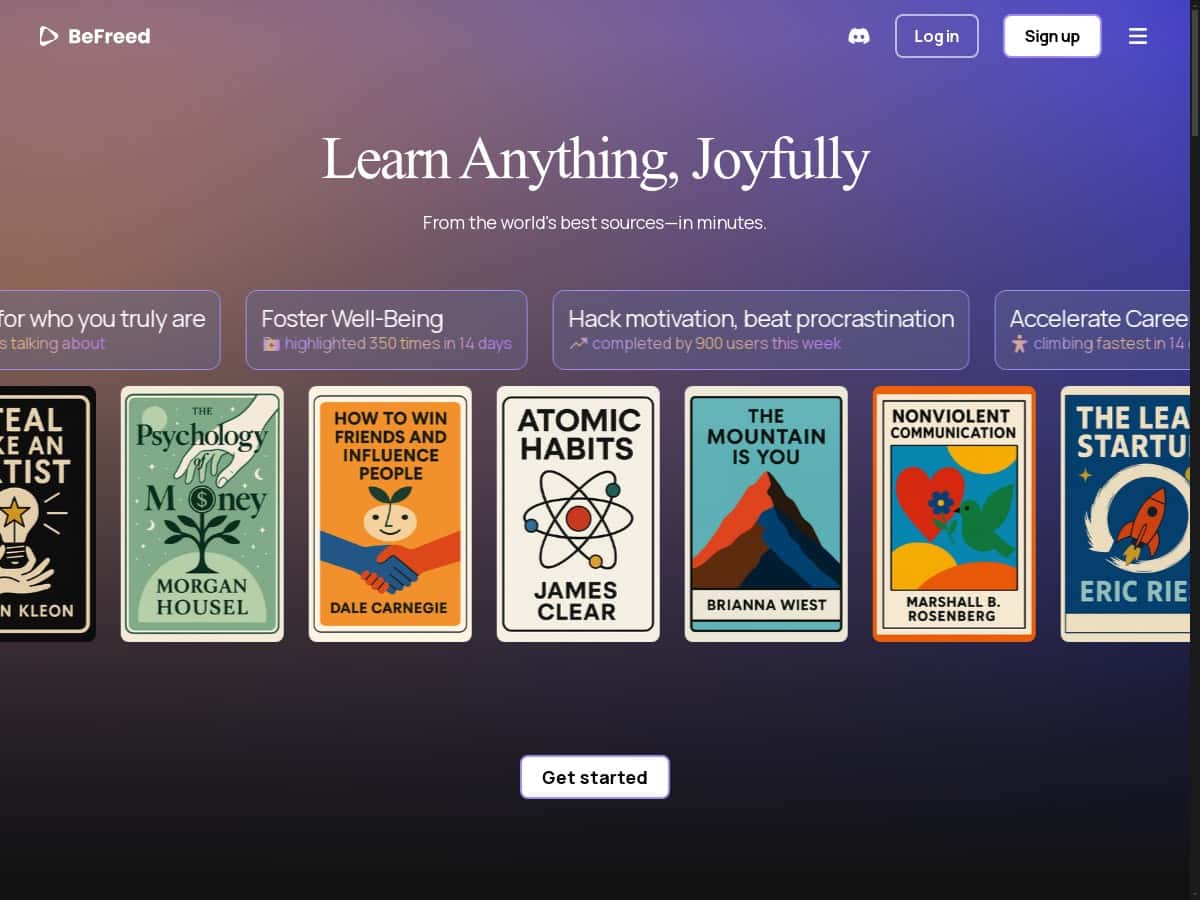
If you’re anything like me, you don’t want “learning” to feel like a chore. You want something that actually keeps your attention and helps you retain what you studied. That’s what BeFreed is going for—more engaging lessons, formats you can pick from, and the kind of personalization that makes you feel like the content was built for you.
I tested BeFreed for a few weeks to see if it’s more than just a polished interface. I used it on desktop (Chrome) and also tried it on mobile when I had short breaks. I focused on a mix of topics—some “learn it fast” subjects (like quick overviews and definitions) and some deeper ones where I wanted better recall (study-style review and flashcards). What I noticed right away: BeFreed doesn’t force one single way to learn. You can jump between audio, summaries, and flashcards depending on your mood and time.
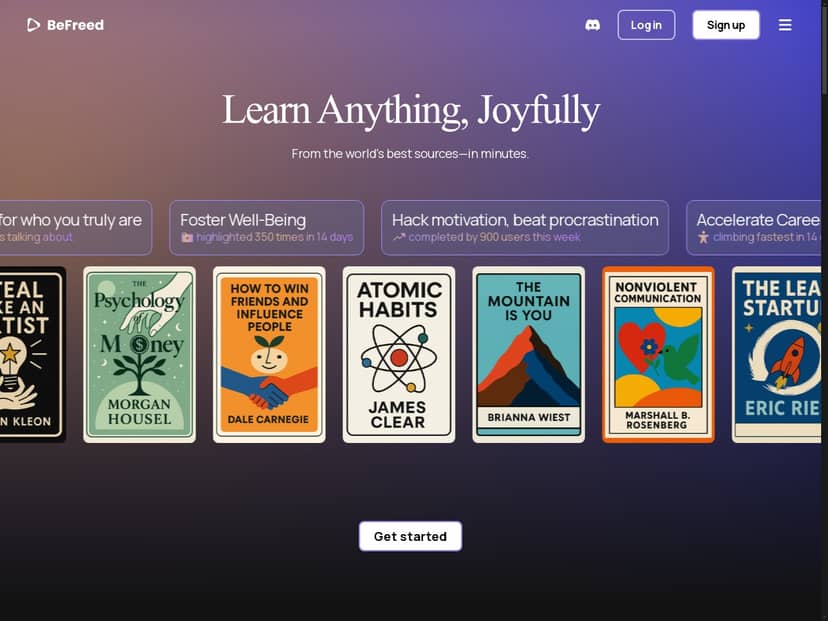
BeFreed Review: What I Tried, What Worked, What Didn’t
Let me get straight to the point. BeFreed is best if you like options—audio when you’re busy, summaries when you’re skimming, and flashcards when you want to actually drill. I didn’t just click around for an hour. I used it across multiple study sessions over a couple of weeks, and I kept coming back to the same workflow: pick a topic → choose a format → review again later with flashcards.
Here’s the stuff I tested:
- Quick learning sessions (10–15 minutes): I used the summary-style content when I needed a fast understanding before moving on.
- Deeper sessions (20–30 minutes): I switched to audio/story-style episodes to see if it improved how well I could explain the topic afterward.
- Retention checks: I leaned on the flashcards to see whether the “review loop” helped me remember key points the next day.
- Clarification during learning: I used the chat feature when something didn’t click and wanted a direct answer without leaving the platform.
What surprised me (in a good way) was how quickly I could change my learning mode. If I had a short commute window, audio was perfect. If I had time at my desk, I’d go summary first, then flashcards to lock it in. That flexibility is the real value here.
Of course, it’s not perfect. The first time I opened it, I felt like there were a lot of choices on screen. It’s not “hard,” but it is easy to get lost if you don’t know what you’re trying to accomplish (learn fast vs. memorize vs. get unstuck). After a couple of sessions, I found a rhythm.
Key Features (and How They Actually Feel to Use)
- Personalized audio episodes, summaries, and flashcards
This is the core of BeFreed. The platform doesn’t just give you one format and call it a day. In my testing, I’d start with a summary to understand the outline, then I’d switch to audio to make it more “sticky.” After that, flashcards were the step that felt most like real study. - What I noticed: the summaries are great for getting oriented, but if you only use summaries, retention drops. Flashcards helped me revisit the important bits without rereading everything.
- Limitation: if the source material is vague, the outputs can also feel a bit surface-level. You’ll still get value, but don’t expect it to replace a full textbook.
- Choose your learning style (quick skims to storytelling)
I like that BeFreed gives you different “modes” depending on what you need that day. Some topics I handled with quick skims. Others I did as a longer listening session because I wanted context, not just facts. - What I noticed: the storytelling/audio format made it easier for me to explain the topic back in my own words—something summaries alone didn’t always do.
- Chat feature for instant answers during learning
This is one of those features you don’t fully appreciate until you’re mid-study and you hit a wall. I used chat when I needed clarification on definitions and “why this matters” details. - What I noticed: the chat answers were useful for quick course-correcting. Still, if you ask a super broad question, you might get a general response. In those cases, I got better results by asking something more specific like “Explain this concept with an example related to X.”
- Smart recommendations based on interests and behavior
BeFreed does recommend content, and it’s not just random. In my case, after I spent time on certain topic types, the next suggestions shifted toward similar themes. - Example from my use: after I leaned into recall-heavy formats (flashcards and review), the platform started nudging me toward more practice/review style content instead of only broad introductions. Did it improve learning outcomes? For me, yes—because it matched what I was actively trying to do (remember, not just understand).
- Community engagement with over 43,500 users
There’s a social side too. I didn’t spend hours browsing, but I did check what other learners were doing to see if it was active and relevant. The community aspect helps when you want reassurance (“I’m not the only one who found this confusing”) or when you want ideas for how to study. - Limitation: community content can vary in quality—like any platform—so I wouldn’t treat it as your only learning source.
Pros and Cons (Based on My Actual Sessions)
Pros
- Format flexibility is real: I could switch between audio, summaries, and flashcards without rebuilding my workflow every time.
- Better retention loop: using flashcards after summaries made a noticeable difference for me the next day. I found myself recalling key points faster than when I only skimmed.
- Chat is useful for “stuck moments”: it saved time because I didn’t have to leave the platform to find basic clarification.
- Recommendations feel aligned after you use it: after a few sessions, suggested topics matched my learning patterns more closely.
Cons
- New-user overload: there are enough options that it can take a bit to figure out the best starting point.
- Depth depends on the topic: if you’re studying something complex, you may still need additional sources—BeFreed is great for learning support, not always a full replacement.
- Flashcards aren’t magic: they help, but you still have to review them. If you only generate them and never come back, you won’t see the benefits.
Pricing Plans (What I Found When I Checked)
I’m going to be upfront: pricing can change, so I recommend checking the live page on BeFreed’s site. When I reviewed this, the exact plan amounts weren’t clearly locked into the content I could access here, so I can’t responsibly invent numbers.
What I suggest you look for on the official pricing page:
- Whether there’s a free trial or a free tier
- Monthly vs yearly pricing (and what you save with yearly)
- Limits like how many lessons/episodes you can generate
- Any caps on chat usage or flashcard/review features
- Whether all formats (audio, summaries, flashcards) are included at every tier
If you’re deciding between BeFreed and other learning tools, the biggest “value check” for me is simple: can you use it consistently (daily/weekly) without hitting paywalls or usage limits too fast?
Wrap up
BeFreed is a solid option if you want learning that adapts to how you feel in the moment—audio for busy time, summaries for quick understanding, and flashcards for actual review. In my experience, it works best when you stick to a simple routine: start with a summary, listen or review if you need context, then come back with flashcards later. That’s when it really starts to feel effective.
If you love variety and you’ll actually use the review loop, it’s worth your attention. If you’re expecting one app to fully replace textbooks or structured exam prep, you might still need additional resources. Either way, it’s one of the more practical “learning companion” tools I’ve tried lately—especially for people who don’t have long study blocks every day.


