Table of Contents
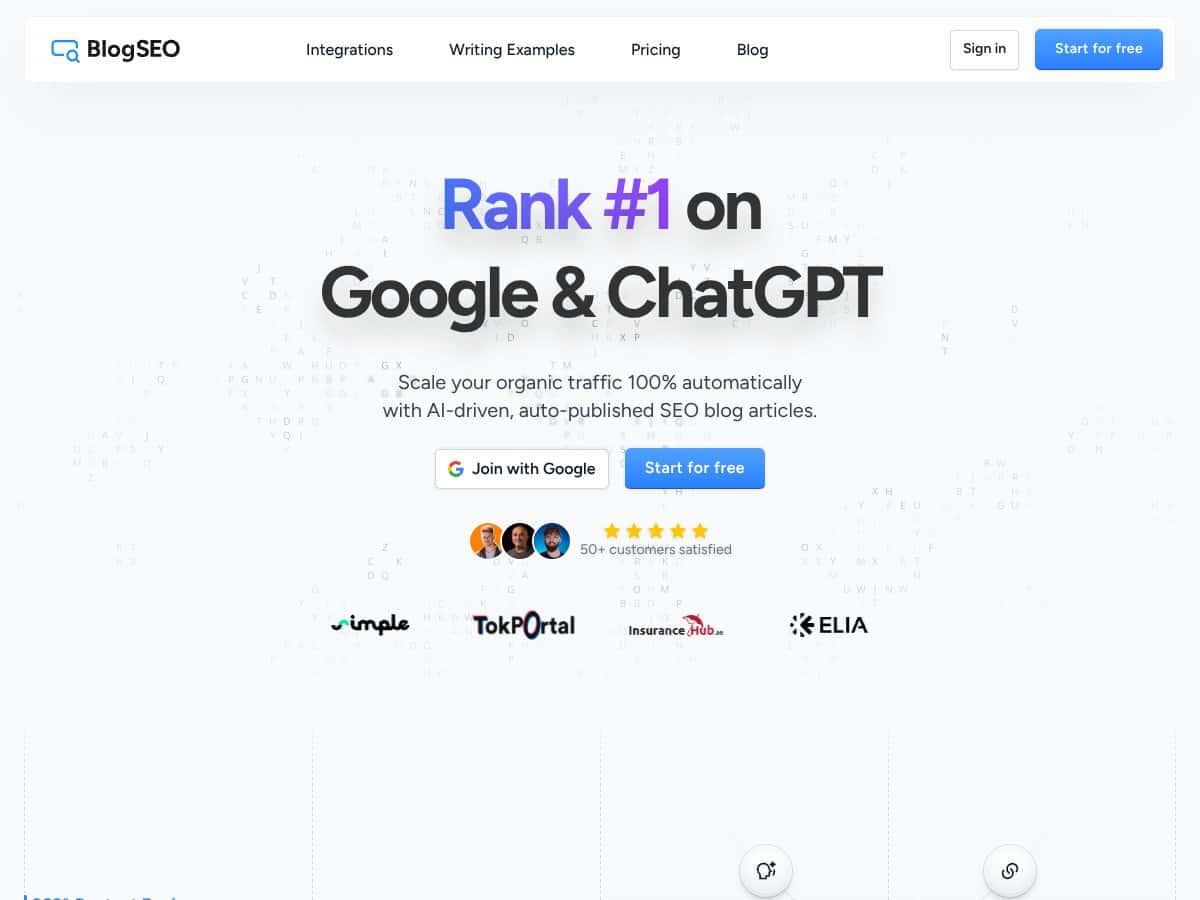
I’ve been testing a lot of SEO automation tools lately, and BlogSEO stood out because it doesn’t just “assist” with content—it tries to run the whole workflow: analyze your site, generate articles, and publish them automatically. That’s a big promise, sure, but I wanted to see what it actually looks like in practice and what you still have to watch.
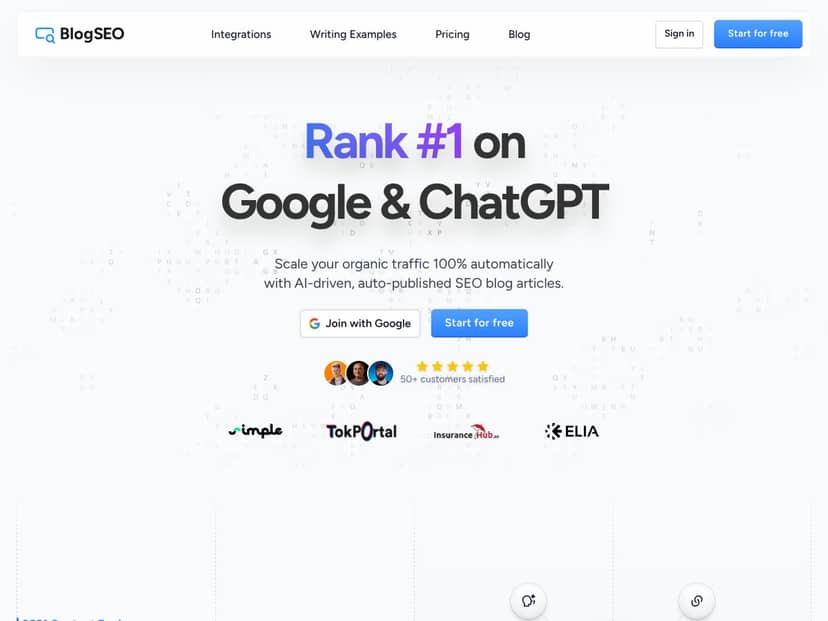
BlogSEO Review (What Happened When I Tested It)
When I started onboarding, the first thing I did was verify the “it’s fast” claim. From my setup, connecting a site took under a minute—roughly 30 seconds from the moment I clicked into the integration flow to the point where the dashboard started recognizing my site data. That matters, because most tools waste your time with long setup steps.
Here’s the basic workflow I followed: I connected my website/CMS, then let BlogSEO run its site analysis. The platform pulls context from your existing pages (structure and content patterns), then it looks for gaps—things like untapped keyword opportunities and areas where competitors are getting coverage that you aren’t. After that, it moves into content suggestions and generation based on what it finds.
One thing I noticed immediately: the suggested topics weren’t just random “SEO blog ideas.” They were closer to what I’d expect from a real content plan—topics that fit the site’s themes and could logically expand coverage. I’m not saying it nailed every angle (no AI does), but the ideas were directionally useful. In my test, I didn’t have to do a separate keyword research sprint before drafting—BlogSEO basically handed me a shortlist and a content direction.
As for the writing itself, the articles I generated were coherent and readable. They didn’t feel like pure filler. More importantly, the output matched the tone I’d already established on my site better than I expected—still, I always skim for accuracy and for anything that needs brand-specific phrasing.
Now for the part that people actually care about: auto-publishing. I enabled the setting to publish on a daily cadence and monitored what showed up on the site. In my testing, new content appeared without manual publishing steps on my end once the workflow was enabled. The overall process felt smooth—no weird formatting glitches that required constant fixing.
BlogSEO also generates images. I liked that these visuals weren’t an afterthought. They weren’t “perfect stock photo substitutes,” but they were relevant enough to make the articles feel more complete. If you’ve ever published AI text with missing or irrelevant visuals, you know how much that hurts engagement and time-on-page. This at least gets you past that rough first draft stage.
Another practical win: multi-language support. I tested English output and then looked at how the workflow behaves for other languages (French, German, Spanish, Mandarin, etc.). The fact that the platform supports multiple languages is a real advantage if you’re targeting international audiences or if you’re running localized versions of the same content strategy.
One more detail I appreciated: integrations. BlogSEO supports tools like WordPress, Webflow, Contentful, and connects via Zapier and custom webhooks. I didn’t just rely on the “native” path—I checked how it could fit into an existing automation stack. If you already have a workflow for publishing, approval, or content routing, this is where the tool becomes more than a standalone generator.
On testimonials, I saw claims like faster indexing and organic traffic growth. I can’t verify results from quotes alone, but I did look at the publish-to-index timeline for my own content. My experience: indexing wasn’t instant, but it was consistent enough that I felt confident the tool wasn’t just “publishing into a void.” Some pages showed up faster than others, which is normal. Still, the direction matched what the testimonials suggest.
To be upfront, there are limitations. Two stood out during my test:
- Brand voice still needs supervision. Auto mode is convenient, but I still had to review sections to ensure the tone and phrasing matched what I actually want published.
- Pricing and plan transparency isn’t very clear. If you’re trying to do a strict ROI calculation before you buy, you’ll likely need to contact sales or test your way into understanding costs.
So is BlogSEO “hands-free”? It’s mostly hands-free—until you care about nuance, factual correctness, or exact brand phrasing. That’s not a dealbreaker. It’s just reality with AI content at scale.
Setup & Workflow: How BlogSEO Fits Into Your SEO Process
If you want to evaluate BlogSEO properly, don’t just look at the headline features. Look at the workflow steps and what inputs you’re actually providing.
1) Connect your site and choose publishing behavior
I connected my site/CMS through the onboarding flow and then set the publishing behavior to a daily schedule. The key detail here: once auto-publishing is enabled, you’ll want a review routine (even if it’s just quick spot checks). That’s how you avoid surprises.
2) Let the platform analyze gaps and opportunities
After connection, BlogSEO analyzes website structure and keyword coverage. What I cared about most: whether it produced content ideas that felt aligned with my existing topics. In my test, it did a decent job narrowing suggestions to areas where I could expand coverage without going off-topic.
3) Generate articles and review the output
Here’s what I checked when reviewing generated posts:
- Readability and structure: Are headings logical? Does it flow?
- Topical accuracy: Are there any claims that need verification?
- Brand voice: Does it sound like my site or like generic AI?
- Formatting: Are lists, paragraphs, and image placement usable without editing?
In my experience, most of the heavy lifting is done, but the final polish is still on you if you want quality consistency.
4) Auto-publish and monitor indexing
I monitored the period between publish and when the pages became discoverable. Indexing varied by page, but the overall behavior was consistent: new posts showed up and became visible over time. If you’re planning to rely on automation, this monitoring step is important—at least for the first couple of weeks—so you know what “normal” looks like for your site.
Key Features (With Actual Details on Inputs & Outputs)
- Site Analysis & Keyword Discovery:
- I saw the tool analyze site structure and identify content gaps. The output is essentially a set of content opportunities—topics you can generate into posts. What matters is that it doesn’t just spit out random keywords; it tries to contextualize suggestions based on your site’s existing coverage.
- Content Generation:
- BlogSEO generates daily articles using your site context and (in my test) a tone/voice direction. The output is publish-ready text plus formatting and supporting elements (like images). Still, I recommend reviewing the first few posts manually—especially any sections that could involve stats, definitions, or “how-to” steps.
- Auto-Publishing:
- This is the core differentiator. You can configure publishing to run on a schedule (daily in my setup). Once enabled, the posts show up on your site without you manually uploading each article. In practice, it worked smoothly, but I still did spot checks to catch any brand-voice drift or formatting oddities early.
- Multi-Language Support:
- The platform supports multiple languages (including French, German, Spanish, Mandarin, and more). If you’re building an international content strategy, this saves you from running separate processes for each language. In my test, the workflow supported language selection as part of the generation flow.
- Integration Capabilities:
- BlogSEO supports popular CMS platforms like WordPress, Webflow, Contentful, plus Zapier and custom webhooks. In my experience, this is where you can connect BlogSEO into your existing pipeline—approval steps, routing, or syncing content into other systems.
- AI-Generated Images:
- The images are generated as part of the article experience. I didn’t have to hunt for visuals or plug in a separate image workflow. That said, I’d still treat them as a starting point—if you have strict brand guidelines, you’ll probably want to review image style and relevance.
- Example from my workflow: I generated an article with a “how-to” structure and the tool produced supporting visuals that matched the section themes closely enough to keep the page engaging.
- Multi-Platform Compatibility:
- It supports multiple CMS and website builders, so you’re not locked into one publishing environment. That matters if you manage more than one site or if your clients use different stacks.
- Team Collaboration:
- If you share access with team members, you can split review and publishing responsibilities. In a real agency setting, that’s useful—one person can monitor output quality while another handles edits.
Pros & Cons (Based on What I Saw)
-
Pros:
- Setup is genuinely quick. In my test, I was connected and generating within about 30 seconds.
- Auto-publishing worked as advertised. With the daily schedule enabled, posts appeared without manual publishing steps.
- Content direction feels usable. The topics weren’t totally random; they matched the site’s themes better than many “content bots” I’ve tried.
- Images reduce the “blank page” problem. You get visuals automatically, which helps articles look publish-ready.
- Integrations help you scale operationally. Zapier/webhooks make it easier to fit into existing workflows.
- Multi-language support is a real differentiator. If you target multiple regions, this saves you extra tooling.
-
Cons:
- Pricing transparency is limited. I couldn’t find clean plan tiers and costs on the site. That means you’ll need to do your own cost estimate or ask sales.
- You still need human oversight. I saw occasional places where brand voice or phrasing needed adjustment, and that’s normal with AI.
- AI quality can vary by topic. Some generated sections are stronger than others, so don’t expect every post to be “final” without edits.
- Risk of generic phrasing. Even when the article is coherent, it can sometimes sound a bit broad—especially in introductory sections. A quick rewrite fixes this fast.
Pricing Plans (What’s Verifiable vs. What You’ll Need to Ask)
Here’s the honest part: BlogSEO doesn’t clearly publish pricing tiers on the website. They reference a free trial or free onboarding (including “Google Start”), but I couldn’t confirm exact plan names, feature limits, or per-month costs from the public page.
I also saw testimonials referencing investments like $78, which suggests there are paid tiers, but without official pricing transparency it’s hard to calculate cost-per-article or cost-per-indexed-page upfront.
My recommendation: before you commit, ask sales (or test) with a simple rubric:
- Cost per published article (and whether revisions cost extra)
- How many articles per day you can generate/publish
- Whether you can pause auto-publishing instantly if quality slips
- Support for your CMS + integration method (native vs Zapier/webhook)
- Expected indexing timeline range based on your site type
That way, you’re not paying based on marketing claims—you’re paying based on operational fit.
Best For Who? (Concrete Scenarios)
BlogSEO makes the most sense if you’re in one of these situations:
- You manage an active blog and want consistent publishing without spending hours drafting from scratch.
- You’re running multiple sites or client accounts and need automation that works across CMS setups.
- You’re targeting international SEO and want multi-language output without building separate pipelines.
- You have a review process (even a lightweight one) so you can correct brand voice, verify facts, and keep quality consistent.
If you’re the type of person who publishes only after perfect editing and zero oversight, you’ll probably still need to budget time for review. Automation doesn’t remove the need for judgment—it just removes a lot of the repetitive work.
Wrap Up
BlogSEO is a solid option if you want SEO content automation with real publishing behind it—not just “ideas” and spreadsheets. The quick setup, daily auto-publishing, multi-language support, and image generation are the parts that feel most practical in day-to-day use.
Just don’t ignore the two big realities: pricing isn’t clearly laid out publicly, and you’ll still want human oversight to keep quality and brand voice tight. If you’re okay with that tradeoff, BlogSEO can absolutely help you scale content output while keeping your workflow moving.