Table of Contents
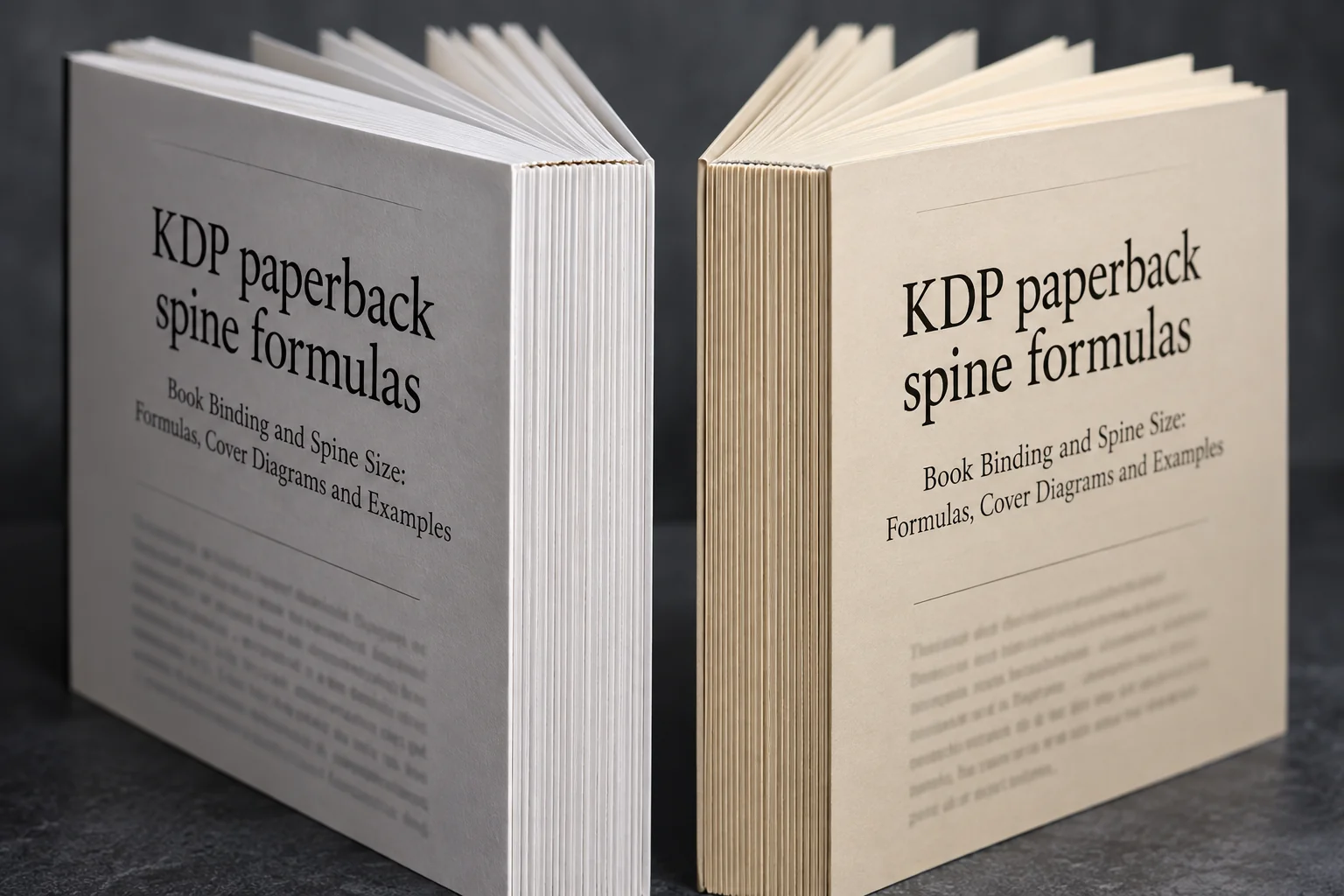
A 200-page KDP paperback has a calculated spine width of 0.4504 inches on white paper or 0.5000 inches on cream paper. That's about 11.44 mm versus 12.70 mm. To calculate yours, multiply the page count by the printer's factor for your paper and interior ink. The same number of pages can produce a different spine when those choices change.
You'll also need the right cover layout for the binding. A paperback wrap, hardcover case, and dust jacket have different panels and allowances. We'll work through the KDP paperback calculations, explain what changes for other bindings, and show how to check the result before printing.
Use three measurements, not one
Keep three measurements in your notes: spine width, full cover size, and the space available for spine lettering. They're easy to mix up. The spine is only the bound edge of the book. Your cover file also includes front and back panels, while the lettering needs room away from the folds.
| Stage | Measurement to use | What it can decide |
|---|---|---|
| Planning | Published formula or printer calculator | Approximate spine thickness and whether a proposed spine design is practical |
| Cover production | Title-specific printer template | Exact canvas, panels, folds, bleed, safe areas, barcode clearance, and any wrap or hinges |
| Approval | Upload preview and physical proof | Whether the file fits and the printed design remains readable in its finished form |
Before using a calculator, write down the printer, binding, trim size, paper, interior ink, reading direction, and final page count. Enter those same choices when requesting a template. The KDP Print Cover Calculator supplies PDF and PNG guides you can place in your design file.
For the 240-page cream-paper example below, your notes would say “spine: 0.600 in; full cover: 12.850 × 9.250 in.” Add a separate reminder to keep the lettering inside the template's safe area. A 0.600-inch spine doesn't mean you have the full 0.600 inches available for text.
KDP paperback spine formulas
Use the factor for the interior paper and ink, even if your cover is printed in color. These factors come from KDP's paperback cover requirements. They already work with page sides, so a 200-page book goes into these formulas as 200, not 100.
- Black-and-white interior, white paper:
spine = pages × 0.002252 inches. - Black-and-white interior, cream paper:
spine = pages × 0.0025 inches. - Premium-color interior:
spine = pages × 0.002347 inches. - Standard-color interior:
spine = pages × 0.002252 inches.
For groundwood paper, use pages × 0.00235 inches, which KDP lists separately in its paperback submission guidelines. Don't substitute the cream-paper factor because two stocks look similar. Here's what the five specifications produce at three page counts:
| Accepted pages | White B&W or standard color | Cream B&W | Premium color | Groundwood B&W |
|---|---|---|---|---|
| 120 | 0.270 in | 0.300 in | 0.282 in | 0.282 in |
| 200 | 0.450 in | 0.500 in | 0.469 in | 0.470 in |
| 300 | 0.676 in | 0.750 in | 0.704 in | 0.705 in |
The table rounds results to three decimal places so they're easy to compare. Keep the full result while calculating the cover, and confirm that your chosen trim, paper, ink, and page count are available together. A formula can give you a number for a combination the printer doesn't actually offer.
At 200 pages, white paper gives 200 × 0.002252 = 0.4504 inches. Cream gives 200 × 0.0025 = 0.5000 inches. That's a difference of 0.0496 inches without adding a single page. These are KDP formula results; another printer's 200-page book may use different paper and dimensions.
Paper thickness and hand-bound books
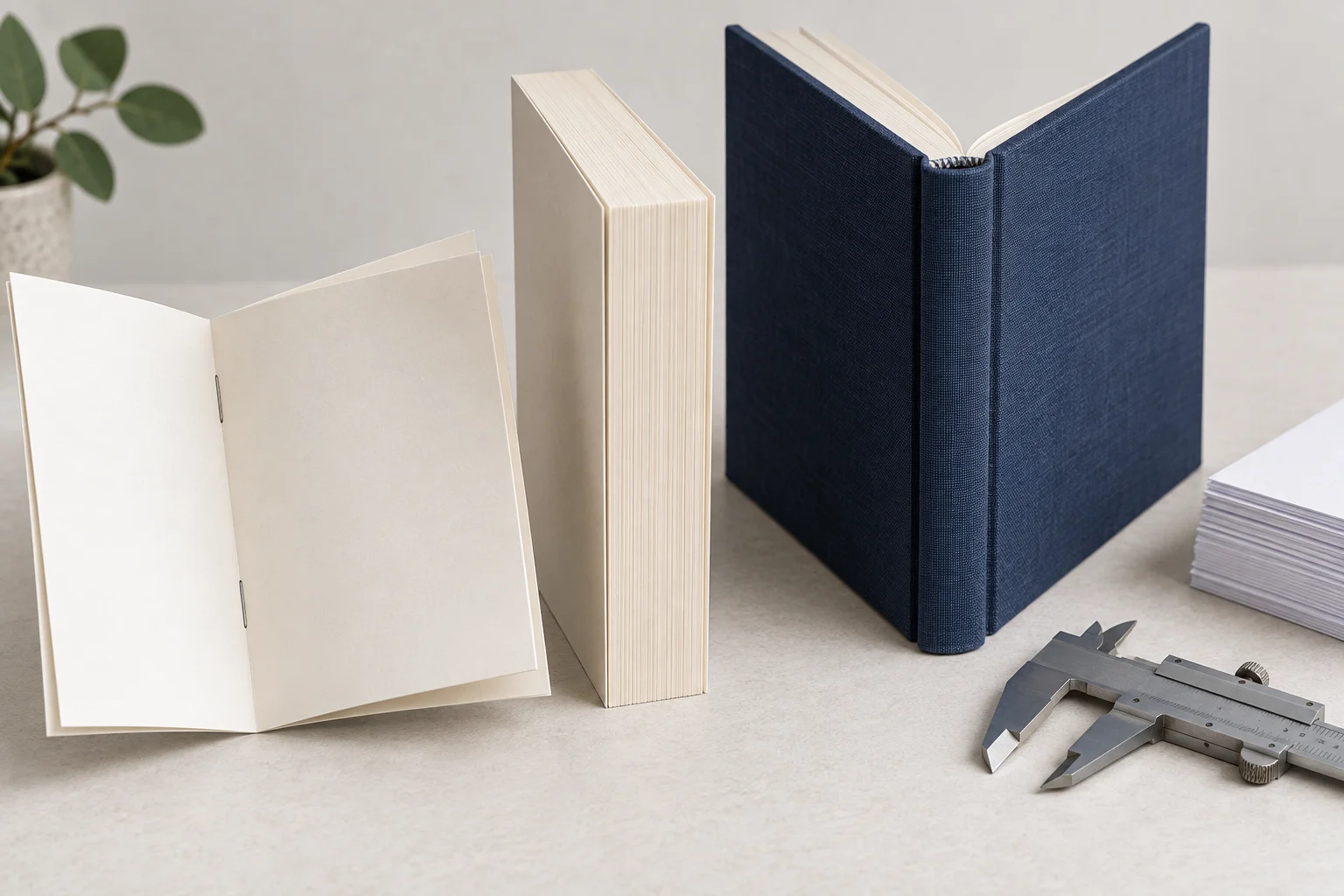
If your paper supplier gives thickness per sheet rather than per page, the calculation changes: paper-stack thickness = page count ÷ 2 × sheet thickness. For example, 200 page sides make 100 leaves. At an assumed 0.10 mm per leaf, that stack is 10 mm thick before the binding adds anything.
Paper weight in GSM doesn't tell you its exact thickness. Ask for the paper's caliper, or measure a stack of the actual stock. PrintNinja's spine calculator accounts for the chosen paper and binding, which is why a generic page-count estimate shouldn't replace your printer's specifications.
For a handmade book, measure the assembled text block after the sewing, gluing, and pressing required by your method. Thread and construction can change its thickness. Then follow that method's instructions for the spine piece, boards, and hinge gaps. The University of Brighton's case-binding worksheet, for example, gives allowances for its particular construction. Those gaps aren't interchangeable with KDP's printed-cover measurements.
Calculate the full paperback cover
A paperback cover is one continuous wrap: back cover, spine, and front cover, plus bleed at the outside edges. KDP asks for a single PDF containing that whole wrap. You can calculate its size with these two equations:
Cover width = bleed + back width + spine width + front width + bleed
Cover height = bleed + trim height + bleed
For KDP, the outside bleed is 0.125 inches at each edge. Let's use a 240-page black-and-white book, cream paper, and a 6 × 9-inch trim. The cover equations and cream-paper factor give us:
- Calculate the spine:
240 × 0.0025 = 0.600 inches. - Calculate cover width:
0.125 + 6 + 0.600 + 6 + 0.125 = 12.850 inches. - Calculate cover height:
0.125 + 9 + 0.125 = 9.250 inches.
For a left-to-right book, the back cover sits on the left of the flat file and the front cover sits on the right. Don't add bleed between them and the spine: those are internal folds, not outside edges that will be trimmed. KDP reverses front and back placement for right-to-left content.
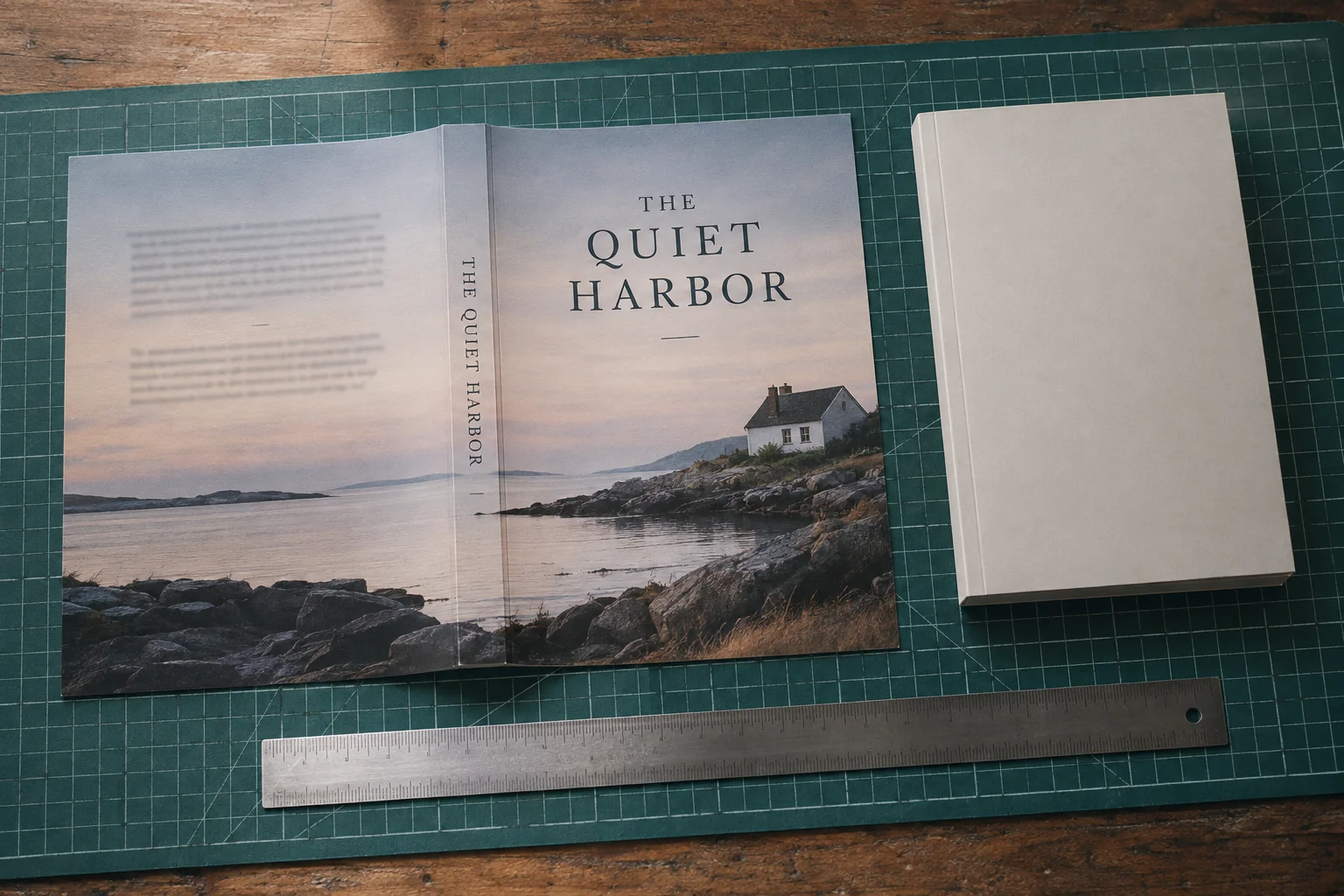
Download the matching template before placing the final artwork. Set the document to the template's physical dimensions and bring the guide in without scaling it. If your calculation and the template disagree, recheck the units and book settings. Stretching the template to fit an existing canvas hides the mismatch instead of fixing it.
What changes when the page count changes
Adding pages makes the spine and full cover wider. The height stays the same unless you change the trim size. Count every interior side, including blank pages, acknowledgments, notes, and front matter. The last printed page number may be smaller than the total the printer needs.
Use the count accepted after the printer processes your file. KDP rounds odd page counts up to an even number, so a 239-page PDF calls for 240 pages in the calculation. Confirm that count in the upload workflow before ordering the final cover design.
If our 240-page cream-paper book grows by 20 pages, the spine gains 20 × 0.0025 = 0.050 inches. The new spine is 0.650 inches, and the full cover becomes 12.900 × 9.250 inches. It's a small change, but enough to move lettering away from the intended center.
Generate a new template and reposition the artwork on it. Keep front and back images in proportion, center the spine text again, and check any illustration that crosses a fold. Stretching the entire old cover would also stretch lettering and artwork that didn't need to change.
Name the matching files clearly: “Interior v4; 260 pages; cream; 6 × 9; KDP paperback.” Include the printer and binding if you have several editions. That makes it much harder to upload a 240-page cover with a 260-page interior simply because both files were called “final.”
Paperback and hardcover are different cover systems
A hardcover needs its own template, even when the words and page count match your paperback. The paperback has a flexible cover around its spine. A case-laminate hardcover wraps printed material around boards and needs room for the hinges. IngramSpark's print options show these constructions and the separate dust-jacket option.
KDP's hardcover instructions list a 0.51-inch wrap extension, a 0.635-inch setback for text and images, and a 0.4-inch hinge area. Each measurement belongs to a different part of the cover. You can't add them all to a paperback equation and expect a usable hardcover file.
Use the generated hardcover template for placement. KDP's help page pairs 0.51 inches with 15 mm, which isn't an exact conversion, so don't build a second set of guides from that parenthesis. Let backgrounds extend where the template requires coverage, while keeping titles and other essential details inside its safe areas.
| Binding | Spine treatment | Cover file implication |
|---|---|---|
| Perfect-bound paperback | Squared spine, printable when the printer’s requirements are met | Back–spine–front cover spread with outside bleed |
| Case-laminate hardcover | Spine bordered by flexible hinges | Case-specific dimensions, board wrap, and hinge-safe placement |
| Jacketed hardcover | The case and removable jacket are separate components | Jacket template with its own spine, panels, and flaps; separate case artwork where required |
| Saddle stitch | Folded, stapled edge rather than a square printable spine | Follow the printer’s folded-cover instructions and ask about creep |
| Wire, coil, or comb | No conventional printed spine in the standard construction | Reserve the printer’s punch and binding allowance instead of designing a spine strip |
For saddle-stitched booklets, ask about creep: the nested inner pages extend farther out before trimming. For coil or wire binding, ask how much room the punched edge needs. PrintNinja's binding guide explains the different constructions. Neither job benefits from adding a paperback-style spine strip to the artwork.
Choose the binding before commissioning the finished wrap. A workbook with a punched edge and a novel intended for spine-out shelving might share a visual style, but they need different layouts. Knowing that early lets your designer place artwork correctly from the start.
Do not transfer a spine between printers
Prepare separate cover files for KDP and IngramSpark. Matching trim sizes and paper names don't guarantee matching spine widths or safe areas. You can reuse the front-cover composition, but fit the full wrap to each printer's own template rather than copying one production PDF everywhere.
- Prepare the intended interior and record its page count.
- Enter the KDP print specification and download its matching cover template.
- Enter the IngramSpark specification separately, confirming the count required by its workflow.
- Place the shared artwork on each template without stretching it to match the other edition.
- Export, preview, and proof each file pair independently.
Use IngramSpark's Spine and Weight Calculator for an estimate and its Cover Template Generator for the production guide. Keep the selected paper, binding, and accepted count with each template so you can tell which edition it belongs to later.
Compare the spine center, front and back boundaries, safe areas, and barcode position as well as the outer dimensions. Two wraps can look nearly identical at a glance but still place the text differently. Save the editable design files, too; rebuilding a cover from a flattened PDF makes small future corrections unnecessarily difficult.
Fit spine text inside the safe area
Leave clearance on both sides of the spine lettering. With KDP's 0.0625-inch clearance per side, the available band is spine width − 0.125 inches. That's the space to fit the lettering inside, not a font size to type into your design software.
For the 200-page cream-paper book, 0.500 − 0.0625 − 0.0625 leaves 0.375 inches. Place the actual title, author name, and any publisher mark within that band. View or print it at the physical size readers will see, rather than judging legibility while zoomed in on a large monitor.
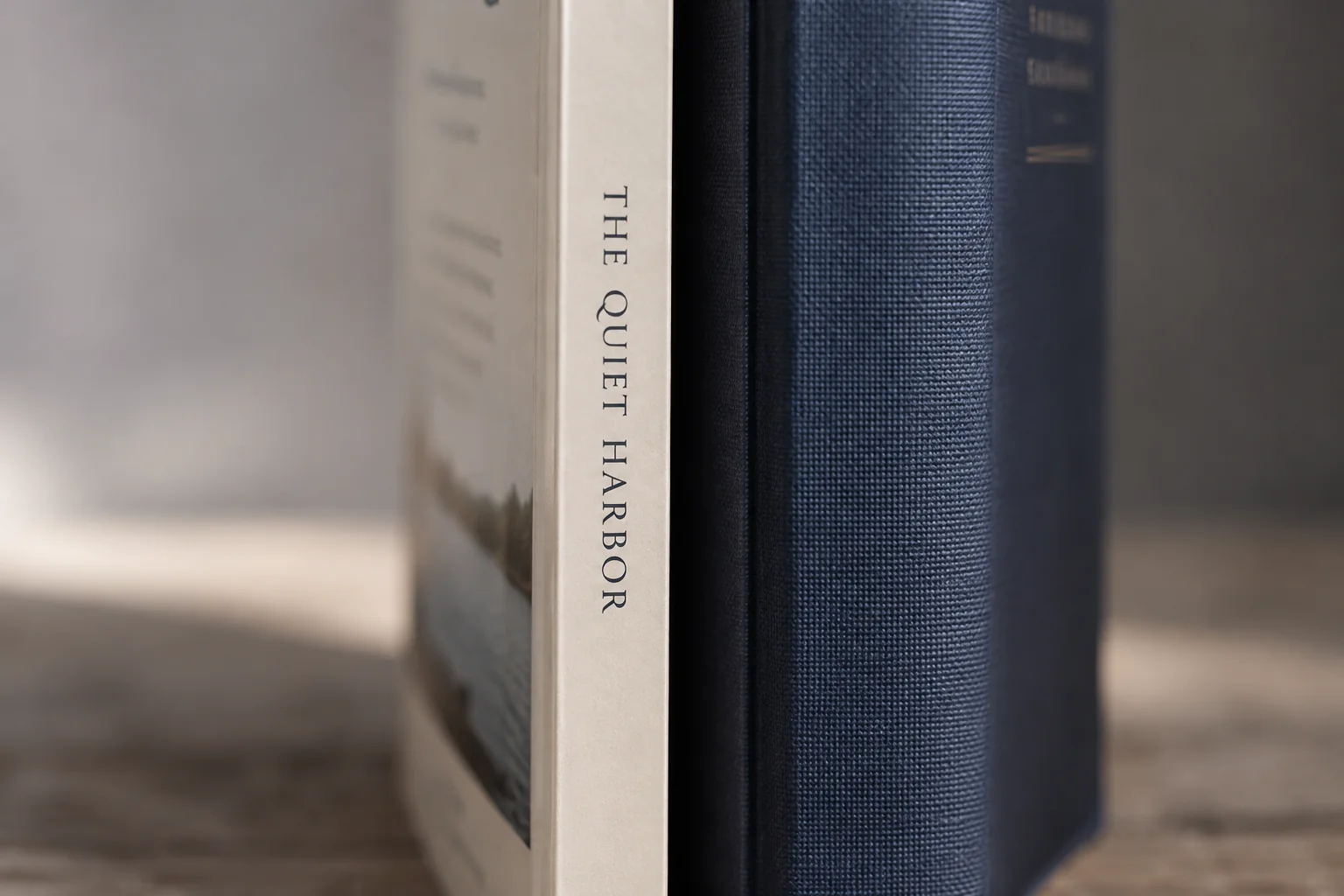
Plan on at least 80 accepted pages for KDP spine text. Its cover help uses both “at least 79” and “more than 79,” while Cover Creator specifies 80. Using 80 avoids that wording conflict. If your workflow shows 79 accepted pages, confirm eligibility with KDP before paying for spine lettering.
A book can meet the page threshold and still have too little room for an elaborate spine design. Shorten the subtitle, try the author and title separately, or remove a crowded logo. If the text remains too small to read, leaving the spine blank is better than squeezing distorted lettering into the gap.
Diagnose a failed physical proof
If the proof looks wrong, compare it with the exact PDF and template you uploaded. First work out whether the problem comes from the cover dimensions, one misplaced element, or movement during manufacture. Shifting a title can't fix a cover that was calculated for the wrong paper.
| Proof symptom | What to investigate | Possible correction |
|---|---|---|
| Spine lettering wraps onto a panel | Edge clearance, template match, and whether the entire design shifted | Correct the template mismatch or reduce the text’s footprint; investigate production movement if the file is sound |
| A narrow border looks uneven | Whether the design requires perfectly symmetrical trimming | Remove the border or replace it with an edge treatment that tolerates movement |
| Important front artwork enters the spine | Panel positioning and safe-area placement | Move critical artwork inward on the correct canvas |
| Spine artwork appears centered but too wide | Accepted count, paper choice, binding, and obsolete template files | Recalculate and regenerate only after confirming the intended specification |
| Hardcover text bends through a hinge | Whether the design respected the hardcover hinge guides | Reposition text within the case-specific safe area |
A narrow border or a sharply defined spine edge makes small shifts easier to notice. KDP's cover guidance warns about that effect. Consider a background that tolerates a little movement, especially when a precise color boundary would make even a small variation look like a mistake.
Photograph the front, back, and spine, and keep a note of which files produced that copy. If the entire design shifted but the PDF matches the template, ask the printer to assess it. If one item is misplaced in the PDF, fix that item. Don't build an offset into every future copy to compensate for a problem with just one proof.
Choose a binding for the reader’s task
Think about how someone will use the book before choosing its binding. Spiral and wire-bound books can lie flat, which makes them candidates for hands-on reference material. A novel has different priorities: comfortable reading, a useful inner margin, and a spine you can recognize on a shelf.
Compare a 120-page kitchen workbook with a 300-page novel. The cook may need the recipe to stay open while both hands are occupied, with writing space clear of the binding. The novel reader needs pages that turn comfortably and text that doesn't disappear into the gutter. The same cover budget won't solve both jobs in the same way.
Before commissioning final artwork, work through these questions with your designer or printer:
- Must the book stay open while the reader writes, cooks, studies, or performs?
- Will most copies be stored with only the spine visible?
- Does any essential illustration cross a gutter, fold, or hinge?
- Can the intended printer produce the selected binding, trim, page count, paper, and color combination?
- Are separate production files needed for multiple printers or formats?
- Does the budget include a physical proof for each edition?
If your chosen printer doesn't offer the binding the book needs, settle that before paying for the finished cover layout. A representative sample can help you decide how a construction feels. You'll still need a proof of your own title to check its actual text, margins, folds, and artwork.
Production handoff checklist
Give your designer a matching interior PDF, the printer's specifications, and the correct cover template. Ask them to work from the accepted page count rather than estimating thickness from an unfinished manuscript. Keep a version number on each file so the handoff is easy to check.
- Lock the specification: printer, binding, trim, paper, interior ink, and reading direction.
- Confirm the interior: export the intended file and record the accepted production page count.
- Generate the template: use the exact specification rather than an older edition’s guide.
- Check the canvas: confirm physical width and height before placing artwork.
- Match the book details: reconcile title, author, edition, and applicable ISBN with the title setup.
- Inspect finishing zones: check folds, bleed, text safety, barcode clearance, and any wrap or hinges.
- Export to the printer’s requirements: embed fonts, remove nonprinting template artwork, and prepare the required PDF deliverables.
- Approve the actual file pair: review the upload preview, inspect a physical proof, and record the versions checked.
For KDP, export the full cover as one PDF, embed the fonts, and remove visible template text and production marks before upload. These requirements appear in its cover checklist. Other printers or bindings may want a different file arrangement, so keep their instructions beside the files.
Our example brief could read: “KDP paperback; black-and-white interior; cream paper; 6 × 9 inches; 240 accepted pages; 0.600-inch spine; 12.850 × 9.250-inch cover; matching template attached.” Send the exact PDFs intended for upload, rather than leaving the recipient to choose from several revisions in a folder.
After an edit, check what it affects. A new title needs another text-fit check. A new paper stock or page count needs a fresh template comparison. Record which interior and cover produced the approved proof so you can return to that pair if a later version introduces a problem.
Calculate a planning spine width
To reproduce the cream-paper example in the calculator below, enter 240 pages and 0.0025 inches per page. The result is 0.600 inches. If the starting value is 0.002252, change it for this example; that's the white-paper and standard-color factor.
Keep the units consistent and note the paper choice beside the result. This calculator gives a spine-width estimate. It doesn't add cover panels, bleed, hinges, or text clearance, and it doesn't check whether spine lettering is allowed. Use the matching printer template to finish those steps before exporting the cover.
Spine-width calculation
Enter the current per-page coefficient from the printer for the exact ink, paper, and binding combination. The starting 0.002252 factor is the KDP white-paper paperback example discussed above; do not reuse it across products.