
Table of Contents
A book index lists subjects alphabetically and gives the pages where you can find them. For example, aphids, 72–74 sends you to three pages about aphids. An entry such as planters. See containers tells you to look under a different heading. You’ll usually find the index at the back of a nonfiction book.
The easiest way to understand an index is to look at one. Below is an original sample for an imaginary 96-page gardening book, Small-Space Vegetable Gardens. We’ll walk through the entries, explain the formatting, and then build a few entries from a passage of text. You can use the same approach for your own book.
A complete sample book index
Here’s our gardening example. The page numbers are invented for this exercise: containers appear on pages 9–20, soil and compost on 21–34, crop selection on 35–42, watering on 43–53, seasonal care on 54–70, and pests on 71–82. Some subjects return in later chapters, so their index entries point to more than one place.
A
aphids, 72–74
inspection for, 73
removing by hand, 74
B
balconies
load and placement checks, 10–11
shade patterns, 36–37
wind exposure, 12, 65
C
compost
adding to potting mix, 25–27
finished compost, identifying, 24
top-dressing with, 59
containers, 9–20
drainage holes, 16–18
fabric, 14–15
food-safe materials, 11–13
sizing for crops, 38–41
winter storage, 67–68
See also raised beds
D
drainage, 16–18, 29–31
blocked holes, 80
soil structure and, 29–31
See also watering
P
pests, 71–82
aphids, 72–74
fungus gnats, 77–79
inspection routine, 71–72
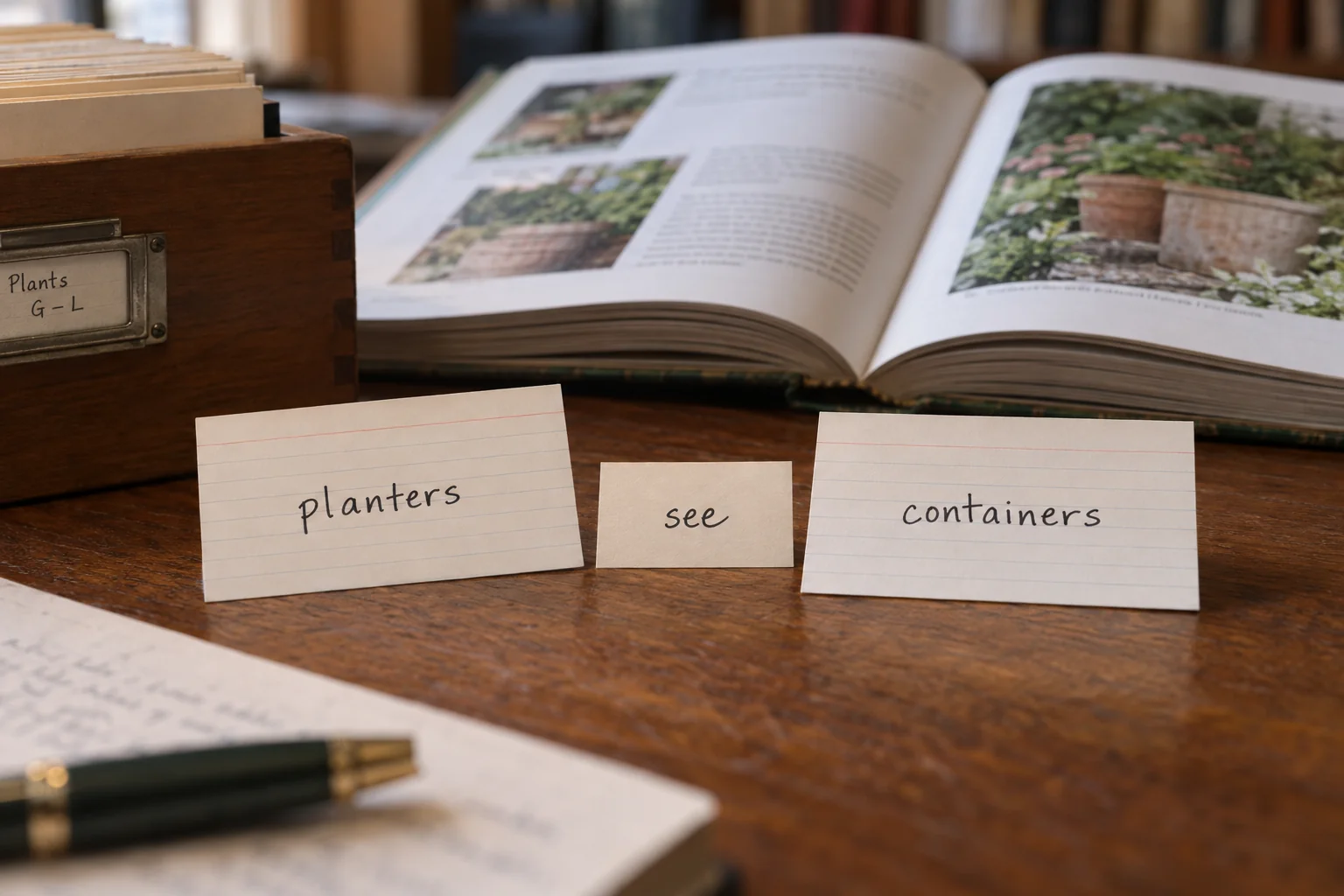
planters. See containers
potting mix. See soil mixes
R
raised beds
balcony suitability, 19–20
See also containers
S
soil mixes, 21–31
compost in, 25–27
drainage and, 29–31
reusing, 62–64
W
watering, 43–53
checking moisture, 44–45
drip systems, 48–50
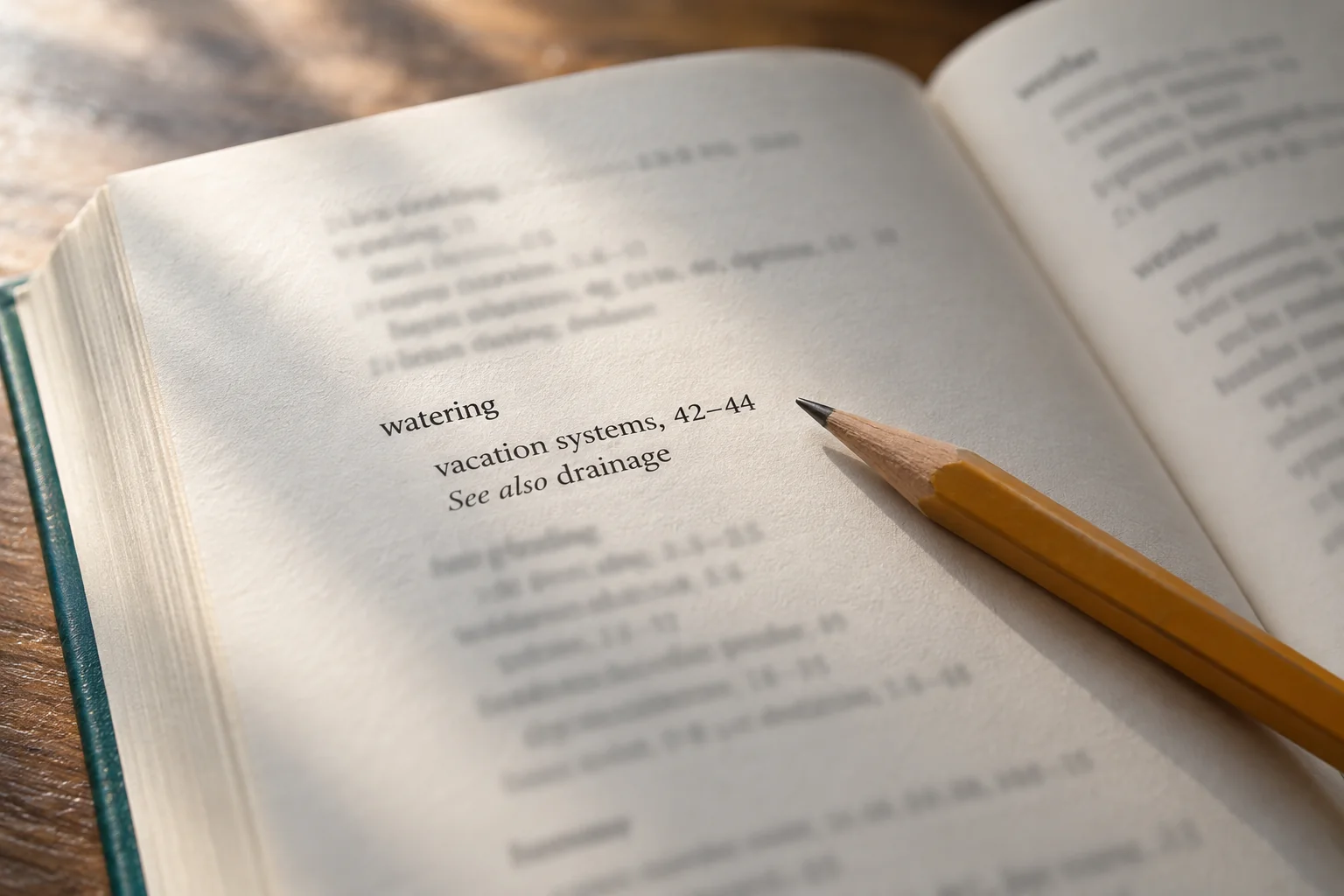
vacation systems, 51–53
windy conditions, 65
See also drainage
Notice that you don’t have to know the chapter titles to use this list. If you’re going away for a week, you can look under watering and find vacation systems, 51–53. If you’ve spotted aphids, you can go straight to the A section. The index turns a reader’s question into a place to start reading.
This is a small teaching sample rather than a full index for an actual published book. A real gardening manuscript would introduce more crops, methods, people and illustrations to consider. Don’t copy its page numbers or expand it mechanically to fill space. Borrow the structure, then build the entries from what your own book actually says.
How to read an index entry
Take watering, vacation systems, 51–53. Watering is the main subject, vacation systems narrows it down, and 51–53 gives the pages. Indexers call those page references locators. You don’t need to memorize the terminology to read an index, but it helps when you’re discussing one with an editor.
| Element | What it does | Original example |
|---|---|---|
| Main entry | Names the subject the reader looks for alphabetically | watering |
| Locator | Identifies a page or continuous range of pages | 43–47 |
| Subentry | Separates one aspect of a larger subject | watering, vacation systems, 51–53 |
| See reference | Redirects an alternate term to the preferred heading | planters. See containers |
| See also reference | Offers related information beyond the entry being read | watering, 43–53. See also drainage |
| Double posting | Gives the same discussion two direct access points | aphids, 72–74 and pests, aphids, 72–74 |
A comma and a dash mean different things. 12, 65 means “look at page 12 and page 65.” 72–74 means “read pages 72 through 74.” Changing a comma to a dash could send someone through fifty pages that have nothing to do with their question. Choose your publisher’s preferred range style and use it consistently.
The indented lines belong to the heading above them. Under containers, for instance, winter storage means winter storage of containers. An entry can run onto a second line without becoming a new subject, so the layout needs to make the difference clear. Hanging indents and consistent spacing help a reader scan without losing their place.
Start with the question your reader would ask
Imagine someone returning to your book three months after reading it. They remember useful advice about watering, but they’ve forgotten which chapter it was in. A good index gets them back to that advice quickly. It shouldn’t send them to every sentence that happens to contain the word water.
The American Society for Indexing describes an index as a way to connect readers’ terms with the book’s subjects and gather discussions that may be scattered across chapters. For our gardening book, that means thinking about questions like these:
- Where is the main explanation of balcony irrigation?
- Will I find aphids under their name, under insects, or under pests?
- Which pages explain the differences between fabric pots and rigid containers?
- Where does the book connect compost with soil drainage?
Look at what happens when you follow an entry. Does irrigation take you to an explanation of a watering system, or just a shopping list mentioning a watering can? Can someone compare fabric pots with rigid containers without reading the whole chapter again? Those are much better tests than counting how many headings you’ve created.
A word search can help you find possible passages, but it can’t make all these decisions for you. A concordance records word occurrences; an index chooses useful discussions. In our example, an undifferentiated list of every page containing soil would bury the advice about mixing, drainage and reuse that readers actually need.
Index vs. table of contents vs. glossary
The contents page helps you choose a chapter, the glossary explains a word, and the index helps you find a subject anywhere in the book. They overlap occasionally, but they solve different problems. Putting your chapter titles into alphabetical order won’t turn them into a useful subject index.
Suppose you have a chapter called Keeping Plants Alive in August. That title belongs in the table of contents, in chapter order. A glossary might define top-dressing. The index could direct readers to the chapter under watering, wind exposure, compost and pests, while also including useful pages from other chapters.
Now imagine the reader wants to fix compacted soil. “August” isn’t an obvious place to look. The entry soil mixes, drainage and, 29–31 is much more helpful because it names the problem. This is where an index earns its space: it gives people routes the chapter structure alone doesn’t provide.
You don’t have to include all three features in every book. Choose them for your readers. If you use both a glossary and an index, consider whether the index should point to a term’s definition as well as its practical explanation. Someone encountering an unfamiliar word may need the definition first; an experienced reader may want the instructions.
What makes the sample useful?
The smaller entries under containers let readers choose before they turn a page. Materials, drainage holes, crop sizing and storage are different questions, even though they all concern the same object. A long string of page numbers would make the reader do that sorting themselves.
Aphids appear twice: under their own name and under pests. This is called double posting. Someone who knows the insect’s name can go directly to it; someone thinking more generally about pests can reach the same pages. Both entries say 72–74, while the standalone entry also breaks out inspection and removal.
See and See also aren’t interchangeable. The ASI Index Evaluation Checklist distinguishes a redirect to an equivalent term from a reference to related information. In the sample, they work like this:
- Planters: the sample treats this as another name for containers, so it redirects the reader without adding page numbers.
- Watering: the entry already supplies useful destinations; drainage is an additional subject worth consulting.
- Drainage: the return reference to watering is not a dead-end loop, because both entries contain substantive locators.
The broad ranges after containers and watering point to their main discussions. The subentries help readers choose particular parts, including material covered later. Keep a broad range when it’s useful, but don’t use “9–20” as an excuse to leave twelve pages of different advice unsorted.
Use the words readers will look for
You might call something a growing medium in the text while a beginner calls it potting mix. If the index only uses your preferred term, the beginner may conclude the book doesn’t cover it. A short redirect gives them a way in without duplicating a whole group of entries.
Our sample uses soil mixes as the main heading:
potting mix. See soil mixes
That choice suits this imaginary introductory guide. In a technical book, different kinds of growing media might need separate entries. Check the meaning in your manuscript before treating two labels as synonyms. You’re helping readers find the right discussion, not erasing distinctions the author took care to explain.
A redirect also needs somewhere useful to go. Here’s a mistake to avoid:
- potting mix. See soil mixes
- soil mixes. See potting mix
The reader goes round in circles and never reaches a page number. Put the page references under one heading and send the other term there. If you later rename that heading, update the references pointing to it. Avoid needless chains too: pots can go straight to containers instead of taking a detour through planters.
Turn a paragraph into index entries
Read this original paragraph from page 52 of our imaginary book and ask what a reader could learn from it:
“Before leaving for a week, test the reservoir with the plants in their usual position. A container moved against the sunny wall may use water differently from one sheltered behind the chair. Ask the person checking the garden to inspect the soil, rather than topping up every pot on the same schedule.”
The main idea is watering plants while you’re away, including testing the system in its usual position. Our entry watering, vacation systems, 51–53 already covers page 52. The paragraph mentions a chair, a week and another person, but it doesn’t teach readers anything about chairs, calendars or relationships. Those words don’t need entries.
What about reservoir testing? It could deserve a subentry if the surrounding pages explain how to do it. If this is the only brief instruction, a separate heading might promise more than the passage delivers. Look at the whole discussion before deciding how specific to make the entry.
Suppose pages 48–50 also compare reservoir designs in detail. Now a main entry for reservoirs could bring the comparison and testing advice together. An entry under watering systems might provide another route. Check whether both terms help readers, and whether they should point to exactly the same pages.
This is why indexing involves reading, not just collecting repeated nouns. A subject may deserve an entry even when its most useful label never appears in the passage. You may also change your mind about an early entry when a later chapter explains the subject more fully.
How to make your own book index
You can start a list of likely subjects while editing, then check their page numbers once the layout is settled. Keep a short style sheet next to your working index. It saves you from repeatedly deciding whether to use pots or containers, singular or plural, and full or shortened page ranges.
For our gardening example, the notes might say: “Beginner audience; use containers; redirect planters; show full range endpoints; check numbers against the final print proof.” Add who will check the ebook links if you’re making a digital edition too. Then work through these six steps.
1. Decide who will use the index
Describe your reader in one sentence. Ours is “a beginner growing food in containers on a balcony.” That immediately suggests everyday terms such as pots and planters. A reference for professional horticulturists would call for different language and more distinctions between technical subjects.
Decide what your page numbers refer to. For print, use the page labels printed in the book, which may differ from the PDF viewer’s count. In a multi-volume work, make the volume and page clear. For an ebook, plan links into the text rather than assuming a print number will be enough.
Think about the kinds of questions readers will ask most often. A cookbook may need routes through ingredients as well as recipe names. A biography may need people, places and events. These choices come from the book’s use; they don’t require every possible kind of entry in every index.
2. Check page numbers after the layout is settled
Collect subjects early, but verify print references against the final paginated proof. Keep that proof with the index, including its filename and revision date. If the designer sends a new version, you’ll know which page numbers you need to review instead of guessing which PDF you used.
Suppose two pages are inserted before the watering chapter. Adding two to every later reference might seem easy, but text may now start or end on different pages. Open the affected passages and check where the useful discussion begins and finishes.
Changes to fonts, trim size and illustrations can move text too. A figure may end up on a different page from its explanation, even when the words haven’t changed. Keep a note of affected subjects so you can check their entries after the layout is updated.
3. Choose passages worth finding again
Mark the material someone would be glad to reach after looking it up. A section called “While You Are Away” can belong under vacation watering even if it never uses that phrase. A passing reference to the author’s grandmother probably doesn’t need a name entry unless the book tells readers something meaningful about her.
Look at illustrations, captions and tables too. A table might contain the book’s only comparison of container sizes, while the prose merely introduces it. Edward Elgar’s indexing guidance includes tables and illustrations in the material to consider.
For a borderline case, leave yourself a short note: “Reservoir mentioned here; testing explained on page 52.” It will help when you review similar entries later. Try to apply the same judgment throughout, rather than giving the opening chapters much more attention than the last ones.
4. Make your headings consistent
Choose a standard form for each subject. In our example, that means plural containers, the heading soil mixes, and a redirect from potting mix. Look for accidental variations such as container and garden containers before leaving them as separate entries.
Your style sheet can also cover capitalization, abbreviations, names and page ranges. Follow the publisher’s house style where one exists; different publishers make different choices. The goal is a consistent index that fits the book, rather than forcing every project into one universal format.
Check ambiguous headings as well. Storage could mean empty pots or harvested vegetables. If your book covers both, make the distinction visible. Whenever you rename an entry, search for references to its old name so readers aren’t sent looking for a heading that has disappeared.
5. Break up long entries
Compare containers, 9–20, 38–41, 67–68 with the sample above. The shorter version gives page numbers but no clue which pages concern materials, crop sizing or winter storage. Subentries let readers choose the question they want answered.
Use labels that say something specific. Winter storage tells readers much more than additional considerations. At the same time, don’t divide one short paragraph into six subentries pointing to the same place. More labels are useful only when they help someone make a choice.
Follow each cross-reference yourself. A See reference should reach the intended heading directly. A See also reference should offer something additional. If two entries contain the same material, consider whether direct double posting or a simple redirect would save the reader a step.
6. Read the index, then check it against the book
First read the index on its own. Can you understand its headings? Are some subjects broken down carefully while similar ones remain vague? Look for duplicated concepts, inconsistent spelling and references that go nowhere. This pass catches problems you might miss while looking back and forth at the manuscript.
Then follow the page numbers. “How do I water while I’m away?” should lead to pages 51–53 in our sample, not the first page containing water. Read far enough to check both ends of each range; stopping midway through the instructions is as frustrating as sending readers too far.
Finally, inspect the laid-out index. Indentation should make subentries easy to recognize, and wrapped lines shouldn’t look like new headings. Check entries that continue into another column or page. The ASI checklist is useful for reviewing these details alongside the content.
Create an index in Microsoft Word
In supported desktop versions of Word, you mark entries in the manuscript and let Word assemble the index. The marks are called XE fields. Here’s the basic sequence from Microsoft’s Create and update an index instructions:
- Place the cursor at the treatment or select relevant text.
- Choose References > Mark Entry.
- Enter the desired main heading and, if needed, a subentry.
- For a redirect, select the cross-reference option and enter its destination text.
- Choose Mark, then continue through the manuscript.
- At the index position, choose References > Insert Index.
- After corrections, click the index and use References > Update Index or F9.
Be careful with Mark All. It finds matching text throughout the document, but it doesn’t know which occurrences are worth indexing. Use it only when you’re prepared to review the results. A dozen incidental mentions of a term shouldn’t bury the two pages that explain it.
For a continuous page range, select the whole discussion and create a named bookmark through Insert > Bookmark. In the Mark Entry dialog, choose Page range and select that bookmark. The linked Edward Elgar instructions explain this method. In our exercise, you could call the bookmark VacationWatering.
Include the complete passage in the bookmark, not just its heading. Generate the index and see whether the resulting range covers the intended text. If you later extend the discussion or split it into two sections, check the bookmark again. Word follows the marks you give it.
Make corrections in the underlying XE fields. Editing only the generated list is unreliable because Word rebuilds that list when you update it. Use Home > Show/Hide to reveal the fields, as Microsoft describes, then correct the entry text and update the index.
Try this with one practice entry before marking an entire book: create it, generate the index, change the field’s heading, and update again. Once that works, continue through the manuscript. After a layout change, update the index and check the affected references against the new proof.
Make the index work in an ebook
The subjects can stay the same, but readers need clickable destinations. Text moves when someone changes their Kindle font size, so a printed page number alone won’t reliably take them to the right place. KDP’s reflowable text guidelines call for index page numbers to link to the relevant text or illustration, and cross-references to link to the other index entry.
For example, vacation systems, 51–53 could retain the print reference while linking directly to the vacation-watering discussion. The destination should be the useful passage itself. Don’t aim for a screen that happens to look like page 51 at one font size.
Give destinations recognizable identifiers in the source, such as vacation-watering. Keep track of the entries pointing there, especially when several subjects share a passage. If the chapter moves, you can then check the relevant links without searching through the whole index from scratch.
After exporting, try both journeys: an index entry into the book and a cross-reference to another entry. Check how readers return to the index in the intended app. A link can work technically but land above the wrong paragraph, so look at what appears on screen.
Repeat these checks in the exported ebook after a revision. Working links in Word don’t prove that the final file behaves the same way. Pay particular attention to illustrations or tables moved during layout, since those are easy destinations to overlook.
Try a few real reader questions
Give yourself a question before opening the index. For our example, try “Which pots suit a balcony?”, “Where can I read about aphids?” and “How do I water while I’m away?” Use the first word you’d naturally look for, then see whether the index helps you.
The pots question reveals a useful improvement: our small sample includes planters, but no pots entry. A fuller version could add pots. See containers. You wouldn’t need new page numbers or another discussion. You’d simply give beginners another familiar way to find the existing advice.
When something fails, write down what went wrong. A missing destination needs a reference repair. A page containing only a passing mention needs a better choice of passage. A range that stops before the final instruction needs extending. Specific notes make the next editing pass much easier.
- Every direct locator leads to useful treatment, not merely matching wording.
- Likely reader vocabulary has an entry or a clear redirect.
- Broad subjects have helpful, proportionate subentries.
- Equivalent double postings carry matching locators.
- See redirects in this structure reach a real heading without competing locators.
- See also references offer additional relevant material.
- No redirect is circular, orphaned, or unnecessarily indirect.
- Names, plurals, capitalization, sorting, and ranges follow the chosen style.
- Print locators match the final proof’s page labels.
- Ebook locators and index-to-index links work in the exported edition.
- The final layout keeps headings, subentries, and continuations easy to distinguish.
If you’re taking an Automateed book into Word, follow the Download DOCX guide and keep an untouched copy before adding index fields. Save the marked manuscript, final proof and ebook together with clear edition names. When you revise the book later, you’ll have the files you need to update its index properly.