Table of Contents
I’ve been trying to publish more consistently, but I don’t love the “write 40–80 hours first, then figure out formatting later” part. That’s why I gave BookScribi a real test.
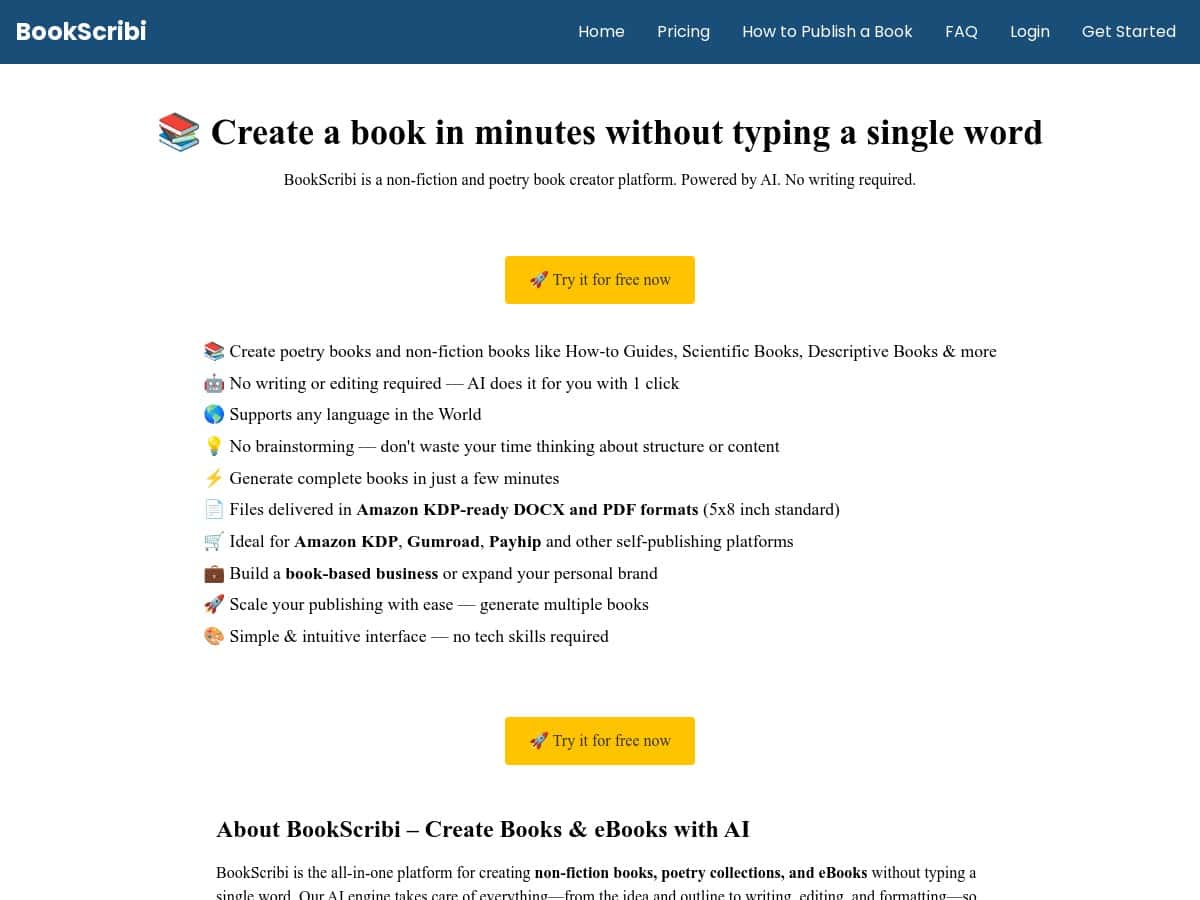
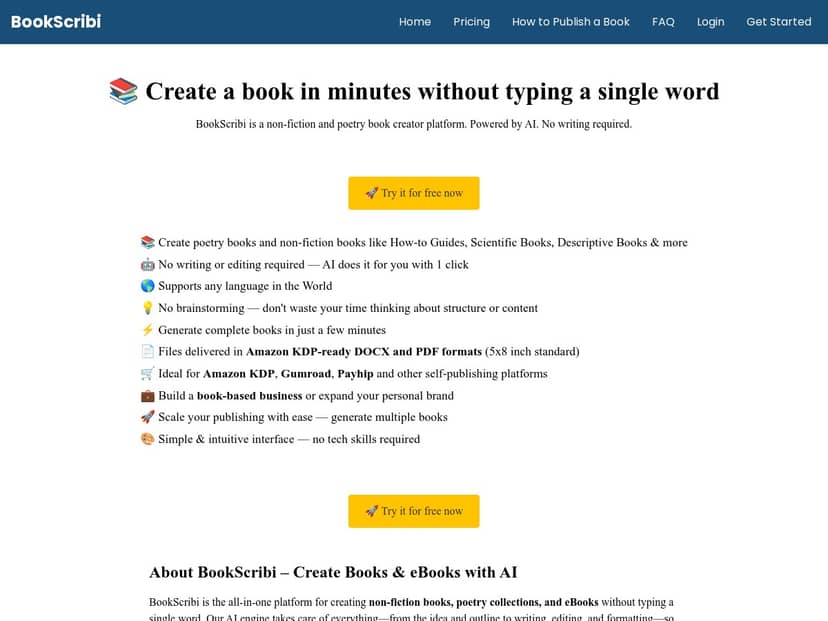
Here’s the quick version of what I noticed: you drop in a topic, pick a book type, and it generates a full manuscript fast. In my case, I had a complete draft I could review in minutes—not a “few paragraphs” situation. The output isn’t perfect out of the gate (no tool is), but it’s a solid starting point if you’re trying to get books out the door, especially non-fiction and poetry.
BookScribi Review (What I Actually Did)
Let me walk you through my workflow, because that’s where most “reviews” get vague. I’m not just talking about the idea of AI writing—I mean what I entered, what I got back, and what I had to fix.
1) Setup: topic in, book type out
When I first opened BookScribi, the interface felt straightforward. There wasn’t a ton of fiddly configuration. I basically did this:
- Entered a non-fiction topic (something niche, not a generic “history of the world” type)
- Chose the book type
- Started generation and waited for the manuscript
What I liked right away: I didn’t need to know prompts or writing frameworks. I’m sure power users can get better results with more specific inputs, but I didn’t have to “hack” anything to get a usable draft.
2) The draft I got: fast, readable, but not final
After generation, I had a full manuscript that I could skim immediately. The writing style was generally coherent—no broken sentences everywhere, no “random word salad” across every paragraph.
That said, I did notice the usual AI patterns:
- Some sections repeated the same point in slightly different wording
- Tone drift showed up in a couple of chapters (especially when transitioning from “explaining” to “advising”)
- Certain phrases sounded a bit templated—like they’d been used across many books
So no, it wasn’t “publish-ready with zero changes.” But it also wasn’t unusable. It was more like: “Here’s the skeleton. Now make it yours.”
3) My edits: where I added my voice
To make the book feel like it came from me (not a machine), I made targeted edits instead of rewriting everything. In my experience, this approach saves the most time.
- I replaced a handful of generic lines with my own examples
- I tightened a few paragraphs that felt wordy
- I adjusted transitions so the chapters flowed more naturally
- I reworded sections where the tone changed midstream
What I noticed most: the “manual work” wasn’t about fixing grammar constantly—it was more about improving consistency and adding specificity. If you’re willing to do light editing, you’ll get a much better result than if you expect perfection from the first pass.
4) Output + formatting: DOCX/PDF for print
BookScribi outputs print-ready files, including DOCX and PDF, and it uses a standard 5×8 inch format (the kind of dimensions you’d expect for common KDP-friendly layouts).
In my tests, the generated files were close enough that I didn’t feel like I had to rebuild the book from scratch. Still, I’d treat formatting as “good starting point,” not “set it and forget it.” If you’re preparing for Amazon KDP, you’ll still want to double-check margins, headers/footers, and spacing before uploading.
5) How long it took (realistic expectations)
Speed is the main reason people try tools like this, and BookScribi delivers. The generation itself is quick—my first full draft came together in minutes.
Then there’s the editing time. For a non-fiction book, my editing time was mostly about:
- clarifying a few sections
- reducing repetition
- adding my own examples
- making the tone consistent
If you’re the kind of person who absolutely refuses to edit anything, this probably won’t feel satisfying. But if you’re okay doing a pass or two, it can genuinely cut the time-to-publish.
Key Features (and what they mean in practice)
- Book types: poetry and multiple non-fiction categories (including guides and technical/scientific-style formats). In practice, choosing the right type matters—otherwise you’ll get content that doesn’t match the structure you expect.
- AI-driven creation: you’re not starting from a blank page. You’re starting from a full draft. I still had to edit, but it was far less work than writing from scratch.
- Multi-language support: useful if you plan to localize titles. It also helps if you want to target different markets without starting over.
- DOCX and PDF exports: generated in a standard 5×8 inch format. I found the layout usable for review, but I still recommend a final check for KDP.
- Fast generation: you can go from idea to manuscript quickly. This is the biggest “why it works” feature.
- Beginner-friendly interface: you don’t need to be a prompt wizard. If you can describe your topic, you can use it.
- Publishing workflow: positioned for Amazon KDP and digital storefronts like Gumroad and Payhip. The real benefit here is speed—get drafts done, then decide where to sell.
- Scalable production: it’s designed for creating multiple titles without starting from zero each time.
Pros and Cons (with the stuff people don’t mention)
Pros
- Time savings are real: I went from “idea” to “full manuscript draft” fast enough that it changed how often I could realistically publish.
- Great for niche testing: if you’re experimenting with topics, it’s much easier to generate variations and see what performs.
- Beginner-friendly: I didn’t need any special writing skills to get a decent first draft.
- Multi-language potential: if you plan localization, this can help you produce more than one version without starting over.
- Cost can be lower than human help: especially if you’re doing light editing yourself.
Cons
- Creative control isn’t perfect: I found some tone drift in a few sections, and it took edits to make the voice consistent.
- Repetition happens: some ideas showed up more than once across adjacent sections. It wasn’t constant, but it was frequent enough that I had to tighten things.
- Quality depends on the topic: some topics generated smoother, more structured content than others.
- You still need an editing pass: if your standard is “zero edits,” you’ll likely be disappointed.
Pricing Plans (what you actually get)
BookScribi has a free plan and then paid tiers. Here’s what I found useful about the pricing structure, and what I’d double-check before you commit:
- Free plan: lets you create one short book (around ~20 pages) with no credit card required.
- Paid plans: start at $14.50/month. The claim is you can produce one full book monthly up to 300 pages.
- Extra books: additional books are listed at $35 each.
One thing I always recommend: before you build a whole project, confirm the plan limits and whether page limits apply per generation, per month, or per export. That detail can make a difference if you’re planning to publish multiple titles quickly.
Who BookScribi is best for
In my opinion, BookScribi is best for:
- Entrepreneurs who want quick, niche educational books
- Educators creating guides and structured learning content
- Self-publishers testing multiple markets and topics
- Writers who don’t mind editing (because you’ll still do a pass)
If you want a “hands-off” book with no rewriting, you may not love it. But if you want speed and you’re okay polishing, it’s a practical tool.
Wrap up
BookScribi is one of those tools that makes publishing feel more doable. I liked how quickly it turns an idea into a full manuscript, and I liked that the DOCX/PDF output is built for real use. The tradeoff is that you’ll still want to edit for repetition, tone consistency, and specificity—especially if you’re aiming for a polished non-fiction voice.
If you’re trying to publish more often, experiment with niches, or get a draft out fast so you can refine it, BookScribi is worth a serious look.