Table of Contents
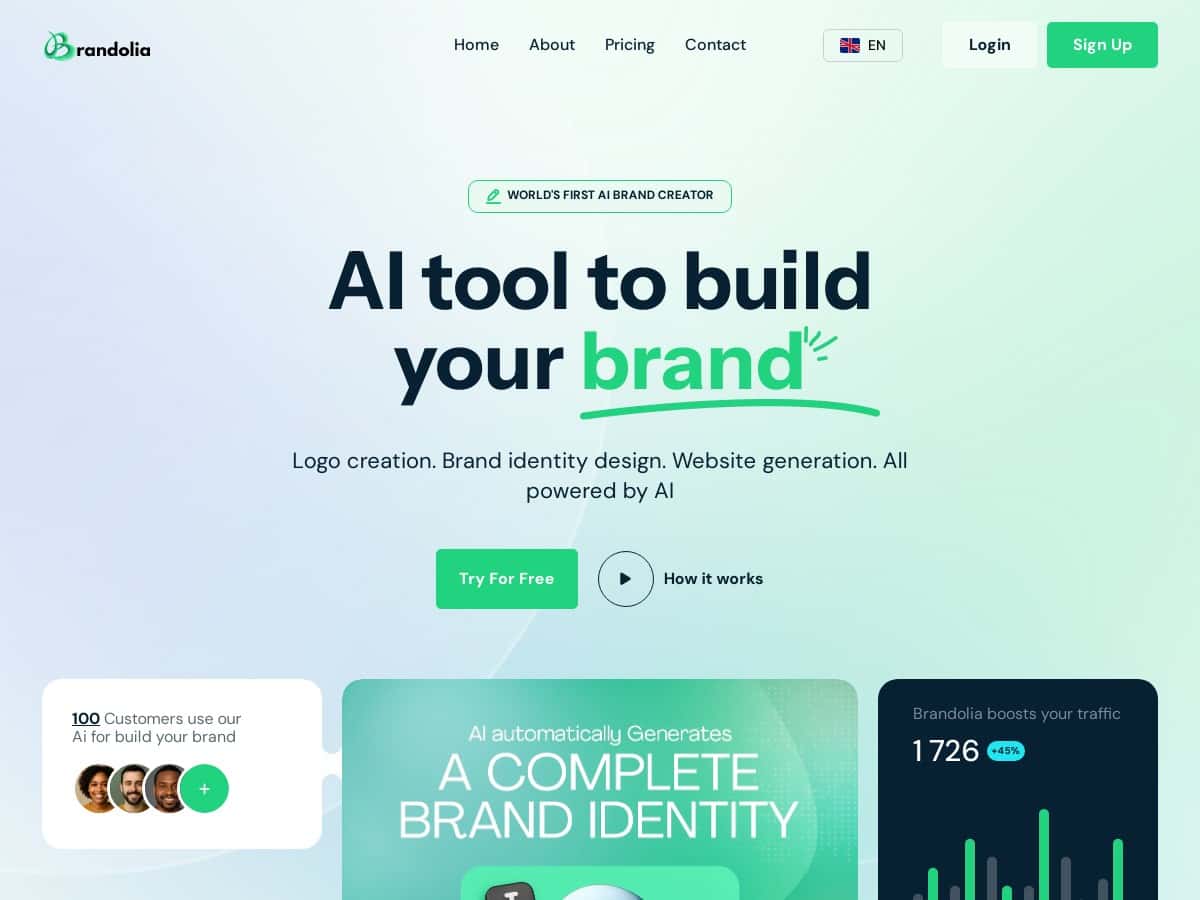
I’ve been testing AI branding tools for a while, and Brandolia stood out because it doesn’t just spit out a logo and call it a day. It pushes you toward a full brand kit (colors, fonts, slogans, etc.) and then uses those assets inside a website builder. That’s the part I cared about most—can I actually launch something cohesive without bouncing between 3–4 tools?
So here’s what I did, what I got, and where it started to feel limited.
Brandolia Review: Does It Actually Build a Usable Brand Kit?
I tested Brandolia with a pretty typical “I’m starting from scratch” scenario: I used a brand name and industry idea for a hypothetical business, then generated a set of logo directions and a brand kit. The workflow was simple enough that I didn’t feel lost, but I still wanted to see exactly what I could change and what I’d be stuck with.
My test workflow (step-by-step)
- Brand inputs: I entered a brand name and selected an industry/style direction (the kind of info you’d use for a new startup).
- Logo generation: I generated multiple logo options and compared the styles side-by-side.
- Brand kit: I then moved into the brand kit section to see what it would produce beyond the logo—specifically the color palette, font pairings, and the “brand voice” bits like slogans/taglines.
- Website builder: Finally, I used the website builder to generate a basic site using the same branding assets.
What I noticed about the output quality
Here’s the honest take: the logos and palettes looked “real”—not generic clip-art vibes. The colors felt consistent, and the website templates actually adopted the kit instead of treating branding like an afterthought.
That said, the biggest difference between “looks good” and “ready to publish” is control. Brandolia does customization, but it’s more like steering a smart system than fully hand-editing every design decision. If you’re picky about kerning, icon geometry, or exact typography details, you’ll probably want more manual options than what I saw.
Brand kit consistency: where it impressed me
One thing I liked: once the brand kit is generated, the website sections generally stay consistent with the kit. The header/logo placement and the color accents matched the palette I selected. It saved me time because I didn’t have to manually recolor buttons, headings, and backgrounds across pages.
Still, I did run into a common limitation with AI branding tools—when you change one element, other pieces don’t always update with the level of precision you’d expect from a designer workflow. For example, you can adjust branding, but you may not get pixel-perfect control over every component.
Export and “can I use this elsewhere?”
This is where I always check, because a logo that can’t be exported cleanly is basically trapped inside the tool.
In my testing, the free tier felt like a preview. It’s fine for trying styles and getting a feel for the vibe, but you shouldn’t assume you’ll be able to use everything commercially or export every asset in the formats you want. If you’re serious about publishing (and especially if you want a custom domain), you’ll likely need to move up to a paid plan.
Brandolia output quality vs. typical alternatives
I compared the experience mentally to tools like Canva-style editors and logo generators (including ones that focus only on a mark). The advantage Brandolia has is the “all-in-one” flow: logo → kit → website. In practice, that means fewer moments where you think, “Okay… now I have to rebuild the brand on a site.”
But if you already know you want a custom-designed identity (or you want to match an existing brand guide), you may find Brandolia too limiting. It’s great for creating from scratch fast, not for replicating a very specific design system.
Website builder + SEO: what you should expect
Brandolia’s website builder is built to get you live quickly. What I liked is that it uses your branding assets automatically, so you’re not manually styling a template.
What I didn’t fully love is that SEO control didn’t feel as deep as what you’d get from a dedicated CMS setup. You can still create a proper branded site, but if you’re optimizing heavily (page-by-page metadata, advanced schema, complex redirects), you may need extra tools or a more flexible platform later.
If SEO is a top priority, I’d treat Brandolia as a fast launch tool first, then refine with your own SEO workflow once the site is live.
Key Features That Matter (Not Just Marketing Bullets)
- AI-powered logo and visual identity generation — you get multiple directions instead of a single “take it or leave it” logo.
- Complete brand kit — logos, colors, fonts, and tagline/slogan-style text help you keep everything consistent.
- User-friendly interface — it’s beginner-friendly. I didn’t need tutorials to get from inputs to first results.
- Multi-language support — useful if your brand will target more than one market.
- Personalized branding suggestions — the system nudges you based on the inputs you choose.
- Ongoing brand refinement options — you can keep iterating instead of generating once and stopping.
- Website creation with branding assets — the kit isn’t just decorative; it’s used in the site workflow.
- AI assistant (Oscar) — helpful for customization tweaks without digging through tons of settings.
Pros and Cons (Based on What I’d Actually Notice)
Pros
- Speed: you can go from “blank page” to a branded logo + kit + basic site much faster than doing it manually.
- Time-saving consistency: the website uses your kit, so you don’t waste time matching colors/fonts everywhere.
- Beginner-friendly: you don’t need design skills to get something that looks professional.
- All-in-one workflow: fewer tools, fewer handoffs, fewer “export/import” headaches.
- Good first drafts: the results look like legitimate branding concepts, not placeholders.
Cons
- Free plan is limited: it’s more of a preview than a fully usable branding package. For example, it generates only a small number of brand options, so you don’t get much room to iterate.
- Paid features unlock the “real” stuff: things like custom domain support and broader website publishing options generally require upgrading.
- Design control isn’t designer-level: you can customize, but you’re still working within the system’s constraints.
- Website setup may feel a bit technical for some: if you want a fully customized launch (domain, publishing details, etc.), you might need to follow steps carefully.
Pricing Plans (What You Actually Get)
Brandolia’s pricing is structured around how many brand generations you get and how much website/publishing capability you unlock. Here’s the breakdown as it’s presented:
- Free plan: basic features for trying things out (good for testing the workflow, not ideal for a full launch).
- Basic: $4.90/month — includes more brand generations and additional features.
- Standard: $8.90/month — adds scaling options for when you’re ready to build out more.
- Premium: $49.92/month — 100 brand generations plus hosting for a professional website.
Quick comparison (based on what’s emphasized in the plans)
| Plan | Brand generations | Brand kit + website workflow | Hosting / publishing | Best for |
|---|---|---|---|---|
| Free | Limited (enough to test) | Preview-level | Not positioned as a full launch | Trying the concept |
| Basic ($4.90/mo) | More than free | More usable iterations | Upgrade path toward launch | Small projects / early-stage brands |
| Standard ($8.90/mo) | Further scaling | Better for expanding your brand options | More complete publishing experience | Freelancers building multiple assets |
| Premium ($49.92/mo) | 100 | Strongest for brand iteration | Includes hosting | Serious launches |
My practical advice: If you’re just testing, start with Free. If you want to publish a real branded site (and especially if you care about custom domain setup), plan on upgrading. In my experience, the “preview” phase is where people lose time—they keep generating and tweaking and then realize they need a paid tier to finish the job.
Wrap up
Brandolia is one of those tools that makes sense if your goal is speed and cohesion. I like that it takes you from logo ideas to a brand kit and then into a website without making you do all the glue work manually.
Just don’t expect it to replace a graphic designer if you need deep typography control or highly specific brand system rules. It’s best for startups, freelancers, and anyone who wants a solid, publishable brand foundation quickly—even if you’ll refine later.
If you want an all-in-one branding workflow that gets you moving today (not someday), Brandolia is worth a try.