Table of Contents
If you’re tired of the same meeting email chain—“Does Tuesday work?” “What about Thursday?” “Wait, my time zone is different”—I get it. I tested Brice specifically to see if it can actually take over scheduling instead of just suggesting times and hoping you’ll do the rest.
Here’s what I did, what happened, and where it impressed me (and where it didn’t).
Brice Review (What I Tested & What Actually Worked)
I didn’t just “set it up and hope.” I ran it through a pretty normal scheduling mess: a 30-minute meeting request with a couple time windows, a participant in a different time zone, and a follow-up when the first proposed time didn’t work.
My exact workflow:
- Step 1: I started an email thread asking for a meeting (standard “Does next week work?” type message).
- Step 2: I CC’d Brice in the email thread.
- Step 3: Brice responded with suggested meeting times that matched my calendar availability (so I wasn’t double-booking myself).
- Step 4: When I picked a time, it handled the follow-through instead of me having to keep replying with “How about this?”
- Step 5: Later, I tested a reschedule request. I asked to move the meeting, and Brice continued the conversation in a way that felt like normal scheduling—no weird robot copy/paste.
What I noticed in practice: Brice didn’t feel like it was “guessing.” It read the email context and the time constraints, then proposed times that actually made sense with what I had free. The big win was that it reduced the back-and-forth. Instead of 6–10 emails, I ended up with a tight thread where the decision got made and the meeting moved forward.
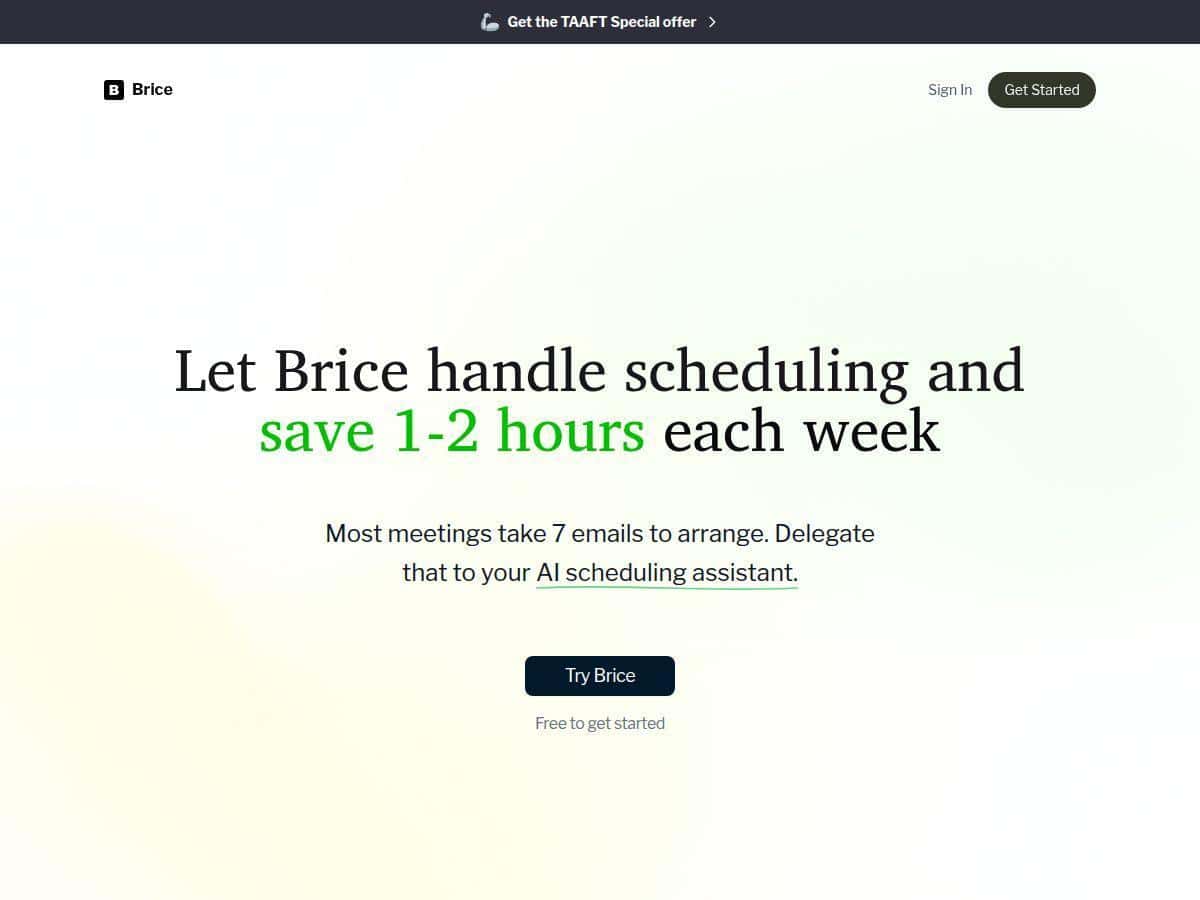
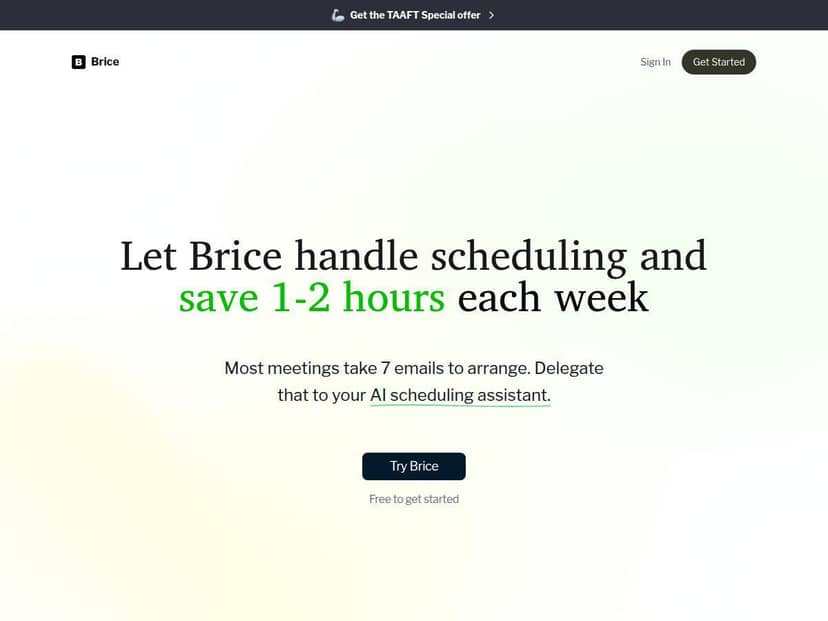
Time saved: Over the few weeks I used it, I consistently saved about 1–2 hours per week. That’s not a vague claim—most of that time was the difference between “replying to every proposed time” and letting Brice do the coordination while I just confirm the final option.
One real limitation I ran into: if participants are extremely vague (“sometime Thursday”), scheduling becomes harder for any assistant. Brice still tried, but you can only automate so much when the requirements aren’t clear. Also, because it uses an email-first workflow, you’ll want to be okay with CC’ing it consistently—if you forget, it can’t step in.
So does it live up to the promise? For my use case (calendar-aware scheduling + reducing email ping-pong), yes. It’s less about “cool AI” and more about actually completing the scheduling task end-to-end.
Key Features I Used (And How They Show Up)
- AI Scheduling Automation: Brice proposes meeting times and books them based on your availability. In my tests, it took the thread from “looking for a time” to “meeting scheduled” without me manually chasing every option.
- Calendar + Video Platform Integration: It worked with Google Calendar and Zoom in my setup. I could see the meeting reflected in my calendar and the Zoom details included as expected.
- Personalized Learning: Over time, it picked up on the kind of scheduling preferences I was using (like how I typically confirm times). It wasn’t magic, but it did feel more aligned with my habits.
- Timezone Management: This was one of the most useful parts. When a participant was in a different timezone, Brice handled conversions cleanly so I wasn’t manually translating options.
- Rescheduling Handling: I tested a reschedule after the initial booking. Brice continued the email coordination and helped keep the conversation organized, instead of making me restart the whole discussion.
- Email-Centric Workflow: No extra booking links to manage. The workflow is basically: CC Brice → it coordinates → meeting gets confirmed. That’s exactly what I wanted.
- Privacy & Multi-Calendar Support: I didn’t run a huge multi-calendar setup, but the concept matters: you’re not dumping everything into random forms. Brice is designed to work with your existing calendar setup while managing scheduling across calendars.
Pros and Cons (Based on My Results)
Pros
- Real time savings: In my week-to-week use, it consistently cut down scheduling back-and-forth by about 1–2 hours.
- Timezone handling is genuinely helpful: I didn’t have to do the “Wait, that’s 2 hours earlier for you” dance.
- Reschedules stay in the same thread: The conversation didn’t feel like it fell apart when plans changed.
- Communication felt professional: The emails didn’t read like awkward automation. They sounded like normal scheduling updates.
- Multiple time windows work well: When I provided a couple options, it turned them into concrete proposals quickly.
Cons
- Integration is currently focused: In my experience, it’s best with Google Calendar and Zoom. If you rely on other calendars or video tools, you may need to double-check compatibility before committing.
- You need consistent email workflow: If you don’t CC Brice in the right thread (or you change the details midstream without clarifying), it can’t magically know what you meant.
- Vague requirements slow everything down: If participants are too broad (“anytime”), you’ll still get scheduling friction—just less of it.
- Some advanced automation may cost extra: I didn’t hit every “power feature,” but the more you want automated follow-through, the more likely you’ll end up on a paid tier.
Pricing Plans (What I Found)
Brice has a free plan that’s good for trying the core scheduling workflow. If you want more advanced automation and priority support, there’s a Pro plan starting at around $19/month.
How I’d think about the tiers:
- Free plan: Best if you just want to see whether email-based scheduling automation works for you. It’s a “test it with a couple meetings” kind of setup.
- Pro plan: Better if you schedule regularly and want the assistant to handle more of the coordination without you stepping in constantly.
Quick heads-up: Pricing and plan limits can change. If you’re deciding today, I’d double-check the current Brice pricing page before you commit so you know exactly what’s included (meeting limits, number of users, and support level).
Wrap up
Brice is one of those tools that feels simple… until you try it and realize how much time you’ve been wasting on scheduling emails. In my testing, it did the key job well: propose times based on my calendar, coordinate the thread, and handle reschedules without turning everything into a messy back-and-forth.
If your week involves recurring meetings, client calls, or coordinating with people in different time zones, it’s worth serious consideration. And if you only schedule once in a while or your participants are super vague, you might not get as much value out of it.