Table of Contents
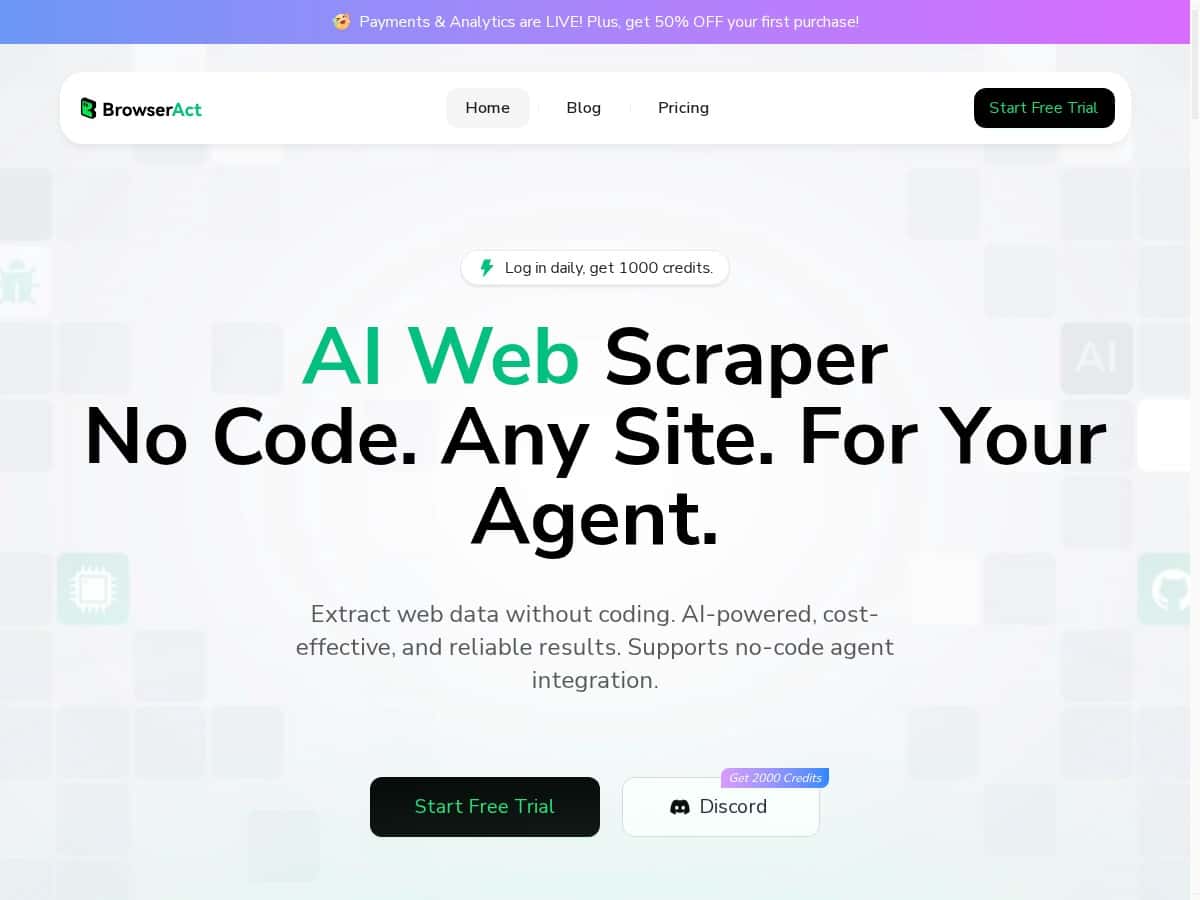
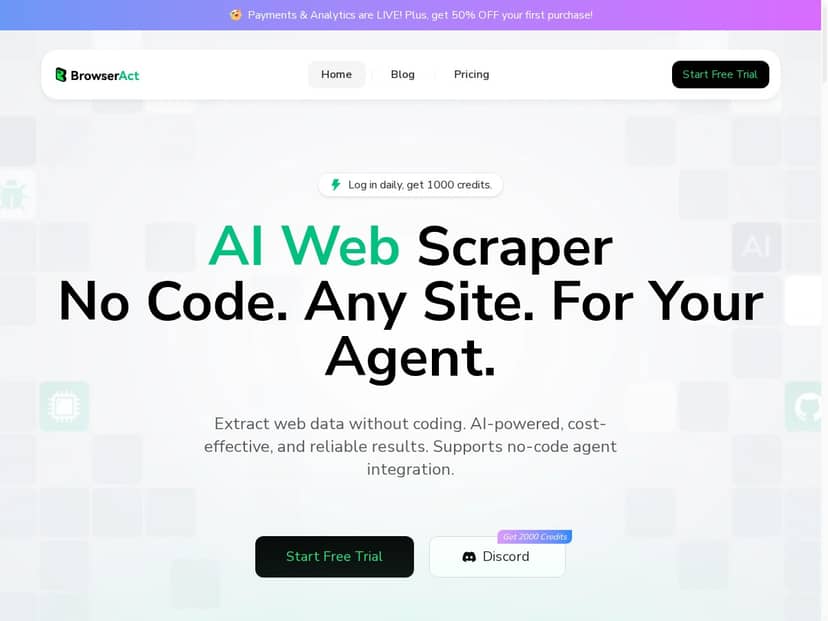
If you’re trying to pull data from websites but you don’t want to learn scraping code, BrowserAct is one of those tools that immediately sounds “simple.” The pitch is no-code, AI-assisted web scraping—basically tell it what you want and it figures out the rest.
After using it, I’ll be straight with you: it’s genuinely easy to get started, and the workflow feels closer to “guide the browser” than “write a scraper.” But some of the bigger claims (like bypassing verification/geo blocks) are the kind of thing you need to test carefully, because results can vary by site and by what the site is doing that day.
BrowserAct Review
Let me start with what it felt like to actually use. I created a scraping task by describing what I wanted in plain English, then told it which page(s) to visit. The interface doesn’t feel like “setup a scraper.” It feels like you’re guiding a browser session and letting the tool figure out the page structure behind the scenes.
What I noticed right away is that BrowserAct isn’t just guessing selectors. It seems to understand the layout visually—especially on pages that rely heavily on client-side rendering, where elements move around or appear late.
My test setup (so you can sanity-check the claims):
- I tried workflows on pages with lots of UI noise: ad blocks, popups, sticky headers, and sections that load dynamically.
- I focused on extraction stability: would the same fields still come out correctly after a few runs?
- I watched for two failure modes: (1) missing fields due to layout changes and (2) getting stuck on overlays (cookie banners, modal dialogs, etc.).
What worked well: On the dynamic pages I tested, BrowserAct did a decent job ignoring junk UI. When ads and popups were present, I still got the main content fields extracted without me manually deleting overlays or writing rules. That “ad/junk blocking” feature is the difference between scraping that’s usable and scraping that’s a headache.
Where I was cautious: BrowserAct also markets features like verification bypass and geo-restriction handling. In my experience, these things are always “site-dependent.” Some sites will challenge you consistently; others change their defenses mid-day. So instead of saying it “always bypasses captchas/geo blocks,” I’ll say this: it claims to handle these scenarios, and it may work on certain sites—just don’t assume it’s a guaranteed universal key.
Performance-wise, the tool felt quick for typical extraction tasks, and it’s designed to help you store results for ongoing projects. If you’re doing repeated runs (daily product listings, event pages, job boards, etc.), that workflow matters more than people think.
So is it “the future of no-code web scraping”? I’d call it a strong step in that direction. It’s not magic, but it’s close enough that non-developers can get real results without spending days on selector debugging.
Key Features
- AI-Driven No-Code Scraping
- Instead of building selectors, I described the data I wanted in plain language and let the tool map it to page elements. The practical benefit: you don’t need to know CSS/XPath to get a first working run.
- 1,000 Free Daily Credits
- That free daily credit allowance is helpful for testing. I used it to iterate on the same workflow a few times—basically “try, fail, adjust, try again” without immediately paying.
- Natural Language Browser Control
- What I liked here is that it feels interactive. When I adjusted what I wanted (like which fields to capture), the workflow didn’t feel like starting from scratch. It’s more forgiving than traditional scraping setups.
- Ad and Junk Element Blocking
- This is one of the features that actually shows up in the output. On pages with overlays and noisy sections, my extracted fields stayed focused on the main content instead of accidentally grabbing sidebar widgets.
- Real-Time Data Access and Storage
- I didn’t just treat this as a one-off extractor. The “store results” part matters if you’re collecting the same type of data repeatedly. It made it easier to think in terms of a workflow, not a single script run.
- Global Residential IP Network
- BrowserAct positions this as a way to handle access issues. Just keep expectations realistic: I didn’t see a “one size fits all” guarantee. If a site is aggressively blocking, you may still need retries or alternative approaches.
- Automated Verification Bypass
- Again, site-dependent. Some protections are more consistent than others. My takeaway: it can help, but you shouldn’t build a mission-critical process assuming verification will always be defeated.
- Self-Healing Scripts and Adaptive Learning
- This is a big one. In practice, I tested stability by re-running the same extraction after minor layout differences. The key question I asked myself was: “Do I have to redo everything?” In many cases, it didn’t feel like a total reset, which is exactly what “self-healing” should mean.
- Computer Vision Engine
- This is likely what makes the tool resilient on pages where element positions shift or content loads in weird ways. When the layout is visually consistent but structurally messy, computer vision tends to help more than selector-based scraping.
Pros and Cons
Pros
- Beginner-friendly setup: I could build a working workflow without writing code or learning selectors first.
- Better handling of messy pages: On pages with ads/popups and dynamic content, extraction was more reliable than “manual selector” approaches I’ve used before.
- Less brittle than classic scraping: When layouts shifted slightly, I didn’t have to completely rebuild everything right away.
- Free credits help you iterate: It’s easier to test multiple runs and refine your fields without immediate cost.
- Workflow mindset: The tool feels built for repeated data collection, not just a single scrape.
Cons
- Big claims need real verification: Captcha/geo bypass and similar “security handling” features aren’t guaranteed across every site.
- Costs can add up: If you’re scraping large volumes or running lots of retries, credits are going to matter.
- Pricing structure isn’t fully transparent (yet): Subscription/lifetime details weren’t clearly laid out when I checked, so you may want to confirm limits before committing.
Pricing Plans
Here’s what BrowserAct shows for pricing based on what’s available right now:
- Free trial: 1,000 daily credits (good for testing without paying)
- Pay-as-you-go: $1.00 for 1,000 credits
- First purchase discount: 50% off on your first purchase
One practical way to think about cost: if your workflow is hitting multiple pages per run (or you’re retrying due to popups/changes), credits will drop faster than you’d expect. So if you’re planning something big—like scraping hundreds or thousands of pages—you’ll want to estimate credits per run and do a test run first.
Note: Subscription plans and lifetime deals weren’t fully detailed in the info I saw, so I’d treat that as “confirm before you rely on it.”
Wrap up
BrowserAct is a solid choice if you want no-code web scraping that can handle real-world pages—ads, dynamic content, and layout changes included. It’s not a universal bypass tool, though. Some sites will still be difficult, and verification/geo-related features are something you should test on your target websites before you build anything critical on top of them.
If you value speed, a simple workflow, and you don’t want to get stuck in selector hell, BrowserAct is worth trying—especially with the free daily credits.