Table of Contents
If you want to turn raw footage into scroll-stopping shorts without spending hours in a timeline editor, Bytecap is the kind of tool you’ll probably try “just to see.” I did exactly that—after a couple of weeks of testing, I ended up using it more than I expected.
For my tests, I focused on short-form repurposing (TikTok/Shorts/Reels style). I uploaded a few longer clips, let Bytecap generate an edit with captions, then regenerated a couple variations to see how stable the results were. What I liked most was how quickly it gets from “I have footage” to “I have something I can actually post.” What I didn’t love was that some features still feel a little opaque until you’ve clicked around a bit—and the pricing can add up if you’re generating lots of versions.
Bytecap Review: What I Actually Got After Testing It
I’ve been experimenting with Bytecap for a few weeks now, and I’m honestly impressed—but not in a “magic happens every time” way. It’s more like: once you understand the workflow, it’s fast, it’s pretty intuitive, and it produces usable short-form edits without you needing to be an editor.
Here’s what I tested (so you can picture the results): I took a few longer clips in the “creator talking + b-roll” category and ran them through Bytecap’s AI edit flow aimed at short-form. I focused on getting captions right, checking whether the reframing felt natural, and seeing how often regeneration improved the output.
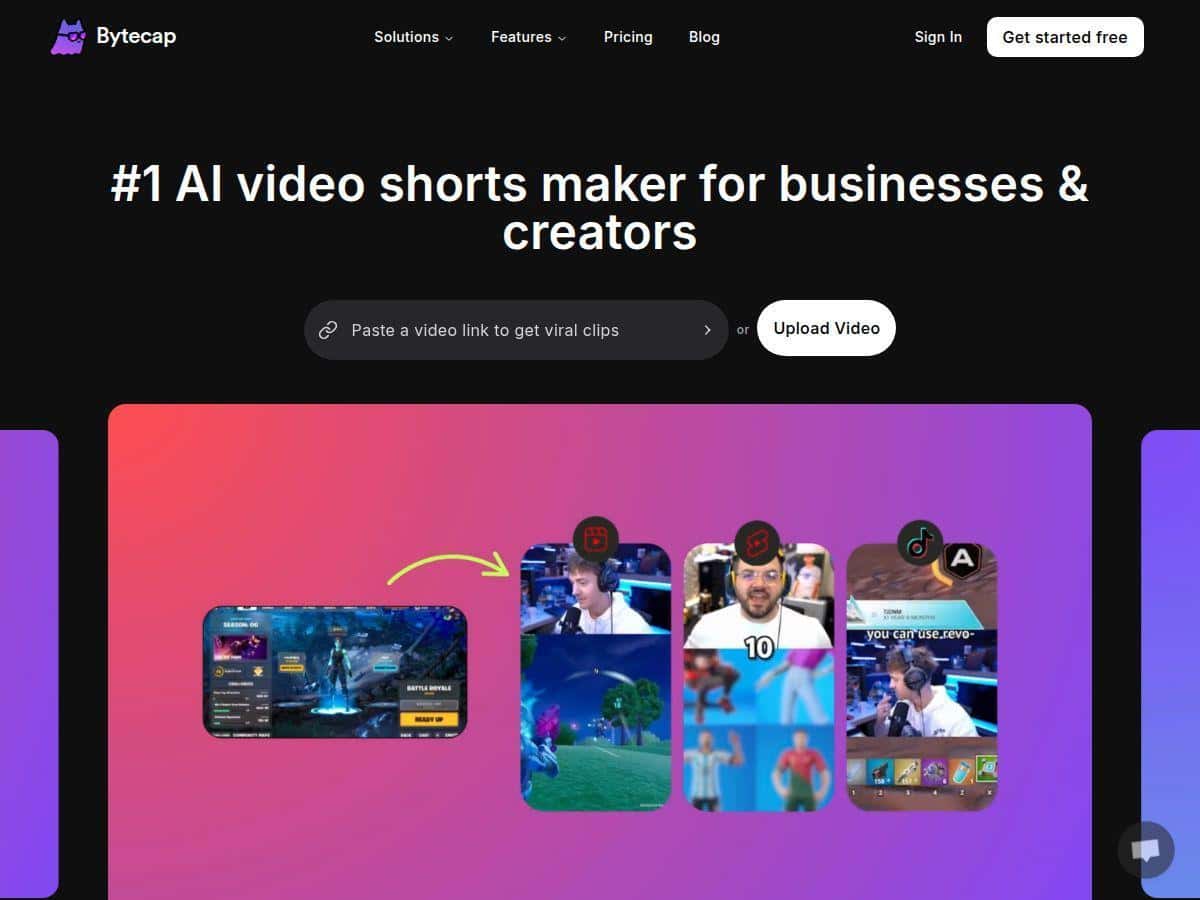
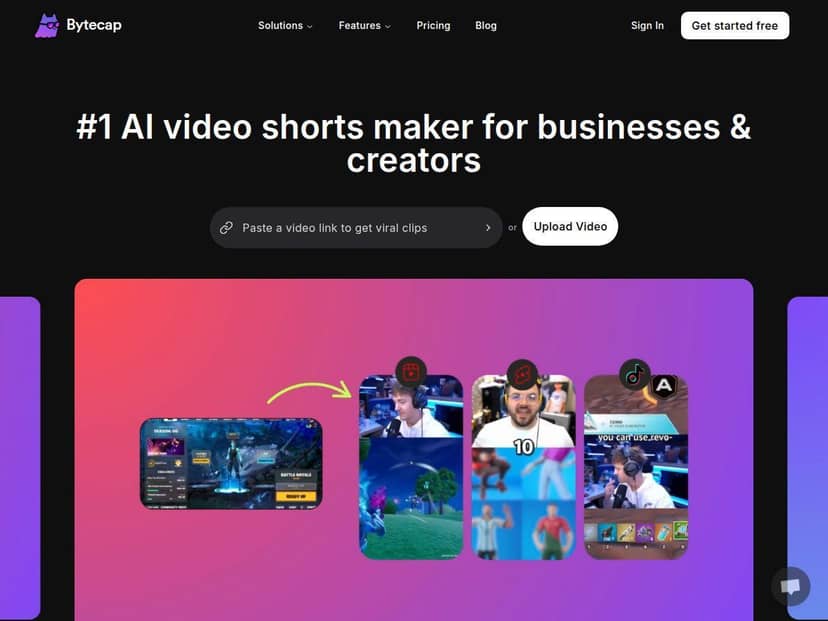
Before/after vibe: the “before” was just longer footage with no real packaging. The “after” was a tighter, more social-ready cut with on-screen captions and motion-style visuals. In my experience, the biggest jump wasn’t just speed—it was consistency. Even when I regenerated, the edits still looked like they belonged together (same style family, same general pacing).
Captions: the automated captioning is good, but it’s not perfect. On my sample, it handled most common phrasing well, but I did notice occasional timing quirks—like a word that landed a beat early/late, or a short phrase that didn’t match the audio exactly. Still, I’d rather fix a couple caption moments than build the whole thing from scratch.
Regeneration: regeneration is one of the features that makes this tool feel “worth it.” Instead of starting over, I could rerun the edit and get a noticeably different cut. I didn’t time every run with a stopwatch, but I did notice that the turnaround was fast enough that “try 2–3 variations” doesn’t feel painful.
Resizing/reframing: this is where Bytecap saved me time. I generated edits targeted for short-form framing and didn’t have to manually crop or reposition everything. The result wasn’t always perfect (no AI reframing is), but it was close enough that I didn’t feel like I had to babysit it.
Overall, Bytecap feels built for people who want output quickly and don’t want to fight editing software. If you’re the type who enjoys tweaking every transition manually, you might find it limiting. But if you want “publish-ready” content without the rabbit hole, it delivers.
Key Features (and What I Noticed Using Them)
- AI video creation with scripts + motion visuals
- In practice, Bytecap does the heavy lifting: it turns your input into a structured short with movement and pacing. I didn’t have to think about where the beat drops or how to bridge segments—it just handled that part.
- Support for 99+ languages
- This matters if you’re repurposing internationally. I tested the workflow enough to confirm the language selection is there, but I didn’t run a full multilingual campaign in every language. Still, it’s useful if that’s part of your strategy.
- 40+ visual styles (or custom styling)
- What I liked: switching styles didn’t completely break the edit. What I didn’t love: some styles are more “loud” than others, and for certain niches (like tutorials), you’ll want to choose carefully so it doesn’t distract from the message.
- Edits + regeneration
- Regenerating is where I spent most of my time. It’s easy to iterate until the captions and pacing feel right. If you’re the kind of person who hates publishing anything “almost,” you’ll appreciate this.
- Auto-resizing for TikTok, YouTube Shorts, Instagram Reels
- This is one of those features you don’t fully value until you’ve wasted an hour cropping and re-rendering. Bytecap handles the framing so you can focus on the content.
- AI voiceovers (ElevenLabs + OpenAI tech)
- The voice output is generally solid, but it depends on the input and style. In my tests, pacing was usually good, and pronunciation was understandable. I still recommend listening to the final audio before posting—especially if your niche includes names, brand terms, or niche vocabulary.
- Customizable captions, effects, transitions
- Captions can be edited, and you can tweak the look. I found this helpful when the auto captions got a small phrase wrong.
- Smart clipping + AI reframing
- Bytecap tries to extract the most “short-form” moments. Sometimes it nails the hook. Sometimes it grabs a bit too late or too early. Regeneration fixes a lot of that.
- Scheduling/publishing automation
- I didn’t fully stress-test scheduling across every platform, but the idea is there: you can package content for social without bouncing between tools constantly.
Pros and Cons From My Testing
Pros
- Beginner-friendly interface — I could jump in without a long learning curve.
- Fast iteration — regeneration makes it easy to test different cuts without restarting.
- Solid short-form packaging — captions + reframing + style choices come together quickly.
- Multilingual capability — useful if you plan to localize content.
- Customization is there — you’re not stuck with whatever the AI picks.
- Ongoing improvements — the platform feels active, not abandoned.
Cons
- It’s still AI — you’ll occasionally need to fix caption timing or phrasing.
- Subscription cost can get real — if you regenerate a lot or produce daily, credits/limits can matter.
- Cloud-based means you’re dependent on internet — expect upload/render time and a stable connection.
- Free plan limitations — watermarks and restricted capabilities can make it feel like a “demo,” not a production setup.
Pricing Plans (What Bytecap Costs + What’s Included)
Important: pricing can change, so I’m basing the details on what’s stated in the review text you provided. If you’re deciding today, I recommend you verify the live numbers on the Bytecap site before committing.
From the information available here, Bytecap includes:
- Free plan: basic features, with watermarked videos.
- Lite plan: starts at $14/month, with limited credits (meaning you can only generate/edit a certain number of outputs before you hit the cap).
- Pro plan: around $35/month, aimed at unlocking full workflow features like 4K exports, unlimited editing, and automated publishing.
One thing I’d double-check on the live pricing page (because this is where people get surprised): whether 4K exports are truly included on Pro for every export type, or only for certain formats/outputs. If Bytecap uses credit-based rules for high-resolution renders, that can change the real-world cost of “unlimited.”
If you want the latest and detailed pricing breakdown, use Bytecap’s official site (and compare plan features side-by-side before you upgrade).
Wrap up
Bytecap is a strong option if your goal is simple: take longer footage and turn it into short-form videos with captions, reframing, and a clean style—fast. In my experience, the regeneration flow and auto resizing are the two features that make it feel genuinely practical, not just “cool AI.”
Just don’t expect perfection on the first run. Captions and phrasing can need a little cleanup, and the pricing/credits can matter if you’re generating multiple variations every day. If you’re okay with that and you want speed over micromanaging, Bytecap earns a spot in my short-form workflow.