Table of Contents
Are you an amateur music producer struggling to bring your ideas to life? If so, you’re not alone! Many budding artists face the challenge of turning their unique musical visions into polished songs. Cadenza offers a powerful solution that might just change everything.
In this Cadenza Music review, we’ll explore how this innovative AI-driven tool simplifies music production for beginners and provides an affordable gateway to professional-quality output. Keep reading to discover the features that make Cadenza a game-changer for aspiring musicians.
Cadenza Music review
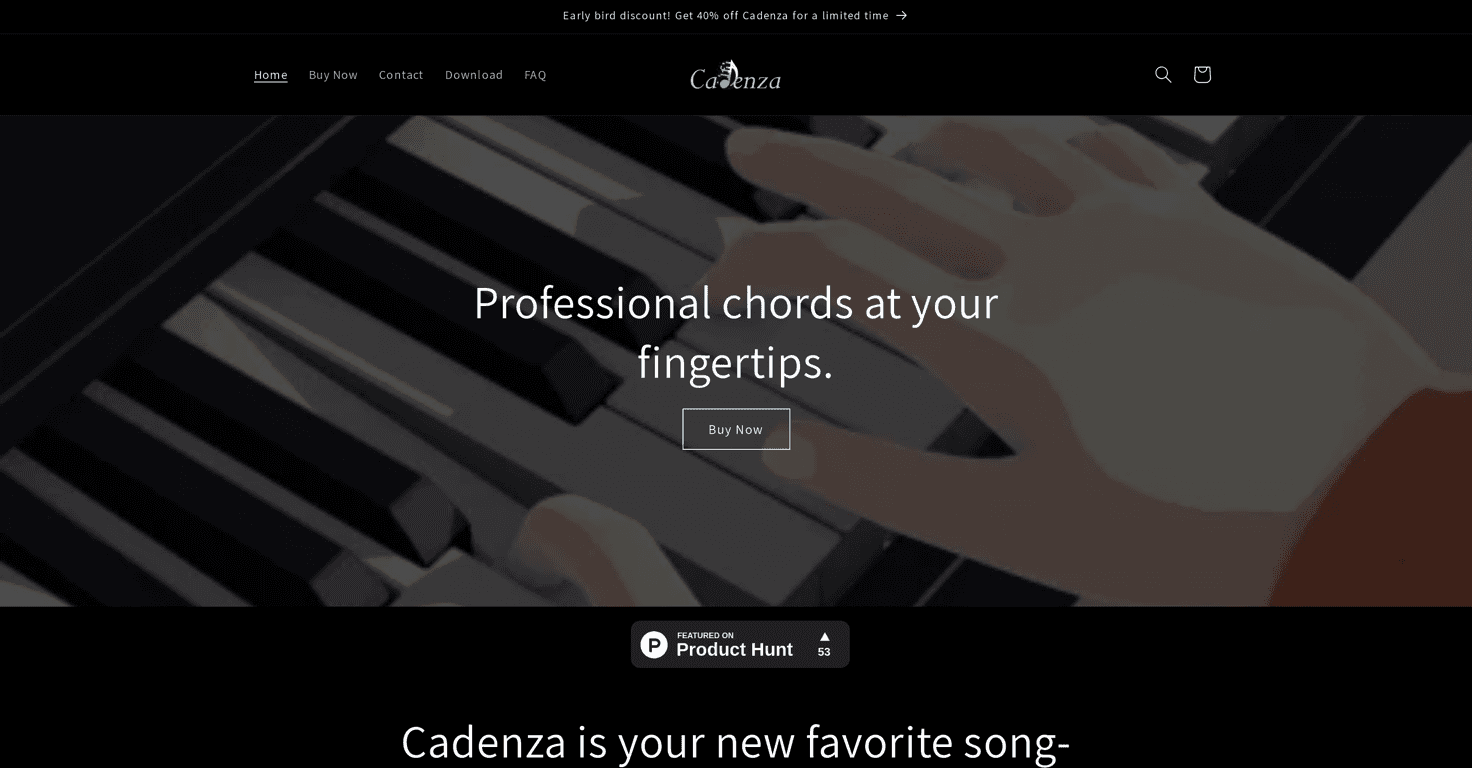
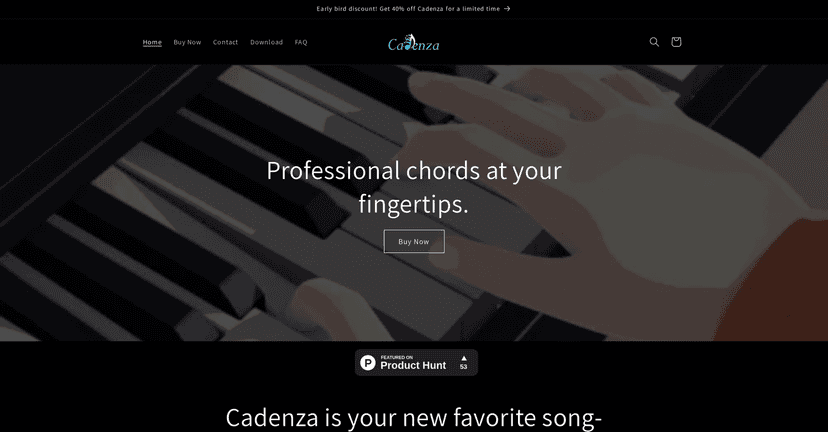
Cadenza is an AI-driven music production tool designed specifically for amateur producers. It leverages advanced algorithms to generate MIDI chord progressions based on the user’s requirements, helping to create smooth transitions and a cohesive musical style. Whether you’re starting a new project or need inspiration for your current track, Cadenza aims to make the songwriting process easier and more enjoyable.
Using Cadenza, you can describe the type of chords you want, and within moments, the AI will generate a series of MIDI progressions that align with your vision. This real-time generation allows for an uninterrupted creative flow, making it a fantastic option for those who may feel overwhelmed by the technical aspects of music production.
Key features
Cadenza comes packed with features that enhance the user experience and amplify creativity. Some key features include:
– **AI-Powered Chord Generation:** Tailor your music by simply describing the chords you have in mind, and let the AI do the rest, producing MIDI progressions that match your description.
– **Real-Time Generation:** The instant feedback provided by the AI means you can adjust your ideas without any delays, facilitating a seamless creative experience.
– **DAW Compatibility:** You can easily drag the generated MIDI files into your preferred Digital Audio Workstation (DAW) for further refinement.
– **User-Friendly Interface:** Designed with accessibility in mind, Cadenza’s intuitive platform invites amateur producers to dive right into the world of music creation.
Pros and Cons
Like any tool, Cadenza comes with its advantages and disadvantages:
**Pros:**
– **Simplifies Music Creation:** Greatly streamlines the songwriting process, allowing beginners to focus more on creativity.
– **Customizable Outputs:** The ability to customize prompts leads to varied and exciting musical outcomes.
– **Cost-Effective:** With a price that is quite affordable, Cadenza opens doors for emerging artists seeking professional-quality tools.
**Cons:**
– **Dependency on AI:** Some users might find that relying on AI takes away from their unique creative touch.
– **Learning Curve:** Newcomers may take a bit of time to maximize the platform’s potential fully.
Pricing Plans
Currently, Cadenza is available for **$30.00 USD**, discounted from the regular price of **$50.00 USD** during an early bird promotional period. This affordable price makes the tool accessible to a wide range of users, especially those just starting out in music production.
Wrap up
In conclusion, Cadenza Music proves to be a valuable ally for anyone looking to elevate their music production game. By simplifying the process of generating high-quality MIDI chord progressions, it empowers amateur producers to bring their musical ideas to life with ease. If you’re ready to unleash your creativity without the complexities of traditional production methods, give Cadenza a try!