Table of Contents
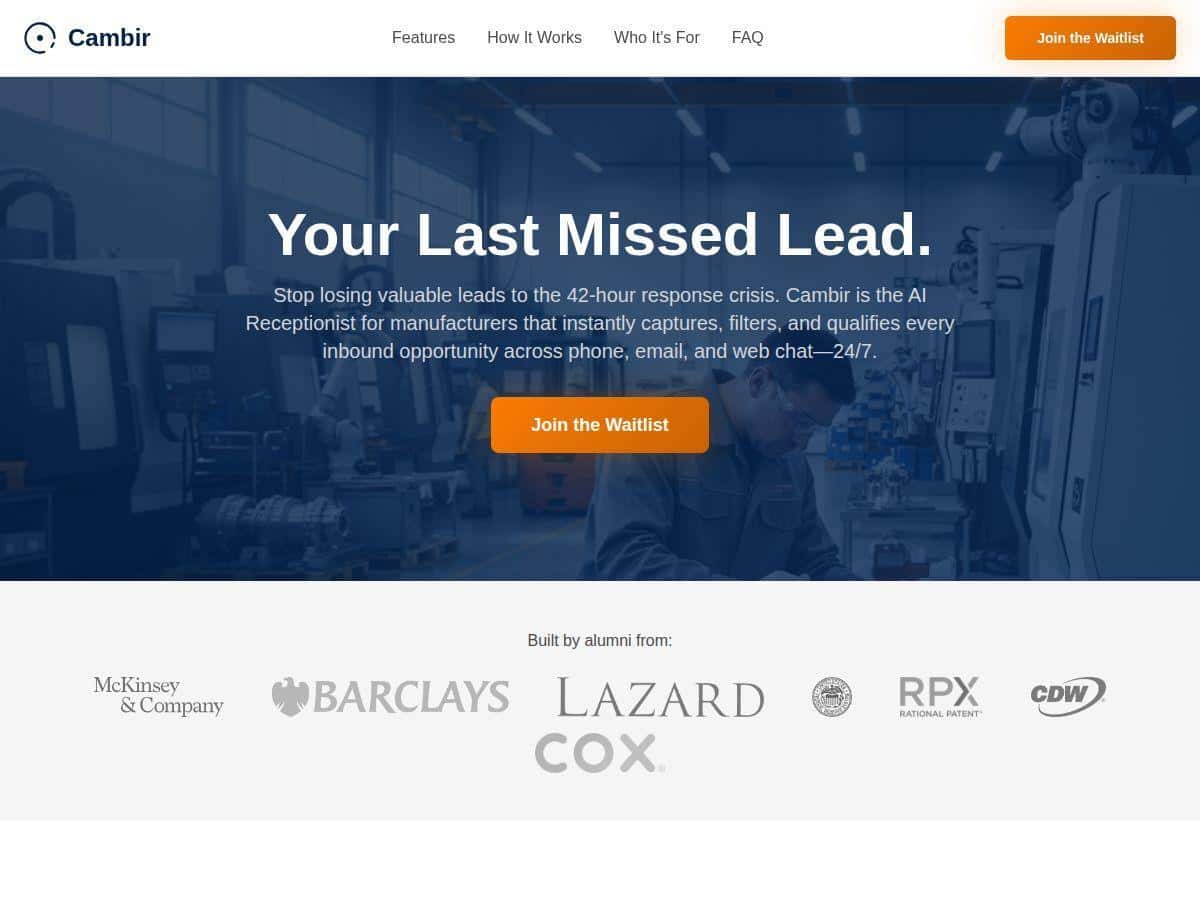
Ever have that sinking feeling when you’re away from your phone and you know you just missed a “hot” lead? That’s exactly what I was trying to fix, and that’s why I gave Cambir a real test as an AI receptionist. The promise is pretty straightforward: 24/7 inbound call coverage, prospect qualification, and then pushing the best leads into your CRM so your team can follow up fast.
In my experience, the setup didn’t feel like a “project.” It was more like configuring a system. Once it was connected, it handled the calls consistently—answering, asking the right questions, and capturing details for follow-up. And yeah, the transcripts were genuinely useful when I wanted to understand what happened on a call without replaying everything.
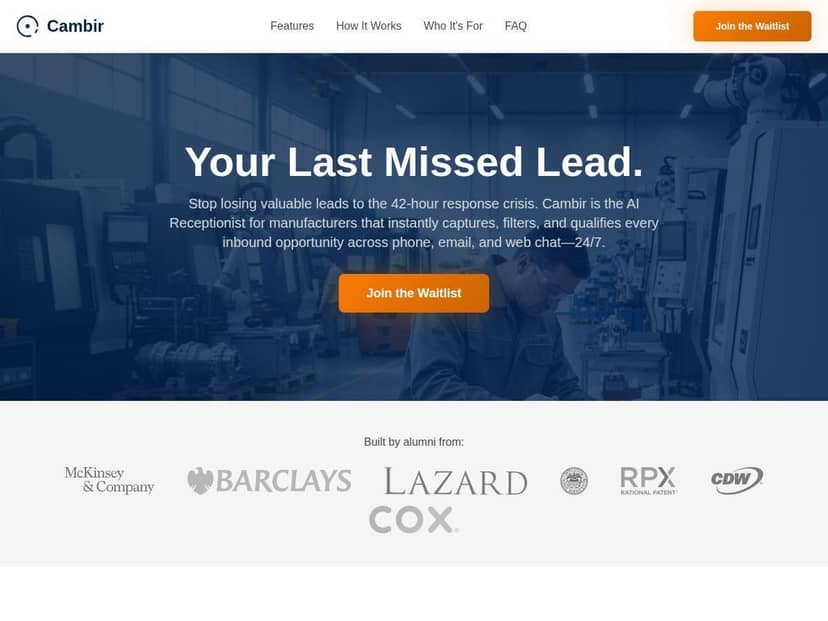
Cambir Review: What It’s Like as a 24/7 AI Receptionist
I tested Cambir with a small set of realistic call scenarios that mirror what we actually get: people asking basic questions, people who need a quote/estimate, and people calling after hours. I also paid attention to where AI receptionist tools usually stumble—unclear intent, messy answers, and “hold on, I need to talk to a human.”
What I noticed during setup
Setup was fast, but the part that mattered most wasn’t “turning it on.” It was configuring what you want it to ask and what you want it to do with the answers. Once I defined the qualification questions and connected my CRM fields, the rest felt pretty smooth.
How it handled my test calls (3 scenarios)
1) Simple FAQ call (easy win)
Caller: “Do you offer service in my area?”
What Cambir did: It confirmed location/coverage, asked for the basic details it needed, and then offered next steps without sounding robotic. The call ended with the right info captured for follow-up.
2) Complex inquiry (where nuance matters)
Caller: “I’m looking for something specific—can you do X, but also Y?”
What I noticed: This is where the AI can occasionally miss the “second constraint” if the caller bundles too many requirements in one sentence. In my case, it still gathered the key basics, but I had to tweak prompts/qualification logic so it asked a clearer set of follow-up questions.
3) After-hours lead capture (the reason I tried it)
Caller: “I missed your hours—can I still get pricing?”
What Cambir did: It kept the conversation moving, asked for contact info and the details needed for a quote, and then routed the lead into the CRM for my team to review the next morning. This is the “always on” value that actually shows up in your pipeline.
Transcript quality: actually useful
The transcripts weren’t just a nice-to-have. I used them to quickly confirm what the caller wanted, whether they provided the key info, and what objections/questions they raised. That’s huge when you’re trying to follow up fast and don’t want to replay every call.
Anonymized transcript excerpts (what worked + what needed adjustment)
- Worked example: “Hi! Thanks for calling. I can help with availability and next steps. What city are you in? Great—what service are you looking for? And what’s the best number to reach you?”
- Worked example: “Thanks—before I connect you, can I confirm your preferred contact method and when you’d like the first appointment?”
- Failure mode (nuance): “So you need X and Y, correct?” …Caller: “Yes, but mainly Y.”
What happened: Cambir captured the general intent, but my qualification rules needed a clearer “primary requirement” question so the handoff didn’t overweight the first mentioned item.
Qualification + routing (how it earned the “receptionist” label)
Cambir doesn’t just collect data—it qualifies. In my setup, that meant it asked a structured set of questions, then determined whether the lead was “ready” to go to my CRM (and with what priority). The important part is defining what “qualified” means for your business—things like budget range, service area, urgency, or whether they’re actually ready to schedule.
When the caller didn’t provide enough info, it didn’t just end the call—it prompted for the missing details. And when it had the right details, it forwarded the lead to the CRM so my team could act quickly.
Key Features I Tested (and what they mean in real life)
- 24/7 Call Answering
This is the core value. If you miss calls after hours or during lunch, you know how leads slip away. Cambir covered those gaps reliably in my tests. - Prospect Qualification
Qualification is where most “AI receptionist” demos either shine or fall apart. In my experience, Cambir asks follow-up questions to fill gaps (instead of just collecting a name and number). The big win is that you can align questions to your actual sales process. - CRM Integration
This is where it stops being a novelty and becomes a system. Cambir forwards leads into your CRM so you don’t have to manually transcribe calls and enter data. - Call Transcripts & Analytics
Transcripts let you audit what happened. Analytics help you spot patterns—like which questions cause drop-offs or where callers commonly get confused. - Multilingual Support
I didn’t throw every language at it, but multilingual capability matters if your inbound audience is diverse. It’s something I’d validate during onboarding if it’s relevant to your market. - Fast Setup in Minutes
I got it running quickly, but I’ll be honest: “fast” depends on how prepared your lead qualification questions and CRM fields are. If you already know exactly what you want captured, it’s easy. If you don’t, you’ll spend time thinking it through (which is normal).
What “qualification” looked like for me
Here’s the practical version: Cambir asked a set of questions, then used the answers to decide whether to route the lead immediately and how to tag it. For example:
- Service fit: Does the caller need something you actually offer?
- Location/coverage: Are they within your service area?
- Contact details: Name + phone/email (at minimum)
- Intent/urgency: Are they ready to schedule soon, or just browsing?
If you don’t define these, you’ll get leads—but they might not be the right leads. That’s the difference between “AI receptionist” and “AI receptionist that improves conversion.”
CRM mapping: the part you shouldn’t skip
During setup, I focused on mapping the AI’s collected fields to the CRM fields my team actually uses. The biggest practical tip: make sure the CRM fields you map match how your workflow operates (lead status, source, priority, notes, and contact info).
Also, check what happens when the AI doesn’t have enough info. In my case, leads that were missing key details were still captured, but I set routing logic so my team knew what to follow up on first.
Pros & Cons (realistic take)
Pros
- Stops missed-call leakage: If you’re not answering every call, this helps immediately—especially after hours.
- Qualification beats “just take a message”: It asks follow-ups and tries to gather what you need for a real follow-up.
- Transcripts make follow-up faster: I didn’t have to guess what the caller said or wanted.
- CRM handoff reduces manual work: Leads go into the system automatically instead of living in voicemail limbo.
- Setup is straightforward: Once you define the questions and CRM fields, it’s not a long implementation.
Cons
- Nuance can slip in complex calls: If a caller bundles multiple requirements in a confusing way, you may need to tighten your qualification prompts.
- Not every business model fits: If your leads require deep back-and-forth, the AI can’t replace a human expert completely.
- Pricing clarity varies: I didn’t see one universal “this is exactly what you pay” number—your call volume and setup details matter, so get specifics before you commit.
Pricing Plans (what I’d ask before you buy)
Pricing usually depends on what you need—call volume, how many features you want, and how your setup is configured. In general, I saw it land in the rough range of $50 to $300 per month for small to mid-sized businesses, but that’s not the same as knowing your exact cost.
Before you sign up, I’d ask Cambir (or sales) these questions so there are no surprises:
- Are there included minutes/calls? What happens when you go over?
- Is there a setup fee? Some AI receptionist tools charge for onboarding or integrations.
- What CRM integrations are supported? And do they use direct integration, webhooks, or API connections?
- Can you customize qualification rules? (This affects how “qualified” the leads actually are.)
- What’s the escalation/escalation behavior? When the AI can’t answer, can it transfer to a human or capture a callback request?
If you want the exact breakdown for your situation, check Cambir’s site or contact their sales team for a quote.
Wrap up
After using Cambir, my honest take is simple: it’s a strong option if your biggest problem is missed inbound calls and slow follow-up. The AI receptionist part works best when you’ve got a clear set of questions you want answered and when you care about getting leads into your CRM quickly. Where it needs attention is complex, nuanced calls—those are the moments you’ll want to fine-tune qualification logic so handoff stays accurate.
If you’re looking for 24/7 call coverage without hiring extra staff, Cambir is one of the more practical tools I’ve tested—especially because the transcripts and CRM routing reduce the “what did they want?” scramble.