Table of Contents
When I first tried building a website, I honestly didn’t get very far. I’d pick a template, tweak a few colors, then hit the same wall: writing the right layout, getting sections to look “designed,” and still making it feel like my brand. That’s exactly why I decided to test ChromaForgeAI—to see if it could turn an idea into something usable without me wrestling with code all weekend.

ChromaForgeAI Review (What I Noticed While Testing It)
ChromaForgeAI is positioned as an AI website builder that can go from “I have an idea” to a working site pretty quickly. In my experience, the biggest win is that it doesn’t feel like you’re staring at a blank canvas. You start with inputs (your topic/goal, style preferences, and the kind of pages you want), and then it generates a full layout for you.
And yes—minutes is realistic if you’re okay with an initial draft. The first version I generated looked like it had been designed, not assembled. Sections were spaced well, the visuals didn’t feel randomly thrown together, and the overall page flow made sense (hero → features → supporting sections → call to action).
That said, I wouldn’t call it “set it and forget it.” You’ll still want to review the copy and tweak the details. For example, the AI can sometimes choose generic wording or swap your emphasis in a way that sounds good—but isn’t exactly what you meant. If you’re launching something serious (like a service business or portfolio), you’ll want to polish the messaging so it sounds like you.
Key Features
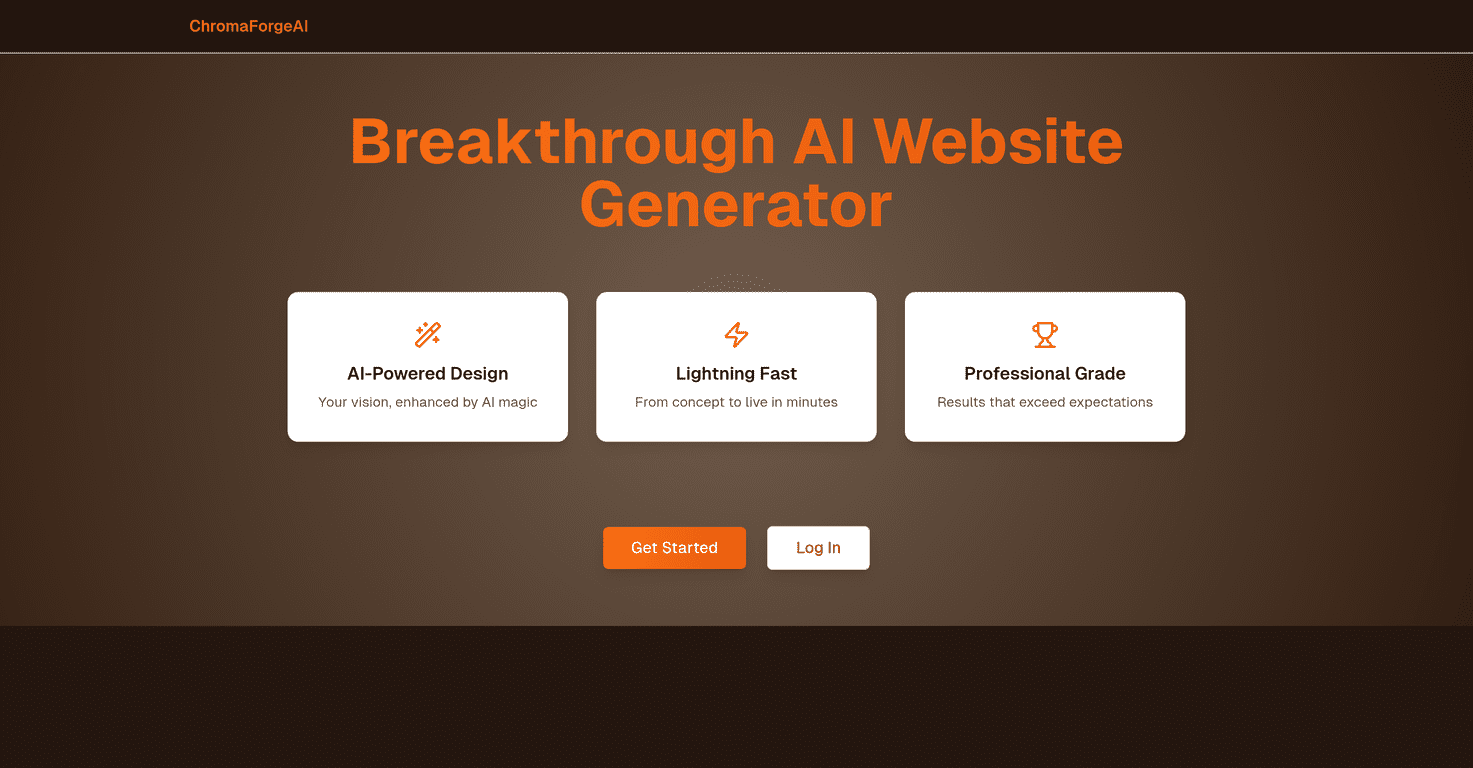
- AI-Powered Design
- What I liked here is how the design decisions feel cohesive. The tool doesn’t just slap in blocks—it tries to keep typography, spacing, and section structure aligned. If you provide style preferences, it tends to respect them better than most “template + tweaks” tools.
- Lightning Fast Setup
- From start to first draft, the process was quick. I didn’t need to build a page section-by-section. Instead, I generated a baseline site and then focused on improvements—like tightening the layout and making sure the content matched my goals.
- Professional Grade Output
- The output looks “production-ready” for a lot of use cases: landing pages, small business sites, and simple portfolios. It’s the kind of result where you can publish quickly and then iterate, rather than starting from scratch.
Pros and Cons
Pros
- Fast drafts that look designed. I didn’t feel like I was compensating for bad spacing or messy structure.
- AI helps with layout and visuals, not just text. That matters if you want something that looks modern without hiring a designer.
- Good starting point for non-developers. If you can describe what you want, you can get a solid first version quickly.
Cons
- Not perfect on first try. You’ll likely want to adjust details—especially copy tone, section priorities, and any brand-specific elements.
- Pricing info isn’t clear in the content here, so you’ll need to check the official site before committing.
- Best for simpler site needs. If you’re building something highly custom (complex navigation, niche layouts, advanced functionality), you may still need extra work after the AI generates the base.
Pricing Plans
I couldn’t find specific pricing details in the document you provided, so I can’t responsibly quote numbers here. What I recommend (and what I did) is checking the official ChromaForgeAI site for the current plans and any trial/limits.
If you’re comparing options, also look for answers to these: Is there a free trial? Are there export options? Can you connect your domain? Those details can make a big difference depending on whether you’re publishing once or building multiple sites.
Wrap up
Overall, my take is pretty simple: ChromaForgeAI is a solid option if you want a real website draft fast and you don’t want to get stuck in code. Just don’t expect it to handle everything perfectly on its own—plan on a quick review pass to make the content and branding feel truly yours. If you’re trying to launch sooner rather than later, that speed alone is a big deal.
Promote ChromaForgeAI




