Table of Contents
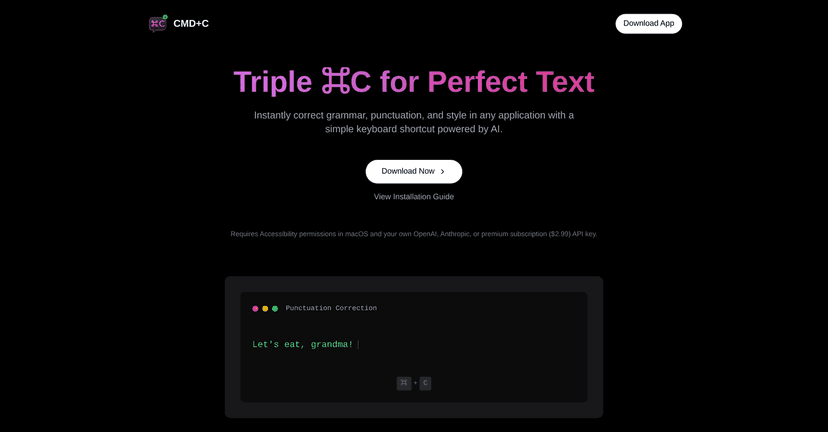
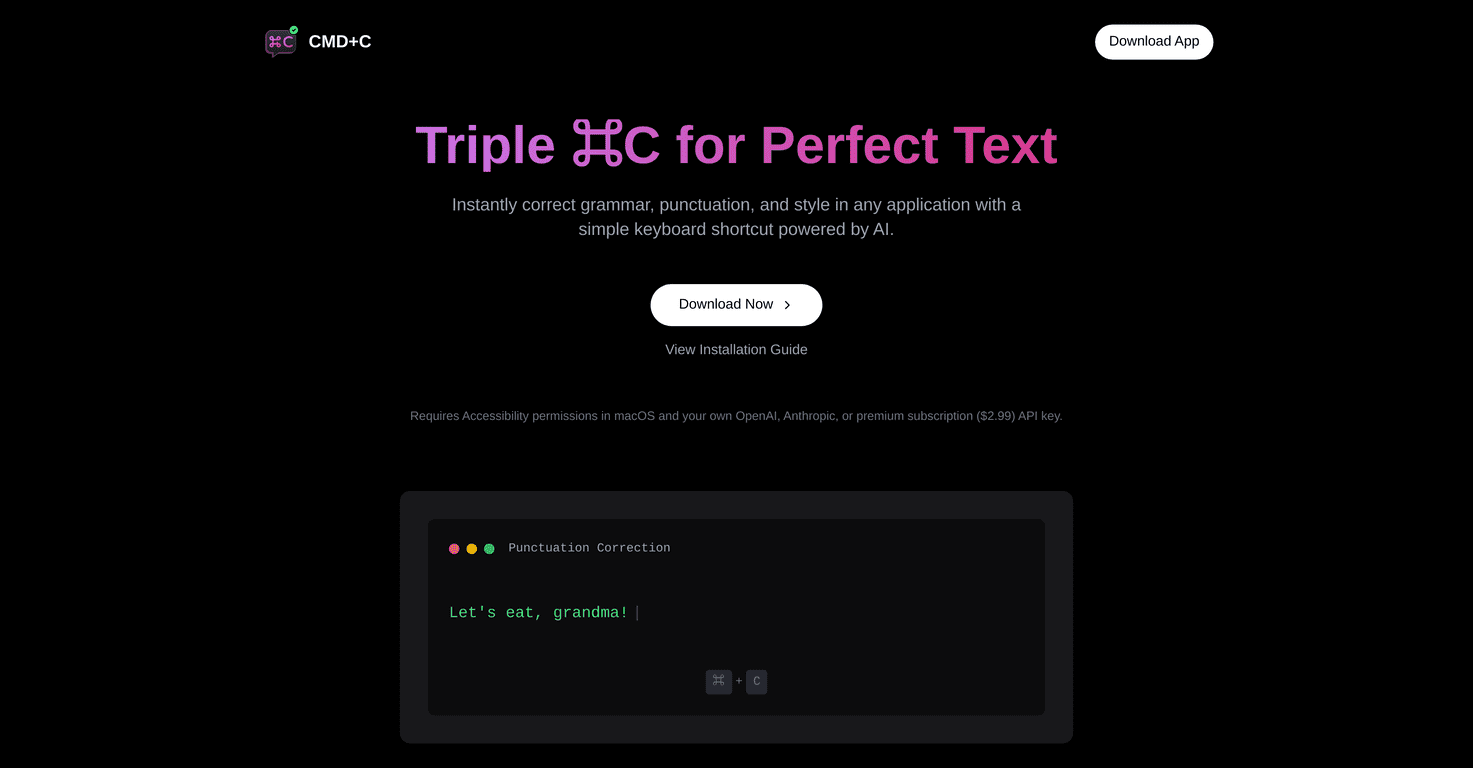
I’ve been using CMD-C.app on macOS for a bit, and the first thing I noticed is how “in the background” it feels. You’re not switching apps or copy/pasting your whole draft into some web form. Instead, you hit the shortcut, it reviews what you typed, and it helps you clean up grammar, punctuation, and wording without wrecking your flow. That’s the real promise of CMD-C.app—quick corrections right where you’re writing.

CMD-C.app Review: fast grammar fixes without the hassle
CMD-C.app is built around one simple idea: you should be able to correct writing instantly while you’re working. The app uses a triple CMD-C shortcut, and in my experience that matters. If a tool requires extra steps, I stop using it. Here, I can highlight or focus on what I just wrote, trigger the correction, and keep going.
It’s not just for emails either. I tried it while writing short notes and editing text in other macOS apps, and it generally behaves like you’d expect from an in-place writing assistant. The corrections focus on grammar and punctuation first, then style tweaks if needed. And yeah, it uses an AI model under the hood—what surprised me was how often the suggested changes were “small but meaningful,” like fixing tense consistency or smoothing awkward phrasing rather than rewriting everything.
One more thing: CMD-C.app supports using personal API keys for OpenAI or Claude. If you’re the type who prefers controlling your own setup (or you already have keys and want to avoid relying on someone else’s quota), that’s a big plus. If you don’t care, the subscription option is there too.
Key Features that actually show up in daily use
- Grammar correction — fixes common mistakes like subject-verb agreement and incorrect word forms.
- Punctuation fixes — helps with commas, periods, and punctuation spacing (the kind of stuff that’s easy to miss when you’re typing fast).
- Style improvement — nudges wording to sound cleaner. In my tests, it’s usually more “polish” than “rewrite.”
- Works within any app on macOS — this is the whole point. You’re not locked into a browser editor.
- Compatibility with personal API keys for OpenAI or Claude — useful if you want more control over which model you’re using.
- Subscription option for enhanced features — for when you’d rather not deal with keys.
- Up to 8,000 corrections per month with a subscription — good for regular use, though heavy users will want to keep an eye on limits.
- Control over prompts for corrections — I like this because you can steer the tone (more formal, more concise, etc.).
- Correction history with explanations — this helps you learn from changes instead of just accepting them blindly.
- Data export functionality — handy if you want to review past corrections later.
If you’re wondering “Will it fix everything?”—no. It’s strongest when the text is already close to correct and you just need the last 10–20%. If you feed it messy, long, multi-paragraph content, you may get more mixed results than a dedicated editor workflow.
Pros and Cons from a real-user perspective
Pros
- Shortcut-based workflow — it’s quick enough that I actually used it more than once a day.
- Works across macOS apps — I didn’t have to change how I work to get value.
- AI-powered suggestions — the corrections tend to be practical, not overly dramatic.
- Personal API keys supported — good for people who want control or already use OpenAI/Claude.
- Simple subscription pricing — $2.99/month (as listed) is easy to justify if you write a lot.
Cons
- Limited to macOS users — if you’re on Windows or Linux, this won’t help you.
- Monthly correction limit — the “up to 8,000 corrections” cap is fine for most people, but I can see power users hitting it.
- Not a full replacement for proofreading — it helps, but it won’t catch every logic/accuracy issue the way a human review would.
Pricing Plans (and what I’d pick)
CMD-C.app gives you a free option using personal API keys. If you already have keys for OpenAI or Claude, this can be the cheapest way to try it seriously.
For more consistent usage, there’s a monthly subscription at $2.99. The subscription includes up to 8,000 corrections per month. In my view, that’s a decent sweet spot if you’re writing emails, updating docs, or doing lots of quick text edits throughout the week.
One practical tip: if you’re testing it for the first time, try using it on the types of text you actually write (work emails, cover letters, code comments, etc.). That way you’ll quickly see whether the correction limit is likely to be an issue for you.
Wrap up
Overall, CMD-C.app is a solid option for macOS users who want grammar and punctuation help without turning writing into a whole project. The triple CMD-C shortcut is the kind of feature I care about because it fits naturally into how I type. If you often polish messages, clean up drafts, or fix small errors before sending, this is the kind of tool you’ll keep reaching for.