Table of Contents
Are you tired of repetitive coding tasks slowing you down? CoderKit is here to help! This Xcode AI coding assistant integrates seamlessly with GitHub Copilot and Codeium to enhance your coding experience. With CoderKit, you can unlock new levels of productivity and creativity in your development process. In this review, we’ll dive into its features, pros and cons, and pricing to see if this tool is right for you.
CoderKit Review
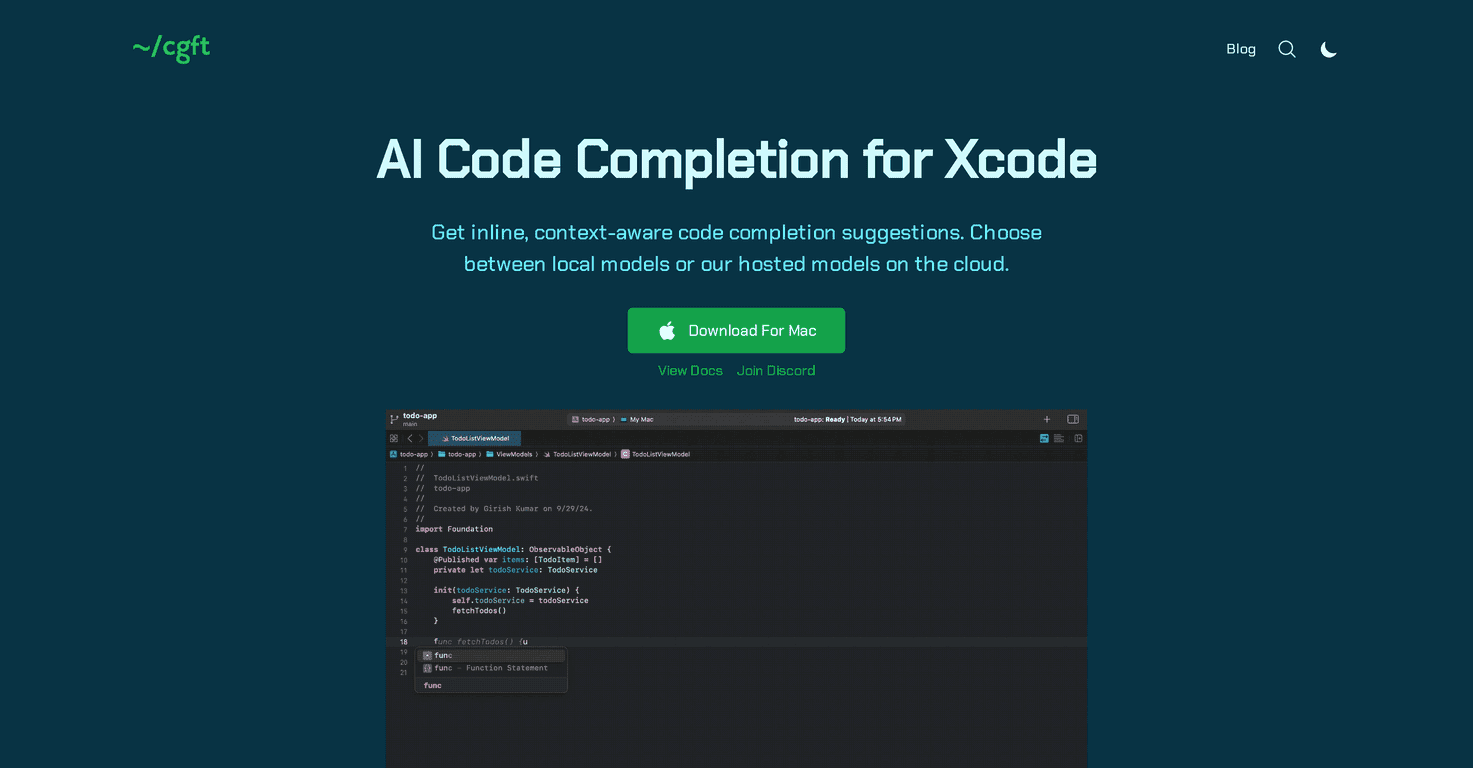
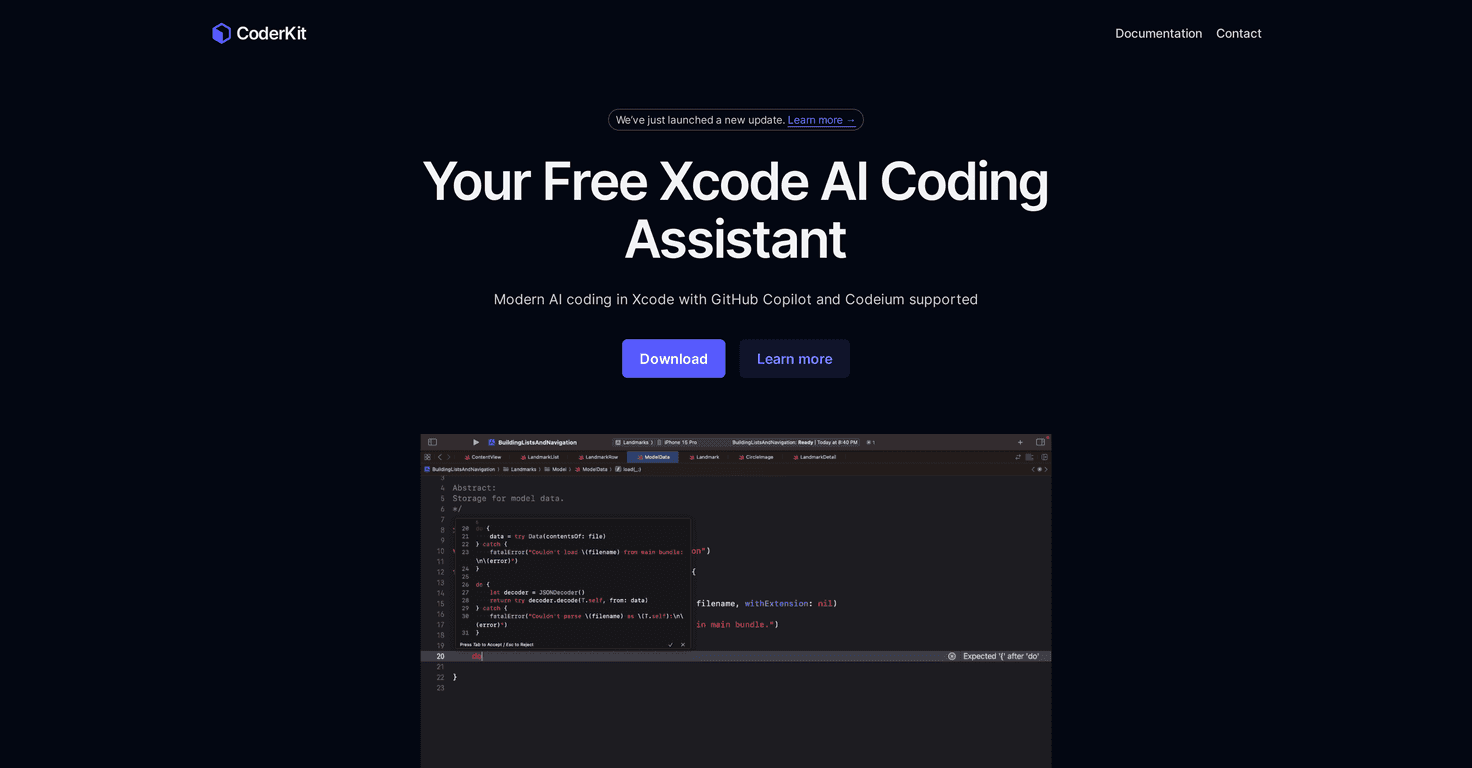
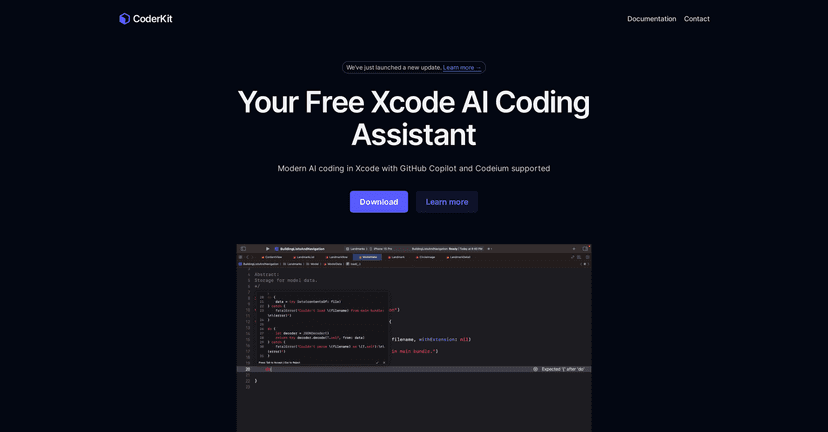
CoderKit is designed specifically for Xcode users who want to streamline their coding experience. It integrates AI-enabled code autocompletion directly into the Xcode environment, which means less time spent on repetitive tasks and more focus on what truly matters – getting your projects done. By leveraging the power of Codeium and GitHub Copilot, CoderKit offers smart suggestions that adapt to your coding style and project requirements, making it a worthwhile addition to your toolkit.
The interface is user-friendly, ensuring that even those new to programming can pick it up and start using it effectively. You can quickly navigate through suggestions with just a tap of the tab key, or dismiss them at your comfort level using the ESC key. However, it does require an API key or active subscriptions to Codeium or GitHub Copilot. So, ensure you have the necessary credentials before diving in!
Key Features
- AI Autocompletion powered by Codeium and GitHub Copilot
- Keyboard shortcuts for easy acceptance or rejection of suggestions
- Color theme sync with Xcode for visual comfort
- Seamless compatibility with GitHub Copilot and Codeium
Pros and Cons
Pros
- Free to use with a Codeium Individual account
- Intuitive user interface designed for Xcode
- Increases coding efficiency by minimizing repetitive tasks
Cons
- Requires an API key or subscription for Codeium or GitHub Copilot
- Certain permissions may be needed for optimal functionality
Pricing Plans
CoderKit is currently available for free, with plans to potentially introduce a paid version in the future. The free version is designed to meet the needs of most users, ensuring accessibility to all developers.
Wrap up
In conclusion, CoderKit holds great promise as an AI coding assistant for Xcode users. With its intelligent features and easy-to-use interface, it can significantly boost your productivity and help you focus on your coding. If you’re looking for a way to enhance your coding experience without breaking the bank, CoderKit is worth trying out!
Promote CoderKit