Table of Contents
I recently tested Codoki, an AI code review tool that plugs into GitHub. My main question was simple: would it actually make my PR reviews faster, or would it just add another thing I have to babysit?
In my case, I ran it against a steady stream of pull requests in a GitHub repo (mostly TypeScript/JavaScript with a mix of backend services and some shared utilities). I’m not talking about one PR and a vibe check—I used it across multiple review cycles and compared what I normally catch vs. what Codoki flagged.
Codoki Review: What Happened When I Used It on Real PRs
Here’s how I approached the test. I kept my regular workflow intact (same reviewers, same checklist, same CI expectations). Then, for each PR, I looked at what Codoki produced and asked two questions:
- Did it catch anything I would’ve missed (or caught later during CI)?
- Did it waste time with noise?
Setup was genuinely painless. I didn’t have to wrestle with a bunch of config files—installation felt like it took about a couple minutes from start to finish. Once it was connected to GitHub, the review output showed up as part of the PR review experience (so I wasn’t constantly switching tabs or exporting code).
What it caught in my code
Codoki flagged a mix of issue categories. The ones I noticed most were:
- Missing or weak test coverage (especially around edge cases in utility functions)
- Potential runtime issues like unsafe assumptions about input shape
- Security-style concerns (not always “critical,” but enough to prompt a second look)
- Bug-prone logic where a condition could behave unexpectedly
One example that stuck with me: a PR that added a new handler path. Codoki pointed out a scenario where a null/undefined value could slip through and cause a runtime error later. I would’ve caught it eventually, but the AI note made it obvious during the review stage, before we merged. That’s the kind of “extra set of eyes” I care about—not just generic linting.
About the “92%” claim
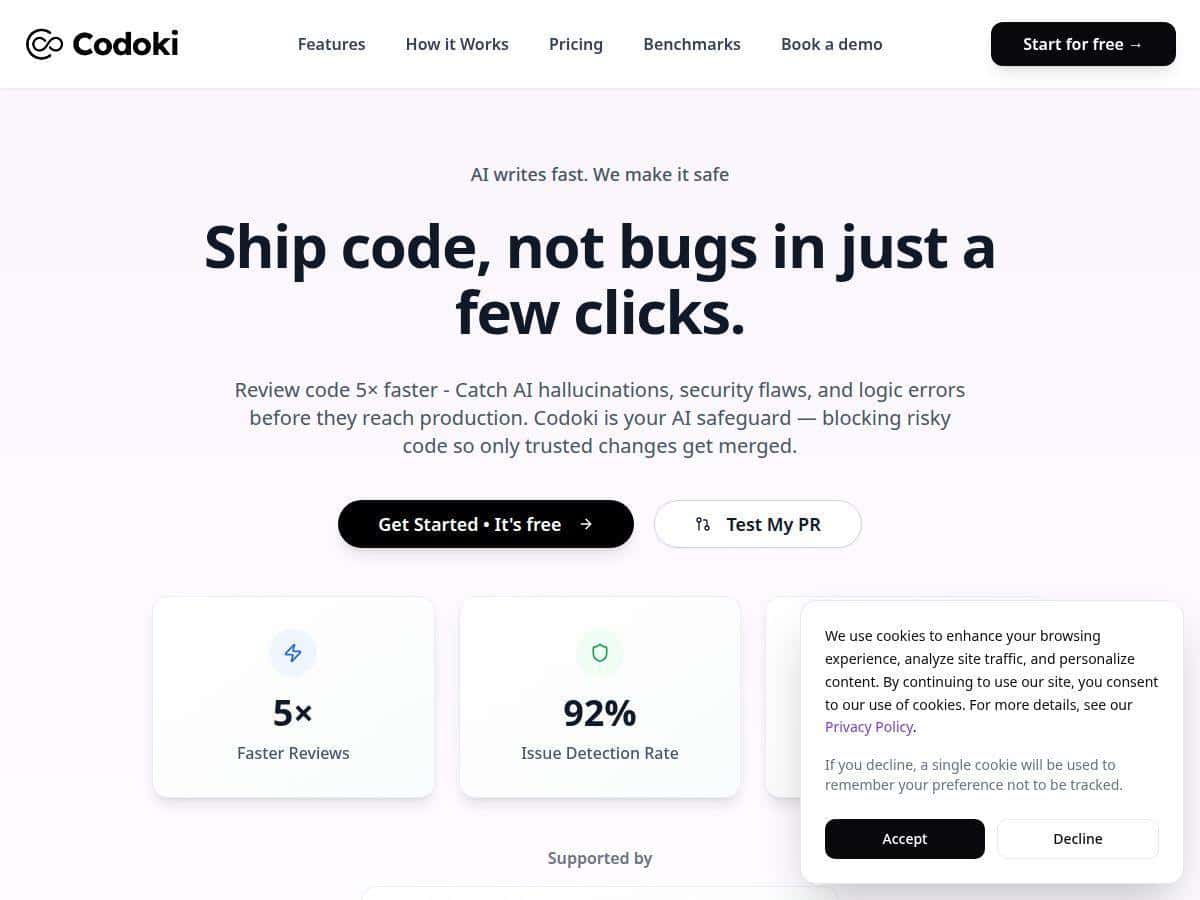
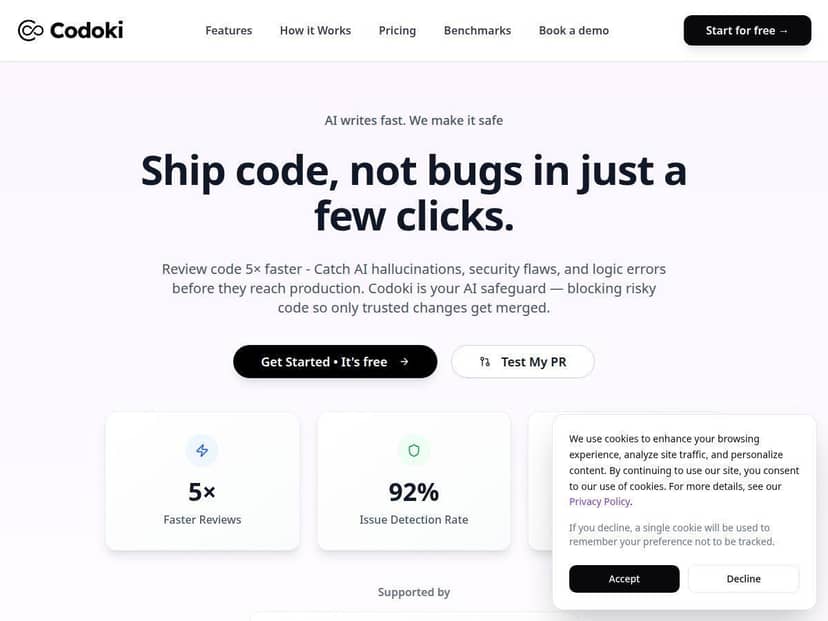
You’ll see numbers like “catching around 92% of bugs, vulnerabilities, and missing tests” in the marketing. In my testing, I can’t honestly verify that exact percentage as a measured result, because I didn’t run a fully controlled dataset study with a pre-labeled benchmark and an independent scoring rubric. What I can say is that Codoki consistently produced actionable findings across multiple PRs, and it did a decent job of focusing attention instead of dumping a wall of errors.
If you’re evaluating it, I’d recommend treating those accuracy numbers as “vendor positioning,” not something you should assume matches your repo on day one.
Did it speed me up?
Yes—at least in the way that matters. My PR reviews weren’t magically shorter every time, but I spent less time hunting for the obvious “gotchas.” The biggest time savings came when Codoki flagged a problem early, so I could fix it before the PR went through the usual back-and-forth.
Still, I also saw the limitation you should expect from any AI reviewer: if your codebase has unusual patterns or heavy abstractions, you’ll sometimes get suggestions that need human judgment. It’s not “set and forget.”
Key Features I Used (and How They Showed Up)
- AI-generated code reviews inside GitHub
- Instead of sending me off to another dashboard, the review output fits the PR workflow. That alone reduced friction for me.
- Faster review feedback
- On PRs with lots of “normal” code changes (refactors, small logic tweaks, new endpoints), Codoki’s notes helped me quickly decide what deserved deeper attention.
- Issue categories beyond just style
- I saw flags that weren’t purely formatting—things like edge-case handling and missing test scenarios.
- Tries to reduce noise
- What I liked most was that it didn’t feel like it was reporting every tiny thing. It was more “here are the spots worth checking.”
- Continuous availability for PR review
- If you do frequent PRs, you don’t have to remember to “run something.” It’s just there when you need it.
- GitHub integration
- This is a big pro if your team lives in GitHub. It’s also a limitation if you’re on other platforms.
- Free plan for trying it
- Codoki includes a free tier, which is exactly how I prefer tools like this to be evaluated.
Pros and Cons (Based on My Testing)
Pros
- It actually helped during review—not just after CI failed.
- Good at surfacing edge cases that are easy to overlook in busy PRs.
- Free plan is usable if you’re testing with a small number of PRs.
- Setup is quick (I didn’t hit any major integration headaches).
- PR-focused workflow means less tool-switching.
Cons
- Free tier limits your volume (15 reviews/month). If you run lots of PRs, that cap will show up fast.
- GitHub-only integration. If your team uses GitLab/Bitbucket or a mixed environment, you may need a workflow change.
- AI notes still need review. Sometimes the suggestion is reasonable but not a “must-fix,” and you’ll decide based on context.
Pricing Plans: What I Could Confirm
The free plan gives you 15 AI reviews per month. That’s enough for solo developers or small teams to test the value without committing.
For paid plans: I didn’t want to guess here. If you’re looking for exact plan names, seats, limits, or costs, you’ll need to check Codoki’s pricing page directly (because I don’t have verified details from the content I reviewed). If the pricing isn’t publicly listed, then it likely isn’t something I can responsibly spell out without a source.
Wrap up
Codoki is one of those tools that feels most useful when you already have a solid GitHub workflow and you just want an extra reviewer that catches the easy-to-miss problems. In my experience, it reduced the “wait until CI” moments and made it easier to spot edge cases and missing test scenarios earlier.
If your team mostly works in GitHub and you’re trying to tighten code quality without slowing down, it’s worth trying—especially since the free tier lets you evaluate it with your own PRs. Just don’t treat any “accuracy %” headline as gospel; test it against your codebase and see what it actually catches.