Table of Contents
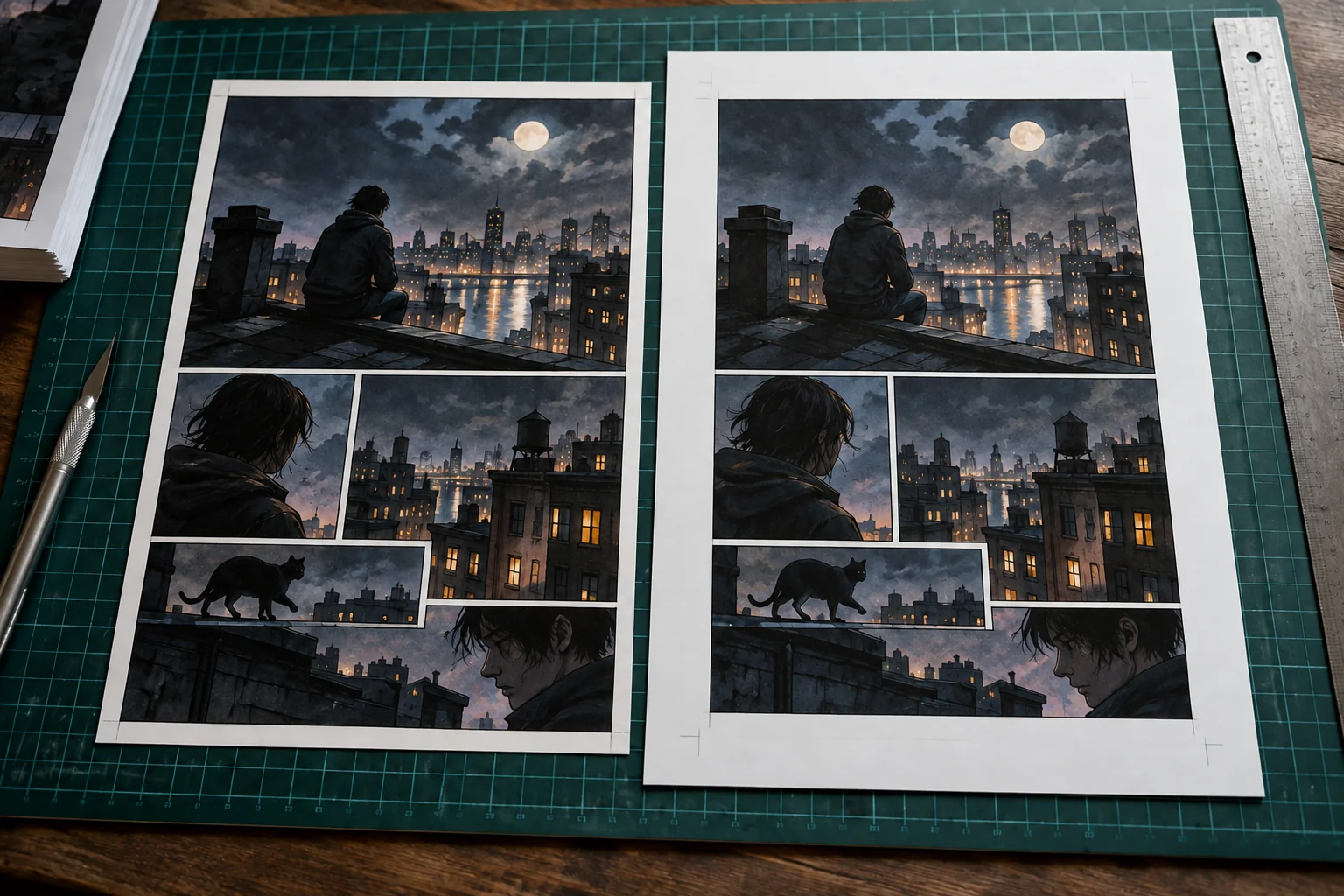
A standard US comic book measures 6.625 × 10.25 inches (16.83 × 26.04 cm) after printing and trimming. That’s the finished book in your hands. Your drawing canvas or print file usually needs to be a little larger so the artwork can reach the edge without leaving white strips.
For that comic size, a KDP full-bleed interior page would measure 6.75 × 10.5 inches, or 2,025 × 3,150 pixels at 300 ppi. A printer that asks for 0.125-inch bleed on all four sides would need 6.875 × 10.5 inches instead. Start with the finished size you want, then use your printer’s template to set up the file. PrestoPhoto’s comic size chart lists the US standard, while KDP’s submission guide explains its bleed calculation.
Choose your comic size and printer first
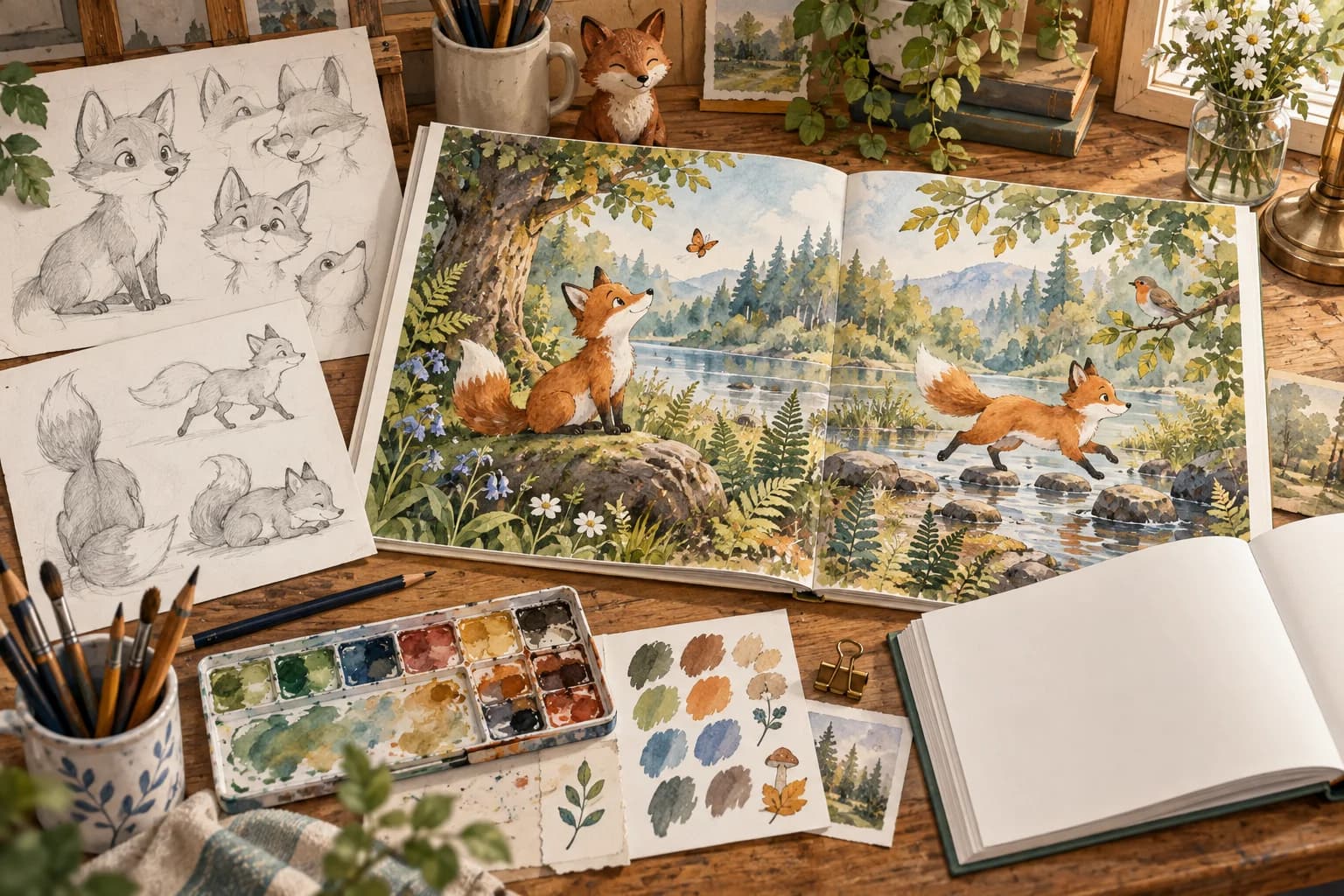
Before drawing twenty pages on the wrong canvas, decide what you’re making. Is it a slim comic booklet, a paperback collection, or a larger graphic novel? Those can all be comics, but they don’t have to share one size. A smaller format may suit a compact story; detailed artwork and crowded dialogue may need more room.
Next, check that your printer offers the size, binding, paper, color option, and page count you want. Download the template for that exact product. “Standard comic size” is a helpful starting point, but it doesn’t tell you how much bleed to add or where to keep your lettering.
| Route | Size decision | File decision | Do not assume |
|---|---|---|---|
| Comic-specific printer | Select its standard comic, manga, digest, trade, or custom product | Obtain the matching interior and cover templates | That another comic printer uses identical bleed or live-area guides |
| Amazon KDP paperback | Choose an available preset or eligible custom trim | Prepare reader-order single pages using KDP’s interior geometry | That a size missing from the preset list is automatically unavailable |
| Lulu print book | Confirm a supported size and binding | Use the corresponding template package and four-edge bleed setup | That KDP’s three-edge calculation transfers unchanged |
KDP offers presets such as 6 × 9 and 7 × 10 inches, plus custom paperback widths of 4–8.5 inches and heights of 6–11.69 inches. The standard US comic dimensions fit within those limits. You’ll still need to check which paper, ink, and page-count options are available when setting up the book. KDP also counts a book as large trim when its width exceeds 6.12 inches or its height exceeds 9 inches, so a standard US comic falls into that category. See KDP’s print options.
Trim size, bleed, and canvas size: what’s the difference?
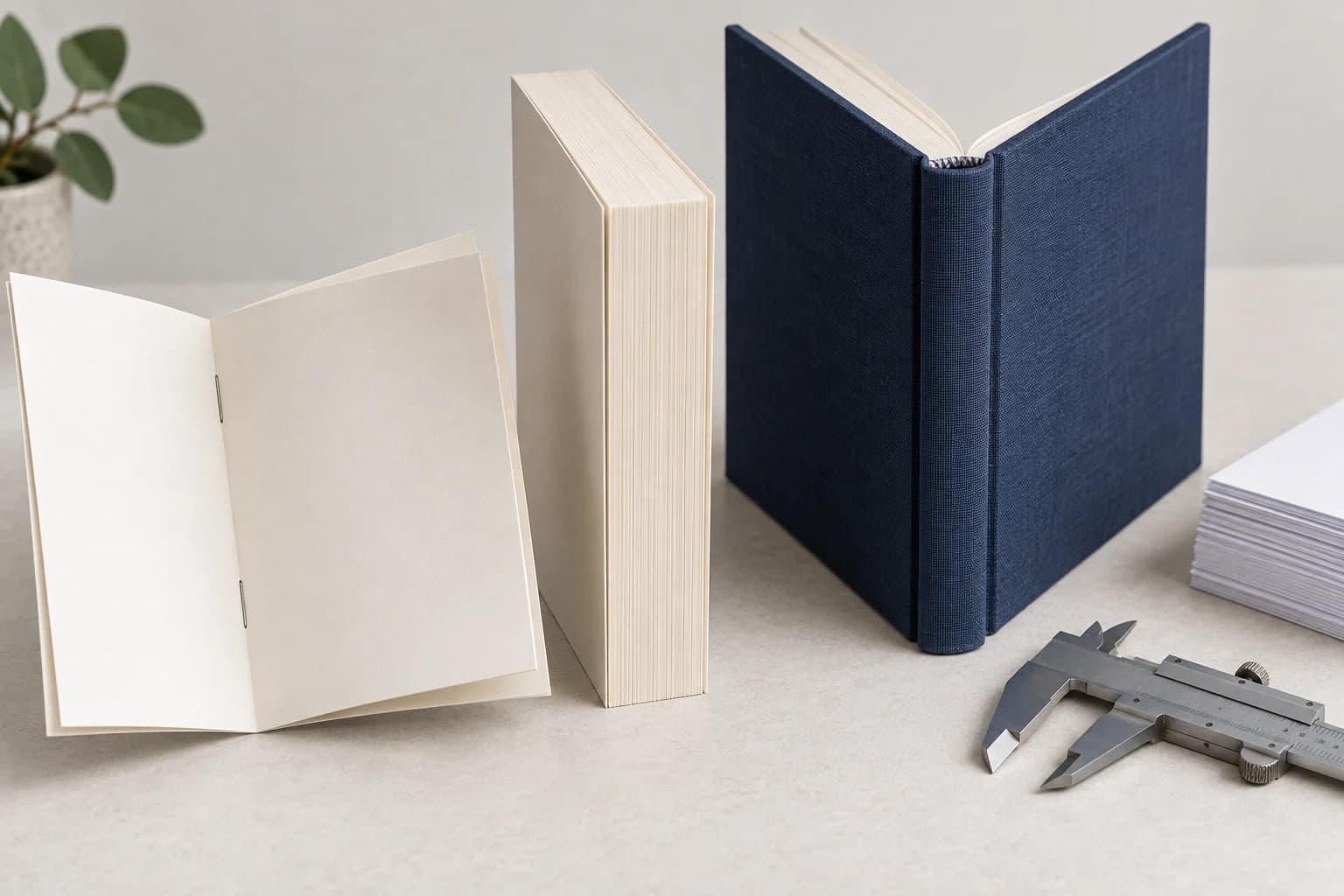
Trim size is the finished page. Bleed is the extra artwork beyond the cut. The safe area is where important details should stay. Once those three ideas are clear, page setup becomes much less confusing. The printer cuts away the bleed, but a small shift in the cut shouldn’t remove a word or reveal an unprinted edge.
Picture a panel with a sky behind a character’s face and speech balloon. Extend the sky past the trim line. Keep the face, words, and entire balloon comfortably inside the safe area. Losing a sliver of sky is fine; losing the end of a sentence is not.
| Dimension | What it means in the project | Where to establish it |
|---|---|---|
| Trim size | The width and height readers see after cutting | Selected print product |
| PDF page size | The full dimensions of an exported interior page | Printer’s submission and bleed instructions |
| Bleed boundary | The outer limit to which edge-reaching artwork must continue | Product template |
| Safe or live area | The protected region for dialogue, faces, captions, and important borders | Template, margin rules, and binding requirements |
| Working canvas | The editable drawing space, potentially larger than the delivery page | Your chosen drawing scale, with production guides mapped proportionally |
| Cover spread | The complete cover layout, including panels, spine where applicable, and bleed | Separate cover specification |
Open your printer’s template over a copy of a finished page and compare the artwork with its guides. Ka-Blam’s standard page template, for example, distinguishes the live area from the bleed. Check the actual lines rather than trusting a filename such as “comic-final-size.” Hide the template layer before exporting the artwork.
Also check whether your canvas already includes bleed. If it does, don’t add the same allowance again on export. When you draw at a larger scale, enlarge the trim and safety guides by the same proportion so they still describe the page you’ll eventually print.
Why do artists draw comic pages on 11 × 17-inch boards?
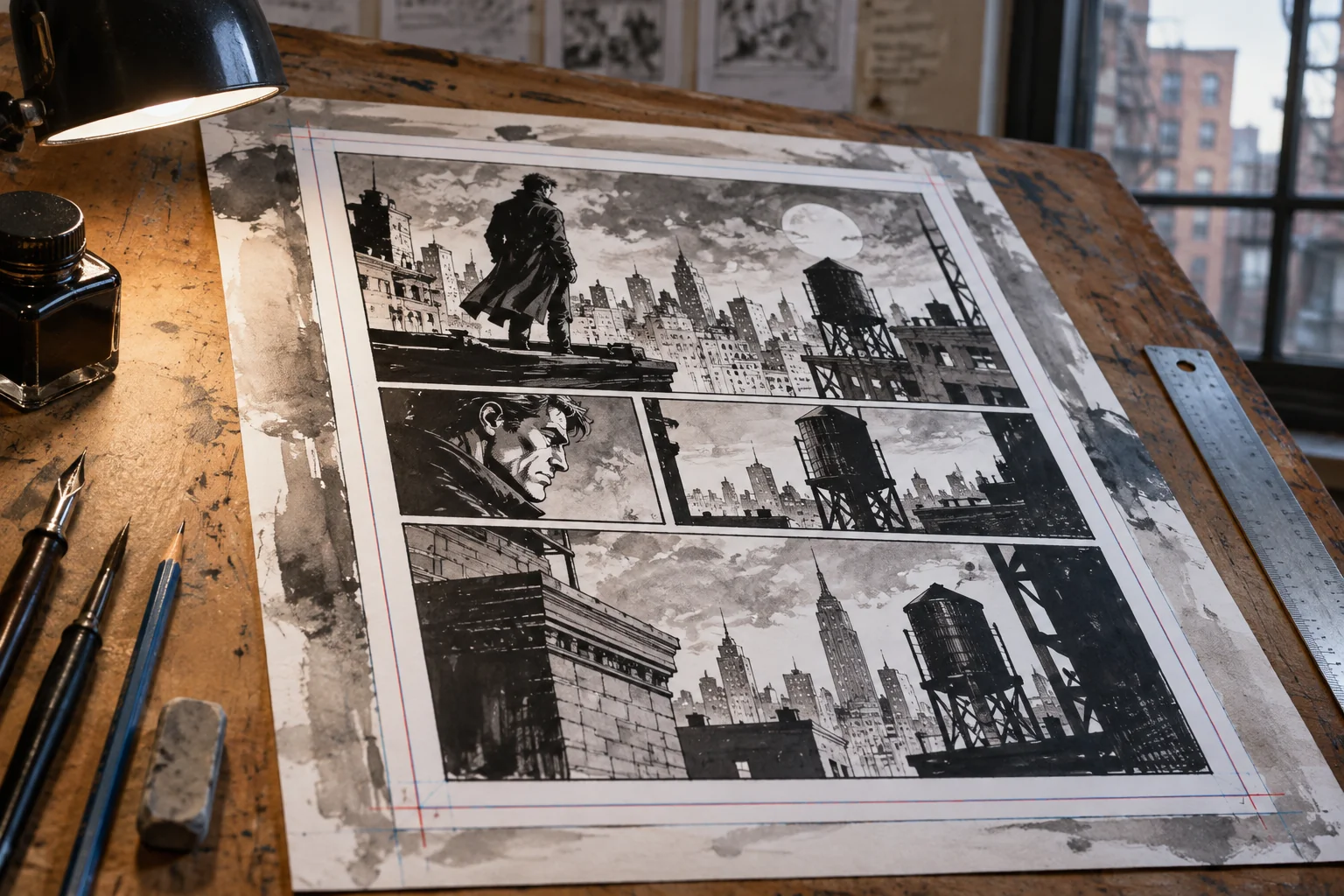
You may see 11 × 17-inch paper recommended for drawing traditional American comics. Blambot’s original-art guide describes using this larger Bristol board and reducing the art for publication. It gives the artist more room to draw; it isn’t the finished book size.
If you work this way, follow the intended drawing and trim guides on the board. Don’t stretch a full 11 × 17 drawing to fit a different page shape. For digital work, the same principle applies: you can draw larger, but your guides and proportions should match the book’s final layout.
How much bleed should you add?
Use the amount and edges specified by your printer. Two services can print the same finished book from differently sized PDFs. For example, a 6 × 9-inch graphic novel needs a 6.125 × 9.25-inch full-bleed interior page on KDP, but a 6.25 × 9.25-inch page on Lulu.
| Platform | Interior bleed placement | Calculation for 6 × 9 trim | Full PDF page |
|---|---|---|---|
| KDP | 0.125 in at top, bottom, and outside edge | Width + 0.125; height + 0.25 | 6.125 × 9.25 in |
| Lulu | 0.125 in on all four edges | Width + 0.25; height + 0.25 | 6.25 × 9.25 in |
The width differs because KDP adds bleed to the outside edge, while Lulu adds it to both sides. KDP asks for individual interior pages, not two-page spreads. If your KDP interior has no bleed, its page size is the chosen trim size instead.
Lulu’s instructions call for the four-edge setup even when a page has no artwork touching an edge. They also ask for a PDF with single pages of consistent size and orientation, without crop or registration marks. If Lulu adds missing bleed automatically, it adds white space. It won’t invent more of your background.
For KDP, label the outside edge on both a left-hand and a right-hand page before placing the art. The extra strip goes on the left of the left page and the right of the right page. Centering the trim rectangle inside every PDF page would put part of that allowance on the wrong side.
What size should a comic page be in pixels?
Multiply the full print-file dimensions in inches by your target pixels per inch. Include the required bleed before doing the calculation. There isn’t one pixel size for every comic, because the answer depends on the printer’s page dimensions and the resolution you choose.
Pixels = inches × pixels per inch. For a 6.875 × 10.5-inch page with bleed on all four sides, here are the results:
| Target resolution | Width calculation | Height calculation | Raster canvas |
|---|---|---|---|
| 300 ppi | 6.875 × 300 = 2,062.5 | 10.5 × 300 = 3,150 | 2,063 × 3,150 pixels, rounding width up |
| 600 ppi | 6.875 × 600 = 4,125 | 10.5 × 600 = 6,300 | 4,125 × 6,300 pixels |
The 300 ppi width comes to half a pixel, so round up to 2,063 pixels. When placing that image in your layout, keep the PDF page at the exact required dimensions in inches. Rounding the raster image doesn’t mean the printed page should become a different size.
KDP requires images of at least 300 DPI and recommends a maximum of 600 DPI to help avoid oversized files and processing problems. That upper figure is a recommendation, not a hard resolution limit. You can find the requirements in its paperback manuscript guide. A different printer may ask for a different setup, especially for line art.
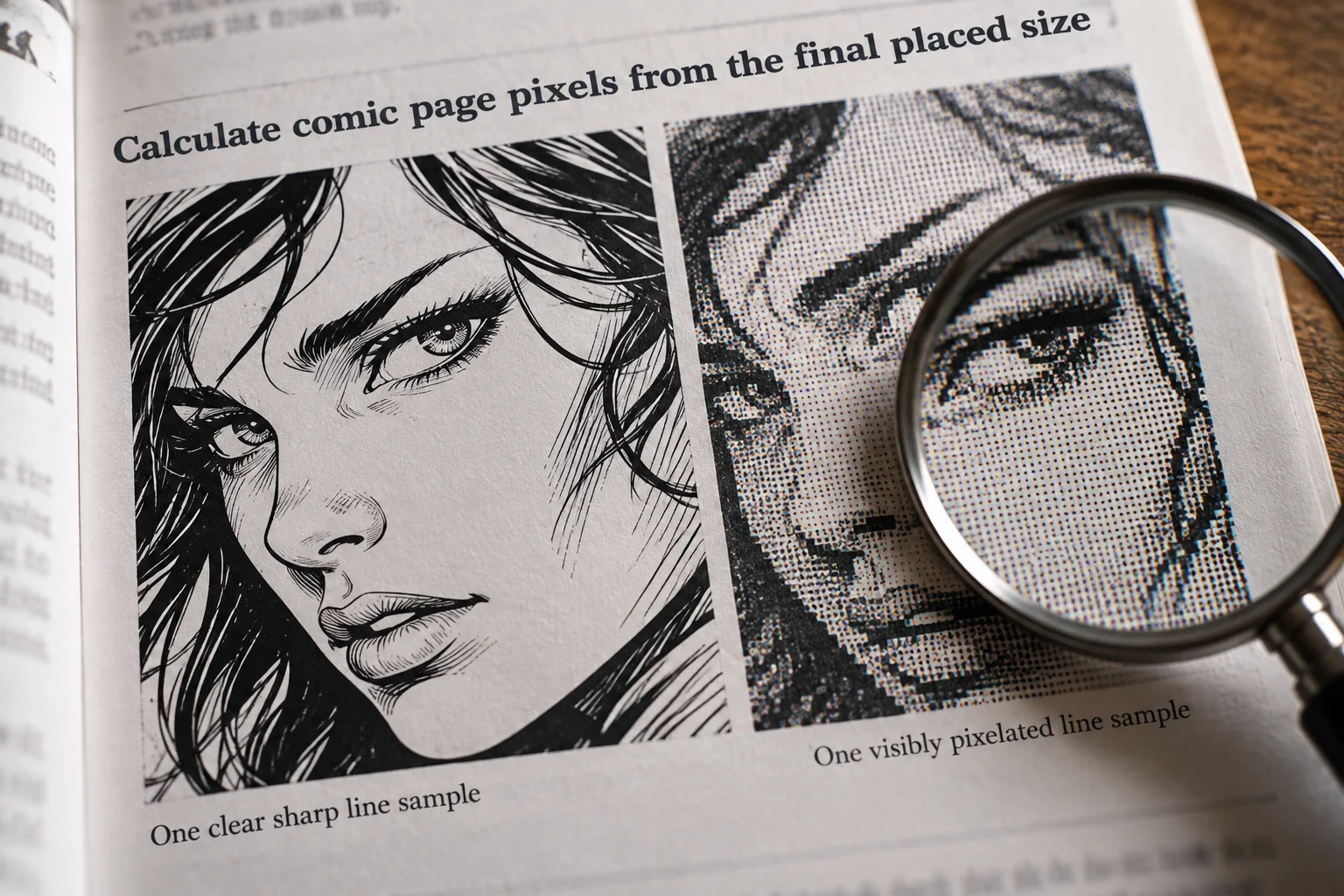
Check resolution at the size the image will actually print. A 2,400-pixel-wide drawing placed at 8 inches gives you 300 ppi: 2,400 ÷ 8 = 300. Stretch it to 10 inches and you get 240 ppi. The pixel count hasn’t changed, but those pixels now cover more paper. Typing “300 DPI” into a metadata field won’t restore the missing detail.
Keep an editable master with separate lettering and panel borders whenever possible. Make a delivery copy for flattening and export. KDP asks for embedded fonts and flattened transparent objects and layers; check your printer’s PDF and color requirements before making those changes. You’ll want the editable version when someone spots a typo.
Keep dialogue and important artwork inside the safe area
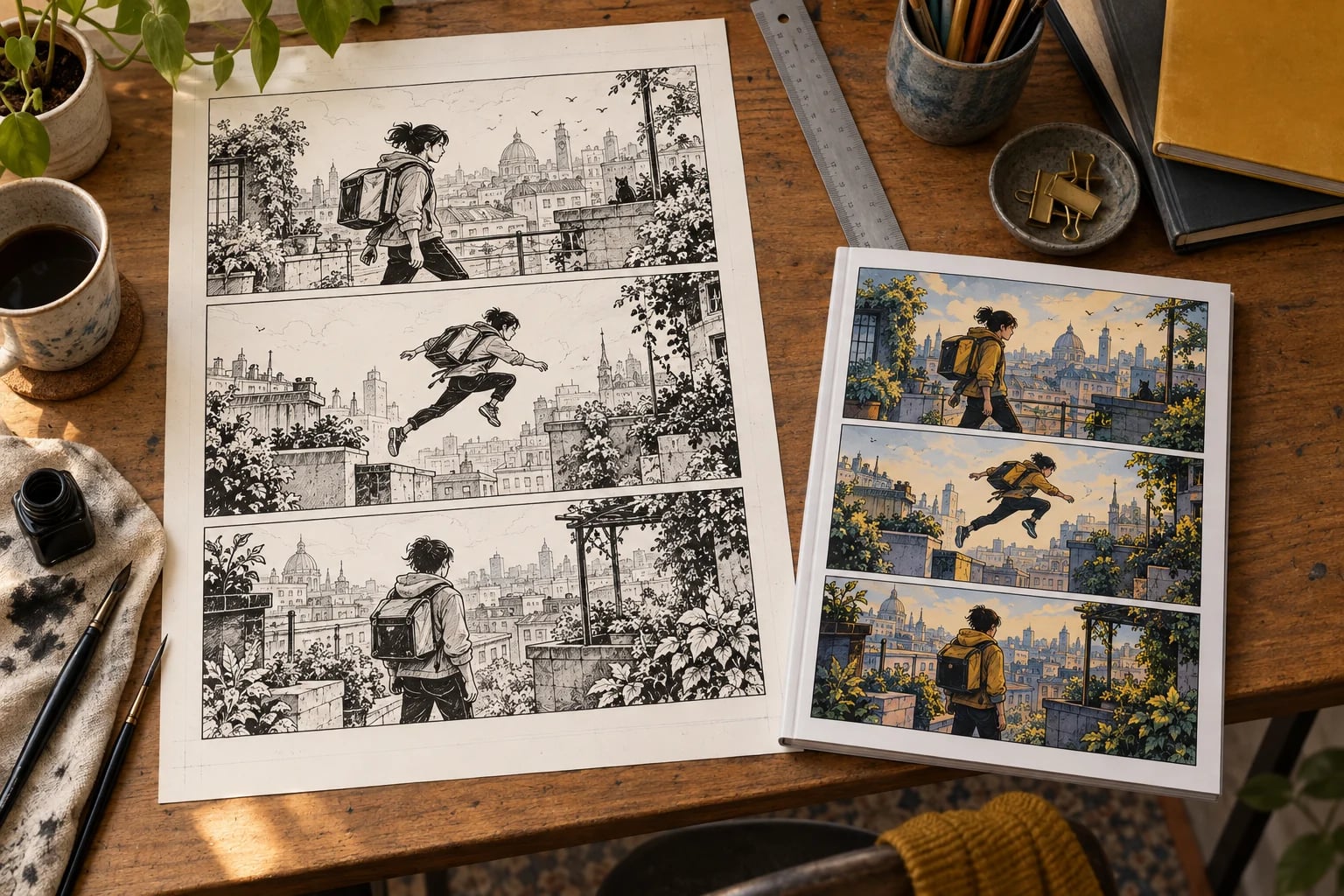
A balloon can lose meaning even if every letter survives the trim. A clipped tail might point to the wrong speaker, and a missing edge can make the whole panel look unfinished. Keep complete balloons, captions, faces, and story clues inside the safe area. Use the bleed for backgrounds that can afford to lose a narrow strip.
PrintNinja recommends keeping critical content at least 0.125 inches inside trim and uniform comic borders 0.25 inches inside trim. The extra room around borders helps make small cutting shifts less noticeable. These are PrintNinja’s recommendations; check the template for the printer handling your book.
Lulu recommends keeping important images and text 0.5 inches inside the trimmed edge, with extra allowance near the binding for longer books. With 0.125-inch bleed, that same safe line sits 0.625 inches from the outer edge of the file. Write down which edge you’re measuring from so two people don’t interpret the same margin differently.
- Continue skies, walls, textures, and other expendable scenery through the required bleed.
- Check the outermost point of each balloon, tail, caption box, and sound effect against the safe guide.
- Review faces and story clues separately; a cropped expression can matter as much as a missing word.
- Test both page sides, especially where a border approaches the binding.
- Move thin perimeter frames farther inward if a slight cutting shift would make them look lopsided.
Print one finished page at its intended book size before lettering the rest. Choose a page with a crowded conversation and a small caption. If you have to bring it close to your face to read it, shorten the dialogue, reshape the balloon, or enlarge the lettering. Zooming in on a screen can hide a problem that becomes obvious on paper.
Make sure your two-page spreads actually face each other
A dramatic scene across two pages only works if those pages sit opposite each other in the book. In a left-to-right book, pages 2–3 face each other; pages 3–4 are on opposite sides of the same sheet. It’s an easy mistake to make when you’re viewing artwork as separate files.
KDP places even-numbered pages on the left and odd-numbered pages on the right. Count the whole exported interior, including the title page and any blanks. Adding a single page at the front can move every planned spread onto the wrong pair. The page numbers printed in your story aren’t always the same as the PDF’s page numbers.
You can compose a scene on facing pages in your drawing or layout app, then export the separate pages your printer requests. That isn’t the same as sending a two-page PDF or arranging pages into printer spreads. Follow the upload instructions instead of trying to prepare the printing press layout yourself.
Keep eyes, crucial words, and other details away from the center fold. Let scenery cross it where possible. Check the alignment on screen, then look at a bound proof to see how much the binding hides. A beautiful wide panel still needs to make sense when a reader holds the book normally.
Set up the cover with its own template
Your cover file is larger than a single interior page. For a KDP paperback, it contains the back cover, spine, front cover, and bleed in one PDF. Use KDP’s cover specifications and calculator to get the template for your trim, paper, ink, and final page count.
The front panel shares the book’s trim size, but doubling that width won’t give you a complete cover. You still need the spine and bleed. Follow the template’s fold lines, safe areas, and barcode space, and check where the title sits on the actual front panel.
Generate the final template once the interior is settled. If you add pages or change paper afterward, generate it again. Don’t stretch the entire old cover to fit a wider spine; adjust the front, back, spine, and barcode area separately so faces and lettering keep their proportions.
Example: setting up a standard-size comic for KDP
Suppose you want a full-bleed paperback at the standard US comic size of 6.625 × 10.25 inches. KDP’s bleed rule gives you a 6.75 × 10.5-inch interior PDF page. First confirm that the custom size is available with your chosen paper, ink, and page count, then build a small test file before laying out the whole book.
- Calculate the delivery page. Width: 6.625 + 0.125 = 6.75 inches. Height: 10.25 + 0.25 = 10.5 inches.
- Calculate the raster requirement. At 300 ppi, 6.75 × 300 = 2,025 pixels and 10.5 × 300 = 3,150 pixels. The full-page image is therefore 2,025 × 3,150 pixels.
- Make a left-page and right-page test. Label each binding edge, mirror the outside bleed, and mark the required content margins before importing finished art.
- Check margins for the planned length. KDP’s inside margin increases with page count: its table starts at 0.375 inches for 24–150 pages and 0.5 inches for 151–300 pages. Use the applicable row in KDP’s trim, bleed, and margin instructions. (kdp.amazon.com)
- Export a two-page test PDF containing individual pages. Inspect each PDF page’s actual width and height, then check art extent and lettering placement.
If your exported page measures 6.875 × 10.5 inches, you’ve used the four-edge bleed calculation. Go back and fix the page setup for this KDP example. Shrinking the entire illustrated page until it passes upload could make the lettering smaller and leave backgrounds short of the bleed.
Use the two-page test to check both left and right pages. Once that looks right, apply the setup to the full interior and inspect the export again. The cover still needs its own template based on the completed book; getting the interior dimensions right doesn’t tell you whether the spine width is correct.
Save the dimensions with your project
Keep a short setup sheet beside the artwork. This is especially useful when a letterer, designer, or assistant handles part of the book. “Use standard comic size” leaves too many decisions open. Give them the units, finished dimensions, file dimensions, and actual template you’re using.
| Field | What to record | Supporting reference |
|---|---|---|
| Printer and product | Service, binding, paper, ink or color option | Saved order or title configuration |
| Interior geometry | Trim width × height and full PDF width × height | Product template and submission instructions |
| Bleed and safety | Allowance at each edge; where each margin is measured from | Labeled template guides |
| Reading direction and order | Left-to-right or right-to-left; required single pages or spreads | Printer’s accepted layout rules |
| Raster resolution | Minimum effective ppi at final placement | Image requirements |
| PDF and color export | Preset, font handling, transparency, color space or profile | Printer’s export guide |
| Cover version | Template matched to final page count and production options | Saved generated template |
Add the filenames of the approved interior and cover so nobody uploads an older draft by mistake. Save the printer’s template and instruction links with them. If you switch printers, review the whole sheet: the trim might stay the same while the bleed, safe area, page layout, and cover requirements change.
How to fix common comic page-size problems
When an upload fails or a proof looks wrong, start with the exported PDF. Your drawing app might show the right canvas size while an export setting scales the page or changes its boundaries. Pick one problem page, open the current printer template, and compare them.
The table below gives you a place to start. After a repair, check a page on the other side of the book too. A change that fixes the outside edge of a right-hand page can leave the left-hand pages wrong if their bleed hasn’t been mirrored.
| Symptom | Likely cause to investigate | First check or repair |
|---|---|---|
| White sliver along an outside edge | Background ends at trim, or bleed is missing or misplaced | Compare the PDF size and actual artwork extent with the template; extend the background rather than the lettering |
| Balloon or face crowds the cut | Critical content extends beyond the live area | Inspect complete balloon shapes, tails, faces, and caption boxes against the safe guide |
| Uniform panel borders look uneven | A narrow perimeter border emphasizes cutting variation | Measure border distance from trim on every edge and consider moving the frame inward |
| Center detail disappears into the binding | The composition leaves too little gutter clearance | Check the facing pair and bound proof before repositioning essential center detail |
| Low-resolution warning | A raster image is enlarged beyond its useful placed size | Divide its pixel width by placed inches; use a better source or reduce placement size |
| Wrong-size upload error | Trim, bleed, units, orientation, or export scaling does not match | Inspect the actual PDF page dimensions and relevant page boxes, not the artboard name |
| Spread falls across a page turn | Front matter or another insertion changed page parity | Recheck the complete exported sequence, including unnumbered pages |
| Cover fails after interior edits | The cover uses an obsolete page count or spine template | Regenerate the template and compare each cover region |
Fix the cause as directly as possible. If the sky stops at the trim line, extend the sky into the bleed. Scaling down every panel would also shrink the lettering and change the border spacing. If a spread lands across a page turn, check the front matter and blank pages before redrawing the scene.
Make the correction in your editable source and export again. Patching only the PDF can leave you with a source file that recreates the same error next time. Keep a short note of what changed so you know which pages to inspect in the next proof.
Check a printed proof before ordering copies
First check the PDF’s page dimensions, page count, reading order, and single-page layout. Run the printer’s preview checks and resolve its warnings. Then order a proof so you can judge the comic at its actual size, with its actual paper and binding.
Look closely at an edge-to-edge illustration, your most dialogue-heavy page, a narrow panel border, and your widest spread. Can you read the small captions comfortably? Does the binding hide anything important? Are dark panels still clear? A screen preview can help with positioning, but it can’t show exactly how a reader will hold and see the printed book.
Record corrections by PDF page number, adding the printed story page number if it differs. Fix the source, export again, and check the affected pages before placing a larger order. Keep the approved interior, matching cover, template, and setup sheet together so you can reproduce that version later.
If you add pages for a new edition, revisit the cover spine and any spreads whose positions change. Our guide to book binding and spine size explains how those choices fit together. By this point, you should have two clear answers: the size readers will hold and the exact file size your printer needs.