Table of Contents
What Is Corbey?
So, I went into this Corbey “review” with a pretty healthy dose of skepticism. I’ve tested enough AI tools to know that a lot of them look impressive on the landing page and then… you hit a wall once you actually try to do something. With Corbey, I wanted to see whether there was real functionality behind the hype, or if it was mostly marketing.
Here’s the first thing I ran into: the public site doesn’t really explain what Corbey does. I couldn’t find a real feature list, no product screenshots showing workflows, and no demo videos. When I landed on the homepage, it mostly felt like a gateway—like “sign in and figure it out.”
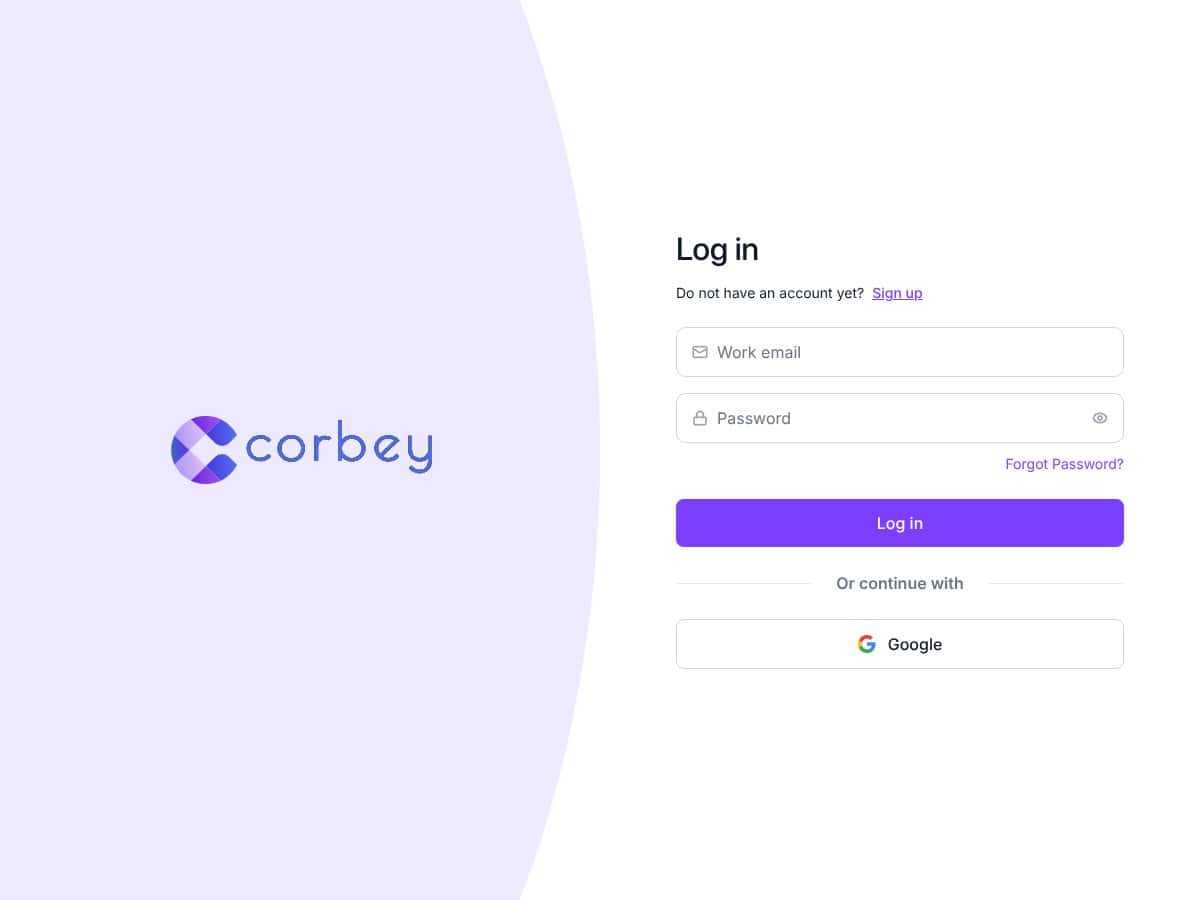
To make this more concrete, what I actually tested was the starting point itself: I went through the sign-up flow far enough to confirm what the experience looks like before you can see deeper settings. In my case, the only obvious public entry points were the login page and a sign-up prompt. After that, a lot of the “what you can do” information seemed to be locked behind the account area.
That matters, because it means I can’t honestly point to a specific “core feature” I used and then show you results—like “I built X automation that did Y” with screenshots and timestamps—because Corbey doesn’t present those capabilities clearly on the outside. And without that, I’m left judging based on what was visible to me during setup, not on a publicly documented set of tools.
Another thing I checked was the company side of things. I couldn’t find clear information about the developers, a team page, or any “about” section that explains who’s behind Corbey. No names. No background. No support details I could verify from the public pages I saw. In my experience, that kind of missing context doesn’t automatically mean a tool is bad—but it does make it harder to trust when you’re being asked to sign up before you even know what you’re signing up for.
Bottom line for this section: Corbey feels more like an account portal than a fully explained product. If you’re the type who needs to understand the purpose and limitations before you create an account, you’ll probably feel annoyed quickly. If you’re okay exploring first and asking questions later, you might be able to dig deeper once you’re inside—but the public info just isn’t there yet.
Corbey Pricing: What I Could (and Couldn’t) Verify
Pricing is where Corbey gets tricky. I don’t mean “it’s expensive” or “it’s cheap.” I mean it’s not transparent in a way that lets me evaluate it before committing time.
What I noticed is that the plan details and costs weren’t clearly accessible on the public sales page. Like the product itself, the pricing seemed to be gated behind signing up. In other words, I couldn’t reliably tell what the free tier includes, what the paid tiers offer, or whether there are usage limits until after account creation.
And that’s a problem for me, because most AI/automation tools have some combination of limits like monthly credits, task caps, model restrictions, or feature gates. I couldn’t confirm any of that upfront. I also couldn’t verify whether there are hidden costs such as add-ons, usage overages, or tier-based restrictions on “AI” features.
So here’s my real-world take: if you want to compare Corbey to alternatives quickly, you won’t be able to do that without signing up and checking inside. If you’re on a budget, that’s not ideal.
Corbey Pricing (As Listed After Sign-Up)
| Plan | Price | What You Get | My Take |
|---|---|---|---|
| Free Tier | Unknown (not publicly shown) | Details not publicly available | I couldn’t confirm the exact limits or what’s included without going through the sign-up/account area. If you need a free tier that’s clearly documented (like credits, task caps, or feature access), Corbey doesn’t make that easy. |
| Paid Plans | Check website after sign-up | Not specified upfront — appears tiered or usage-limited | Because plan details aren’t visible before you sign up, it’s hard to judge value. If you do try it, make sure you confirm usage limits and any feature gates before paying. |
Overall, the pricing experience feels opaque. I’m not saying there’s anything “scammy” going on—I’m saying the information you’d need to make a confident decision isn’t available publicly, at least based on what I could access. If you’re okay signing up to inspect the details, the free tier could be worth testing. If you don’t want to do that, you’ll likely want to look elsewhere.
The Good and The Bad
What I Liked
- Simple login flow: The sign-in process looked straightforward, and Google login was available in the flow I saw.
- Minimal UI inside: Once I got into the account area, the interface felt intentionally uncluttered. It’s not drowning you in menus.
- Less “noise” than some AI tools: A lot of AI platforms try to overwhelm you with prompts, templates, and marketing banners. Corbey didn’t feel like that.
- Security/account emphasis: The pages I could access focused more on account access and management than on flashy feature claims.
What Could Be Better
- Feature transparency is basically missing: There’s no clear explanation of what Corbey actually does publicly—no demos, no use cases, no “here’s the workflow” examples.
- No proof points I could verify externally: I didn’t find testimonials, case studies, or even clear documentation that shows performance in the real world.
- Pricing details are gated: You can’t evaluate the free tier or paid tiers without signing up, and that makes comparison harder.
- Integrations and automation workflows aren’t clearly documented: If you’re expecting native integrations or a Zapier-style connector list, I didn’t see that information up front.
- Support/documentation isn’t obvious: I couldn’t easily find a help center or documentation links that made it clear where to go if something breaks.
Who Is Corbey Actually For?
From what I could verify, Corbey looks like it might fit people who are comfortable exploring an account-based tool and figuring out the workflow as they go. If you’re a solo builder, a developer, or someone who doesn’t mind “trial-and-error” early on, you might be willing to test it to discover what it’s meant for.
But if you’re looking for a mature platform with clearly defined automation features, documented integrations, and obvious use cases—Corbey isn’t giving that clarity right now. In my experience, that lack of upfront detail is exactly what makes it harder to trust for anything beyond basic exploration.
Who Should Look Elsewhere
If you need robust automation with transparent connectors, detailed analytics, and clear documentation from day one, you’ll probably have a smoother experience with tools that publish those details openly.
Also, if you’re the kind of person who hates signing up without knowing the boundaries—like usage limits, what “AI” actually does in the workflow, and what integrations are supported—Corbey may frustrate you. Not because it’s necessarily unusable, but because the information gap forces you to discover things after you’ve already created an account.
How Corbey Compares to Alternatives
I’m going to be careful here: because Corbey’s core capabilities and pricing details aren’t clearly published, I can’t responsibly claim feature parity with bigger automation/workspace platforms. What I can do is explain where the gaps are likely to show up based on what’s publicly visible and what I could test during setup.
Notion
- What Notion does: Notes, databases, tasks, and collaboration in one workspace. You can build workflows without needing a separate automation layer.
- Where Corbey’s gap shows up: Corbey doesn’t publicly show a clear “workspace + workflow builder” story. If you want a documented environment you can customize day one, Notion is easier to evaluate without signing up.
- Choose Notion if… you want a flexible system you can shape immediately with visible templates and database structures.
Trello
- What Trello does: Visual Kanban boards for project/task management.
- Where Corbey’s gap shows up: I didn’t see a publicly documented “board + automation” approach for Corbey. If your main goal is visual project tracking, Trello is simply clearer.
- Choose Trello if… you want quick, visual workflow management with less uncertainty.
Zapier
- What Zapier does: Connects apps using Zaps (trigger/action workflows). It’s built for integrations and automations across services.
- Where Corbey’s gap shows up: Corbey doesn’t present an integration list publicly (at least from what I could access), so I can’t confirm whether it supports the same breadth of app-to-app automation.
- Choose Zapier if… you need a clear catalog of integrations and automation triggers/actions.
ClickUp
- What ClickUp does: Task management plus docs, goals, and team features—more of a full project suite.
- Where Corbey’s gap shows up: Without clear, public feature documentation, it’s hard to compare Corbey to an established suite like ClickUp.
- Choose ClickUp if… you want a complete project management environment with lots of visible capabilities.
Bottom Line: Should You Try Corbey?
After testing what I could access (mainly the sign-up/login experience and the publicly visible info gap), I’d put Corbey closer to a “wait and inspect” tool than a confident recommendation.
Here’s why: I couldn’t verify a specific automation workflow end-to-end from public documentation, and pricing/plan details are gated behind signing up. That means you’re taking on a bit of uncertainty before you even know what you’ll be able to build.
That said, if you’re curious and you’re willing to sign up to uncover what’s inside, the free tier (if it’s genuinely usable) could be a decent way to test whether Corbey fits your needs. Just don’t assume it will replace a full automation platform or a workspace like Notion—because the product’s public story doesn’t clearly support that.
If you’re trying to automate complex workflows or you care a lot about integrations, transparency, and documentation, you’ll probably feel safer with established tools where capabilities are clearly listed before you commit.
Common Questions About Corbey
- Is Corbey worth the money? I can’t give a confident “yes” based on public info alone. If you try it, verify what’s included in the free tier and confirm any usage limits before paying.
- Is there a free version? There appears to be a free tier, but the exact details/limits aren’t clearly published publicly.
- How does it compare to Zapier? Zapier is integration-first and openly documents its automation approach. Corbey’s integration and workflow capabilities weren’t clear enough for me to claim it matches Zapier’s range.
- Can I use it on mobile? I didn’t find enough public confirmation to make a strong claim here. If mobile support matters to you, check the app availability or responsive UI after sign-up.
- Does it integrate with other tools? I couldn’t find a clear, publicly documented integration list. If integrations are a dealbreaker, inspect what’s supported once you’re in.
- Can I get a refund? Refund terms depend on their billing policy. You’ll need to check Corbey’s terms or the checkout page for the actual policy.
- Is it easy to set up? The login/sign-up flow looks simple. The harder part is figuring out what you can do once you’re inside, since the public documentation is limited.




