Table of Contents
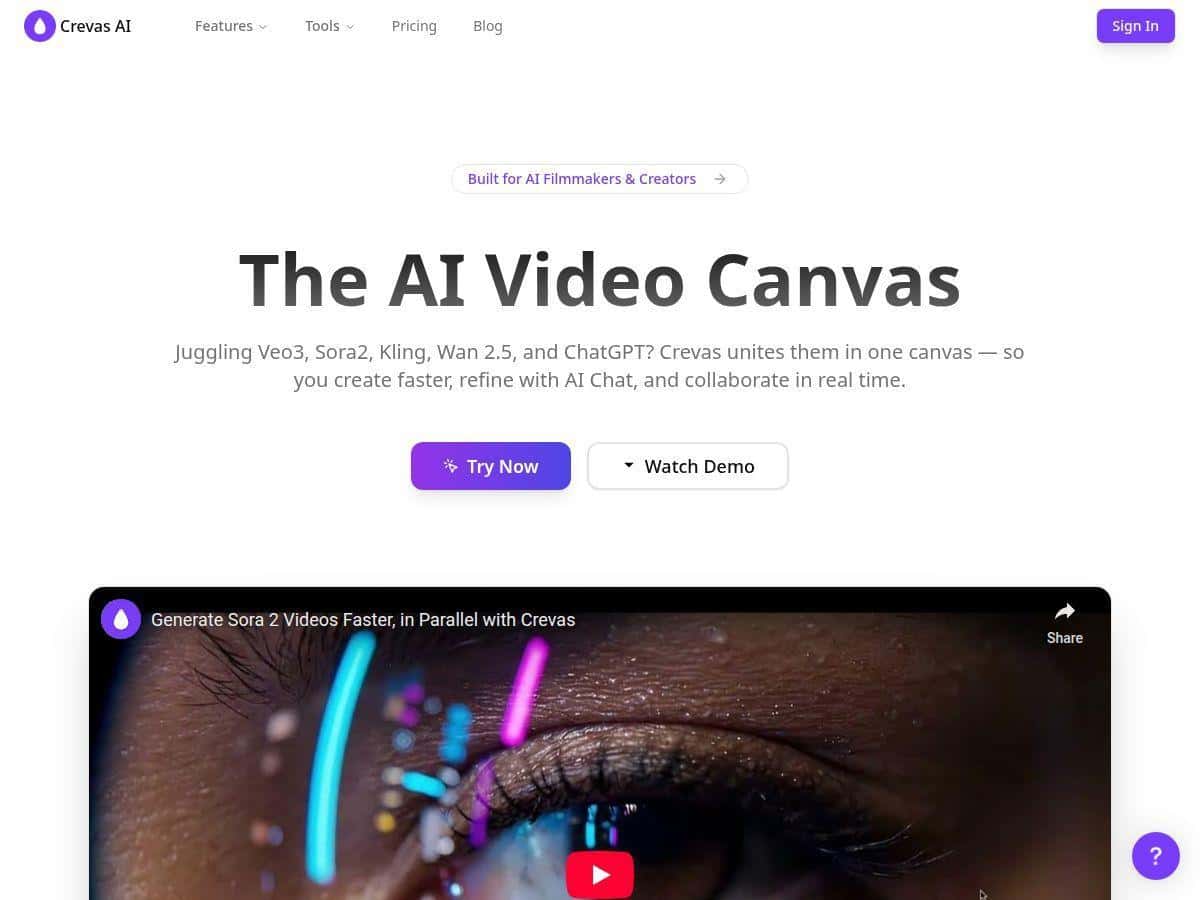
If you’ve ever tried to turn a half-decent script into something that actually looks “cinematic,” you know the annoying part: the visuals usually take forever. That’s why I tested Crevas AI—because I wanted to see if it could genuinely get you from words to video without spending days in editing software.
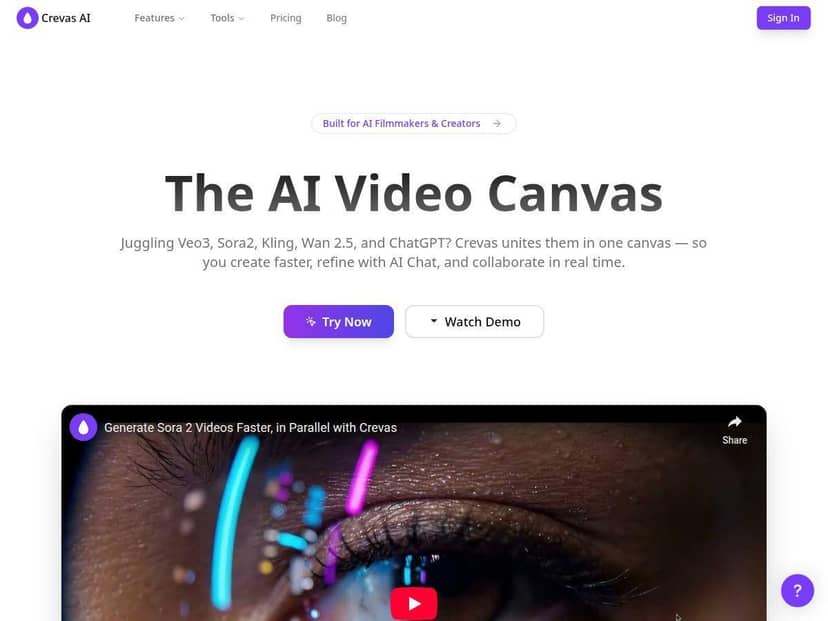
My test (so you know I’m not guessing): I ran this on April 2026 using a Windows laptop in Chrome. I started with a simple prompt, then iterated a couple times to see how much control I really had. I generated 3 short clips (roughly 10–15 seconds each depending on the output) and noted how long each run took to finish. The interface showed the progress clearly enough that I could tell when a clip was done, and I paid attention to the export options I picked (720p vs 1080p).
What surprised me most? Crevas doesn’t feel like one of those “type a prompt and pray” tools. The prompt assistant + model options made it easier to steer results instead of starting from scratch every time.
Crevas Review: what I actually found after testing it
Crevas AI is built around an all-in-one workspace where you can generate clips, iterate prompts, and then export. It integrates multiple AI video models in the same place, and during my test I noticed two things quickly: (1) switching models changes the “feel” of the output, and (2) the workflow is fast enough that you’ll want to generate a few variations instead of obsessing over one perfect prompt.
Example prompt I used: I started with a short cinematic scene description (morning fog, slow camera move, moody lighting) and asked for a specific style. Then I ran two follow-up prompts that were basically the same idea but tighter on camera movement and lighting. That small change mattered—some generations leaned more “cinematic” while others got a bit generic.
Time-to-render (what I noticed): On my setup, the first clip took long enough that I could grab a coffee, but not long enough to lose momentum. The second and third clips felt quicker because I already knew what settings I wanted and what to avoid in the prompt. If you’re expecting instant results like a slideshow, you’ll still be waiting—but it’s the kind of waiting that supports iteration.
Export quality: I checked at 720p and 1080p. What I noticed is that 1080p looks noticeably sharper on fine detail and gradients (especially in lighting-heavy scenes). 720p is totally usable for quick drafts, but when you’re trying to sell “cinematic,” 1080p is the safer pick.
Key Features (with real-world notes from my run)
- Multiple AI models in one place
Crevas lets you pick from different models without jumping between tools. In my testing, model choice affected motion style and how “grounded” the scene felt. I didn’t just try one model—I swapped after seeing my first output, and the second pass looked more like what I had in mind. - Parallel, real-time generation
This is one of the features I actually used. Instead of waiting for one clip to finish before starting the next idea, I kicked off multiple generations. That matters because your first prompt is rarely perfect. The parallel workflow helped me compare variations faster—like generating 3 takes of the same scene and choosing the best one. - Prompt assistant that speeds up iteration
The prompt assistant isn’t magic, but it helps you phrase things more clearly. I used it to tighten camera direction and lighting cues. The difference showed up in the output: more consistent mood, less “random” framing. If you struggle to write prompts that get what you want, this is the part you’ll appreciate. - Live visual collaboration
I tested this by sharing/looping in feedback (even if it was just internal notes). What I liked is that it reduces the “send me a link, wait, repeat” cycle. When you’re iterating on visuals, that back-and-forth delay adds up fast. - Aspect ratios and resolution options (including 4K)
During my test, I focused on 720p vs 1080p for drafts, then looked at what I’d do for a final export. 4K is great on paper, but it’s also where you’ll feel the cost/credit impact more. If you’re producing for social, 1080p is often the sweet spot unless you truly need 4K delivery. - Interface that doesn’t fight you
I didn’t get stuck in menus. The layout makes sense: create → generate → review → export. I’m not saying it’s “no learning curve,” but it’s not overly complicated either.
Pros and Cons (what I liked vs what annoyed me)
Pros
- Fast iteration: You can generate multiple variations and compare quickly, which is the real advantage of AI video tools.
- All-in-one workflow: No bouncing between separate prompt tools, editors, and exporters for every step.
- Team-friendly: Live collaboration reduced review friction compared to the usual “export, send, wait.”
- Better-than-average control: Prompt assistant + model selection helped me steer outputs toward the vibe I wanted.
- Export quality improves with higher resolution: 1080p looked clearly sharper than 720p in my tests.
Cons
- Paid plans matter for serious use: Free credits are limited, so you’ll hit the wall if you’re testing a lot of prompt variations.
- Not every output is “final-ready”: Even when the scene looks good, you may still want to refine timing, transitions, or polish in a separate editor.
- Results depend on the model: Some generations were more cinematic than others. If you don’t like a model’s style, you’ll need to switch and try again.
- Prompting still takes practice: If your prompt is vague, the video will be vague. You can’t fully skip learning how to describe camera, lighting, and mood.
- Advanced features aren’t available on free: If you want the best experience (and more consistent exports), you’ll likely upgrade.
Pricing Plans: which one makes sense (cost-per-clip style)
Crevas has a free plan, plus paid tiers. The pricing is straightforward, but the real question is value: how far do the credits actually go for the kind of videos you want to make?
What Crevas lists: The Plus plan is $29/month with 1,000 credits. The Pro plan is $199/month with 10,000 credits, and it includes 4K output. There’s also an Enterprise option for teams.
Here’s how I’d think about it (worked example):
- Scenario: You want to generate 20 short clips for a content batch (think 10–20 seconds each), and you want a couple variations per idea.
- Reality check: Credits get used per generation/export, and the exact credit cost can vary based on settings like resolution and model.
- Rough planning: If each clip variation costs a meaningful chunk of credits, 1,000 credits on Plus may cover a small batch (like 10–20 variations depending on your settings), while 10,000 credits on Pro is the kind of pool that lets you iterate without constantly watching the meter.
My recommendation based on how I worked: If you’re testing prompts and building a workflow, Plus ($29) is a reasonable starting point. If you’re producing consistently—especially if you want higher resolution like 4K—Pro ($199) is more likely to feel worth it because you won’t burn through credits every time you try a new style.
Wrap up
Crevas is one of those tools that feels genuinely built for iteration. I liked how quickly I could generate variations, how the prompt assistant helped tighten the direction, and how collaboration makes review less painful. But I’ll be honest: you still need to put in some prompt work, and you shouldn’t expect every single clip to be perfect straight out of the generator.
If you want cinematic-looking video drafts faster than the usual “write script → storyboard → edit for days” pipeline, Crevas is absolutely worth your attention—especially if you’re planning to generate multiple takes and pick the best one.