Table of Contents
CrushCheck review: I get it—sometimes you send a message and then spend the next hour replaying it like it’s a crime scene. Did that come off as interested? Was that too much? Or… not enough?
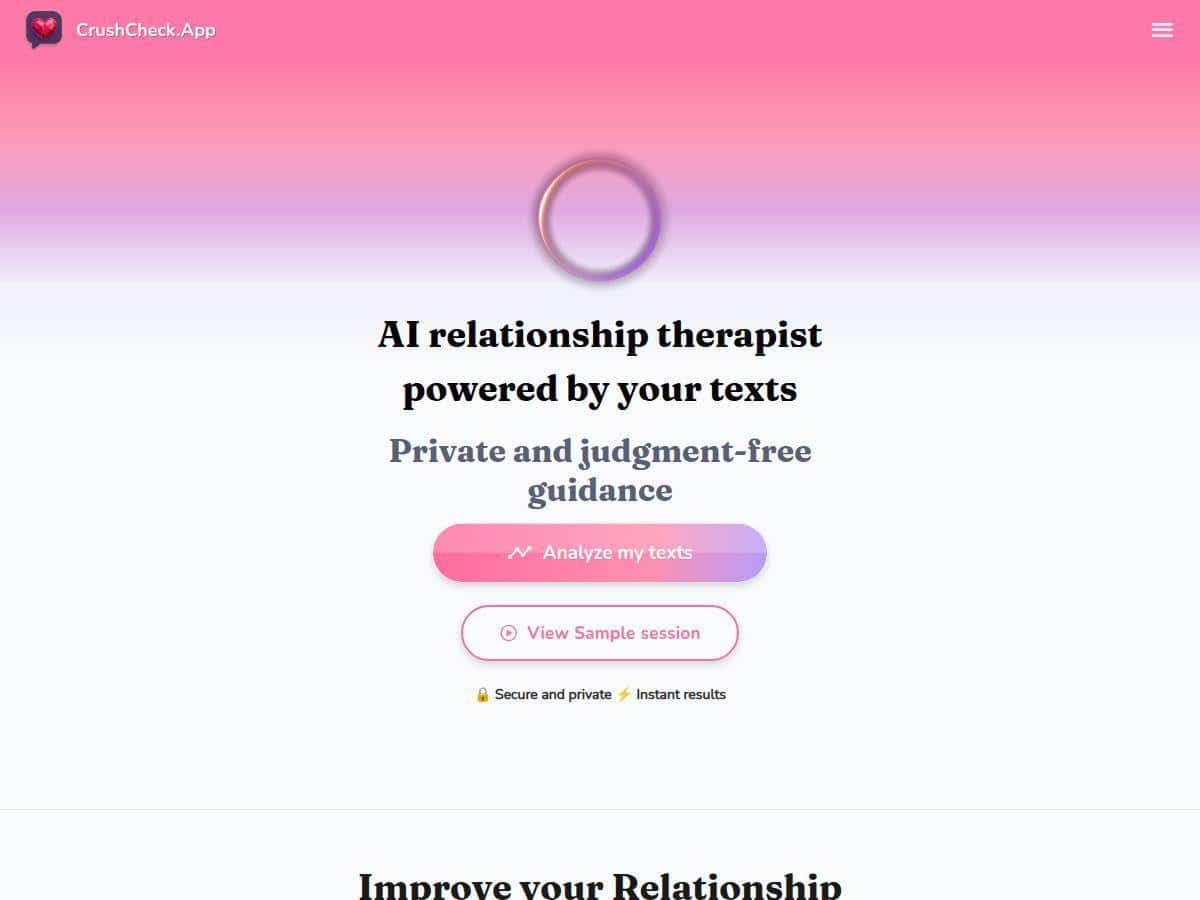
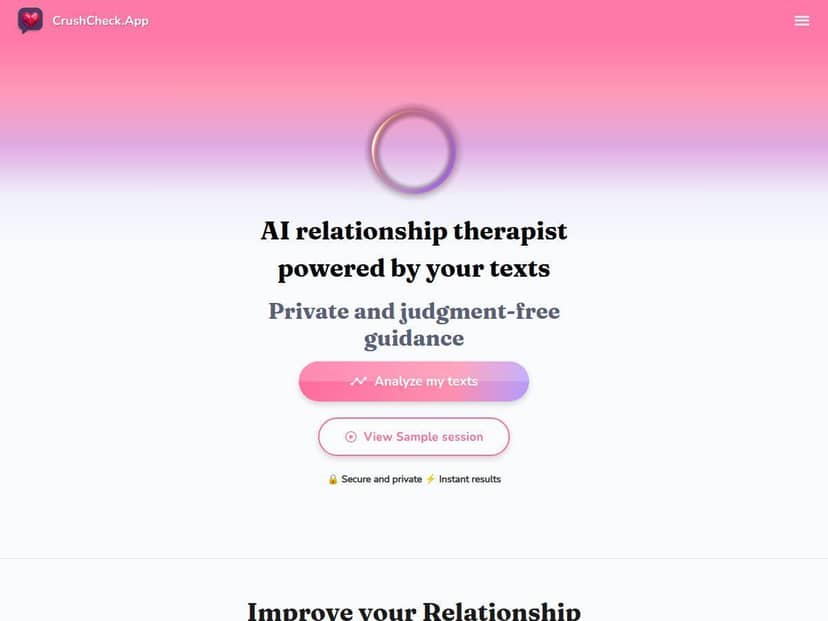
That’s exactly what CrushCheck is trying to help with. It uses AI to analyze romantic chat signals and turns them into a report you can actually read (not just a vague “it looks good!”). In my experience, it’s fast, pretty easy to use, and surprisingly good at spotting patterns in how people respond—though it’s absolutely not a mind-reader.
CrushCheck Review: What I Tested (and What It Got Right)
I tried CrushCheck on a weekday evening (I’m not kidding—this is when I usually overthink text messages). Here’s what I did so you can judge how “real” the test is:
- Date/version: tested on 2026-04-20 (no app version number shown on my end)
- Device/browser: MacBook + Chrome (latest at the time of testing)
- Input: copied a short chat export (I pasted it into the upload flow after trimming personal details)
- Length: about 30–40 messages total (roughly 1–2 pages of text)
Example of the kind of chat I used (redacted):
Me: “Hey, are you free Thursday? We could grab coffee.”
Them: “Maybe! I might be busy, but I’ll try.”
Me: “No worries—what time usually works?”
Them: “Honestly, depends. I’ll let you know.”
Later… “Sorry, totally forgot. What’s up?”
After submitting, CrushCheck generated a report quickly. The whole process—from upload to the analysis screen—took me under a minute. The report wasn’t just a vibe check either; it was structured with distinct sections (tone/emotion, responsiveness, and “signals”).
Three things the report said that I found accurate:
-
It flagged inconsistency in responsiveness.
The report pointed out that replies weren’t steady and that the “maybe / I’ll let you know / forgot” pattern suggested low follow-through. That matched what I noticed in the thread—especially the gap between the initial coffee ask and the later “sorry, forgot.” -
It interpreted the tone as cautious rather than enthusiastic.
I’ve seen this before: when someone is interested, they usually propose a time or keep the conversation moving. This person didn’t. The report’s “cautious” framing felt right based on the wording they used. -
It highlighted moments where I was more direct than they were.
I asked specific questions (“What time works?”). They stayed broad (“depends”). The AI picked up on that imbalance.
One thing it got wrong (and why that matters):
-
It leaned a bit too hard toward “disinterest” for one message.
There was a reply that, in context, was actually them being distracted (not dismissive). The report treated it like a clear negative signal because it couldn’t see the real-life reason behind the delay. That’s the limitation of analyzing text only—no context, no body language, no “busy day” explanation.
So yeah—CrushCheck can help you read between the lines. But it works best when you treat it like a second opinion, not a final verdict. Want a quick confidence boost? Sure. Want to use it to decide whether someone “likes you” for sure? Don’t.
Key Features: What You Actually Get in the Report
CrushCheck’s feature set is built around one goal: turn chat text into readable relationship/emotional insights. Here’s what I noticed it covers and how it behaved with my input.
1) AI-Driven Text Analysis (tone + intent signals)
Instead of just counting words, it focuses on how messages land—tone, emotional direction, and whether the other person is engaging or keeping things vague. In my run, it separated “early replies” from “later follow-up,” which is exactly what I wanted to understand.
2) Chat Upload / Paste Flow
I used the upload/paste option during the submission flow. It didn’t feel like I needed technical skills. One practical tip: trim your chat to the part you’re trying to interpret. If you dump months of messages, the report can feel generic just because there’s too much noise.
3) Instant Feedback and Reports
Turnaround was quick—again, under a minute for me. The report screen came back with multiple sections rather than one long paragraph. That makes it easier to skim when you’re in “overthinking mode.”
4) Relationship and Emotional Insights
This is where CrushCheck tries to answer the question you actually care about: are these signals more like interest, uncertainty, or avoidance? In my case, it emphasized caution and inconsistency more than “romantic interest,” which lined up with how the conversation played out.
5) User-Friendly Interface
The interface felt simple: submit chat → get report. No complicated settings menus. If you’re the type who just wants answers, that’s a plus.
Limitation I noticed: it can’t know whether someone was joking, being sarcastic, or just having a weird day. If the chat includes heavy sarcasm or inside jokes, you’ll want to read the original messages alongside the AI output.
Pros and Cons: My Honest Take
Pros
- Fast results. I got a full report in under a minute after submitting trimmed chat text.
- Clear structure. It wasn’t one blob of text—it broke down tone/emotion and signal patterns, which made skimming easy.
- Good at spotting follow-through patterns. It flagged inconsistency in replies, and that matched what I saw in the thread.
- Beginner-friendly. I didn’t need any instructions beyond the basic submission flow.
Cons
- Context is missing. If someone’s delay is for a non-romantic reason, the AI may interpret it as a negative signal. In my test, that happened once.
- Privacy risk is real. You’re uploading/pasting private messages. I didn’t see the full privacy policy text inside the app screen during my run, so I can’t quote specific terms here. Before using it, check whatever privacy/permissions page is linked from the product and assume your chat content is sensitive.
- Not a guarantee. Even when the report seems accurate, it’s still an interpretation—not proof.
Pricing Plans: What I Could (and Couldn’t) Confirm
I tried to verify pricing from the info available in the flow and the linked landing page, but I couldn’t reliably find a clear, plan-by-plan price list at the time of testing. Some sites show pricing only after starting a trial or entering the checkout page.
Here’s what I recommend instead of guessing:
- Check the CrushCheck link you’re using and look for a “Pricing” or “Plans” section.
- If you see a checkout screen, screenshot the plan name + price before you enter payment details.
- If there’s a free tier, test it with a short, trimmed chat first—don’t start with your most personal conversation.
If you want, paste the plan names/prices you see (no personal info) and I’ll help you compare what you’re actually getting for the money.
Wrap up
CrushCheck is a pretty solid “sanity check” for romantic chat signals. In my test, it correctly picked up on cautious tone and inconsistent follow-through—and it explained the reasoning in a way that felt readable, not robotic. Just don’t treat it like a definitive answer. Text-only AI can miss context, and you should be careful about privacy since you’re feeding it private messages.