Table of Contents
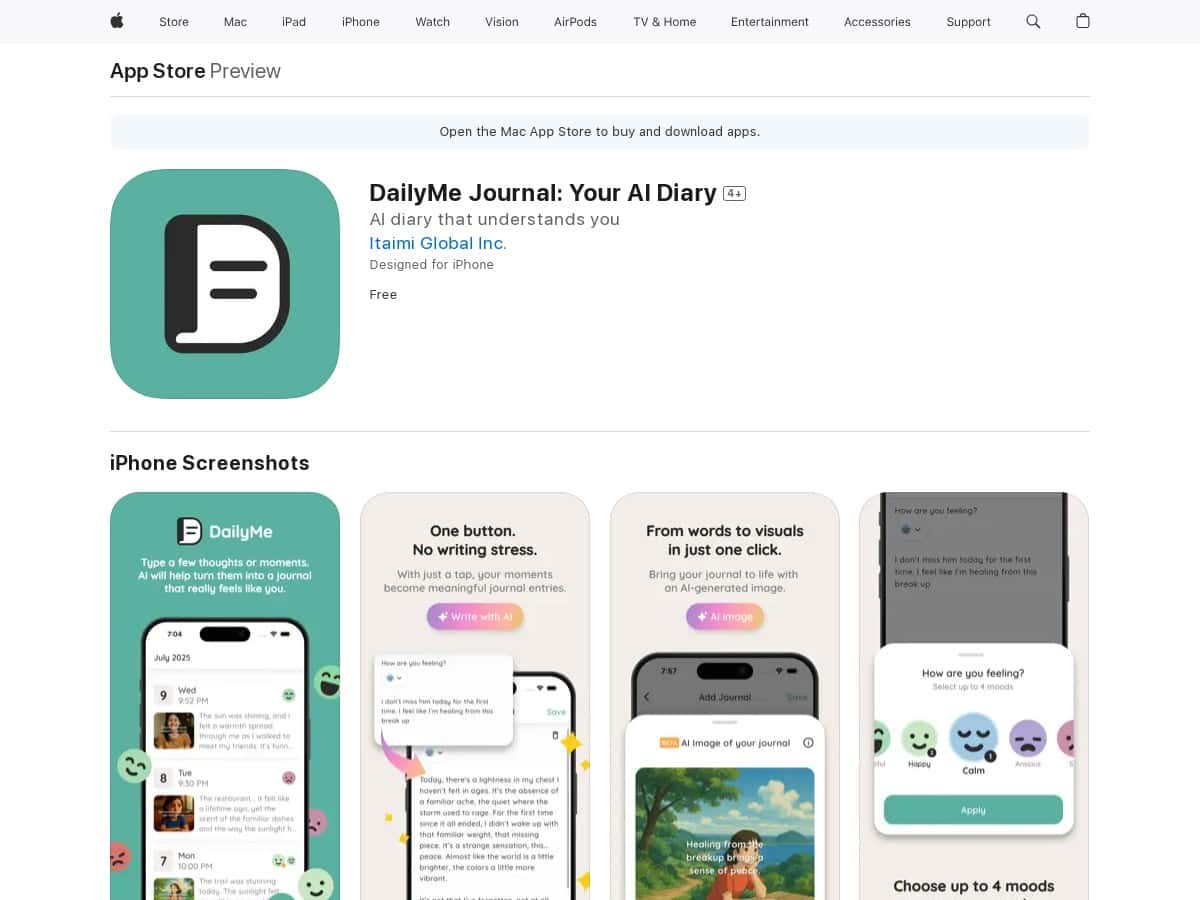
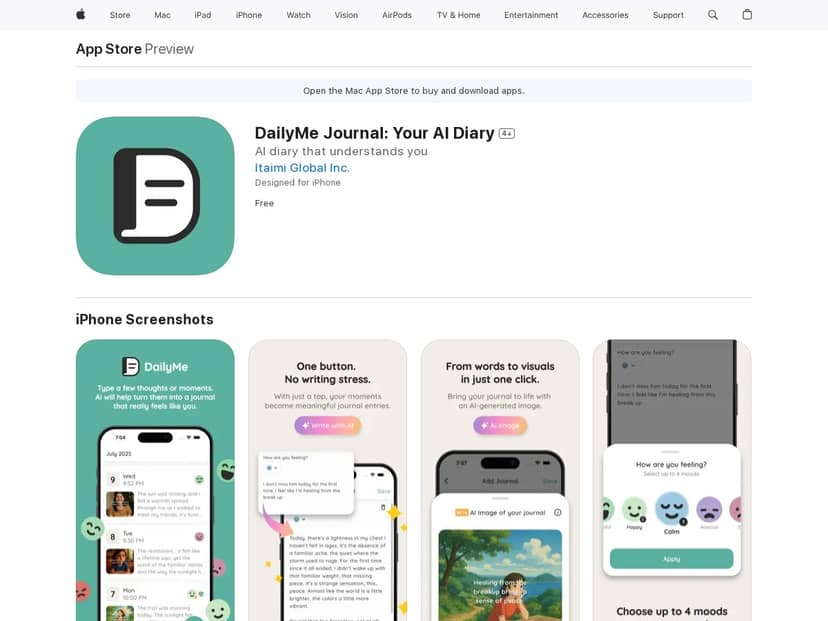
If you’re tired of staring at a blank page every morning, DailyMe is an interesting option. The pitch is simple: type a few thoughts, pick what you’re journaling for, and the app uses AI to turn that into a full entry. I tested it on my own routine (a few days in a row), and here’s what actually stood out—and where it didn’t quite hit the mark.
DailyMe Review (What I Did + What I Actually Saw)
Here’s my quick “real use” rundown. When I opened DailyMe, I didn’t have to wrestle with a bunch of settings first. The flow was basically: start a new entry → type a few lines → choose a journaling purpose → let the AI generate the longer write-up.
To test the quality, I intentionally kept my input short and a little messy, like people actually write when they’re tired. For example, on one day I typed:
My input (raw): “Had a weird day. I felt off after lunch. I’m not sure if I’m stressed or just tired. I want to stop spiraling.”
Then I picked a purpose that matched that vibe (I chose something along the lines of reflection / self-improvement rather than a super specific therapy prompt). The AI response came back as a more structured journal entry—longer than my input, with a calmer tone and a bit of “let’s name the feeling” language.
AI output (excerpt): It acknowledged the afternoon shift, suggested a few possible triggers (stress vs. fatigue), and ended with a gentle plan for the next step—something like checking in with my body and picking one small action to interrupt the spiral.
What I noticed: it didn’t just rewrite my sentence word-for-word. It expanded the entry by adding transitions and a clearer emotional arc. Still, it’s not mind-reading. If my input was vague, the AI filled in the blanks with generic support. That’s not “bad,” but it’s something to keep in mind if you prefer very personal, highly specific journaling.
I tried a second test where my input was more direct:
My input (raw): “I’m frustrated I keep procrastinating. I want to be consistent, but I start late and then feel guilty.”
The AI leaned harder into accountability and offered practical reframing—less “comfort only,” more “here’s a way to make this easier tomorrow.” The tone felt different between the two entries, and that’s where the “purpose-driven” part actually mattered.
So, does it feel “personal”? In my experience, it feels personalized based on what you tell it and which purpose you choose—not like it knows your whole life. If you want the entry to sound like you, you’ll probably need to give it at least a few concrete details (what happened, when it happened, what you were thinking).
Key Features (How They Work in Practice)
- AI-Generated Journals
- This is the core feature. You type a few thoughts, select a purpose, and DailyMe generates a longer entry. What I liked most is how quickly it turns “notes” into something you can actually reread later.
- One small workflow tip: if you start with a sentence that includes a time reference (“after lunch,” “tonight,” “this morning”), the AI tends to produce a more coherent entry.
- Purpose-Driven Journaling
- Instead of one generic style, you can choose the reason you’re journaling. I noticed the AI changes its structure depending on the purpose—more reflective and soothing for “calm/mental check-in” vibes, and more action-oriented for “self-improvement” style prompts.
- It’s not magic, but it’s genuinely useful. Otherwise, you end up with the same journal voice every day.
- AI Image Generation
- DailyMe also generates an image tied to your mood update. In my testing, the workflow was pretty straightforward: after I logged my mood for the day, I could trigger image generation from within that mood entry.
- I tried a few styles (including anime and more painterly looks). Turnaround wasn’t instant, but it was fast enough that it didn’t break the “daily” habit—think “wait a bit, then continue your journaling.”
- Limitation I noticed: sometimes the images feel “similar” across days if the mood input is close. You may want to vary your text slightly (even one extra detail) to get more distinct visuals.
- Mood & Streak Tracking
- DailyMe tracks mood and keeps a streak going. I tracked for about 5 days during testing, logging my mood each day and reviewing the trend view afterward.
- The dashboard made it easy to spot patterns like “my mood dips after busy afternoons” (for me, it was noticeable when I had meetings or had to switch tasks quickly). It didn’t replace awareness, but it did encourage me to check in more consistently.
- Important: the app shows mood metrics based on what it collects from you. If you don’t log consistently, the trend view won’t be very meaningful.
Pros and Cons (Real Talk)
Pros
- Fast journaling workflow: it takes only a few taps to go from “thoughts” to “full entry.”
- Purpose selection actually changes the output: my entries didn’t all sound identical.
- Mood + streak gives you a reason to come back: I noticed I was more consistent because I didn’t want to break the chain.
- AI image layer makes mood tracking more fun: it turns a plain log into something you’ll want to revisit.
Cons
- iOS-only (at the time of testing): I only saw iOS availability during my check. If you’re on Android, you’ll likely be out of luck right now.
- AI can sound generic if your input is vague: if you type “I feel bad today,” you’ll get a supportive entry, but it won’t be very specific.
- Not everyone will want AI-generated prose: if you like handwritten journaling or minimal digital writing, this might feel like “too much processing.”
- Privacy/data questions matter: I didn’t see anything detailed enough in the quick review flow to confidently say how your text is handled long-term. If privacy is your top concern, I’d recommend checking the in-app privacy policy/terms before you commit to daily use.
Pricing Plans (What It Costs)
During my testing, DailyMe was positioned as free to download. I can’t responsibly claim “no hidden charges” without checking the live App Store listing (pricing can change), so here’s what I recommend:
- Open the App Store listing for DailyMe and look for in-app purchases or any subscription language.
- Check the “Offers In-App Purchases” line—if it’s there, you may have optional upgrades even if the base app is free.
If you want, paste the pricing section text you see on your end, and I’ll help you interpret what it actually means.
Wrap up
DailyMe is best for people who want journaling to feel easier and a little more structured—especially if you struggle to turn “feelings” into words. The AI journaling works best when you give it something concrete (a situation, a time, a thought you had). The mood tracking and streak feature helped me stay consistent, and the generated images made the whole thing feel more creative than a basic diary.
That said, if you want raw, handwritten-style authenticity—or if you’re picky about privacy details—you might want to be cautious. For me, it was a solid daily tool, not a replacement for real reflection. And honestly? It made it easier to write on the days I didn’t feel like thinking too hard.