Table of Contents
If you’ve ever looked at Labubu-style art and thought, “Okay, I want my photos to look like that,” Daisy is one of those tools that actually feels made for fun. I tested it with a few different pictures (close-up faces, a couple of wider shots, and one photo with a busy background), and the whole process is refreshingly simple—upload, wait, and you get a cute, toy-like result without fiddling with a bunch of sliders.
What surprised me most was how quickly it turned my photo into something that looks like it belongs in a playful collectible lineup. It’s not trying to be “perfect portrait AI.” It’s more like: “Let’s make this look adorable and stylized.” And honestly? That’s exactly what I wanted.
Daisy Review: Cute Labubu-Style Results Without the Headache
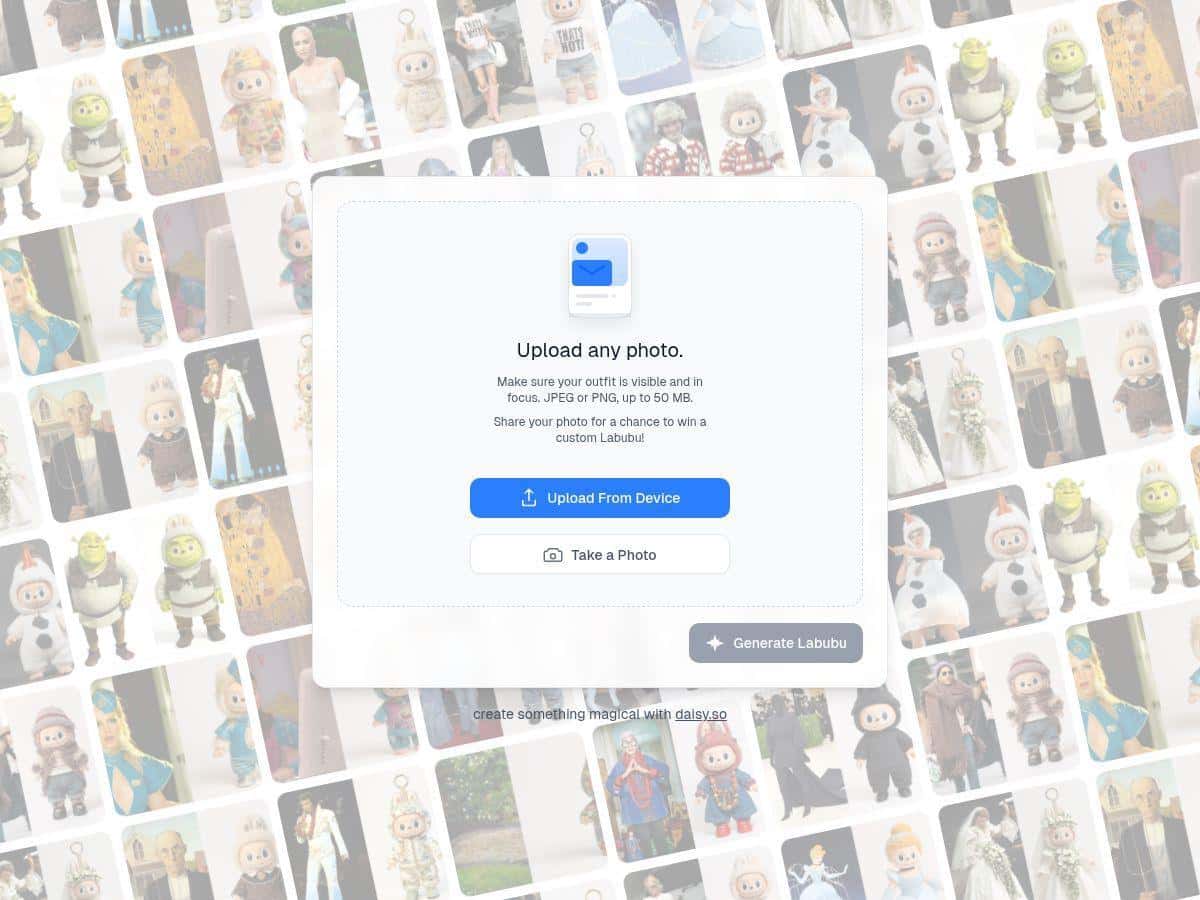
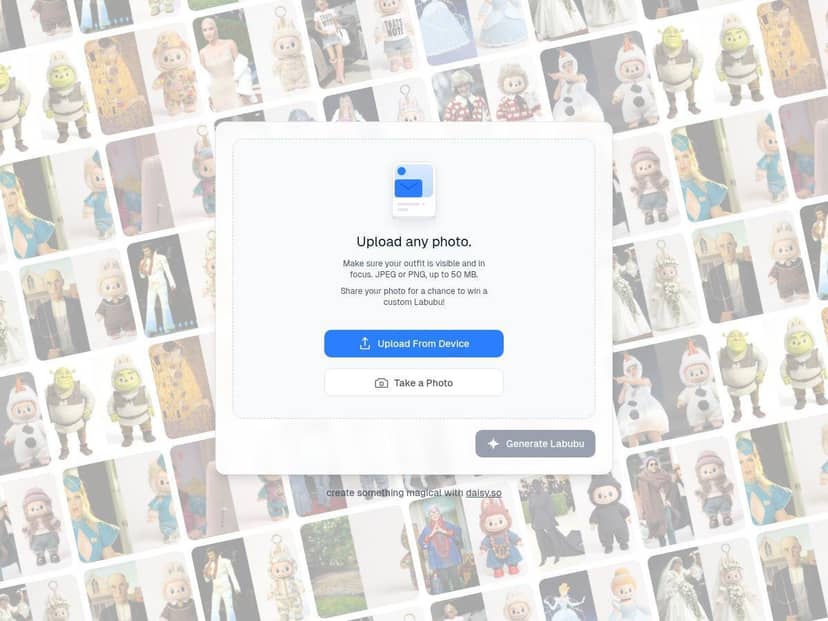
Daisy is surprisingly easy to use, even if you’re not “techy.” I didn’t have to hunt for settings or learn some complicated workflow. Uploading my photo took just seconds, and the transformation happened fast enough that I wasn’t waiting around like I do with some heavier AI tools.
Here’s what I noticed about the output style: it leans into the playful, exaggerated features that people associate with Labubu-like characters. Think bigger, more expressive shapes and that toy-ish vibe. It’s not subtle—and that’s part of the appeal. If you want something realistic, this probably won’t scratch that itch. But if you want “adorable collectible energy,” Daisy delivers.
Now, about consistency. Results can vary depending on the photo you upload. On my end, photos with a clear subject (good lighting, face/front-and-center) produced the most satisfying “toy character” look. When I used a busier background, the AI still worked, but the final image felt a bit less clean and more “interpreted.” That’s not a dealbreaker, just something to expect with stylized AI.
I also liked that the interface stays simple. No clutter. No confusing menus. And there’s a built-in way to share your creations right from the site, which makes it easy to post or show friends without downloading and re-uploading everything manually.
So who is Daisy for? Honestly, it’s great for casual users who want quick, fun avatar-style images for social media, profile pics, or personalized gifts. If you’re the type who wants deep control over every detail, you might feel a little limited—but if you just want cute results fast, Daisy is a solid pick.
Key Features I Actually Used
- Photo upload in JPEG or PNG format with up to 50 MB file size
- Transforms images into playful Labubu-inspired artwork
- User-friendly interface suitable for all skill levels
- Supports mobile upload via camera or gallery
- Easy sharing options so you can post directly
- Quick animation and customization options (where available)
Pros and Cons (Real Talk)
Pros
- Super beginner-friendly—upload and get results without a learning curve
- Fast turnaround for turning a normal photo into Labubu-style art
- Supports high-quality uploads (up to 50 MB) which helps keep details cleaner
- Made for sharing—easy to show off your creations
- Mobile friendly, so you don’t need a PC to try it
Cons
- File format options are limited to JPEG and PNG (no HEIC/other common formats)
- Photo-to-photo results can be inconsistent—lighting and framing matter
- More advanced customization/exports may push you toward paid plans
- If you prefer realistic art, the cartoonish “toy” style might feel too playful
- Not an official POP MART product, so style accuracy can vary from what you expect
Pricing Plans: What’s Free vs What Costs
Most people will be able to start for free and test the vibe quickly. From my experience, that’s the best way to judge it—upload a couple photos and see how the style lands for you.
For the more “extra” stuff (like higher-resolution downloads, animations, and special effects), you may need a subscription or a payment through partner pages such as daisy.so. Since pricing and offers can change, I’d check the official site or the partner pages for the latest plan details and any current deals.
Wrap up
Overall, Daisy is a fun, straightforward tool for turning your photos into adorable Labubu-style characters. It’s especially good if you want quick, shareable results without spending hours tweaking settings. In my tests, the best outcomes came from photos with clear subjects and decent lighting—so if you’re going to try it, pick a picture where your face (or main subject) is easy to see.
Just keep expectations realistic: it’s stylized AI, so results won’t be identical every time, and customization is more limited than “power user” tools. But for cute avatars, playful social posts, and personalized gifts? Yeah—Daisy is worth trying.