Table of Contents
Are you considering getting a tattoo but struggling to find the perfect design? DeepMaker offers an innovative solution through its AI Tattoo Generator. We promise to explore how this tool can help you create unique tattoos that match your vision. Join us as we delve into the features, benefits, and pricing options of DeepMaker, and discover how easy it is to make your tattoo dreams a reality.
DeepMaker Review
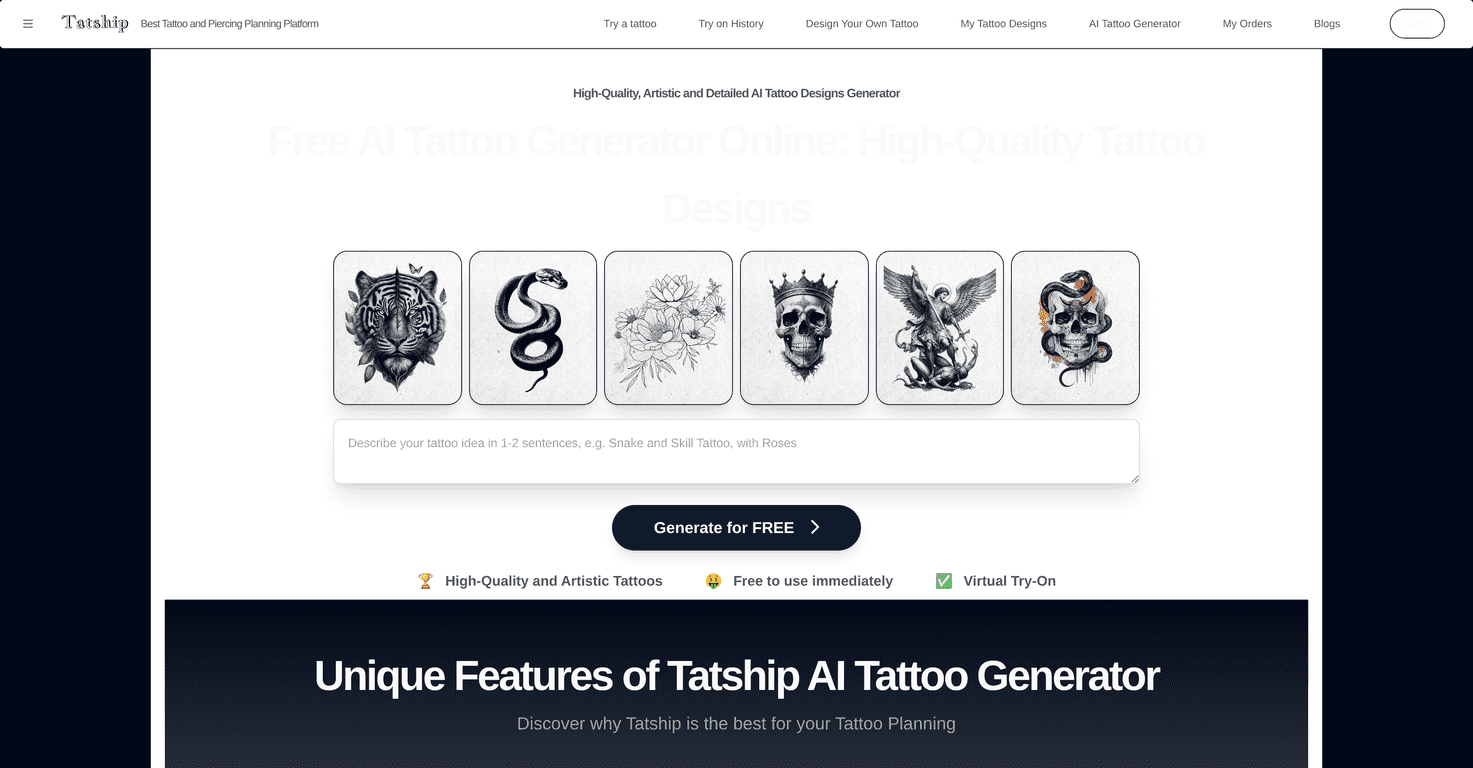
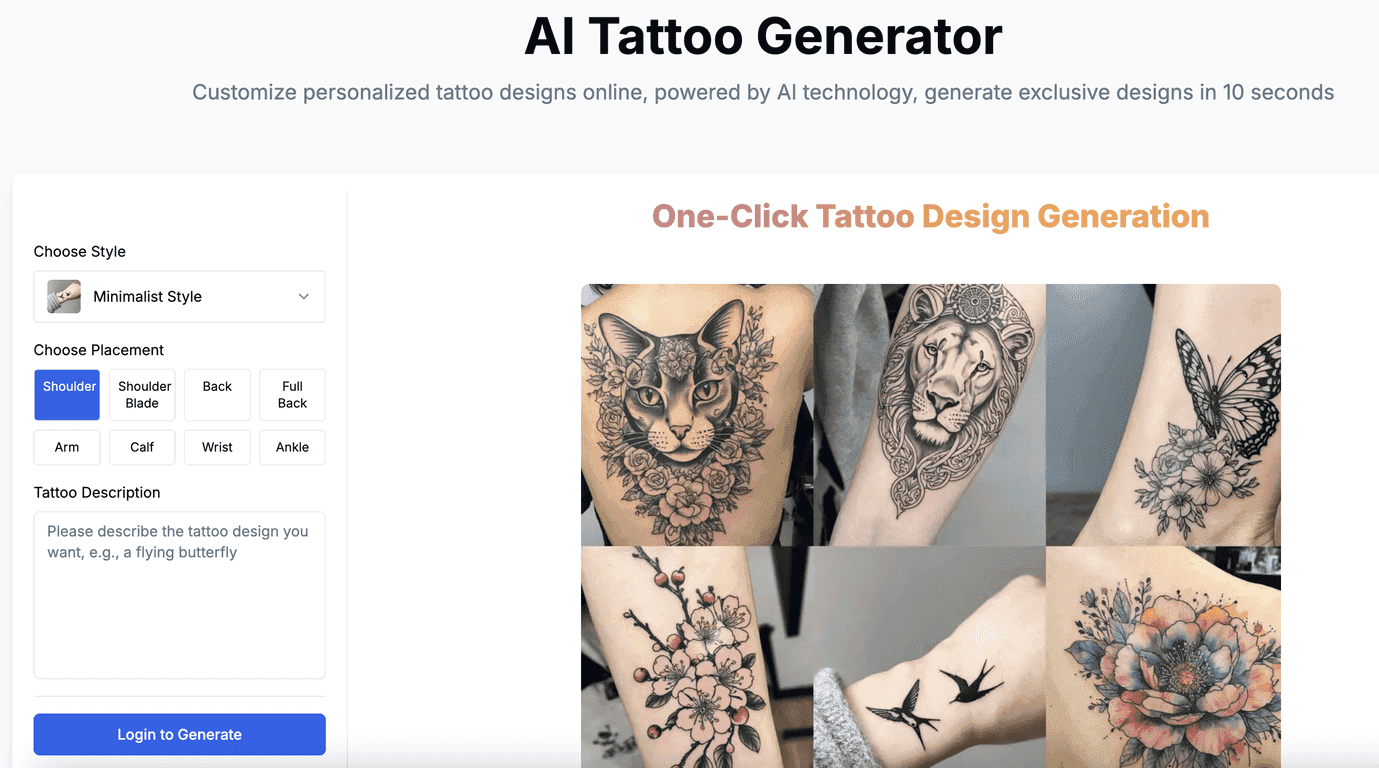
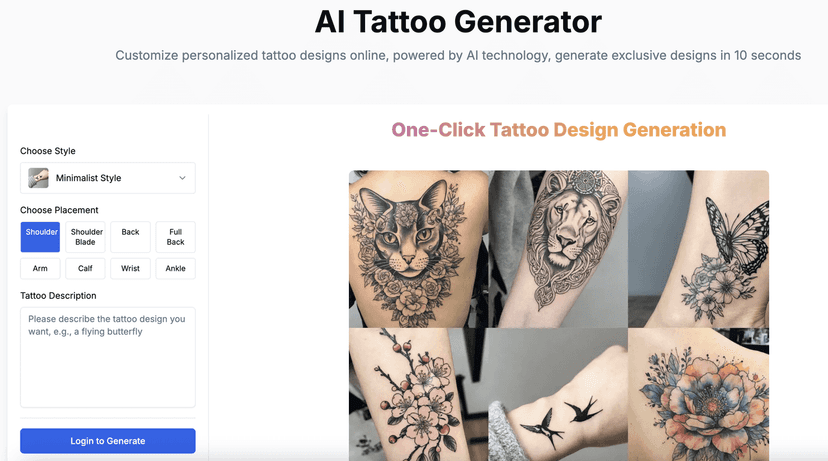
DeepMaker is revolutionizing the way we think about tattoo design with its AI Tattoo Generator. This user-friendly platform allows anyone to create personalized tattoo designs in just 10 seconds! Simply input your ideas, select your preferred style and placement, and watch as DeepMaker generates a unique design tailored just for you.
The process is incredibly straightforward. If you have a concept in mind, you can describe it in detail, choose from various artistic styles like minimalist, watercolor, or Japanese, and decide where on your body you’d like the tattoo. The results are high-resolution designs that are not only suitable for tattoo artists but also for printing.
Whether you’re a tattoo enthusiast or a studio looking to generate promotional materials, DeepMaker caters to all. Plus, you can input descriptions in multiple languages, making it accessible to a global audience. However, it’s essential to note that the quality of the designs may depend on how detailed your description is.
Key Features
- One-Click Tattoo Design Generation for quick results
- Customization Options including various styles and placements
- High-Resolution Output perfect for artists and printers
- Multi-Language Support for broader accessibility
- Easy Process that anyone can follow
- Commercial Use for studios to enhance promotional efforts
Pros and Cons
Pros
- Fast tattoo generation in seconds
- Wide variety of artistic styles and placements
- High-resolution output for professional use
- User-friendly interface for easy navigation
- Supports diverse languages for input
Cons
- The quality of generated designs may depend on the detail provided
- Limited information regarding specific pricing plans
Pricing Plans
While specific pricing details are not provided upfront, users are encouraged to visit the official DeepMaker pricing page for accurate information.
Wrap up
In conclusion, DeepMaker is a fantastic tool for anyone looking to create customized tattoo designs quickly and easily. With its innovative AI technology, diverse style options, and user-friendly interface, it’s a valuable resource whether you’re an individual or a tattoo studio. Don’t forget to check out the pricing section for more details and start designing your next tattoo today!
Promote DeepMaker