Table of Contents
Let’s be honest—most T-shirts you see online are basically the same handful of designs, just in different colors. If you’ve ever wanted something that actually feels like you (or like your dog, your kid, your partner, your best friend), SketchMe.App T-shirts caught my eye for a reason. I tested it with a couple of photos and what I noticed right away is how fast it turns an everyday picture into something you’d actually want to wear.
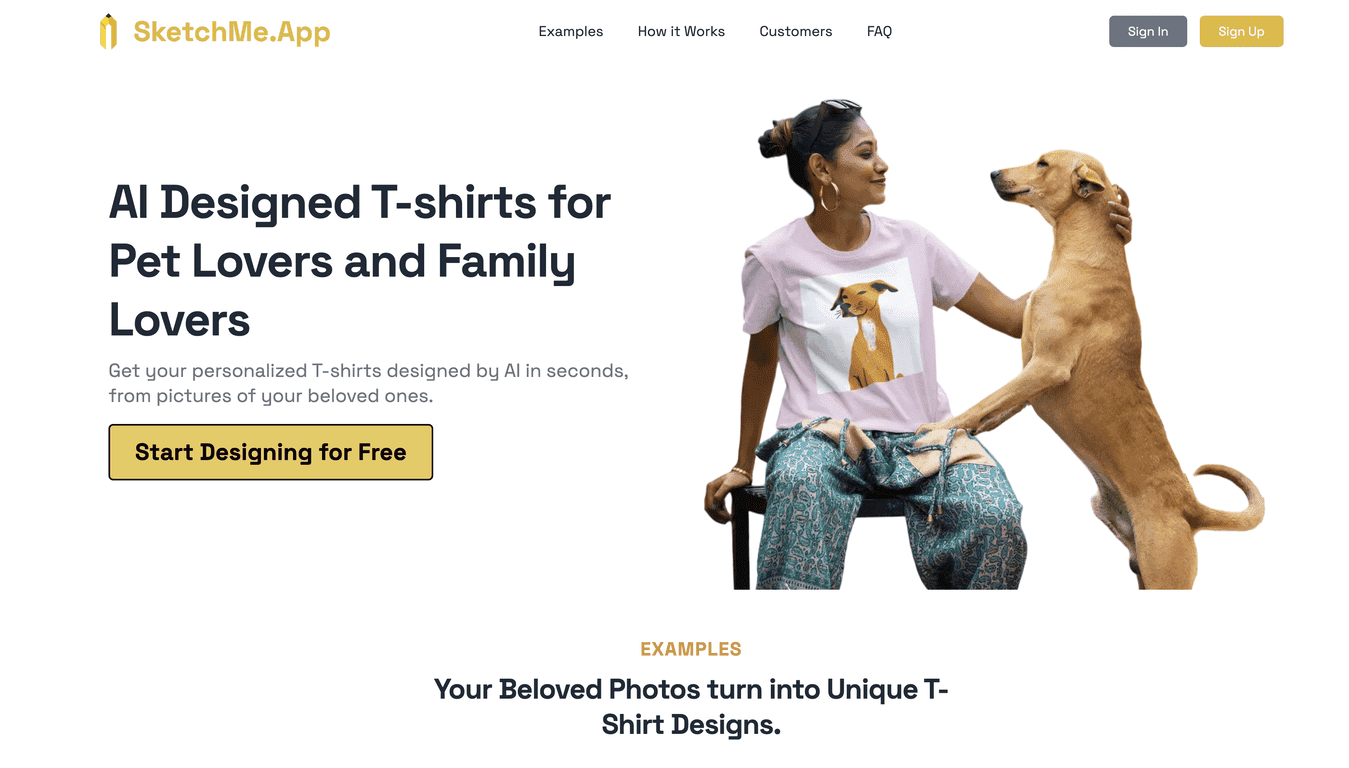
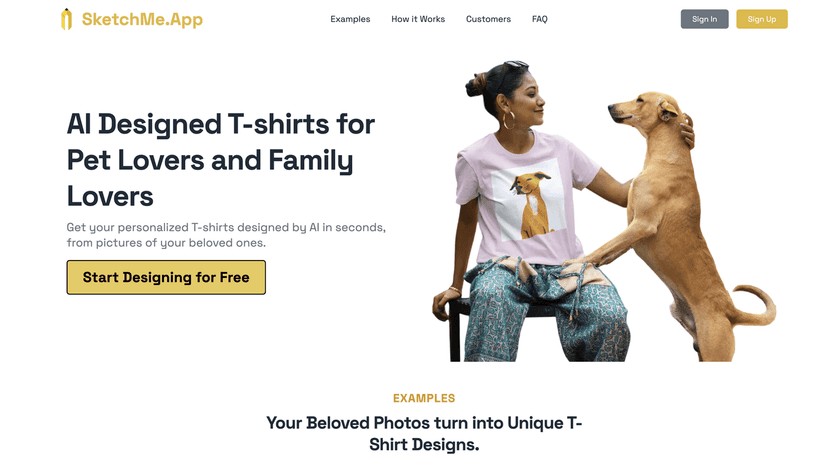
SketchMe.App uses AI to convert your uploaded image into T-shirt style artwork—more like a graphic design than a plain photo print. The result isn’t identical to your original photo (and it shouldn’t be, honestly), but it’s close enough to recognize the subject while giving it that “designed” look. In this review, I’ll walk through how the process feels, what features matter most, and where I think people might get disappointed if they expect perfection.
SketchMe.App T-shirts Review
SketchMe.App T-shirts Review
Key Features
- AI-powered photo-to-design — Upload a personal photo and it generates T-shirt style graphics. In my tests, the biggest difference came from how clear the subject was (more on that below).
- Simple 3-step flow — I liked that it doesn’t make you jump through hoops: upload your image, generate sketch/graphic options, then pick the one you want. It’s the kind of workflow that works even if you’re not “design-y.”
- Style variety in the output — You’re not stuck with one look. The examples and generated designs can lean different directions depending on the photo and the style options you choose.
- Built-in sharing — There’s a social media angle here. It’s not just “make a shirt and forget it.” If you like posting gifts, outfits, or pet pics, you’ll probably use that feature.
What I noticed while testing the results
The AI does a good job turning a face or pet into something graphic and wearable, but it’s not magic. Photos with:
- good lighting (daylight or bright indoor light)
- clear focus (no blurry motion)
- simple backgrounds (or at least not too busy)
…tend to look way better. If your image is dark, heavily filtered, or has lots of clutter behind the subject, the generated design can get messy. Not always, but it’s a pattern I saw.
Also, don’t expect the tiniest details (like small text, tiny accessories, or very fine hair strands) to come through perfectly. The whole point is to stylize your image, so the AI simplifies and reworks it into a graphic.
Pros and Cons
Pros
- Fast creation — I could go from upload to generated options quickly. It’s not a “wait hours” situation.
- Personal designs that stand out — When the photo is clear, the shirt graphic feels genuinely customized instead of generic clip-art.
- Easy interface — I didn’t have to figure out complicated settings. The steps are straightforward.
- Fun for gifts — Turning a pet photo or a meaningful moment into a shirt is a great “just because” gift idea.
- Sharing is baked in — If you like showing off what you made, it’s built for that.
Cons
- Pricing info isn’t clearly shown — The site doesn’t give explicit pricing in the content I saw, so you’ll need to check SketchMe.App directly for the latest plan and cost.
- Photo quality affects the outcome — Blurry or low-light images can lead to less flattering or less recognizable designs.
- It stylizes your image — If you want a near-exact photo replica, this might not match your expectations.
Pricing Plans
SketchMe.App doesn’t show detailed pricing in the information I reviewed, so I can’t give you exact numbers here. What I recommend (and what I did) is checking the pricing/plan options right on the SketchMe.App T-shirt page to see the most current cost and any subscription details.
Wrap up
Overall, SketchMe.App is a pretty fun way to make personalized T-shirts without needing Photoshop skills. When you start with a clear photo—good lighting, sharp subject, not too much background noise—the generated designs look like actual graphic art, not just a processed image. And if you’re shopping for a gift (or you just want something that isn’t the same “funny shirt” as everyone else), it’s worth a shot.
If you try it, my only real advice is simple: pick your best photo first. The AI can only work with what you give it, and that’s where the difference shows up.
Promote SketchMe.App T-shirts