Table of Contents
If you’ve ever stared at a blank Dockerfile screen and thought, “Okay… where do I even start?”, you’re not alone. I’ve been there—especially when a repo has a mix of build steps, environment variables, and “why does this only work on my machine?” dependencies.
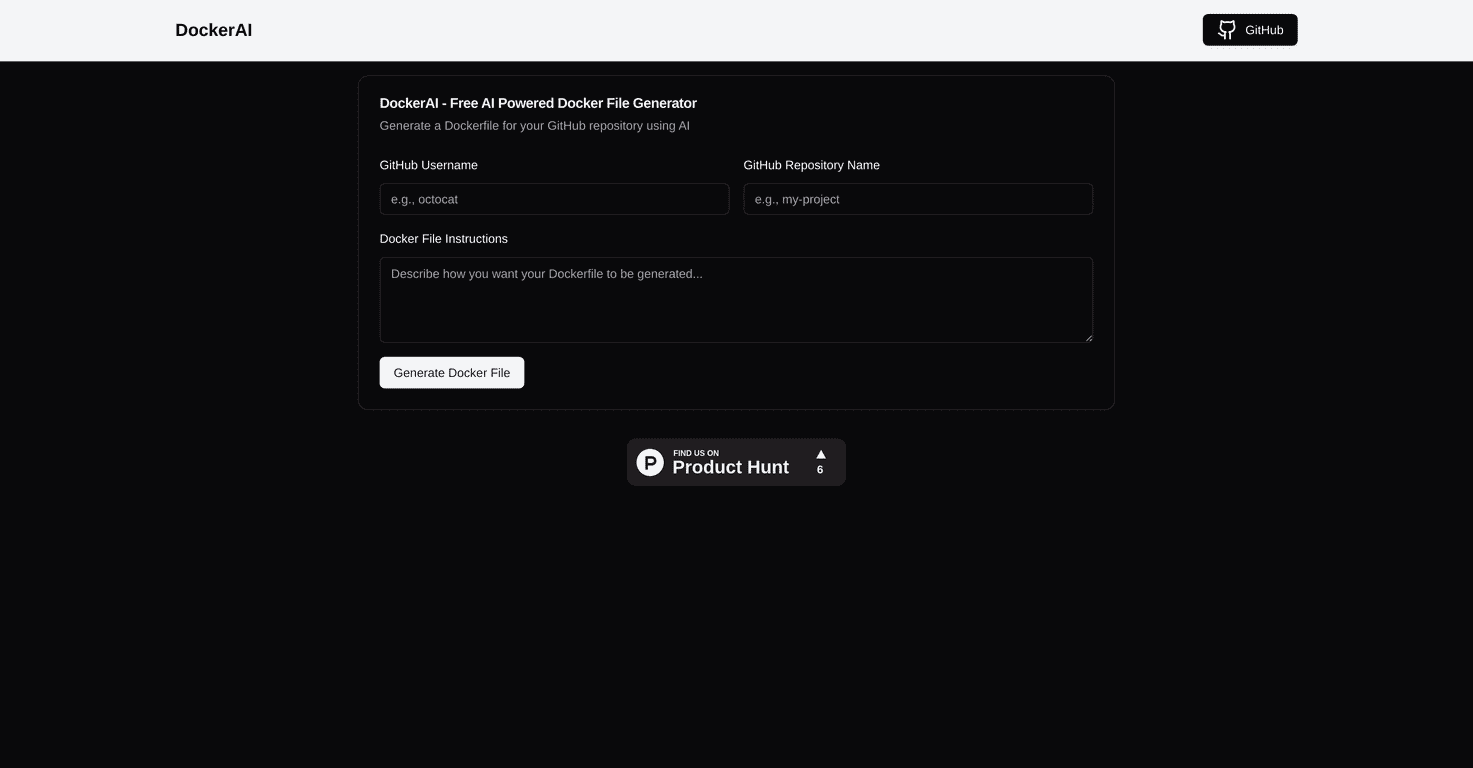
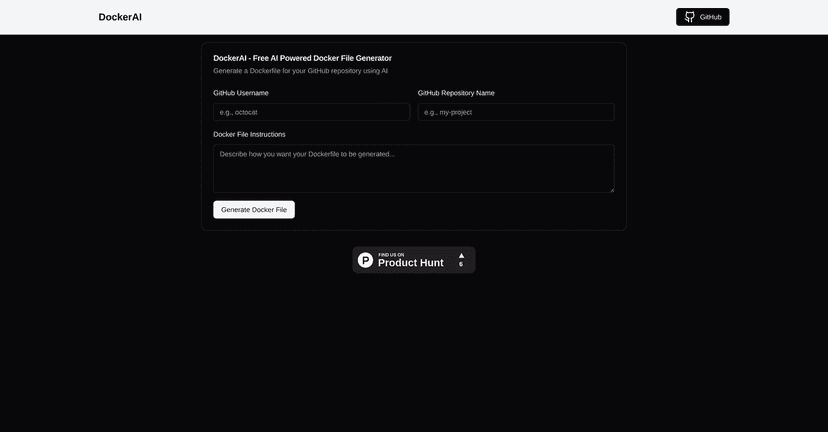
That’s why I tried DockerAI. It’s a free tool that generates Dockerfiles from your GitHub repositories using AI. You give it your GitHub username and repo name, and it pulls in the project context so it can draft a Dockerfile that matches what’s already in the repo.
In my experience, the biggest win isn’t that it magically produces a perfect file every single time. It’s that it gets you to a working starting point faster than doing everything manually. And if you already know what you want to change, you can add custom instructions to steer the output.
DockerAI Review: How Good Is It at Generating Dockerfiles?
Here’s how it works at a high level: you enter your GitHub username and repository name, and DockerAI generates a Dockerfile based on what it finds in that repo. That GitHub pull is a big deal. Instead of manually pasting build instructions or guessing which files matter, it uses the repository context to make the Dockerfile more relevant.
What I liked right away is the flow. It’s not a maze of settings. You’re basically trying to answer two questions:
- What base image should this project use?
- What commands does it need to build and run?
DockerAI’s output usually gives you a sensible starting structure—things like copying the right files, installing dependencies, and setting up the command to run the app. Then you can refine it with custom instructions if your project needs something specific.
One thing I noticed: AI-generated Dockerfiles can be “close” and still fail for small reasons. For example, if the repo uses a non-standard build script, or if environment variables are required at runtime, you may need to tweak CMD/ENTRYPOINT or add missing ENV lines. It’s not a deal-breaker, but it does mean you should still run a quick test build.
If you want a practical checklist, here’s what I recommend doing after you generate a Dockerfile:
- Run a local build: test with docker build and watch for missing files or dependency install errors.
- Check ports: confirm the app actually listens on the port you expose (it’s an easy thing to get wrong).
- Verify the start command: make sure the generated CMD matches how your app starts (especially for Node, Python, and Java).
- Look for multi-stage opportunities: if your repo has a build step, consider whether you want a multi-stage Dockerfile to keep the final image smaller.
Key Features I Actually Used (and What They Mean)
- AI-powered Dockerfile generation for faster drafts
- Instead of starting from scratch, DockerAI creates a Dockerfile you can iterate on. In my experience, this is most useful for common stacks—apps that have clear dependency files and standard build/run scripts.
- Seamless GitHub integration so you don’t manually gather context
- Because it connects to your repo, you don’t have to type out everything. You still need to review what it generates, but it saves real time—especially when your project structure is more than just a single file.
- Custom instructions to steer the output
- This is where you can get more practical. For instance, you might tell it to:
- Use a specific base image version (like a particular Node or Python tag)
- Add extra system packages your build needs
- Set environment variables or adjust the runtime command
- It won’t know your preferences unless you tell it, so don’t be shy about being specific.
- User-friendly interface that keeps you moving
- The UI is straightforward. I didn’t feel like I was fighting a complicated setup. You’re basically generating and then editing, which is what you want when you’re trying to ship.
Pros and Cons (Realistic Take)
Pros
- Free to use—no subscriptions or surprise paywalls. I like that I can test it without committing.
- Time savings: it gets you from “blank Dockerfile” to “something you can run” much faster than manual authoring.
- Customizable: you can add instructions to match your project’s needs instead of accepting a generic template.
Cons
- Output quality can vary: if the repo is unusual, uses custom scripts, or has tricky runtime requirements, the generated Dockerfile may need edits.
- Not a full replacement for expert Docker knowledge: it helps you draft, but you still need to understand Docker basics to troubleshoot build errors.
- Limited “advanced” workflow: if you’re expecting deep features like automated image optimization, linting, or CI integration, this tool is more focused on generation than full automation.
Pricing Plans: Is DockerAI Really Free?
Yep—DockerAI is completely free. That means you can generate Dockerfiles without financial commitment, which is great if you’re experimenting, prototyping, or just trying to reduce the time you spend on setup.
Just keep in mind: “free” doesn’t always mean “perfect output.” You’ll still want to review and test what it generates, especially for production use.
Wrap up
After using DockerAI, my take is pretty simple: it’s a solid shortcut for Dockerfile creation, especially when you’re working from an existing GitHub repo. You get a strong starting point quickly, and then you can fine-tune with custom instructions.
Would I trust it blindly? No. Would I use it to cut my Dockerfile writing time in half? Absolutely. If you’ve been avoiding Dockerfile setup because it feels tedious, DockerAI is worth trying.
Promote DockerAI