Table of Contents
Doco review – if you’re looking for a smarter way to write and edit in Word, you’re in the right place. I promise this AI-powered assistant can make your document creation faster and more efficient. Here’s a preview: I’ve tested Doco myself and found it to be a game-changer for anyone serious about quality writing and seamless editing.
Doco Review
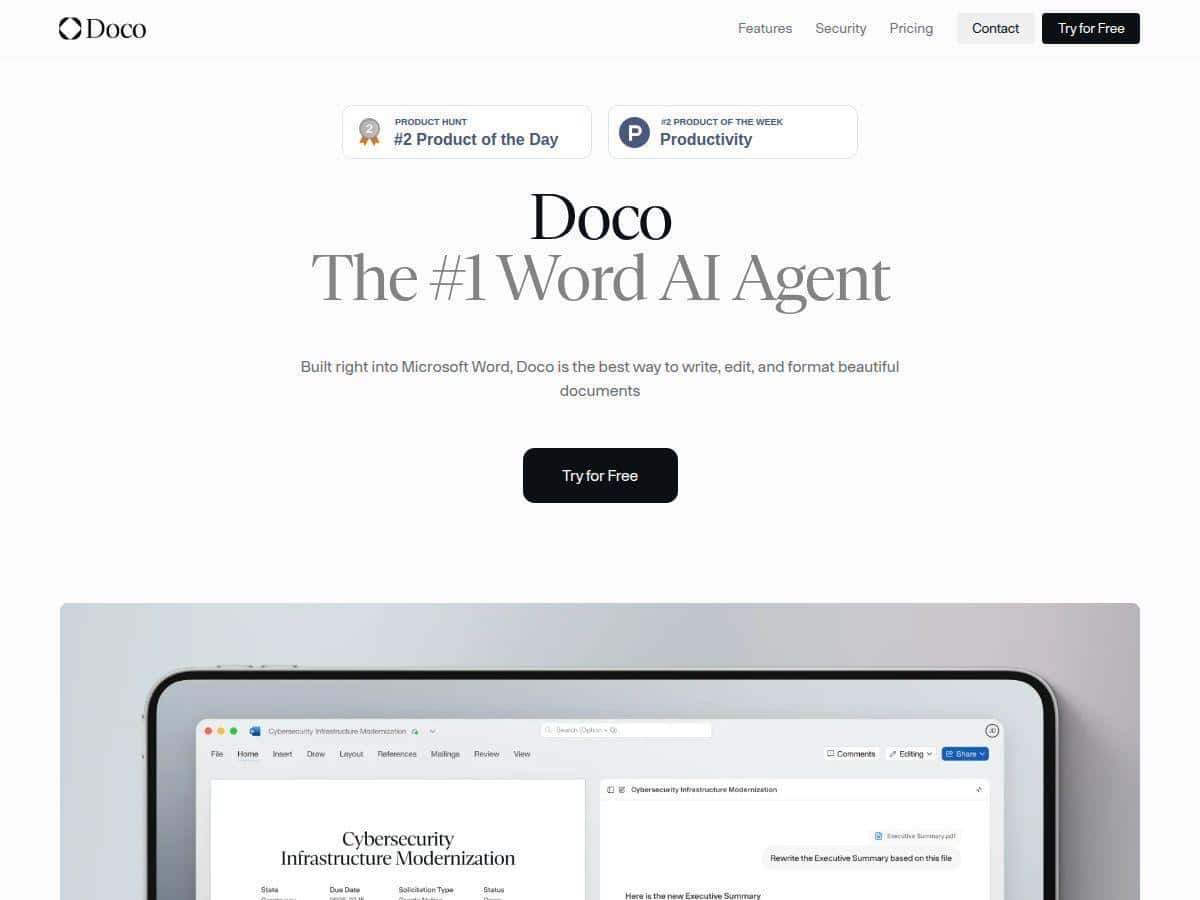
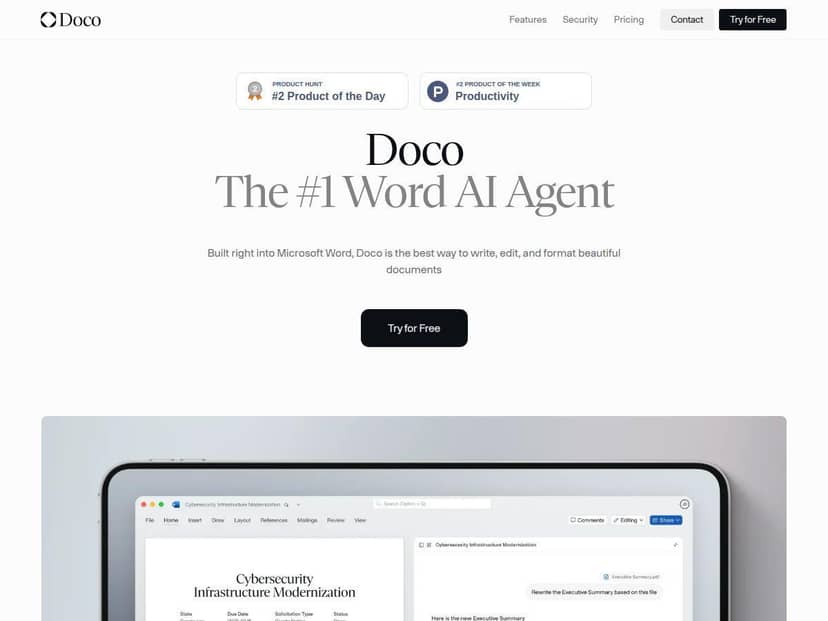
After using Doco extensively, I can confidently say it’s a powerful addition to Microsoft Word. It feels natural to work with, almost like having a dedicated writing assistant right at your fingertips. The tool integrates smoothly within Word, meaning I didn’t have to switch apps or disrupt my workflow. What I appreciated most was its ability to reference my existing files and provide contextually relevant suggestions. Whether I was editing a report or creating a proposal, Doco consistently helped me improve clarity, structure, and tone.
Its ability to make direct edits while tracking changes was impressive. I could see exactly what was adjusted, making the review process transparent. The formatting features also came in handy—I could generate tables, fix numbering, and maintain styles effortlessly. Plus, switching between different AI models gave me flexibility depending on my task, which was a nice touch. The autonomous agent mode is also promising for handling larger, complex projects with minimal input.
Overall, Doco feels like a very intelligent extension of Word, tailored for professionals who want top-notch quality without leaving their familiar environment. It takes some time to get used to all its features, but the learning curve is worth it for the productivity boost.
Key Features
- File referencing and context awareness using @ to pull snippets
- Direct editing with full change tracking for transparency
- Maintains document formatting and styles during edits
- Supports custom workflows and automation of repetitive tasks
- Seamless switching between OpenAI, Anthropic, and in-house models
- Transform company libraries into AI-ready knowledge bases
- Autonomous AI agent mode for comprehensive document handling
Pros and Cons
Pros
- Seamless integration with Microsoft Word
- Keeps your document formatting intact
- Full traceability of changes back to sources
- Flexible AI model options
- Enterprise-grade security with no data training
- Supports automation and custom workflows
Cons
- Limited to use within Microsoft Word only
- May require some time to learn all features
- Dependent on internet connection for full functionality
- Fewer third-party integrations at the moment
Pricing Plans
Currently, Doco offers a free plan with basic features, perfect for individual users starting out. The Pro plan, ideal for power users and small teams, is available at $187 per month with unlimited credits and support. There’s also an enterprise tier with custom pricing, offering advanced security, integrations, and organizational management. Pricing details are subject to change, so check the official site for the latest info.
Wrap up
In conclusion, Doco is a robust AI writing assistant that truly enhances productivity within Microsoft Word. If you spend a lot of time creating, editing, or formatting documents, it’s worth exploring. Its strengths in seamless integration, detailed editing, and automation make it a top choice—especially for professionals and organizations aiming for high-quality outputs without switching tools. Definitely a tool to keep an eye on!



