Table of Contents
I’ve been digging into Edge Hound for a bit, and I’ll be straight with you: it’s not “press one button and win.” What it does well is turn a bunch of moving parts—news, social chatter, filings—into something you can actually scan and react to.
When I opened the platform, the first thing I noticed was how quickly it gets to decision-style outputs. You’re not stuck reading page after page of raw data. Instead, you get a sentiment-style view, “buzz” around topics, and then a way to ask questions directly through the discovery chat. That chat is where it feels the most useful to me, because I can ask things like “why is sentiment shifting?” and get a more targeted breakdown rather than generic market commentary.
Edge Hound Review: What I Actually Did With It
Instead of just clicking around, I tried to run a pretty realistic workflow: pick a ticker, check what’s driving sentiment, then see whether the “trade idea” output feels grounded enough to build a plan around.
Test workflow I used: I started with one large-cap ticker I was already watching, then compared what the platform flagged as “buzz” with the sentiment readout. After that, I used the discovery chat to ask follow-up questions (basically: “what’s the catalyst?” and “what would make this thesis wrong?”). That last part matters, because a lot of tools stop at “here’s the bullish story.” Edge Hound tries to push you toward risk framing too.
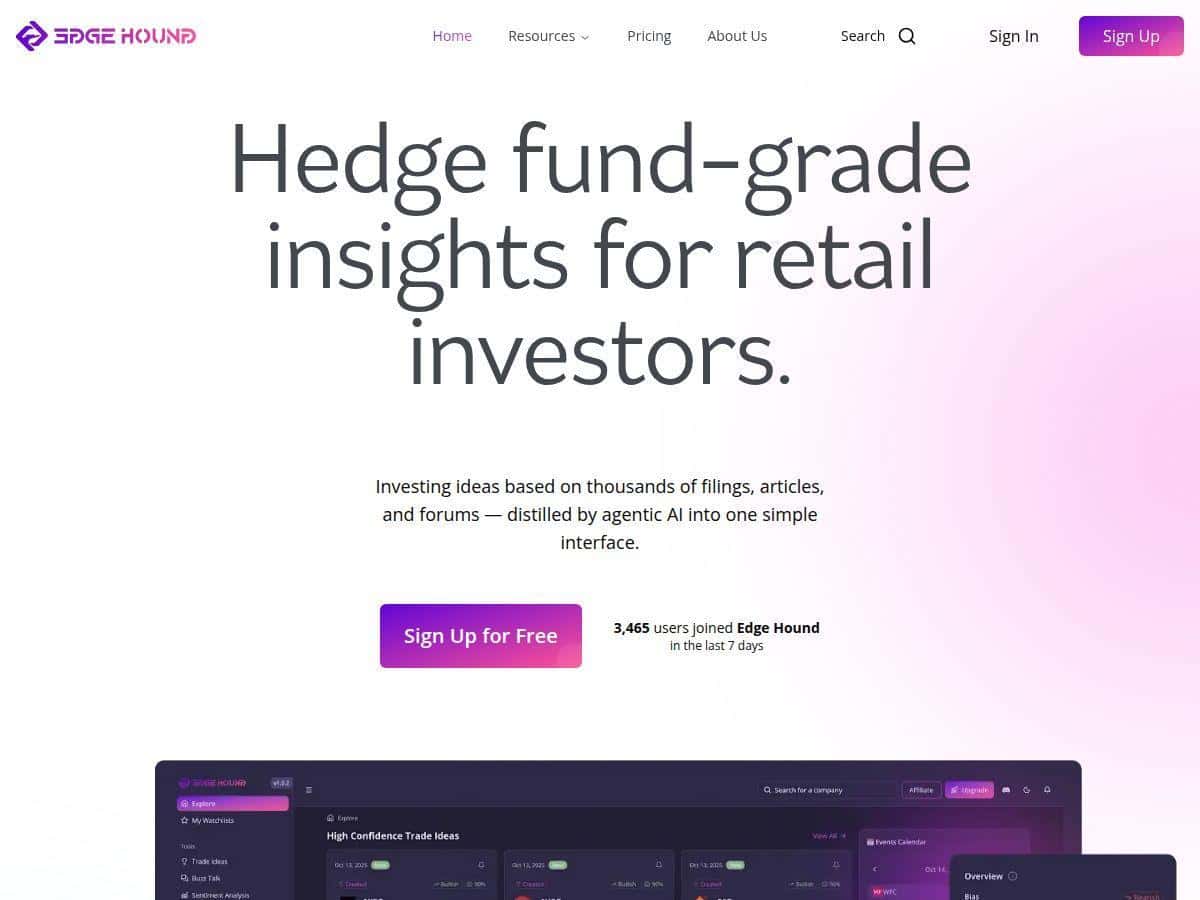
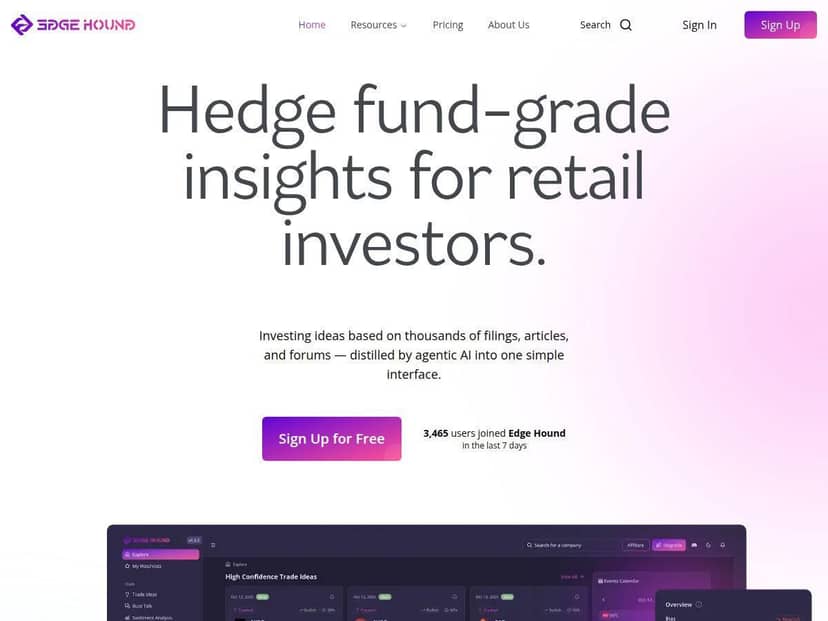
What I noticed in the UI: the platform doesn’t bury you in dashboards. The sentiment and buzz views are designed to be skimmed quickly, and the trade-idea section is structured like it’s meant to be acted on. The discovery chat also makes it easier to drill down without hunting for links or reports manually.
Now, the honest caveat: AI tools can sound confident even when the underlying inputs are noisy. So I treated the outputs like a first-pass filter—use it to find what to investigate, not to replace your own checks.
Key Features (and How They Look in Practice)
- AI-Driven Insights: In my testing, this is where Edge Hound pulls together multiple categories (news, social chatter, filings) and turns them into a readable summary. What I liked: it’s not just “here’s a headline.” It tries to connect the dots—why the market might be reacting, and whether the narrative is strengthening or fading.
- Trade Ideas: The trade ideas are presented as actionable suggestions with reasoning tied back to market metrics. What I did: I looked at the inputs it referenced, then asked the chat to explain “what would invalidate this?” That’s the part that felt most practical—getting a thesis plus a reality check.
- Sentiment Analysis: This is the “market mood” layer. When I checked sentiment around a specific news cycle, the readout aligned with what I was seeing in the headlines and social tone. It’s not perfect (nothing is), but it gave me a faster way to spot whether attention is turning positive or negative.
- Buzz Talk: “Buzz” is basically the trending-topic radar. I used it to see what themes were getting attention in the same period as the ticker I was watching. It helped me understand whether the move was company-specific or part of a broader sector narrative.
- Risk Management: This is one of the more valuable parts, in my opinion, because it pushes scenario thinking instead of pretending there’s a single “correct” outcome. I tested it by asking the platform to frame risks around downside scenarios—then I compared the resulting risk notes to what I’d normally check (volatility, catalyst risk, and timing).
- Portfolio Analysis: Edge Hound positions this as a way to sync with major brokerages. I focused on the “portfolio view” concept—how it contextualizes analysis when you’re not just trading a random ticker. If you’re already using a brokerage sync elsewhere, this is the feature you’ll care about most.
- Discovery Bot: This is the AI chat that lets you ask targeted questions. In practice, it works best when you don’t ask vague stuff. Instead of “is this stock good?”, try “what’s the main catalyst right now and what could go wrong?”
- Daily News Monitoring: I like that it’s framed as ongoing monitoring. The biggest benefit here is saving time—rather than constantly refreshing feeds, you get a more curated “what matters” set.
Pros and Cons (with the stuff I’d actually verify)
Pros
- Faster research loop than manual scanning: The platform’s summaries help you get to the “why” quickly instead of reading everything from scratch.
- AI outputs are structured like research notes: When I used the discovery chat, it didn’t just spit out a generic answer—it tied back to the platform’s sentiment/buzz framing, which made follow-up questions easier.
- Risk framing is built-in: Instead of only giving bullish trade ideas, it encourages scenario thinking. That’s a practical difference if you’re trying to avoid “all optimism, no plan.”
- Portfolio context (if you sync): If the portfolio analysis connects to your holdings, you can view insights in the context of what you actually own—big deal for real-world decision-making.
- Community support via Discord: The value here is you can ask questions and compare interpretations with other users. (Just keep in mind: community opinions aren’t the same as verified data.)
Cons
- AI can’t replace judgment: If you blindly follow the “trade idea” output, you’re taking on model risk. In my experience, the best use is as a filter + explanation engine.
- Some investing background helps: If you don’t already understand basics like catalysts, volatility, and timeframe, the outputs can feel overwhelming. You’ll get more value if you know what to look for.
- Transparency depends on plan/features: I didn’t see enough publicly documented detail in the content provided to fully verify every data source and how each metric is calculated. That’s not automatically bad, but it’s something you should check before sizing up.
Pricing Plans (what I could confirm)
Here’s the part I wish was clearer: specific pricing details aren’t listed in the content I reviewed. I can’t responsibly make up numbers.
What I recommend (and what I’d do): check the Edge Hound pricing page from the official site linked above, and look for:
- Whether there’s a free trial (and how long it lasts)
- Billing cadence (monthly vs yearly)
- What’s included per tier (trade ideas, sentiment depth, portfolio sync, risk scenarios, discovery chat limits)
- Any usage caps (for example, how many analyses or chat prompts you can run)
If you’re comparing plans, pay attention to what you’ll actually use. If you only want daily monitoring, you probably don’t need the most “heavy” tier. If you plan to sync a portfolio and run scenario tests regularly, that’s where pricing differences usually matter.
Wrap up
Edge Hound feels like a tool built for people who want hedge-fund-style research speed—but without the institutional complexity. The combination of sentiment/buzz monitoring, trade-idea outputs, and the discovery chat is genuinely useful when you treat it like a research partner.
Just don’t make the mistake of assuming the AI output is a guarantee. Use it to find the story, understand the risks, and then verify with your own checks. If you do that, it can save you time and help you ask better questions—exactly what I was hoping for.