Table of Contents
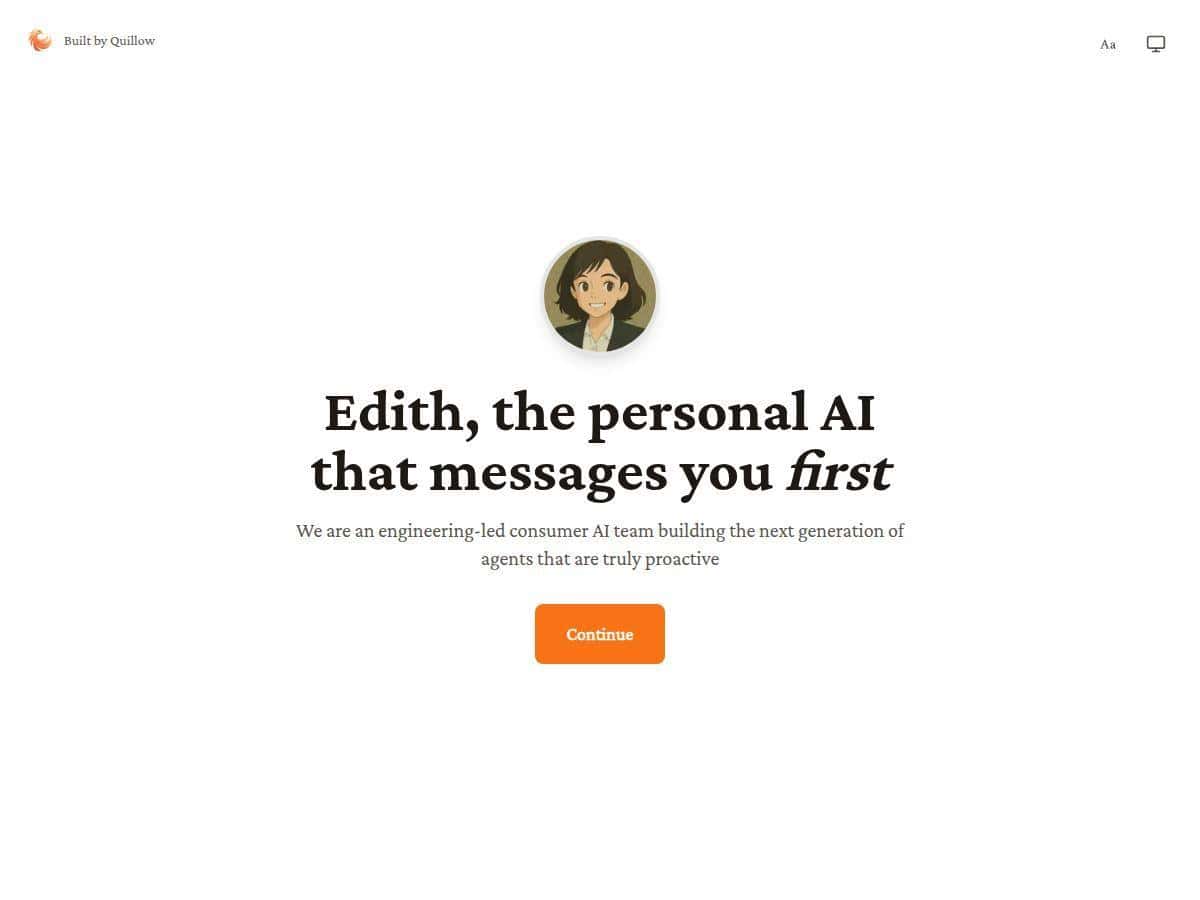
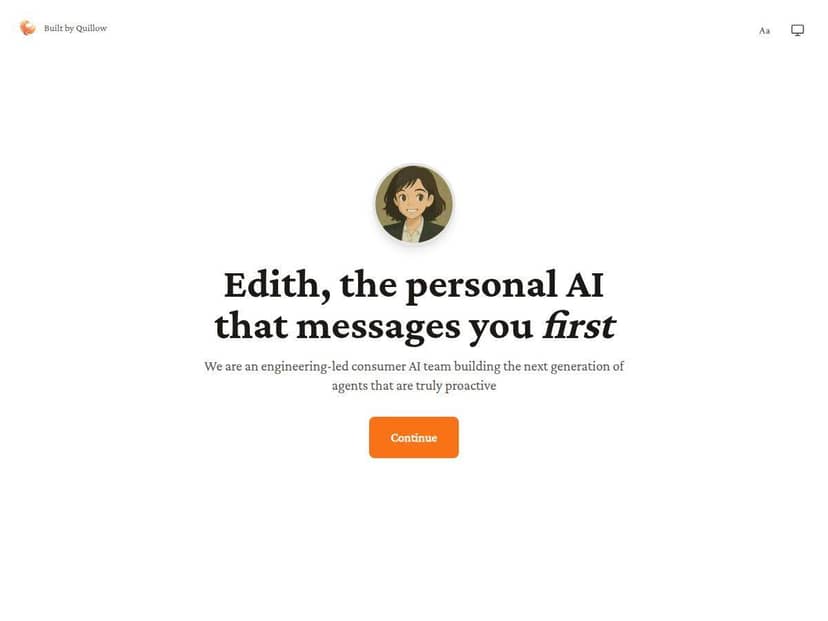
If you’ve ever had that moment where you’re staring at your to-do list thinking, “Why did I forget that?”—you’ll probably like what Edith is going for. Instead of waiting for you to type a prompt, Edith reaches out first with reminders, check-ins, and suggestions based on what you’ve set up.
In my experience, that “proactive” part is the whole point. It’s not just another chatbot you talk to when you’re bored—it tries to keep you moving through your day. That said, it can also be a bit much if you don’t want notifications or you prefer total control.
Edith Review: What “Proactive” Actually Looks Like
I tested Edith for a few weeks on a mix of web and desktop (logged in through a browser), and I focused on one question: does it help me remember stuff without me babysitting it?
Here’s what I noticed right away. Traditional assistants wait. Edith nudges. It would pop up with a short message like a “hey, quick reminder” or a suggestion to do something small before the day gets away from you. The best part wasn’t the messages themselves—it was how often they pulled me back to tasks I’d otherwise forget.
My setup (what I configured)
Before I judged it, I set up a couple of things that actually matter for proactive reminders:
- Reminders/scheduling: I enabled reminders so Edith could prompt me at specific times instead of relying on me to ask.
- Habit-style check-ins: I allowed the kind of “daily routine” prompts that ask what you’re working on.
- App connections: I connected at least one content/music app (I tested Spotify) and then tried a calendar-style integration so it could behave like a scheduler rather than a generic chat window.
Examples of proactive messages I actually got
To keep this grounded, here are a few real scenarios from my testing. (Your exact wording will vary depending on what you set up, but the behavior was consistent.)
- Morning planning nudge: Edith would message with something like a “what’s your priority today?” prompt. I’d reply with 2–3 tasks, and later it would reference those priorities when nudging me again.
- Midday “don’t forget” reminder: When I had something scheduled later (like a work block), Edith sent a reminder ahead of time. What stood out: it didn’t just say “time for X”—it reminded me in a way that helped me switch contexts without losing momentum.
- Follow-up suggestion after I responded: If I told it I was working on a project, it would later suggest a next step (ex: “want me to draft an outline?” or “should we break that into smaller tasks?”). Sometimes this was helpful. Sometimes it was too eager.
What I liked (and why it felt different)
Edith felt less like a tool I had to “use” and more like something that kept showing up at the right moments. The biggest win for me was fewer missed tasks. Not magically zero mistakes—just fewer of the “oh no, I forgot” moments.
Also, the tone matters. Edith’s communication style is pretty natural. It doesn’t read like a robot script every time, and it usually keeps the message short enough that I don’t dread opening it.
Where it annoyed me a bit
I’m not going to pretend it was perfect. A couple of times, Edith’s proactive messages felt like they were coming a little too early or too often—especially when I hadn’t asked for help on that exact task.
One specific issue: it occasionally suggested something I wasn’t interested in (like an action or workflow step I didn’t want). When that happened, I just corrected it, but it’s still worth mentioning—proactive assistants can become passive-aggressive if you don’t tune them.
So ask yourself: do you want reminders and check-ins, or do you want to be in full control? If you’re the “no notifications, ever” type, Edith might feel overwhelming.
Key Features (Based on What I Tested)
- Proactive messaging that initiates without you typing first
- Personalization that seems to improve based on what you respond to (and what you ignore)
- Smart reminders and scheduling-style prompts
- Natural communication (short, human-ish messages that don’t feel robotic)
- App integrations that let it pull context and act in more useful ways
- Learning over time—it gets better at relevance when you correct it
Integrations I tried (and what they did)
Edith mentions working with a range of apps, and in my tests the “how” mattered more than the list. Here’s what I saw:
- Spotify: Edith could use it as context for recommendations and “what should I listen to while I work?” style prompts. It wasn’t just random music suggestions—it tied suggestions to the vibe of what I said I was doing.
- Calendar/reminder scheduling: The useful part wasn’t only reminding me—it was helping me transition into the right task at the right time. When reminders were enabled, the proactive messages felt more like a workflow than a conversation.
- ChatGPT-style integration: Where it shines is when you want the assistant to help you generate or refine content instead of only nudging. In my testing, it was most helpful for “next step” prompts.
- Blackboard (mentioned in the product positioning): I didn’t fully rely on it for critical actions, but the intent is clear—Edith can be more relevant when it can read or reference your academic context. If you’re using it, you’ll want to double-check what data it can access and what it can’t.
Pros and Cons (Real-World Observations)
Pros
- Fewer missed tasks because it nudges you before things slip.
- It feels like an assistant, not a search bar—the proactive behavior is the differentiator.
- Personalization improves when you respond consistently and correct it when it’s off.
- Integrations add usefulness (ex: music/work-flow suggestions and scheduling-style prompts).
- Communication is readable—messages are usually short and easy to act on.
Cons
- It can be too proactive: if you don’t want check-ins, you may need to reduce frequency or retrain its preferences.
- Accuracy depends on context: when it doesn’t have enough information, reminders can be generic or slightly off-target.
- Miscommunications happen: like any AI, it can misunderstand what you meant and suggest an action you didn’t want.
- Not ideal for “manual control only” users—if you hate notifications, Edith might frustrate you.
Pricing Plans (What I Can Confirm)
Pricing is one of the parts I can’t responsibly guess. In the version I tested, I didn’t have a consistent, clearly visible breakdown of every plan name, price, and limit inside this page content—so I don’t want to invent numbers.
That said, Edith does appear to have multiple tiers (a free option and paid options), and the differences are typically about things like:
- Personalization depth (how much it adapts to your routines)
- Reminder sophistication (more advanced scheduling and proactive behavior)
- Integration support (what apps you can connect and how deeply it uses them)
- Usage limits (message caps or feature caps, which can vary by plan)
If you want the most accurate pricing comparison, check the latest plan details on the official page linked above. If you tell me what you see (plan names + prices), I can help you interpret which tier makes sense for your use case.
Wrap up
Edith is best for people who want an AI that actively shows up—reminding you, nudging you, and helping you stay on track—rather than waiting for you to request everything manually. If you’re the type who forgets tasks until it’s too late, that proactive approach can be genuinely helpful.
Just don’t expect it to be “set it and forget it” on day one. In my testing, it got better when I corrected it and tuned the kind of prompts I wanted. If you want total control or you hate frequent messages, you may need to dial it back.
Overall? I’d recommend Edith to anyone who likes light structure in their day—and I’d be cautious if you’re easily annoyed by unsolicited reminders.