Table of Contents
People mix up editing and proofreading all the time. I get it—both are “fixing words,” right? But they aren’t the same thing, and using the wrong one at the wrong time can leave your document feeling off (or worse, make you chase the same mistakes over and over).
Here’s how I think about it: editing helps your writing work better (clearer, smoother, more on-brand). proofreading is the last pass that polishes the surface (typos, punctuation, formatting). If you’re trying to decide what to do first, this guide breaks it down in a way you can actually use.
Key Takeaways
Key Takeaways
- Editing is where you improve meaning and readability: sentence structure, paragraph order, tone, and whether your argument actually lands. Proofreading is where you fix the “paper cuts”: typos, spelling variants, punctuation, and formatting (headings, italics, quotes).
- Use editing when your draft needs development—before you obsess over commas. If your intro doesn’t match the body, your claims need tightening, or your pacing feels uneven, that’s editing territory.
- Use proofreading as a last step right before publishing or submitting. That’s when you catch things like “teh” → “the,” inconsistent capitalization, missing spaces, and broken references.
- For larger projects, I recommend a simple sequence: draft v2 = editing, draft v5 = proofreading, then a final human pass (even if you use tools). It prevents proofreading changes from messing up the flow you just improved.
- Hiring professionals is about the kind of help you need. Editors usually focus on structure, clarity, and style (especially for blog posts, manuscripts, and research). Proofreaders focus on correctness and consistency (especially for formatting-heavy submissions).
- Tools help, but they don’t “replace a brain.” I use Grammarly/ProWritingAid to surface issues, then I verify the context manually—because software will miss errors when the wording is technically “correct” but wrong for your meaning.
- Pricing and turnaround vary a lot. In my experience, proofreading is usually faster than editing, and costs commonly depend on word count and deadline. If someone quotes only a flat rate without asking for format, style rules, or due date, that’s a red flag.
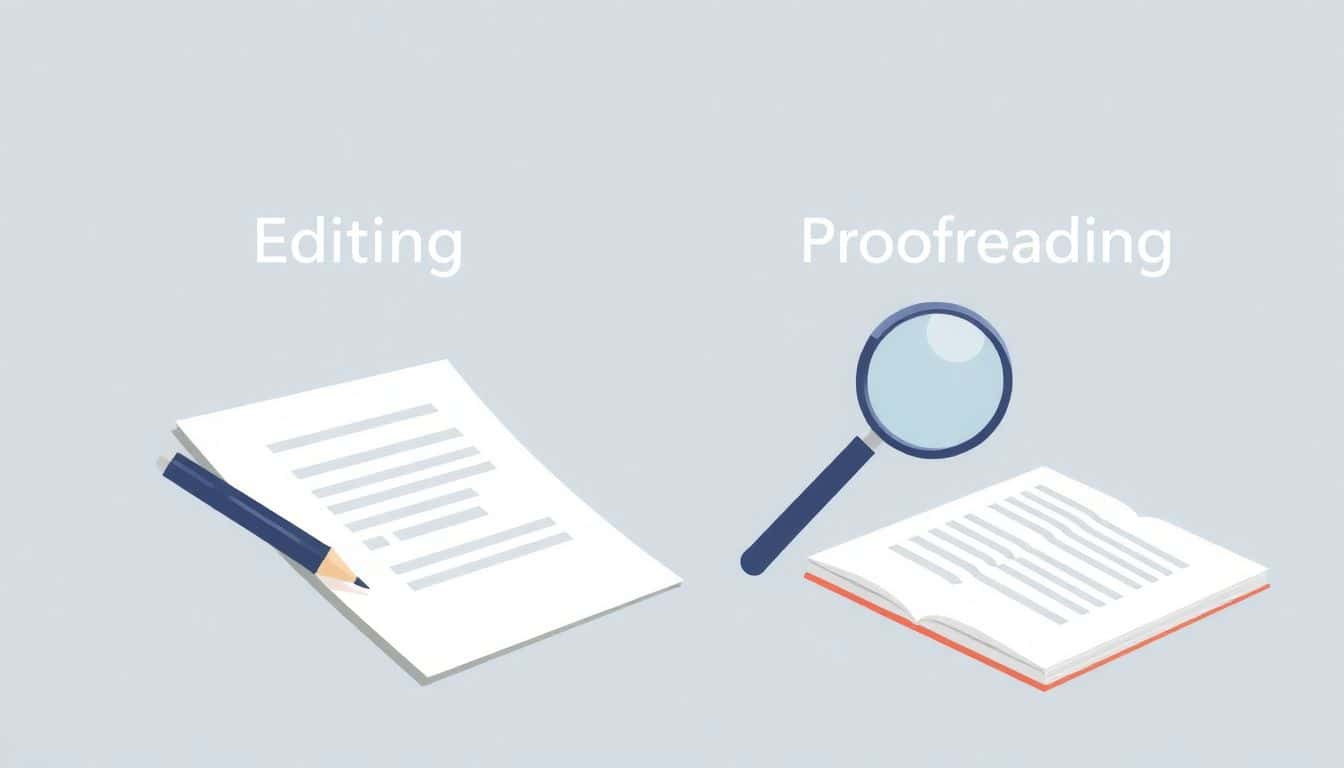
When it comes to polishing your writing, the difference between editing and proofreading is the difference between fixing what’s wrong and fixing what’s left.
Editing is about refining the writing so it reads the way you intended. I’m talking about clarity, flow, tone, structure, and style. An editor might move a paragraph, cut repetition, rewrite a confusing sentence, or adjust the voice so it matches your audience.
Example: Suppose you wrote a blog post intro that promises one thing, but the next section delivers something else. Editing would help you realign the intro with the body so readers don’t feel bait-and-switched.
Proofreading, on the other hand, is the final check for mechanical issues. This is where you hunt down typos, misspellings, punctuation problems, and formatting inconsistencies (like heading styles, double spaces, wrong quote marks, or inconsistent italics).
Example: A proofreader notices you wrote “benefit’s” when you meant “benefits,” spots a missing comma after an introductory phrase, or corrects “it’s” vs. “its” in a way that keeps the meaning intact.
Here’s a quick before/after I’ve seen in real drafts (and honestly, it’s why I’m picky about order):
Draft (needs editing):
“I think the new policy is good. It will help employees. Also, it will increase productivity and it will reduce complaints because employees will feel more valued. This is why I believe it’s a win.”
After editing (meaning + flow improved):
“The new policy is a win for employees and the business. By clarifying expectations and improving support, it should increase productivity and reduce complaints—because people feel more valued. That’s why I believe it’s worth adopting.”
After proofreading (surface polish):
“No changes to meaning—just clean mechanics (punctuation consistency, spacing, and any lingering typo fixes) so it reads smoothly everywhere.”
One more thing: proofreading can’t fix a weak structure. If your argument is tangled, software flags won’t magically make it convincing. Likewise, editing shouldn’t happen on the final formatting pass—because you’ll keep changing sentences and create new “proofreading” problems.
Did you know employers and readers notice errors fast? It’s not just about being “perfect.” It’s about trust. If someone sees a handful of typos in the first 30 seconds, they assume carelessness—even if your ideas are strong. That’s why I treat proofreading as non-negotiable right before publishing or submission.
If you want a practical workflow, here’s one I’ve used (and it works especially well for blog posts, essays, and book chapters):
- Draft v1–v2 (editing): focus on structure and clarity. Ask: Does each paragraph support the main point? Is anything missing? Are you repeating yourself?
- Draft v3–v4 (editing + style): tighten wording, fix tone, and smooth transitions. This is where you make it sound like you.
- Draft v5 (proofreading): check mechanics. Go line-by-line for spelling, punctuation, and formatting.
- Final human pass: if you can, have someone else skim for anything you missed. Even a quick 5-minute read catches surprises.
If you’re trying to level up your self-editing before you ever hire help, start with these tips for self-editing. Then treat proofreading like a routine, not a panic moment. Take breaks. Use different reading modes. You’ll be surprised what you catch when you’re not rushing.

How to Choose Between Editing and Proofreading Services
Choosing between editing and proofreading is mostly about where your draft is in the process. If you’re still figuring things out, you need editing. If the structure is already solid and you just want it clean, you need proofreading.
Go with editing if any of these are true:
- Your paragraphs feel out of order (or your intro doesn’t match the rest).
- You’re not sure your main point is coming through.
- The tone is inconsistent (formal in one section, casual in another).
- You keep rewriting the same lines because they don’t sound right.
- You have content that needs development—like adding examples, tightening arguments, or improving transitions.
Go with proofreading when you’re basically ready to publish or submit:
- You’ve already done content edits and the draft is stable.
- You want a line-by-line pass for typos, punctuation, spelling, and formatting.
- Your document has lots of details that can break easily (names, dates, citations, headings, quotes).
For bigger jobs, I think it’s smarter to use both. I’ve seen drafts where people skip editing and jump straight to proofreading. The result? The document is “error-free” but still confusing. On the flip side, doing editing too late can create new mistakes—especially when formatting and references are involved.
If you’re deciding whether to hire, start by checking what you’re actually getting. Reputable providers will ask about your deadline, your style preference (AP, Chicago, etc.), and what format you’re delivering (Word, Google Docs, PDF, manuscript layout). Pricing varies based on word count and turnaround, so get quotes upfront and ask what’s included. “Copyedit + proofread” can mean different things depending on the person.
Also, don’t ignore fit. A proofreader who understands your genre (like fiction vs. academic writing) can be more effective than a generalist who just “finds typos.” If you want a place to start for references and workflows, tools and guides like proofreading tools can help you see what kinds of errors you’re likely to miss.
Tips for Improving Your Self-Editing and Self-Proofreading Skills
If you want to get better fast, don’t try to edit and proof in one sitting. I learned that the hard way. Your brain can’t do both “meaning checks” and “mechanics checks” at the same time.
My self-editing routine (editing first):
- Take a break: after writing, step away for at least a few hours (or overnight). Fresh eyes matter.
- Read for structure: skim headings and topic sentences. Ask: does each section earn its place?
- Fix clarity before style: if a sentence is confusing, no amount of fancy wording will save it.
- Look for repetition: search your document for repeated phrases or ideas. Cutting 10% often makes the writing stronger.
My self-proofreading routine (mechanics last):
- Read aloud: it’s the fastest way I know to catch awkward phrasing and missing words.
- Use printouts: paper catches things screens hide. If you can, print and mark with a pen.
- Make a checklist: include your most common errors (homophones like “their/there/they’re,” tense consistency, punctuation with dialogue, capitalization).
- Read backward (or sentence-by-sentence): starting at the end breaks your familiarity and helps you spot typos.
- Watch formatting: check headings, italics, and quote marks—especially if you’re exporting to PDF or moving between Word/Google Docs.
Tools can help here, but you need to use them correctly. I use AutoCrit for fiction-focused feedback and ProWritingAid when I want deeper style and consistency checks. The trick is to treat tool suggestions as draft ideas, not final truth. If the suggestion changes meaning or sounds wrong in context, override it.
Finally, build proofreading into a routine. Set a timer for 20–30 minutes and do one pass at a time. If you try to “finish everything” in one marathon session, you’ll miss the exact errors you’re most annoyed by later.
The Growing Market and Job Outlook for Editing and Proofreading Professionals
There’s definitely more demand for editing and proofreading than there used to be. More people publish online, more brands produce content weekly, and more documents are expected to be polished before they go live.
That said, I don’t love throwing around big market-growth numbers unless they’re clearly sourced and current. What I can say from what I see in the industry is this: freelance work is expanding, and many editors/proofreaders are building niches (academic editing, fiction copyediting, SEO blog editing, technical documentation).
In terms of work style, proofreading is often faster and more predictable (especially for standardized formats), while editing can take longer because it involves more rewriting and restructuring decisions. Turnaround time is usually a major factor in pricing, so if you’re hiring, be upfront about deadlines.
For income potential, the range depends heavily on experience, specialization, and the type of clients you serve. People who focus on specific genres or industries tend to command higher rates because they already know the “rules of the road” (citation style, terminology, formatting expectations, and audience tone).
If you’re trying to break in, certifications and courses can help you get started, but specialization is what makes you stick. Pick a lane: fiction vs. nonfiction, academic vs. marketing, AP vs. Chicago, and so on. Then build a small portfolio—even 2–3 sample projects can go a long way.
Essential Tools and Resources to Help with Editing and Proofreading
Tools are useful, but only if you know what to look for and what to ignore. Here’s how I approach them.
Proofreading and grammar tools: Start with a general checker like proofreading software to catch obvious typos and mechanical errors. Then run a grammar/stylistic tool like Grammarly or Hemingway Editor to surface clarity issues and readability problems.
Genre-specific feedback: If you write fiction, tools like AutoCrit can be more relevant than a generic checker because it’s tuned to writing patterns in that space.
Organization during revisions: I like using apps like Evernote or Google Keep to store feedback notes and track revision decisions. It sounds small, but it stops you from losing context when you’re making multiple passes.
Style guides (don’t skip these): For citations and formatting rules, you’ll want the right guide. Chicago Manual of Style is common for many books and humanities writing, while the AP Stylebook is common for news and journalism. If your client or publisher names a specific style, follow it—even if a tool disagrees.
How to use multiple tools without getting lost:
- Run one tool first to catch the easy stuff.
- Fix the high-impact problems (meaning changes, repeated errors, formatting breaks).
- Do a manual pass for context, especially around names, dates, and references.
- Before final export, do a quick formatting check (headings, italics, and spacing).
And yes—community learning helps. Joining writing groups, editing communities, or taking targeted courses can sharpen your instincts. You’ll start noticing patterns (like how certain error types keep showing up in your drafts), and that’s where improvement really sticks.
FAQs
Editing improves the structure, clarity, flow, and style of your writing. Proofreading is the final layer that corrects surface-level issues like grammar, spelling, punctuation, and formatting. Both matter, but they’re meant for different stages of the draft.
Use editing when your draft needs development—restructuring paragraphs, tightening arguments, improving tone, or making the writing easier to follow. Proofreading is best once the content is essentially finalized and you’re focusing on correctness and consistency.
Yes, you can—especially if you follow a staged workflow and take breaks between passes. Still, fresh eyes help. Even one quick review from a friend, beta reader, or professional can catch issues you’re too close to notice.
Don’t rush. Avoid trying to “fix everything” in one pass. Also, watch for inconsistent style (tense, capitalization, citation formatting) and duplicated content. If you make big edits after you’ve proofread, you’ll undo some of that progress—so re-proofread after major changes.