Table of Contents
If you’ve ever thought book trailers were just cheesy little clips that no one actually watches, I totally get it. We’ve all seen those awkward trailers that make you cringe more than click ‘buy.’
To skip the busywork, our AI book generator generates the outline, chapters, and formatting automatically.
But guess what? Making a trailer that’s compelling and actually boosts sales isn’t rocket science. Stick with me and we’ll cover simple, doable tips to craft a book trailer that gets readers excited, not annoyed.
Ready to whip up an awesome trailer? Here’s the quick rundown on how to do it right.
Key Takeaways
- Keep your script short and grab attention immediately with a powerful hook.
- Match visuals, colors, and fonts to your book’s genre to connect with viewers instantly.
- Choose suitable music and subtle sound effects to convey emotion and immerse viewers.
- Include intriguing text overlays without giving away the full plot—spark curiosity instead.
- Make your trailer around 30 seconds—short clips lead to higher engagement rates.
- Finish clearly with an action step, such as “Buy Now,” to lead viewers toward purchase.
- Use affordable tools like Canva or Animoto—great storytelling matters more than budget.
- Learn from successful trailers and strategically share your video where readers gather online.
Step 1: Write a Short and Engaging Script
Your first task for creating clearly effective book trailers? Crafting a short, attention-grabbing script.
Keep your script concise, ideally under 150 words, to maintain viewer attention and fit common social media formats like Instagram reels and TikToks.
Start with a hook immediately—this is your chance to grab attention within the first five seconds.
Clearly introduce your main character or the book’s primary conflict without giving away major plot twists or spoilers.
Include powerful, emotionally charged language that matches your book’s tone; for example, if you’re promoting a chilling thriller or looking for inspiration on writing dark narratives, consider checking out these horror story plot ideas.
Be sure your script drives curiosity to prompt the viewer to take the next step—ideally, heading directly to a purchasing page.
Step 2: Match Your Visual Style to Your Book’s Genre and Mood
Your book trailer’s visual style should immediately signal what your book is all about.
Romances often do well with soft lighting and warm tones, historical fiction might benefit from vintage or sepia effects, while dystopian or thriller genres can leverage high-contrast imagery and darker, cooler color palettes.
Keep your genre and ideal audience clearly in mind when choosing fonts for any on-screen text. For instance, this guide on the best fonts for book covers can give you ideas on fonts that match specific genres effectively.
Also, try to pick visuals consistent with other marketing materials like your social posts and author website to establish a memorable, cohesive look.
Step 3: Use Music and Sound Effects to Set the Right Tone
Choosing the perfect music and strategic sound effects can make or break a trailer; viewers respond emotionally, often subconsciously, to sound.
Look for royalty-free music platforms like Epidemic Sound or Artlist to find affordable, quality choices.
Match the tempo to your trailer’s pacing—intense action scenes require faster beats, while contemplative or emotional moments call for slow-tempo selections.
Don’t overlook subtle sound effects, like footsteps or distant thunder, which provide depth and realism to your trailer, further immersing viewers in your book’s world.
Finally, remember audio should complement visuals, not overwhelm them—make sure dialogue or key points remain clearly audible. If using voiceover, keep audio quality crisp and narration style aligned with the scene.
Step 4: Include Short Text Overlays to Create Curiosity
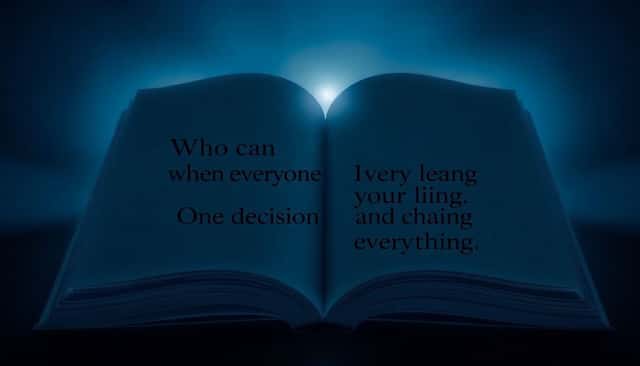
Short, intriguing text overlays are your secret weapon for hooking viewers and keeping their eyes glued to your trailer.
Stick to brief, thought-provoking phrases or questions that make viewers want to know more—like “Who can you trust when everyone is lying?” or “What happens when survival is your only option?”
The goal isn’t to summarize your whole plot; instead, focus on teasing central themes or dilemmas to spark curiosity and interest.
Use wording that fits your book’s style and genre perfectly—for thrillers you might ask, “Can they survive the night?”, while romance might tease, “One decision changes everything”.
If you’re promoting a dystopian novel and feeling stuck, using a dystopian plot generator might give you inspiration for captivating text overlays.
Make sure text is large enough and easily readable even on small screens—many viewers will watch your video on a smartphone.
Step 5: Keep Your Trailer Length Short and Attention-Grabbing
Wondering how long your book trailer should be? Shorter is always better.
Research shows trailers around 30 seconds keep viewers watching and clicking more effectively, fitting nicely on platforms like Instagram or Facebook ads.
Remember, you’re not making a movie—you’re creating a quick snapshot designed to intrigue, excite, and encourage immediate action from viewers.
Keep your script concise, visuals fast-paced, and avoid long, drawn-out scenes.
If something slows down the energy or doesn’t add obvious value, delete it without hesitation—you’ll thank yourself later.
Step 6: Add a Clear Call to Action to Encourage Sales
Once you’ve captured viewer interest, direct that interest toward a concrete action like buying your book or visiting your author website.
A good call-to-action (CTA) clearly informs viewers exactly what to do next and why they’ll benefit: “Grab your copy today,” or “Visit my website to start reading now.”
You can also gently introduce urgency with phrases like “Available Now” or “Limited-Time Offer.”
Studies indicate sales landing pages featuring videos have an 80% boost in conversions, showing how powerful a CTA-supported trailer can actually be.
Always make sure your purchase links or webpage URLs appear immediately after your trailer, so taking action is effortless.
Step 7: Choose a Creation Method That Fits Your Budget
You don’t need Hollywood budgets and flashy tech to craft an impactful book trailer—you just need the right tools for you.
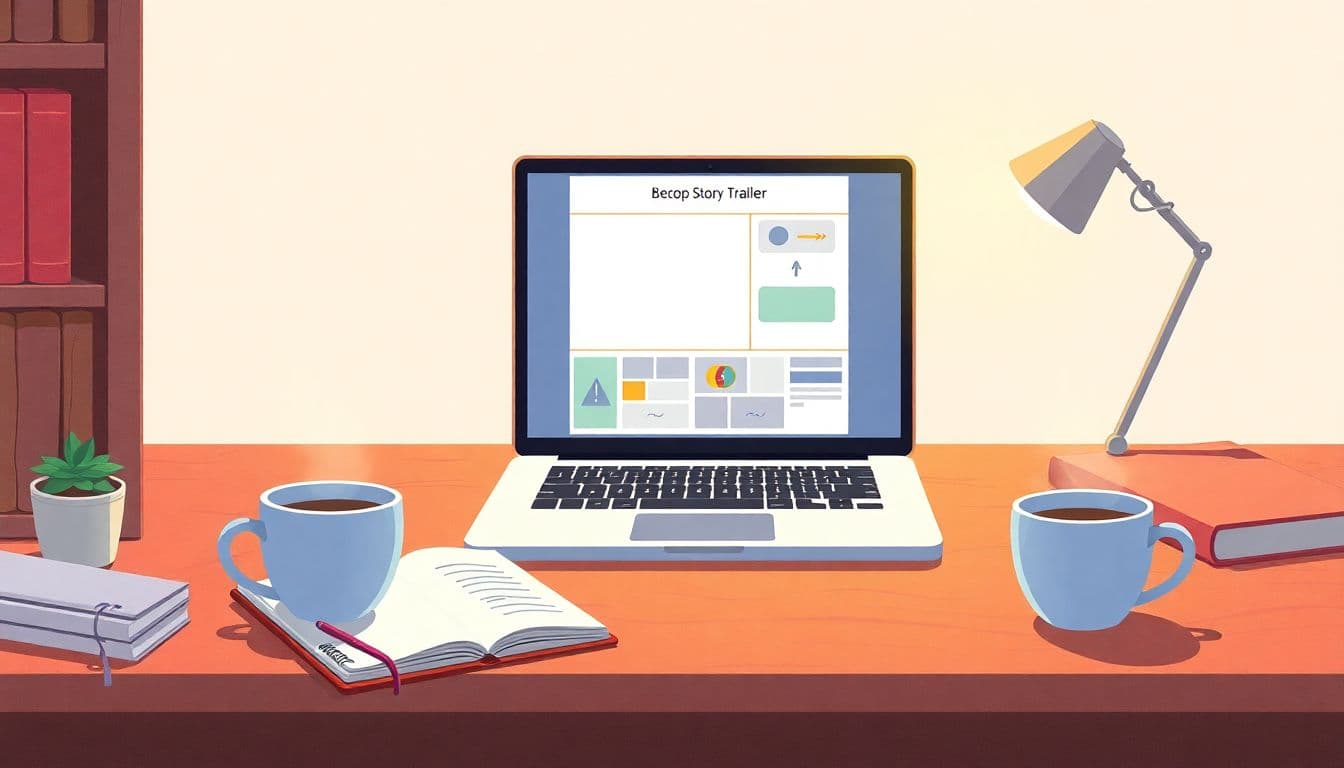
Budget-friendly online platforms like Animoto, Canva, or Adobe Spark allow you to blend visuals, text, and audio without extensive video-editing skills.
If your skills and resources are more advanced, Adobe Premiere Pro or Final Cut Pro offer professional editing capabilities for polished trailers.
You might even consider collaborating with Fiverr freelancers or affordable local videographers if you’re short on time.
Whichever route you pick, balance your choice of tools with available resources—remember, impactful storytelling beats costly production every time.
Step 8: Learn from Successful Book Trailer Examples
Why reinvent the wheel completely if you don’t have to? Look closely at book trailers that have done well and copy their best moves.
Watch trailers like The Hunger Games or Gone Girl on YouTube and jot down specific elements you liked or found impactful.
Identify their techniques—whether it’s dramatic music, tense pacing, emotional voiceovers, or powerful questions—and brainstorm how you might adapt these techniques to your trailer.
Pay special attention to engagement metrics, such as likes, shares, and comments—these signals show which trailers connected strongly with viewers.
Once inspired with strategies proven to boost book sales on Amazon and beyond, apply them thoughtfully to your own creative concept, amplifying your trailer’s effectiveness from the get-go.
Bonus Tip: Strategically Promote Your Trailer Across Platforms
Publishing your trailer isn’t enough—it needs a promotional strategy for maximum results.
Add the video prominently on the homepage of your author website, and your visitors might linger an extra two minutes, increasing the chance they’ll head to checkout.
Upload your trailer to social channels—think Instagram Reels, TikTok, Facebook pages and dedicated author platforms like Goodreads.
Paid ads on Instagram or Facebook targeted directly at your ideal audience can boost visibility dramatically—you don’t need to spend big money to see results.
If you prefer doing it solo and without breaking the bank, figure out how to get a book published without an agent, then pair self-publishing know-how with an effective promotional plan to reach more readers and increase your potential sales.
The extra effort for promotion definitely pays off—viewers who’ve watched a tailored book trailer are 64% more likely to actually buy your book.
FAQs
Your book trailer should ideally last between 30 to 90 seconds to keep the audience interested. Shorter trailers encourage viewers to watch it entirely, increasing the chance they’ll explore more about your book and consider purchasing.
A strong book trailer includes engaging visuals matching the story’s themes, music and sound effects that fit the mood, brief intriguing text phrases to spark curiosity, and a clear ending with an appealing call-to-action.
No, you don’t need a big budget. Many affordable or free tools are available online to help you produce a visually impressive book trailer. Select resources within your budget that can effectively showcase the quality and appeal of your story.
You can find quality book trailer examples on platforms such as YouTube, author websites, or popular book promotion channels. Analyzing successful examples can help you understand techniques and creative choices that engage readers effectively.