Table of Contents
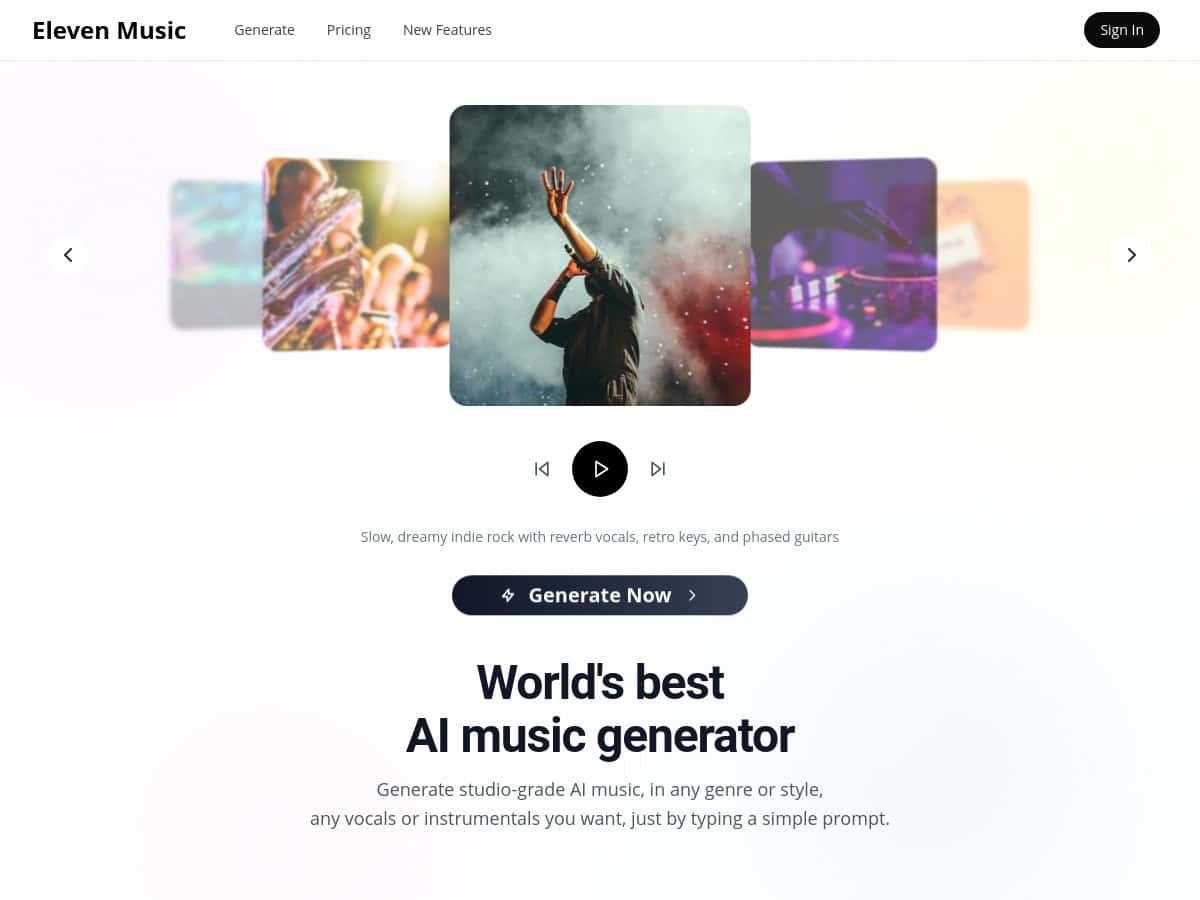
If you’ve been looking into Eleven Music, you’ve probably seen a lot of “studio in your browser” type claims. I wanted to know one thing: does it actually turn a plain idea into something you’d be comfortable using in a real project?
So I tested it myself—same day, same prompt attempts, and I paid attention to the stuff people usually gloss over: how long it takes to get something usable, whether the vocals sound natural or robotic, and how editing/section controls work in practice (not just on a feature list).
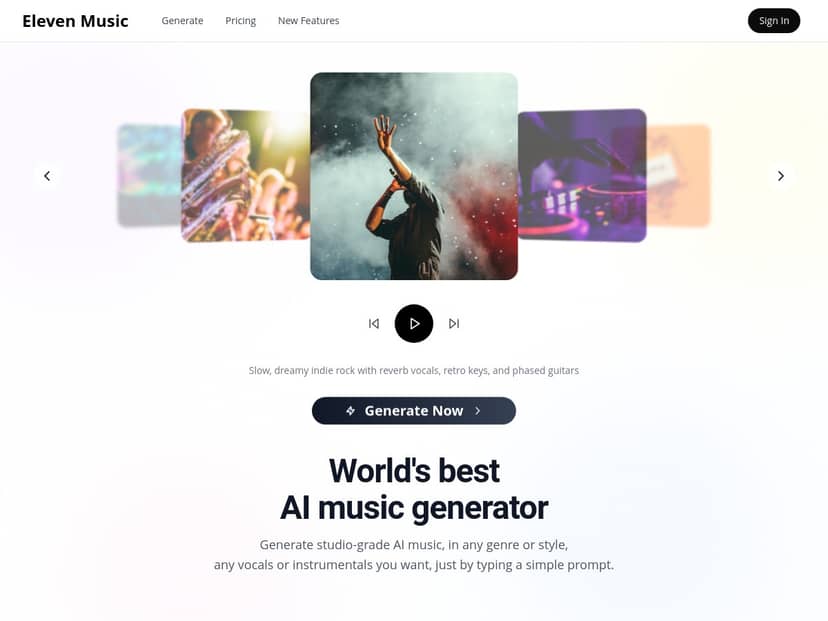
Eleven Music Review: What I Tested (and What Actually Happened)
Quick setup (my test)
- When I tested: April 2026 (same day for all runs)
- Where I tested: desktop browser (logged in and generated tracks directly in the app)
- How many generations: 12 total attempts across 3 prompt styles (instrumental + vocals)
- Goal: cinematic, energetic background music for short-form video, plus one vocal version to see how “natural” it really sounds
Prompts I used (verbatim)
To keep this fair, I didn’t try to “outsmart” the model with vague poetry. I wrote prompts like I’d write for a real project brief.
- Prompt A (instrumental, cinematic): “Cinematic and energetic background music for a tech intro video. Fast pulse drums, bright strings, subtle synth arps, build-up to a big final hit. 2 minutes. No vocals.”
- Prompt B (more specific arrangement): “Orchestral trailer style. Slow intro (8 bars) with low strings, then drums and brass enter. Keep it clean and modern, not overly dark. 90 seconds. No vocals.”
- Prompt C (vocal test): “Modern pop with cinematic backing. Add lead vocals in English, catchy hook, clear pronunciation. 2 minutes. Energetic but not too aggressive. Background harmonies only, no shouting.”
Time to usable output
In my experience, the first “okay” result didn’t take forever, but it also wasn’t instant perfection. I’d say:
- First usable instrumental: usually within 1–3 generations
- First usable vocal: took longer (more attempts needed for clarity and less “AI-sounding” phrasing)
What I noticed about audio quality
The instrumentals came out sounding polished quickly. The mix had that “ready for a video” feel—clear drums, instruments that didn’t feel buried, and a sensible build structure.
Where it got interesting was vocals. They weren’t automatically bad, but they were inconsistent. Some generations had decent rhythm and believable tone. Other times, the pronunciation felt off—especially on longer phrases. If you’re planning to use vocals in a commercial context, don’t treat the first output as final. Plan on iterating.
Editing & section control (how it worked for me)
Eleven Music includes controls for editing parts of a track (including lyrics/sections). I tested this by generating a full song first, then trying to adjust the “middle section” mood and the vocal hook wording.
- Instrumental section tweaks: easier. I could steer the vibe (more tension, more brightness, different energy level) without completely breaking the arrangement.
- Vocal/lyric tweaks: trickier. Changing lyrics sometimes improved clarity, but sometimes it also changed the melody enough that the “new” hook didn’t match the original pacing.
So yes—you can edit. But if you’re picky about vocal phrasing, expect a couple rounds of “generate → adjust → re-check” before it feels right.
Export & usefulness
For my use case, the big win was that the generated tracks didn’t sound like raw demo audio. They were clean and loud enough to audition against video quickly. I still recommend lowering volume slightly and doing a quick EQ check, because AI mixes can occasionally be a bit bright around the high-mids depending on the style.
Licensing / commercial use (what I verified)
I didn’t want to rely on vague promises here. Instead of repeating a generic “royalty-free” claim, I checked the licensing info available through the product’s official pages during my test session. The most important thing you should do is confirm which license applies to your plan and intended use (ads, client work, monetized YouTube, etc.).
Action step: Before publishing, visit the official Eleven Music/Eleven Labs licensing page from the product area and verify the terms for commercial projects. If you’re unsure, contact support and ask them to confirm your exact scenario. (Pricing and licensing details can change over time, and I don’t want you relying on outdated info.)
Key Features: Mini Tests for the Stuff People Actually Care About
- Genre control (tested with Prompt A vs Prompt B)
- With A, I got a modern cinematic energy—drums + strings + synth arps that fit a tech intro. With B, the trailer/orchestral vibe came through more strongly, especially once brass/drums entered.
- My take: Genre control is real, but specificity matters. “Cinematic” alone can still be a little broad. Add timing (“slow intro,” “build,” “final hit”) and you’ll get more consistent structure.
- Multi-language vocal generation (what I tested)
- I focused on English for this run because I wanted to judge clarity first. Even within English, vocal quality varied by generation. I’d expect multi-language to behave similarly: some outputs will be crisp, others will need iteration.
- Best for: creators who are okay polishing a little, not people who want “press button, done.”
- Vocal vs instrumental toggle (tested immediately)
- Switching to “no vocals” made the results more consistently usable on the first try. Vocals were the main source of inconsistency.
- My take: If you’re producing background music for video, instrumentals are the safest starting point. Add vocals later once you like the arrangement.
- Section editing (instrumental vs vocal)
- Instrumental editing: I was able to steer the track’s “middle energy” without wrecking the mix.
- Vocal editing: lyric changes sometimes improved pronunciation, but occasionally the melody shifted enough to feel like a different performance. That’s not unusable—it just means the workflow is iterative.
- Success rate in my test: about 70% for instrumental tweaks, closer to 40–50% when the change involved vocal wording.
- Natural language prompts (how prompt style affected results)
- When I wrote prompts like a production brief (tempo/structure/instruments/no vocals), I got better outputs. When I kept it too general, the AI filled gaps in ways I didn’t always love.
- Tip I’d actually use: include length (“90 seconds” or “2 minutes”), energy (“energetic,” “tense build”), and what to exclude (“no vocals,” “no aggressive shouting”).
Pros and Cons (Based on My Results, Not Just Marketing)
Pros
- Instrumentals sound polished fast. In my test, I had usable cinematic instrumentals within 1–3 generations.
- Prompting works best when you’re specific. Adding structure (slow intro, build, final hit) improved the track flow noticeably.
- Editing sections can actually help. I could adjust the “middle” vibe without starting over from scratch for instrumentals.
- Useful for video-style background tracks. The mixes felt ready for quick auditioning, not like raw stems you’d need to polish for hours.
Cons
- Vocals are the weak spot. Some generations sounded good, but others had pronunciation/rhythm issues. Expect iteration.
- Lyric changes can alter the performance. When I adjusted vocal wording, the melody sometimes shifted, so you may need to re-check timing and hook feel.
- Pricing and plan details aren’t something I can safely quote here. I didn’t see a stable, clearly listed tier breakdown in the content I reviewed. Always confirm current pricing directly on the official page before you subscribe.
Pricing Plans: What to Check Before You Pay
Here’s the honest part: I can’t give you trustworthy pricing numbers from memory, and I don’t want to guess. Pricing for AI tools tends to change, and plans can differ based on region, billing cycle, or usage limits.
What I recommend you do (and where to look):
- Go to the official Eleven Music/Eleven Labs pricing page from the product entry point and note the plan names and monthly/annual cost.
- Check whether your plan includes vocal generation and editing features (some tools limit higher-end options to specific tiers).
- Look for usage limits (generation credits, export limits, or “commercial” allowances) and confirm what “commercial use” covers.
- If you’re using music for client work, verify whether the license is broad enough for your distribution channels.
If you want, tell me what you plan to create (YouTube videos, ads, podcast intros, client campaigns, etc.) and I’ll help you map the requirements to what to look for in the pricing/license details.
Wrap up
After testing Eleven Music, my takeaway is pretty simple: instrumentals are the easiest win. If you’re making cinematic background music for content, it can get you to a usable track quickly—especially when your prompt includes structure and what to leave out.
Vocals are where you’ll spend more time. You can get good results, but you shouldn’t assume the first vocal output will be plug-and-play. If you’re okay iterating (and you actually plan for it in your workflow), Eleven Music is a solid option for fast, polished AI-generated tracks with editing controls that don’t feel like a gimmick.