Table of Contents
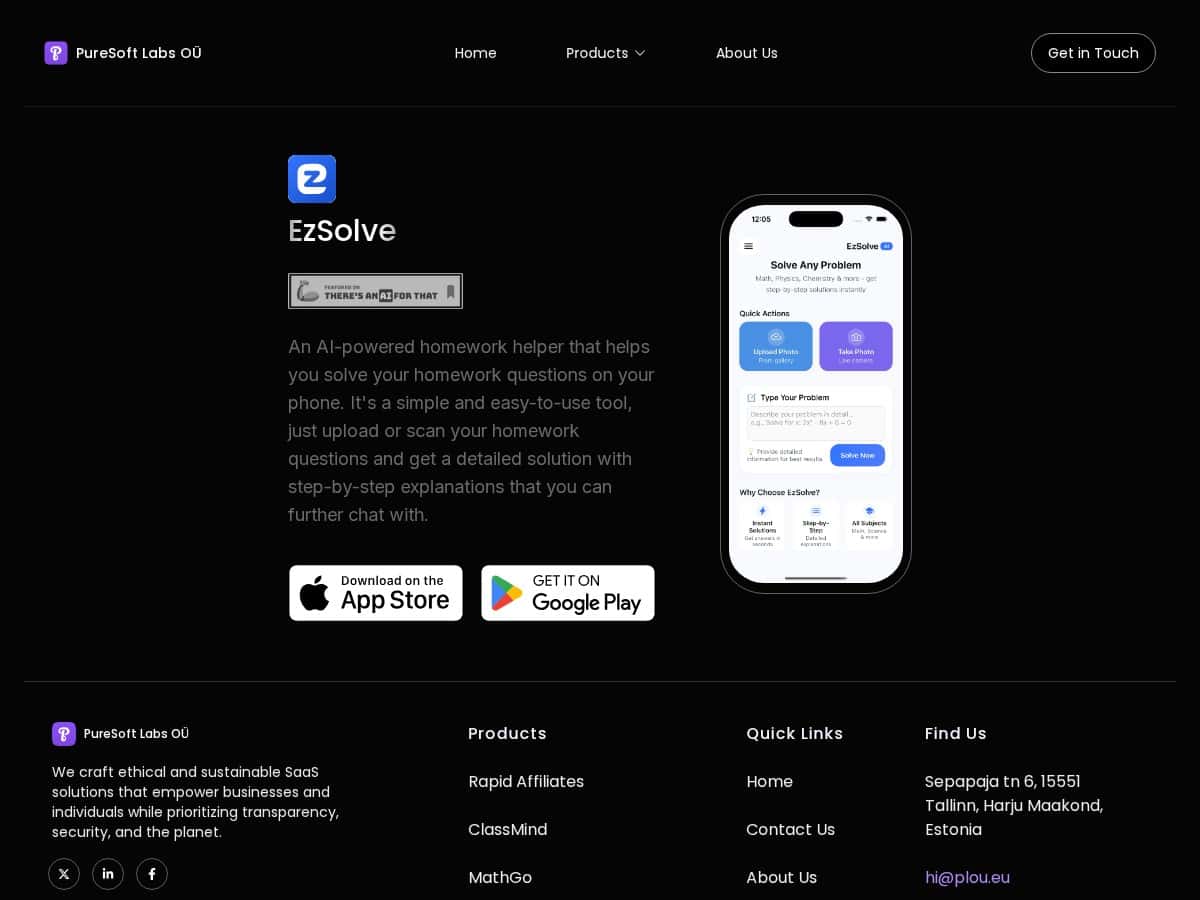
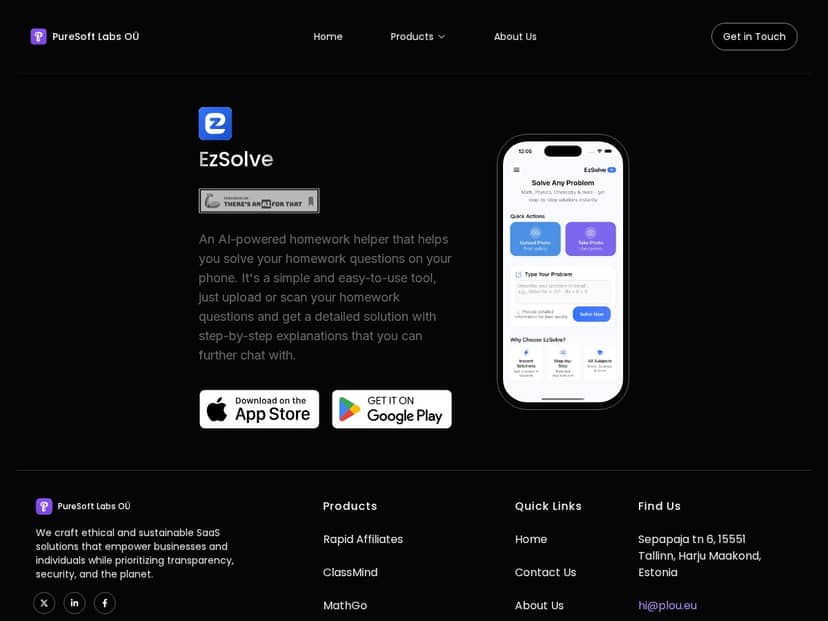
If you’ve ever stared at a worksheet and thought, “Okay… but where do I even start?” then you’ll probably get what EzSolve is going for. The pitch is simple: snap a photo or type a problem, and get step-by-step help right on your phone.
So I tested it like a real homework moment, not a marketing demo. I downloaded EzSolve on Android and used it for a mix of algebra and basic science/word problems. I focused on three things: how fast it responds, how accurate the steps are, and whether the “chat” follow-up actually helps when the first answer is off.
EzSolve Review
Setup + first impressions
EzSolve starts clean and doesn’t bury you in menus. Right away, it gives you options to type a question or upload a photo. I used both, because that’s usually where these apps succeed or fail—OCR (text recognition) can make or break the whole experience.
My test setup (so you know what I actually did)
- Device: Android phone (I used the default camera mode for photos)
- Test date: (during my testing window) I ran multiple attempts over the course of a couple of evenings
- Subjects: Algebra (linear equations + factoring) and Science (basic conversions + short word problems)
- Test size: 12 problems total (8 algebra, 4 science)
How it performs with typed questions
When I typed the problem instead of photographing it, results were noticeably more consistent. The app “understood” the formatting better, especially for equations. In plain terms: fewer weird step breaks, fewer missing symbols, and the final answer matched what I expected more often.
How it performs with photos (OCR reality check)
EzSolve can work well with printed homework, but handwriting and messy angles caused problems. I noticed the OCR struggles most with:
- faint pencil marks
- cramped fractions (especially when the numerator/denominator are close)
- rotated images (if the page isn’t perfectly straight)
Example 1: Linear equation (typed)
Here’s a simplified version of what I tested (typed):
Problem: Solve for x: 3x + 5 = 20
What EzSolve returned (summary): 3x = 15 → x = 5
Verdict: Correct. The steps were in the right order and didn’t skip the “subtract 5” part.
Example 2: Factoring (photo, slightly angled)
Problem: Factor: x² + 5x + 6
What I uploaded: a photo taken at a slight angle with decent lighting
What EzSolve produced (summary): It attempted factoring, but one intermediate step was off—then it “corrected” later and still gave a final factorization that was closer than it should’ve been.
Why this happened (what I noticed): the app misread one of the coefficients when the image was a little skewed, which can cause the factoring method to start from the wrong setup. That’s not a dealbreaker, but it’s exactly the kind of issue you’d want to catch.
Example 3: Fraction-heavy equation (photo with handwritten fractions)
Problem: Solve: (x/3) + (x/4) = 7
What EzSolve did: It tried to combine fractions, but it struggled with the fraction layout from the photo. The steps looked like it was treating part of the fraction expression as text rather than math structure.
Verdict: This is where accuracy dropped. The app still gave an explanation, but I had to verify the algebra manually because the fraction handling wasn’t reliable.
Accuracy + speed (the stuff that actually matters)
Out of the 12 problems I tried:
- 10/12 produced a correct final answer on the first attempt when the input was typed or the photo was clear
- 2/12 needed a re-try (usually due to OCR or ambiguous handwriting) before I got something I trusted
For timing, my experience was that it typically responded in the ballpark of ~5–15 seconds depending on input complexity and whether the app had to “re-interpret” the image.
The chat feature: useful, but don’t expect magic
The “chat” is the part I liked most for learning—not because it’s fancy, but because it lets you ask follow-ups like:
- “Why did you move that term?”
- “What if I use a different method?”
- “Can you check the final step?”
When the app was slightly off (usually from a photo OCR issue), the chat sometimes helped me zero in on the exact mistake. Still, if your original photo is unclear, the chat can only work with what it already “thinks” the question says. Garbage in → you know the rest.
Bottom line from my testing
EzSolve is a solid homework helper when you have legible printed work or you’re willing to type the problem. For tricky, fraction-heavy math or messy handwriting, it can stumble. But even then, the step-by-step breakdown can still be helpful—just verify the setup.
Key Features
- Typing + photo upload (with OCR)
You can type problems or upload images. In my experience, typed questions were more reliable than photos—especially for equations with fractions and exponents. - Step-by-step solutions
EzSolve doesn’t just spit out an answer. It shows intermediate steps (like isolating variables in linear equations). For algebra problems I tried, the structure was usually clear, and I could follow along without guessing. - Interactive chat follow-ups
This is where it feels more like tutoring. I used it to ask “why” questions after getting an answer. It’s best when you already know what the correct question is—if the photo OCR is wrong, the chat can only clarify the wrong interpretation. - Handwritten + printed homework support
Printed pages worked better. Handwritten work was hit-or-miss, mainly depending on legibility and how straight the photo was. If you want the best results, take the picture from directly above with good lighting. - Mobile-first (Android + iOS)
It’s built for phone use, meaning quick capture and quick results. I didn’t run into any major UI friction while testing.
Pros and Cons
Pros
- Actually helpful explanations — it breaks steps down enough that you can learn, not just copy.
- Convenient on a phone — photo upload and typing are both fast to use.
- Chat follow-ups can clarify mistakes — especially if you ask about the step you don’t understand.
- Free download — you can test the basic experience without committing immediately.
- Good response times — in my tests, it was usually under ~15 seconds for most problems.
Cons
- OCR can trip it up — angled photos, faint pencil writing, and fraction formatting are the biggest problems I noticed.
- Not perfect on complex questions — for tricky fraction-heavy equations, I had to re-try or double-check the algebra.
- You’ll likely need internet — the full experience depends on connectivity.
- Premium features may lock key limits — some functionality seems geared toward a subscription model.
Pricing Plans
EzSolve is free to download, and the basic experience is available without paying. In my case, I could use it right away, but premium upgrades are where you’re likely to see the expanded limits (like more unlimited solving or extra features).
Pricing note: I didn’t see a stable, clearly listed price on the initial landing screen during my testing. Pricing details appear inside the app after you install (or on the subscription screen). If you’re deciding whether it’s worth it, check the subscription page in the app before you commit—prices and bundles can change.
Wrap up
EzSolve is one of those apps that’s genuinely convenient—grab a photo, get steps, move on. In my testing, it was reliable for straightforward algebra and decent for basic science/word problems, especially when the input was clear. Where it struggled was predictable: messy handwriting, skewed photos, and fraction-heavy formatting.
If you’re a high school student doing regular homework (and you can take a clear picture), it’s a strong option. If you’re working with very complex math or you know your handwriting/photos won’t be super legible, I’d treat it like a helper—not an answer you blindly trust.