Table of Contents
I’ve tried my fair share of “focus apps” over the years, and most of them fall into two buckets: either the timer is great but task management is basic… or the task system is fancy but the whole thing becomes another thing to maintain. With Focusdoro, I actually felt like the Pomodoro timer and the task workflow were built to work together.
For my test, I used it on a mix of writing and admin work (stuff like drafting an outline, answering emails, and knocking out short client tasks). I ran it for about a week, using a pretty standard Pomodoro rhythm: 25 minutes work / 5 minutes break for most sessions, then I switched to 45 minutes work / 10 minutes break on days when I was deep in one project. I also compared it against my usual routine (a simple checklist + Google Calendar reminders), mainly to see if Focusdoro reduced the “planning tax” I normally pay every morning.
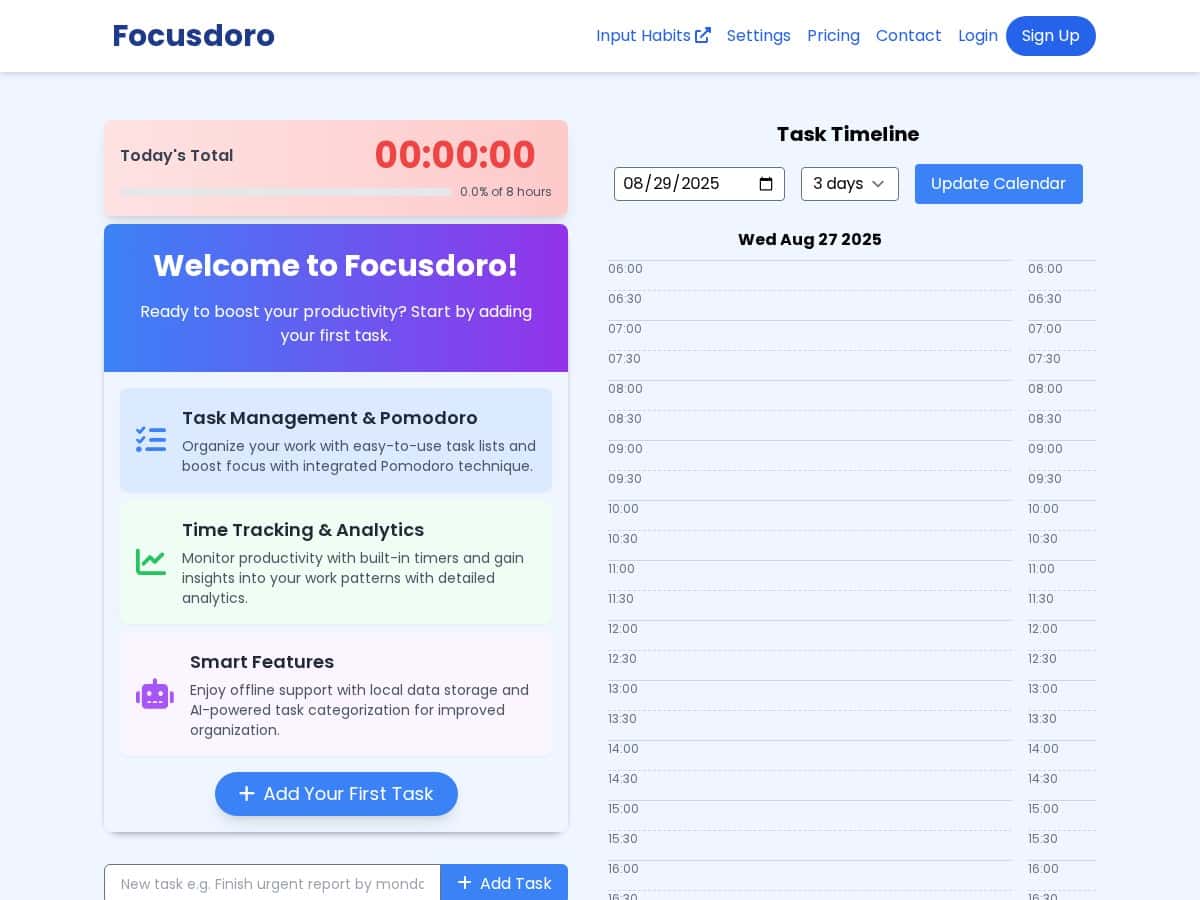
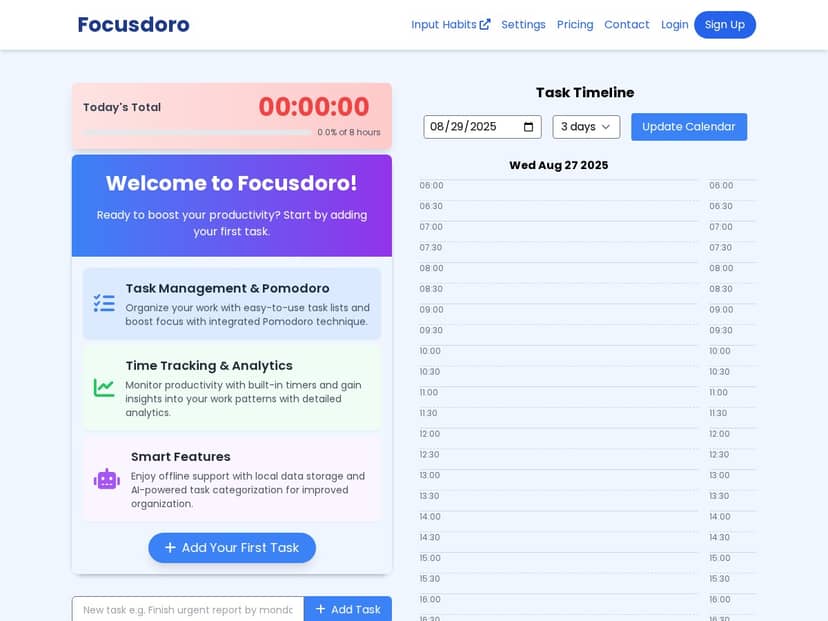
What I noticed right away: the interface is clean, and it doesn’t waste time getting you into a session. The timer itself is responsive, and the task flow feels straightforward—add tasks, start a cycle, and keep moving. The part that surprised me most was the AI task categorization and scheduling suggestions. It didn’t just “look smart” on paper; it helped me decide what to do next without me staring at my list for 10 minutes. More on that below.
Focusdoro Review: My Week-Long Test of the Pomodoro + Task Workflow
Let me be honest—my baseline before using Focusdoro was pretty simple. I’d open a notes app, write a quick list, then block time on my calendar. The problem was always the same: I’d spend a few minutes every morning deciding what belonged in “today,” and I’d sometimes underestimate how long things would take.
With Focusdoro, the timer and task list feel connected instead of separate. When I started a session, I didn’t have to “translate” my tasks into calendar language. I could just pick what I was working on and run the cycle.
Timer customization was the first thing I actually used. I stuck with 25/5 for most sessions, but I tried a longer format (45/10) on days where I was writing. The ability to adjust work and break times made it feel less rigid than some Pomodoro apps that force one rhythm.
Task organization was the second. I found it easy to keep tasks from turning into a messy pile. Instead of one long list, I could structure my day around what I was trying to finish. That alone reduced the “where do I start?” moment.
Then there’s the AI feature. This is where the app stood out for me, because it wasn’t just generating ideas—it was trying to help me plan. In my case, it categorized tasks into buckets that matched how I think about work. For example, tasks like “draft section for client report” and “outline blog post” landed in a “deep work / writing” style category, while things like “reply to emails” or “quick admin” were grouped into shorter, lighter sessions. It also suggested schedules based on those categories, which helped me decide whether something should be handled in a 25-minute sprint or saved for a longer block.
One practical example: on a day I had 8–10 tasks sitting around, I used the AI suggestions to build a rough plan. I didn’t follow it blindly, but I did use it as a starting point. What I noticed over the week was a reduction in my morning setup time. I’d normally spend around 10–15 minutes deciding what to tackle first; with Focusdoro, I was closer to 5–8 minutes because the app narrowed the choices.
Finally, I tested the offline support because I travel sometimes and don’t always have reliable Wi‑Fi. Offline mode mattered. I could keep working without the app acting like it needed a connection to function. That’s one of those features you don’t appreciate until you need it.
Overall? Focusdoro felt like a real workflow tool, not a timer that you babysit.
Key Features I Actually Used in Focusdoro
- Task management tied directly to Pomodoro timers
This is the core idea. You’re not timing “nothing”—you’re timing the task you selected. That connection is what makes the app feel productive instead of gimmicky. - Customizable work/break timers
I tested both 25/5 and 45/10. Being able to adjust those settings kept the app from feeling like a one-size-fits-all rulebook. - AI-powered task categorization + schedule suggestions
In my experience, the AI categorization worked like a smart organizer: it grouped tasks into practical buckets (deep work vs. quick admin, writing vs. follow-ups). The schedule suggestions then reflected those buckets by recommending when to do each type of work. - Analytics for productivity patterns
I liked that I could look back and see what I actually spent time on. It wasn’t just “you used the app.” It helped me spot patterns like which days I tended to do shorter tasks and when I scheduled longer sessions. - Offline support with local data storage
I tested this by working without relying on connectivity. The app didn’t interrupt my flow the way some cloud-only tools do. - Distraction-minimizing tools + reminders
The reminders were helpful for deadlines, but I also noticed that if you enable too many alerts, it can become noise. More on that in the cons section.
Pros and Cons (Real-World Notes from My Test)
Pros
- Pomodoro + tasks work as one system—I didn’t feel like I was switching contexts every time I started a timer.
- Easy to set up and use—the interface is clean, and I wasn’t fighting menus to get started.
- AI planning helped me move faster—it reduced the “what should I do next?” time by giving me categorized options and a suggested schedule.
- Offline mode is genuinely useful—I could keep working without connectivity issues.
- Analytics are more than vanity stats—they helped me understand my own work rhythms instead of just counting sessions.
Cons
- Some advanced features likely depend on your plan
I didn’t hit every paywalled option during my test, but the app clearly has tiers. If you want every AI/analytics enhancement, check what’s included before assuming it’s all free. - Pomodoro is still a skill
If you’ve never used Pomodoro before, you’ll need a couple tries to figure out what length works for you. It’s not “hard,” but it’s not instant either. - Notifications can be distracting
For me, too many reminders made it harder to stay in flow. I ended up tightening what I allowed so the app nudged me without constantly interrupting.
Pricing Plans: What I Could Confirm (and What to Check)
Pricing can change, and the page I used didn’t clearly show a full price table inside this review. What I can confirm is that Focusdoro offers a 50% discount using code ‘PHLOVE50’. For the latest pricing tiers and what each plan includes, I recommend checking the official website before you commit.
If you’re deciding between plans, focus on these differences (because they matter in day-to-day use):
- How much AI planning you get (categorization and schedule suggestions)
- Whether analytics depth is limited on lower tiers
- Which reminders/distraction tools are available depending on your plan
Quick tip: if you’re mainly using the timer + basic task list, you might not need the highest tier. If you want AI scheduling and deeper analytics, that’s where paying more can actually be worth it.
Wrap up
Focusdoro is a solid productivity app when you want structure without turning your day into a complicated setup. The timer customization is practical, the task workflow is easy to follow, and the AI planning feature is the closest thing to “less thinking, more doing” that I experienced during my week of testing.
Just keep in mind: if notifications don’t work for you, you’ll want to tune them down. And if you’re brand-new to Pomodoro, give yourself a few days to find your rhythm. After that? It’s a pretty smooth way to stay on track and actually finish what you start.