Table of Contents
I’ve been looking for a brand monitoring tool that doesn’t feel like you need a whole analytics team to use it. That’s why I tested ForumScout—specifically to see if it’s genuinely budget-friendly and easy to set up, not just “marketing-friendly.”
My main question was simple: can it actually pull relevant mentions from the places I care about (forums, social, news) and then help me sort through them without spending hours?
ForumScout Review
I tried ForumScout on a fresh setup, starting from zero, and I wanted to see how quickly I could go from “sign up” to “I’m actually getting mentions.” The setup felt pretty straightforward—mainly because the UI doesn’t try to be clever. You create a scout, pick keywords, and then you’re looking at results.
What I searched (and what I expected): I started with a couple of brand-style keywords (one exact phrase and one broader term) so I could see how much noise the system would catch. I also added a second scout so I could compare how different keywords behave over the same time window.
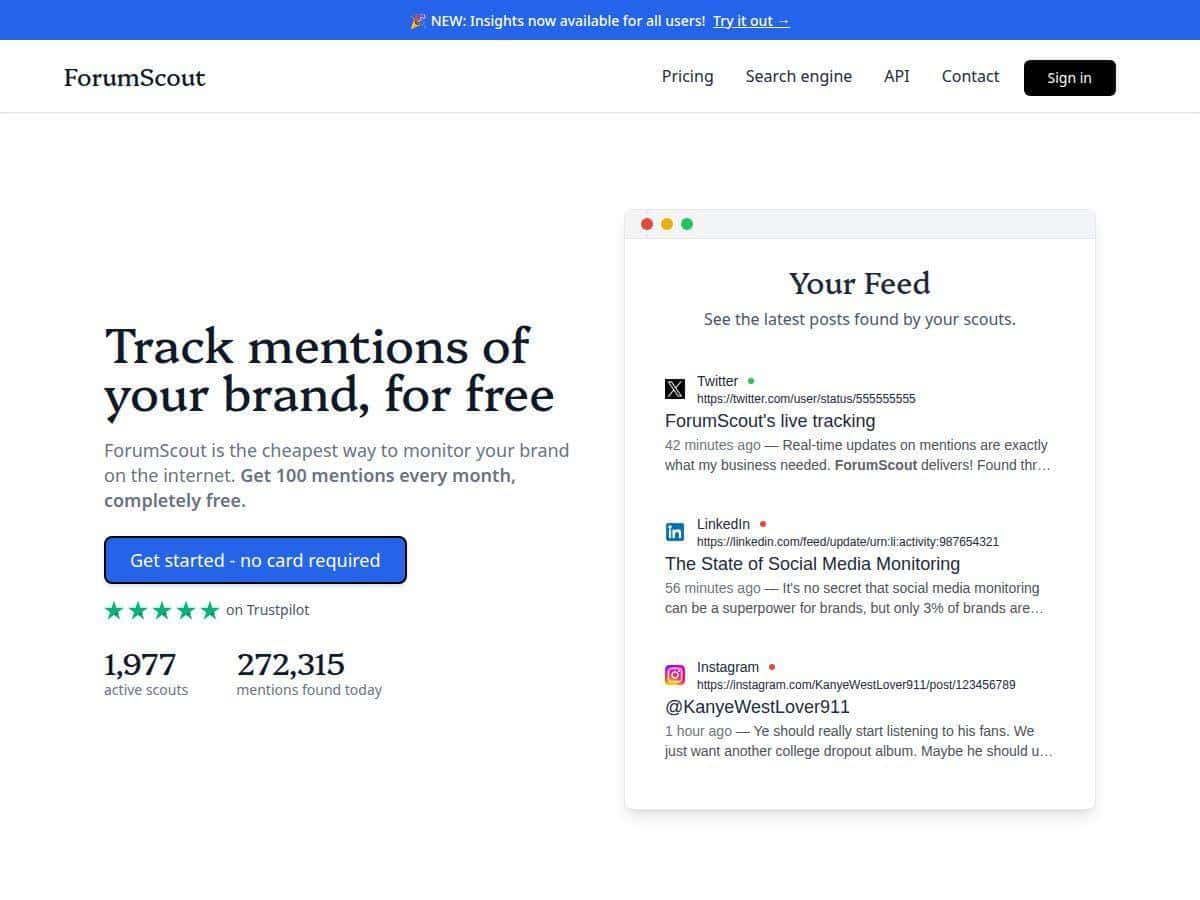
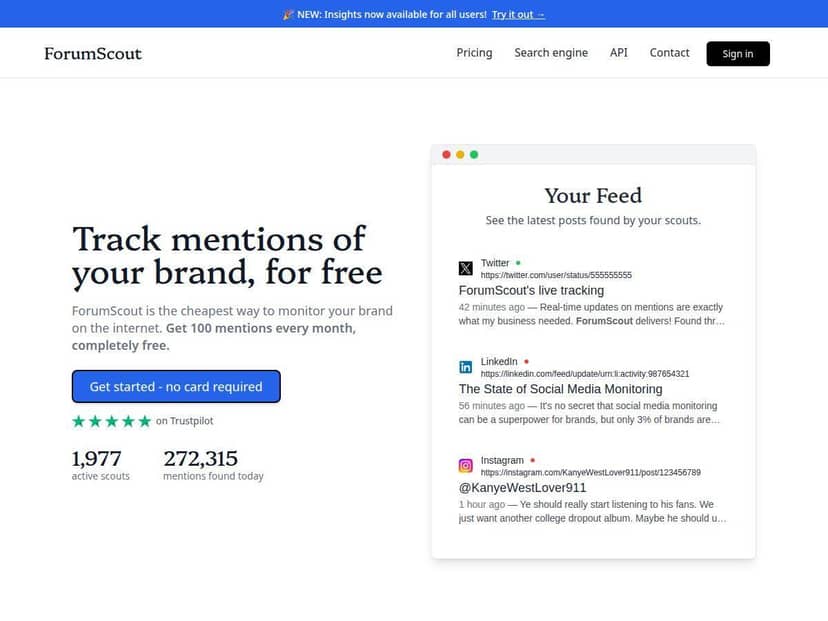
What I noticed immediately: the results weren’t just random web pages. ForumScout pulled mentions from forums, social channels, and news-style pages, so it didn’t feel like it was only scraping one corner of the internet. That matters, because brand mentions don’t all happen in the same place.
AI filtering (the part I actually cared about): after the first batch of mentions came in, I used the AI filters to refine what I was seeing. Without filtering, you can get the usual junk—generic discussions that mention a keyword in passing. With filtering enabled, the feed tightened up. It still won’t be perfect (no tool is), but I noticed fewer “false positives,” which meant I spent less time scanning.
Alerts: I also tested alerts to see whether they’re useful in practice, not just a checkbox. When new mentions matched my scouts, I got notified without having to keep the dashboard open all day. The timing wasn’t instant like a live chat system, but it was quick enough that I could actually respond, which is the real point.
One honest limitation: if your brand/keyword isn’t very active online, you’ll naturally see fewer mentions. That’s not a ForumScout “failure,” but it does mean it won’t magically generate conversation where none exists. If you’re monitoring a niche product with low chatter, you might spend your time tweaking keywords instead of reviewing results.
Key Features (and how they work in real use)
- Create multiple scouts for different keywords or brands
- I set up more than one scout right away. The biggest win here is separation—one scout for my main phrase and another for a broader term. That made it easier to compare relevance without mixing everything into one messy list.
- AI filters to customize mention tracking
- This is where ForumScout felt more “usable” than basic keyword alerts. After filtering, the results I saw were more aligned with what I was trying to track. For example, mentions that used the keyword in unrelated contexts were less prominent, while posts that looked like actual brand/product discussion were easier to spot.
- Tracks mentions across forums, social media, and news sites
- I specifically wanted coverage beyond just social. In my tests, the mix of sources was noticeable—forums showed up alongside social-style posts and news mentions. That variety is helpful when you’re trying to understand how people talk about you in different communities.
- Real-time alerts for new mentions
- The alerts made it less “set and forget.” I didn’t have to refresh constantly. When something new matched a scout, I got notified and could jump straight into the mention list to see context.
- Provides sentiment analysis and audience insights
- Sentiment is one of those features you only appreciate once you’re actually looking at mentions. In my feed, sentiment wasn’t just a random label—it helped me quickly spot whether a mention looked positive, neutral, or negative at a glance. It’s not a replacement for reading the post, but it’s a time-saver when you’re reviewing multiple mentions.
- I also found the “audience insight” angle useful for understanding what kind of conversation is happening (who’s talking and what tone they’re using), at least at a high level.
- Supports report generation and competitive intelligence
- This is a big reason I kept using it after the initial test. I generated reports to see how my mentions stacked up over time and to compare patterns between scouts. For competitive intelligence, the practical value is that you can track competitor names/terms side-by-side and see where they’re being discussed.
- In my case, when I monitored a competitor-style term in a separate scout, I could quickly tell which conversations were actually about them (vs. generic industry talk) once the AI filtering was applied.
- API access available as an add-on
- If you’re building something custom, API access matters. I didn’t integrate it during my test, but the fact that it’s available as an add-on is good for teams that want to pull data into their own dashboards.
Pros and Cons (based on what I ran into)
Pros
- Budget-friendly entry point: the free plan includes up to 100 mentions/month. For early-stage monitoring, that’s enough to get a real feel for how mentions show up.
- Clean, easy interface: I didn’t feel lost when setting up scouts. It’s the kind of tool you can start using the same day.
- Multi-source coverage: forums + social + news-style results gives you a broader picture than single-channel monitoring.
- AI filtering reduces noise: it doesn’t eliminate irrelevant mentions entirely, but it definitely helps you focus on what’s more likely to matter.
- No credit card required on free: that’s a big deal if you’re testing before committing.
Cons
- Free tier limits your volume: 100 mentions/month can run out quickly if you track multiple keywords, synonyms, or competitor terms.
- “Advanced” stuff is paid: deeper insights, advanced report options, and more robust analysis are pushed into paid plans. You can get started free, but you’ll hit the wall if you want serious reporting.
- Results depend on online activity: if your keyword doesn’t get talked about much, you won’t magically see more mentions.
- It takes a little tweaking: if you want high relevance, you’ll likely spend some time adjusting keywords and filter settings. That’s normal, but it’s not “instant perfection.”
Pricing Plans (what you actually get)
ForumScout has a free forever plan with up to 100 mentions per month and no credit card required. After that, paid options add capacity and more advanced monitoring/reporting.
Here’s how the pricing differences played out for me conceptually (and what it means in practice):
- Free plan: up to 100 mentions/month. Great for testing keywords, learning the UI, and verifying that you’re getting useful results from the sources you care about.
- Paid plans: more mentions and access to deeper insights and advanced reports. This is where you’ll want to be if you’re monitoring multiple brands/competitors and need more than basic summaries.
- Extra scouts: costs $2/month per additional scout. If you want separate tracking for multiple keywords, this adds up—but it’s still pretty reasonable.
- Add-ons: extra options like infinite post retention and additional insights are listed at $10/month.
- API: available as a custom add-on (upon request), which is useful if you want to automate or pipe data elsewhere.
If you’re the kind of person who wants to monitor 5–10 keywords, the free tier can get tight fast. But if you’re starting with one or two scouts, it’s a solid way to validate that ForumScout is finding the right kinds of mentions before you pay.
Wrap up
ForumScout is a pretty practical option if you want affordable brand monitoring and you like the idea of AI filtering doing some of the sorting for you. In my testing, the biggest strengths were the multi-source coverage, the scout setup (it didn’t feel complicated), and the fact that alerts + sentiment make it easier to act on mentions instead of just collecting them.
Just don’t expect it to replace enterprise-grade tools. If you need heavy-duty reporting or you’re tracking lots of keywords at high volume, you’ll want to move beyond the free tier. Still, for small projects and lean teams, it’s one of the easier tools to get value from quickly.