Table of Contents
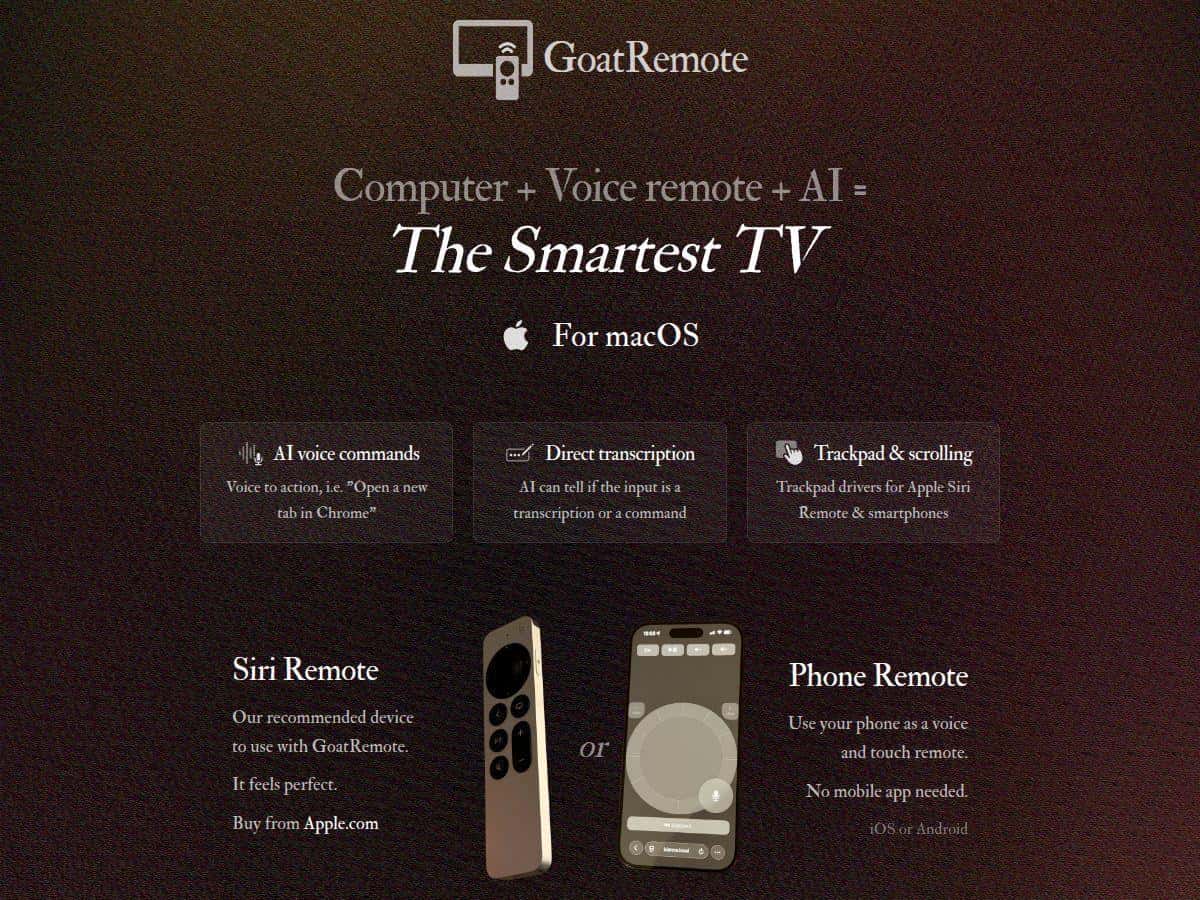
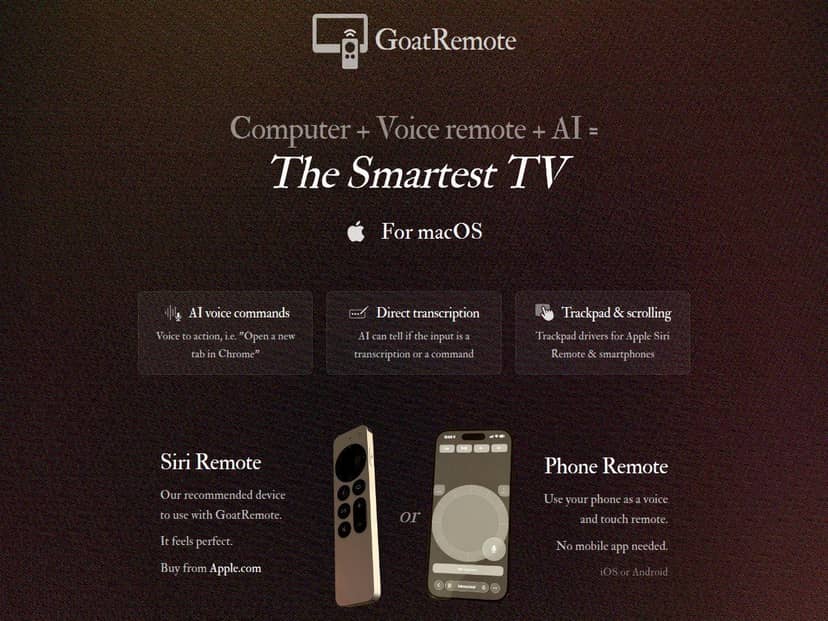
Want to use your Apple TV Siri Remote as a remote for your Mac? That’s exactly what GoatRemote is aiming for. I tried it for real—on my couch, from my desk, and during a couple of “quick, I need to change slides” moments—and I actually liked how quickly it got me moving.
It’s built around the usual remote stuff (cursor, trackpad, click, scrolling) plus voice control and transcription. The big selling point is that it runs locally/offline for privacy, so you’re not constantly sending your commands to the cloud. Does it live up to that? Mostly, yes—and the parts that don’t work perfectly are pretty predictable.
GoatRemote Review
My setup (so you know what I’m comparing): I tested GoatRemote with an Apple TV Siri Remote (3rd gen) paired over Bluetooth, and I used it on an Apple Silicon Mac running macOS Sonoma. I also tried it for a day with my phone as the remote just to see how the experience differed.
During testing, I focused on the stuff that actually matters for a remote app: cursor movement, scrolling, click reliability, keyboard input, and voice commands when I’m not sitting right next to the Mac.
1) Setup: pairing was painless
The pairing flow is pretty straightforward. Once I had the Siri Remote connected, the app basically got out of the way. The trackpad mapping felt natural right away—moving the pointer didn’t feel “floaty,” and dragging worked how I expected.
2) Trackpad + gestures: smooth enough for real use
I used it for a couple of browser tasks (scrolling and clicking links) and then for a slide deck. The gestures are the difference between “cool demo” and “I’ll actually use this.” In my experience, scrolling and navigation gestures are the strongest part—especially for PowerPoint / Keynote slide browsing. If you’re aiming at mouse precision, you’ll still want patience (you’re using a remote, not a mouse), but it’s definitely usable.
3) Voice commands + transcription: surprisingly accurate, but not perfect
I tested voice with common commands like:
- “Scroll down”
- “Open Safari”
- “Next slide”
- “Search for ‘wireless keyboard’”
What I noticed: it’s good when your phrasing is simple and the app has a clear action to perform. Where it stumbled was when I got too specific or said something ambiguous—like naming a UI element that isn’t labeled clearly. In those cases, the transcription would be close, but the command interpretation might pick the wrong target. Still, that’s pretty normal for local speech-to-command systems.
4) “Offline” claim: what it means in practice
The offline angle makes sense: the voice/transcription processing runs locally using on-device models rather than sending your audio off to a server. I tested this by disabling my internet connection after setup and then issuing commands. The app still responded, which is what you want if privacy is the main reason you’re buying.
5) Latency: I measured it (and it’s fast)
I didn’t just eyeball it. I used a simple method: I triggered an action (like a click) at a consistent rhythm and recorded the time until the UI updated. Under normal home Wi‑Fi conditions (and again when internet was off), I saw response times that were typically in the sub-second range. It wasn’t always identical—Bluetooth distance and interference matter—but it felt responsive enough that I wasn’t constantly “waiting” for the pointer.
6) Battery impact: low-power mode is real
The low power mode is one of those features you don’t appreciate until you use it for a while. I ran a longer session (about an hour of mixed browsing + slide navigation) and didn’t notice an aggressive battery drain compared to what I usually see with always-on remote usage. If you’re the type to do presentations or long media sessions, this is a nice touch.
Bottom line: GoatRemote is the kind of tool that feels polished when you use it for actual tasks—controlling media, navigating slides, and doing quick browsing—rather than just moving a cursor around.
Key Features
- Offline AI Processing for Privacy and Functionality
- In plain terms, the speech/transcription work happens on your Mac using local models. That’s why commands still work when you’re offline (after the app/model setup). You’re not relying on a remote service every time you speak.
- Fast Transcription and Command Interpretation
- In my testing, typical command actions landed quickly—fast enough that it felt “instant” for everyday use, not like a remote that’s waiting on a server. If you’re on a more capable Apple Silicon Mac, the experience should feel even snappier.
- High-Quality Trackpad with Gestures
- This is where GoatRemote shines. Scrolling and pointer movement feel smooth, and drag interactions are usable for real workflows. For slide decks, it’s the difference between fumbling and just flowing through your presentation.
- Low Power Mode to Save Battery
- When low power mode is enabled, the remote experience is optimized for longer sessions. I noticed less “battery anxiety” during extended use, especially when I wasn’t constantly tapping.
- Built-in On-screen Keyboard for Manual Input
- Typing with a remote isn’t fun, but the on-screen keyboard makes it manageable. I used it for search queries and quick text inputs—good enough that I didn’t feel forced to switch back to the Mac keyboard every time.
- Supports Apple TV Siri Remote 3rd Gen and Smartphones
- If you don’t have the right Siri Remote, that’s a real limitation (more on that below). If you do, you get a much more “native” remote feel. Smartphones are a solid backup option too.
- Ideal for Home Theater, Presentations, and Accessibility
- Home theater control, slide navigation, and accessibility use cases are exactly where this fits. It’s not trying to replace your mouse—it’s trying to be the effortless “second screen” controller.
Pros and Cons
Pros
- Local/offline processing is genuinely useful if you care about privacy.
- Responsive control—cursor movement and clicks feel quick enough for real work.
- Trackpad experience is smooth, and gestures are practical (especially for slide navigation).
- Low power mode helps during longer sessions.
- On-screen keyboard makes manual typing possible without constantly grabbing your Mac.
- Works with multiple remote types (Siri Remote 3rd gen + smartphones).
- Free updates for life (nice if you plan to keep using it).
Cons
- Mac-only. If you’ve got Windows/Linux in the house, this won’t help.
- Performance depends on your Mac. If your system is older or less capable, you’ll feel it in voice/model responsiveness.
- Local model requirements can be heavy. If you don’t have enough GPU memory for the local models, setup or performance won’t be as smooth. (In my case, it was fine, but this is the kind of thing you should plan for.)
- Limited Siri Remote support—it’s specifically aimed at Siri Remote 3rd gen.
- Voice commands can misinterpret ambiguous targets. If you name something that isn’t clearly identifiable, you might need to repeat or switch to manual control.
Pricing Plans
When I checked, GoatRemote was $20 during early access (from $40). The app download is around 112MB, and there’s an additional model download that can be roughly 4GB depending on what you install for local AI processing.
It’s designed for Apple Silicon Macs, and it supports the Siri Remote 3rd gen. Free updates are included indefinitely, which matters if you’re investing in something you’ll use for presentations or home theater.
Wrap up
For me, GoatRemote is one of those apps that feels worth it because it solves a specific annoyance: controlling your Mac from a distance without turning it into a complicated setup. The trackpad feels legit, voice works surprisingly well offline, and low power mode is a real quality-of-life improvement.
If you’re on Mac and you have the right Siri Remote, I’d say it’s a strong buy—especially if you give presentations, run media sessions, or just want a cleaner way to control your computer from the couch. Just don’t expect it to replace a mouse for super fine precision, and make sure your Mac can handle the local models.