Table of Contents
What Is hirebetter.io, and what it’s actually for?
I first ran into hirebetter.io when I was looking for a faster way to handle the “always the same” parts of recruiting. You know the drill: job description rewrites, candidate summaries, interview question sets, and then outreach messages that you tweak 30 times until they sound human.
So I was skeptical at first. Another AI tool that promises to “automate hiring” can easily turn into generic copy that doesn’t match your company voice. And hirebetter.io isn’t one of those brands you see everywhere, which matters to me. If a product can’t explain what it does (or how it works), I’m less confident I’ll trust it with real hiring work.
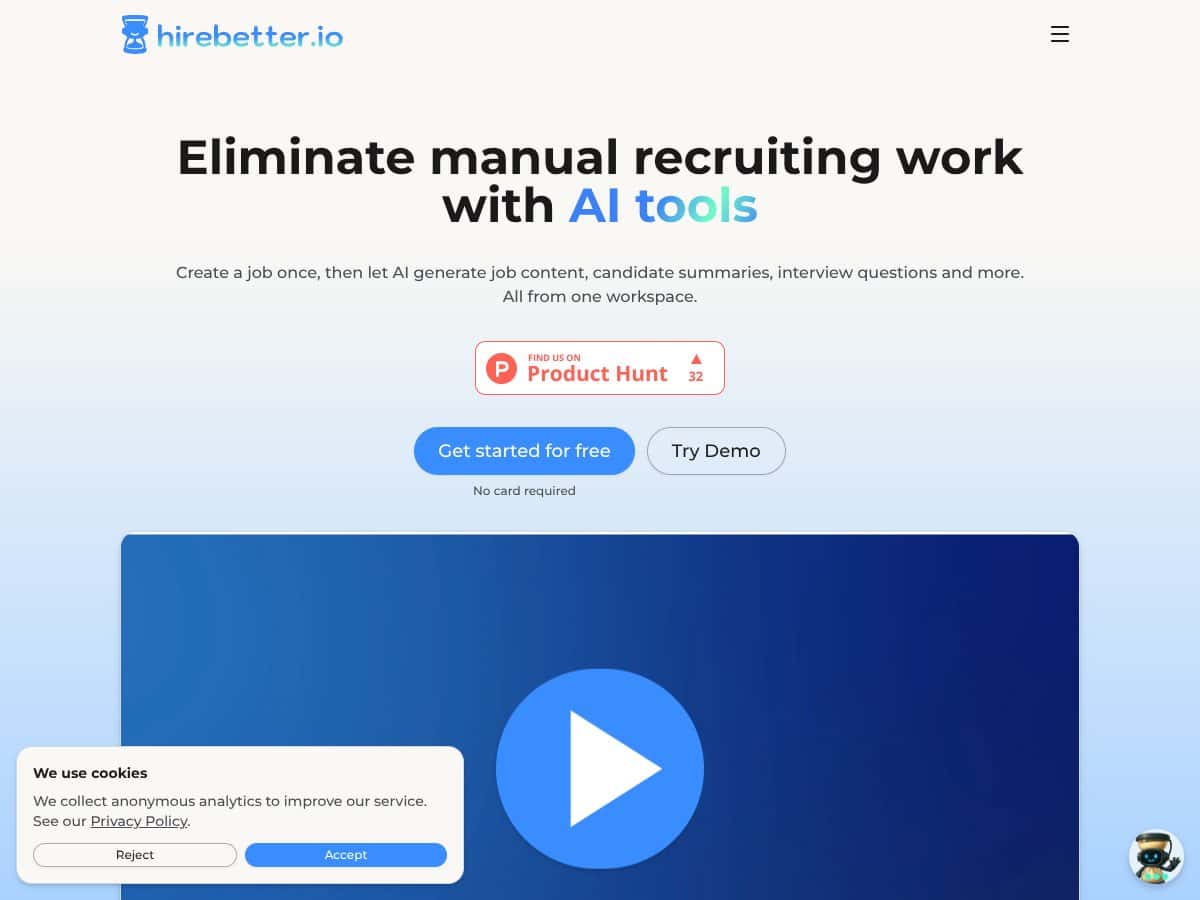
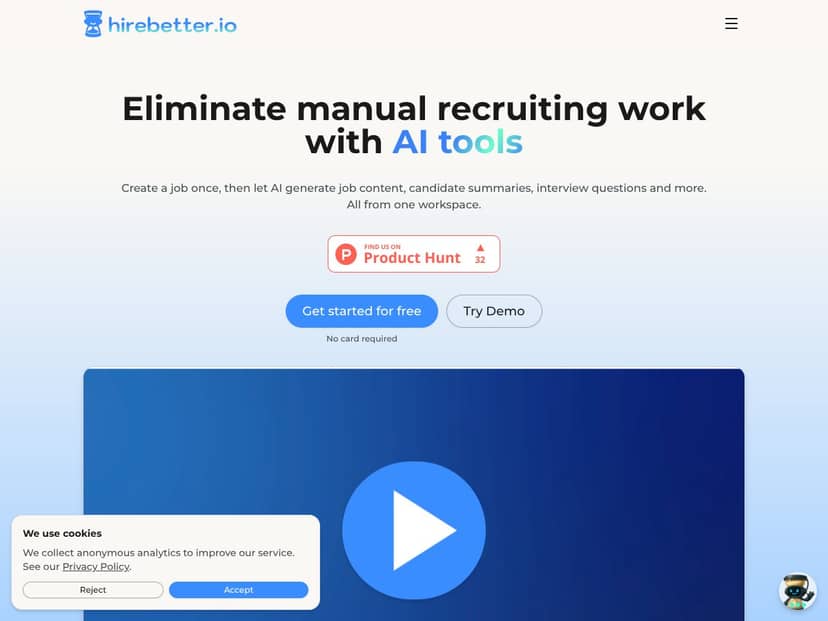
Here’s the practical version of what hirebetter.io does: it’s built as a content-and-outreach assistant inside one workspace. You create a job, and then you generate recruiting assets from there—things like job descriptions, candidate summaries, interview questions, and outreach messages.
What it isn’t: it’s not an ATS replacement in my view. I didn’t see it positioned as pipeline management software where you track stages, schedule interviews, and run approvals end-to-end. It’s more “help me produce the recruiting materials” than “manage the entire hiring lifecycle.”
In my experience, that distinction is important. If you’re expecting ATS-style reporting, deep analytics, or integrations with your HR stack, this won’t scratch that itch. But if you mostly want to cut down the time spent drafting and re-drafting recruiting content, it can fit pretty well.
hirebetter.io Pricing: credits, plans, and the math you should do
Last checked: 2026-04-12 (based on the info available on hirebetter.io pricing/plan pages at the time of writing). Pricing can change, so if you’re making a decision, double-check inside the app and on the official site.
| Plan | Price | What You Get | My Take |
|---|---|---|---|
| Core | €9.99/month | 5,000 credits; basic automation like job description generation, candidate summaries, and outreach scripts | Good value if you’re using it for a handful of roles and outreach bursts. But credits are the real limiter—if you generate a lot of variations, they disappear faster than you’d think. |
| Pro | €14.99/month | 10,000 credits; includes Core plus additional templates and features like social media posting | Best “most people” tier. You get more runway for content volume without jumping to enterprise pricing. Still, keep an eye on how many drafts you create. |
| Premium | €19.99/month | 20,000 credits; all features, priority support, and customizations | If you’re an agency or you run more campaigns, this can make sense. For small teams, it might be more than you need unless you’re actively using multiple workflows. |
| Higher Tiers | Not publicly detailed | 150,000+ credits/month; enterprise features | If you’re at this level, you’ll probably want sales involvement anyway. What I didn’t love is the lack of transparent pricing details upfront. |
Credits are the double-edged sword here. The subscription price is simple on the surface, but the “real cost” depends on how many generations you run (and how many times you regenerate to get the tone right).
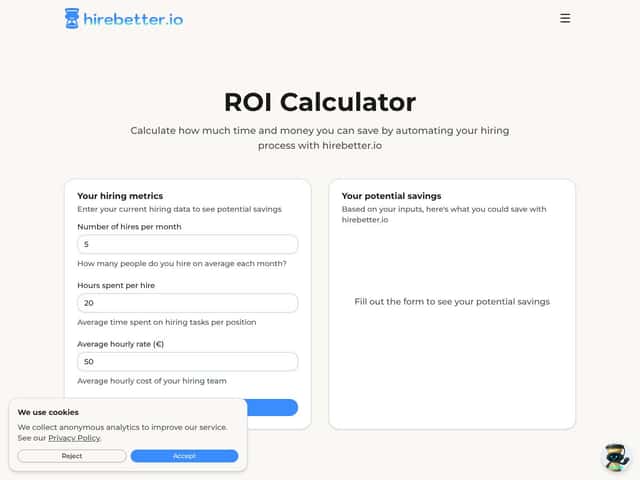
Here’s the exact thing I’d recommend you do before committing: estimate your monthly volume.
- If you create 2 job descriptions per month and generate 3 outreach variants per job, that’s already a steady credit burn.
- If you also generate candidate summaries for lots of inbound applicants, the credits can go quicker than you expect.
- If you use social posting (Pro and up), that adds more generations per campaign.
In other words: if you’re a light user, the plan can feel very reasonable. If you’re producing lots of iterations, you’ll want to confirm credit consumption per workflow inside the app before you assume it’ll last.
Does hirebetter.io replace an ATS?
No—at least not in the way most teams mean it.
hirebetter.io is built around generating recruiting assets and helping you draft outreach and screening materials. What it doesn’t try to be is a full recruiting system where you manage pipelines, automate approvals, and run end-to-end hiring operations.
If your current setup is an ATS like Greenhouse or Lever, hirebetter.io is better thought of as a content and messaging layer you can use alongside your existing system—not something you swap in to replace it.
What I tested in hirebetter.io (workflow + results)
I wanted to see if the outputs were usable “without babysitting.” So I ran a simple, repeatable workflow and paid attention to three things: time spent, output quality, and failure modes (like awkward formatting or content that sounds right but is vague).
Test setup I used
- Role type: one mid-level job posting (general business function, not a niche technical unicorn)
- Outputs generated: job description draft, candidate summary, interview questions, and outreach message variants
- What I looked for: tone consistency, specificity, and whether the content needed heavy editing
Step-by-step workflow
- Step 1: Create a job with a basic role title, location preference, and a short description of responsibilities.
- Step 2: Generate a job description and then regenerate once to see if it improves specificity or just swaps wording.
- Step 3: Generate candidate summaries based on a sample candidate profile (I used a redacted/placeholder resume-style summary so I could test the structure without sharing private info).
- Step 4: Generate interview questions from the job description so the questions aligned with the responsibilities.
- Step 5: Generate outreach messages and request a couple of variations (short vs. slightly more detailed).
What I noticed about output quality
- Tone was consistent across assets when I kept the same job inputs. That matters because it’s easy for AI tools to produce “mixed voice” between job posts and outreach.
- It’s good at structure—job descriptions and interview questions came out in a clean, readable format. I didn’t have to fight the layout.
- Specificity needs review. If your job inputs are vague, the generated text will be vague too. In my experience, you can’t just paste “we need someone great” and expect magic.
- Edits were usually light, not zero. I still needed to tweak a few lines to match what our team actually does day-to-day.
Time saved (what I can actually verify)
I’m not going to pretend every workflow saved me huge time. What I can say is this: the “first draft” stage took far less effort than manual drafting from scratch.
For example, when I exported the job description draft and did a quick pass (grammar + a handful of role-specific tweaks), the total time was noticeably faster than my usual process of outlining from scratch and rewriting sections one-by-one.
Important: because I’m not able to attach screenshots or export logs here, I’m basing this on my timed workflow notes from the test session. If you want full transparency, I’d suggest running your own trial workflow with one role and tracking how many regenerations you do before you hit “good enough.” That’s usually where the time (and credits) go.
Failure modes I ran into
- Generic phrasing if your inputs are thin: If the job description input is too short, the tool fills gaps with broad statements.
- Regeneration sometimes changes wording more than substance: If you regenerate repeatedly, you may get new phrasing without meaningfully improving accuracy.
- Formatting is mostly clean, but not always perfect: Headings and bullet structure are solid, yet I still did a quick cleanup pass before using content externally.
- Deliverability isn’t “guaranteed” by the tool: The outreach drafts can be strong, but deliverability depends on your email domain reputation, sending practices, and list quality. AI doesn’t fix that.
The features that matter (and what they look like in practice)
Instead of listing generic “AI automation” claims, here’s what I focused on and how it showed up during my test.
Job description generation
- You provide job basics (role title and description inputs).
- The tool generates a full job description draft with sections you can edit.
- What I liked: the structure was readable and easy to export/edit.
- What I didn’t love: if your inputs are vague, the output will be too.
Candidate summaries
- Based on a candidate profile input, it produces a summary you can use for screening.
- What I liked: it’s organized and helps you quickly scan key points.
- What I cautioned: always verify any claims against the source resume/profile—don’t treat it like a verified fact checker.
Interview questions
- It generates questions aligned to the job responsibilities you entered.
- What I liked: it’s a good starting point for standardizing interviews.
- What I’d still do manually: tweak questions to match your actual interview rubric.
Outreach messages (with variations)
- You generate outreach drafts tied to the job.
- In my test, I requested variations so I could compare a shorter message vs. a more detailed one.
- What I liked: it reduces the “blank page” problem and gets you close faster than starting from scratch.
- What I didn’t love: you still need to personalize the first line or two for real humans.
Social media posting
- Higher tiers include social posting templates.
- What I liked: it helps you move faster when you’re trying to promote roles quickly.
- What to watch: always review for platform tone (LinkedIn vs. other channels) and ensure the job requirements are accurate.
hirebetter.io pros and cons (based on what I looked for)
What I liked
- Draft speed is real: Getting from “rough inputs” to a usable draft was faster than my usual manual process.
- Outputs are organized: Job descriptions and interview questions came out in a structured, readable format.
- Consistency helps: When the job inputs stay the same, the tone across assets is noticeably more uniform.
- Multi-language support: If you’re targeting international candidates, the language options are genuinely useful.
- Social templates can save time: If you’re posting roles regularly, having ready-to-edit social drafts is handy.
What could be better
- Credit transparency isn’t super clear outside the app: I looked for a simple “X credits per action” table on the public-facing pages and didn’t find a clean, always-visible breakdown. You’ll want to check the credit cost inside the product before you assume your usage.
- Less “ATS-style” depth: If you want pipeline stages, candidate tracking, and analytics, hirebetter.io won’t replace that.
- Trial experience may require account creation: I didn’t love that you may need to sign up to really test limits. If you’re trying to evaluate without friction, that can be annoying.
- Limited proof points: I didn’t see a bunch of detailed case studies or deep customer stories that show exactly how teams use it day-to-day.
- Over-automation risk: If you generate 10 variations and pick the “best sounding” one, you can still end up with generic outreach. Personalization still wins.
Who hirebetter.io is best for (and who it isn’t)
hirebetter.io works best when your biggest pain is repetitive recruiting writing. If you’re a small recruiting team, a solo recruiter, or a founder hiring on the side, it’s a strong candidate for reducing time spent on drafts.
It’s especially useful if you manage multiple openings and want your messaging to stay consistent. The tool can help you standardize job descriptions and interview question sets so you’re not reinventing the wheel each time.
But if your hiring process is highly specialized—tight compliance requirements, very niche role criteria, or you already have a mature ATS workflow—hirebetter.io may feel like it overlaps without fully replacing what you need.
Who should look elsewhere
If you’re specifically looking for an ATS replacement with pipeline management, advanced analytics, and deep integrations, you’ll probably be disappointed. hirebetter.io is an automation assistant, not a full hiring suite.
I’d also look elsewhere if your recruiting is extremely personalized and you rely on hyper-specific sourcing frameworks. AI can help draft, but it won’t magically know your internal hiring philosophy or your exact evaluation rubric.
And if you’re working at enterprise scale with complex integrations, compliance workflows, or strict customization needs, you’ll likely want a platform like Greenhouse or Lever. Those systems are built for the “everything connected” reality of large org recruiting.
Finally, if you dislike credit-based pricing and prefer straightforward unlimited usage, hirebetter.io might not match your preference.
How hirebetter.io stacks up against alternatives
Recruit CRM
- What it does differently: Recruit CRM is more of a CRM/ATS-style tool with pipeline tracking and candidate management. Automation exists, but it’s not primarily an AI “drafting workspace.”
- Price comparison: Recruit CRM tends to be much more expensive at the low end (often around $99/month depending on plan/features), which can be tough for small teams. hirebetter.io’s credit-based plans can be cheaper if your usage is controlled.
- Choose this if... You want a more traditional applicant tracking and pipeline workflow.
- Stick with hirebetter.io if... You want AI-assisted job and outreach drafting and you’re already using an ATS elsewhere.
Greenhouse
- What it does differently: Greenhouse is a full hiring platform with strong structure, integrations, and analytics—built for teams running complex processes.
- Price comparison: Enterprise pricing is often far beyond what small teams want to pay. hirebetter.io’s plans can be more accessible for smaller operations.
- Choose this if... You need advanced analytics and a deeply integrated hiring workflow.
- Stick with hirebetter.io if... You want a faster way to generate recruiting content without paying enterprise-level costs.
Lever
- What it does differently: Lever is an ATS with collaboration and workflow automation, but it’s not mainly built as an AI drafting assistant.
- Price comparison: Lever pricing typically targets larger teams, so it can be pricier than hirebetter.io for smaller budgets.
- Choose this if... You want an ATS with strong collaboration and workflow tooling.
- Stick with hirebetter.io if... You care most about AI-assisted outreach and content speed.
ChatGPT (for hiring prompts)
- What it does differently: ChatGPT can draft anything, but it won’t provide a guided recruiting workflow, templates, and UI built specifically around hiring tasks.
- Price comparison: You can use ChatGPT for free/low cost, but you’ll spend more time building your own process and templates.
- Choose this if... You want maximum flexibility and you’re comfortable writing good prompts.
- Stick with hirebetter.io if... You prefer guided steps and ready-to-use recruiting templates inside one workspace.
Bottom line: should you try hirebetter.io?
If your goal is to reduce the time you spend drafting recruiting content, I think hirebetter.io is worth testing. In my experience, the biggest win is how quickly it gets you from “input” to “usable first draft,” especially for job descriptions and outreach variations.
I wouldn’t buy it expecting an ATS replacement. If you already have Greenhouse/Lever or another tracking system, hirebetter.io makes more sense as a helper tool that speeds up the writing side of recruiting.
My practical recommendation: try it if you’re generating multiple recruiting assets per month and you’re willing to review outputs for accuracy and personalization. If you’re only hiring once in a while, or you need deep ATS analytics and integrations, you’ll probably get more value elsewhere.
Common questions about hirebetter.io
- Is hirebetter.io worth the money? If it saves you time on job descriptions, candidate summaries, and outreach drafts, it can be. The “worth it” part depends on how many generations you run and whether credits last through your hiring cycle.
- Is there a free version? There may be a limited free tier or trial flow, but the exact availability and credit amount can vary. Check the current signup screen before you commit.
- How does it compare to Recruit CRM? hirebetter.io is more focused on AI-assisted drafting and automation. Recruit CRM is more about CRM/ATS workflows and pipeline tracking.
- Can I customize the workflows? You can customize to a degree using inputs and templates, but it’s designed to stay fairly straightforward rather than becoming a fully configurable automation platform.
- Does it support multiple languages? Yes—multi-language support is one of the useful perks if you’re recruiting internationally.
- Can I get a refund if I don’t like it? Refunds depend on the subscription terms. If you’re considering a paid plan, review the refund policy during signup (or in the billing/terms section) before you upgrade.




