Table of Contents
Noise-canceling headphones and a clean desk can help you write, sure—but I don’t buy the “magic 80% boost” stuff without context. What I do trust is this: when I remove the things that yank me out of my head (notifications, messy tabs, glare, uncomfortable posture), I can actually stay with a sentence long enough to finish a paragraph. And that’s where real progress comes from.
⚡ TL;DR – Key Takeaways
- •Set up a dedicated writing spot that feels different from “life mode” (same chair, same desk, same cues every time).
- •Go after the obvious distractions first: notifications, visible clutter, and app/toolbars that tempt you to wander.
- •Dial in ergonomics (chair support + monitor height) and lighting (warm, non-glary light) so you don’t quit from discomfort.
- •Use “focus tools” with specific settings (full-screen, typewriter mode, blocked sites/apps) instead of just installing them and hoping.
- •Make it measurable: track one simple metric per session (words written, minutes in-focus, or paragraphs completed).
A Distraction-Free Writing Environment (2026 Edition): Why It Still Matters
In 2026, distractions aren’t just “in the room.” They’re in your browser, on your lock screen, and inside the apps you use to write. That means your environment has to work harder than it used to.
Here’s what I’ve noticed across writers—whether they’re drafting fiction, writing client work, or building a blog: deep focus doesn’t happen because you “try harder.” It happens when your setup makes the right behavior the easy default.
Why Focus Matters for Writers in 2026?
Focus is what turns ideas into finished pages. Without it, writing becomes a loop of “open document → check one thing → lose momentum → restart.” You’re not just slower—you’re also more likely to abandon drafts because the work feels heavier every time you come back.
When you reduce interruptions, editing gets less painful too. Why? Because you’re less likely to rewrite the same paragraph three different times after losing your place.
How Environment Impacts Creativity and Productivity
Your environment affects mood, energy, and stamina. And stamina is a big deal for writers because the work is mentally repetitive: you’re staring at text, making decisions, and staying consistent.
Ergonomics helps you last. Lighting helps you stay alert. Sound control helps you stay present. Digital discipline helps you keep your attention on the page.
Lighting, in particular, is underrated. If your workspace is harsh or overly bright, you’ll start squinting or feeling “wired but tired.” If it’s too dim, you’ll drift. The sweet spot is comfortable, glare-free light that doesn’t punish your eyes.

Little Things That Sabotage Writing Sessions (And How to Spot Them)
Most “I can’t focus” problems aren’t mysterious. They’re usually physical clutter, digital noise, or a setup that slowly drains you.
If you want a quick diagnostic, try this: for one writing session, write down every time you get pulled away. Not “I got distracted.” Actually note what happened—notification pop-up, tab switch, uncomfortable chair, glare, phone buzzing, someone walking by, hunger, whatever.
Physical Clutter and Layout Issues
A messy desk doesn’t just look distracting. It creates extra micro-decisions: where’s that thing, why is that there, should I clean up first?
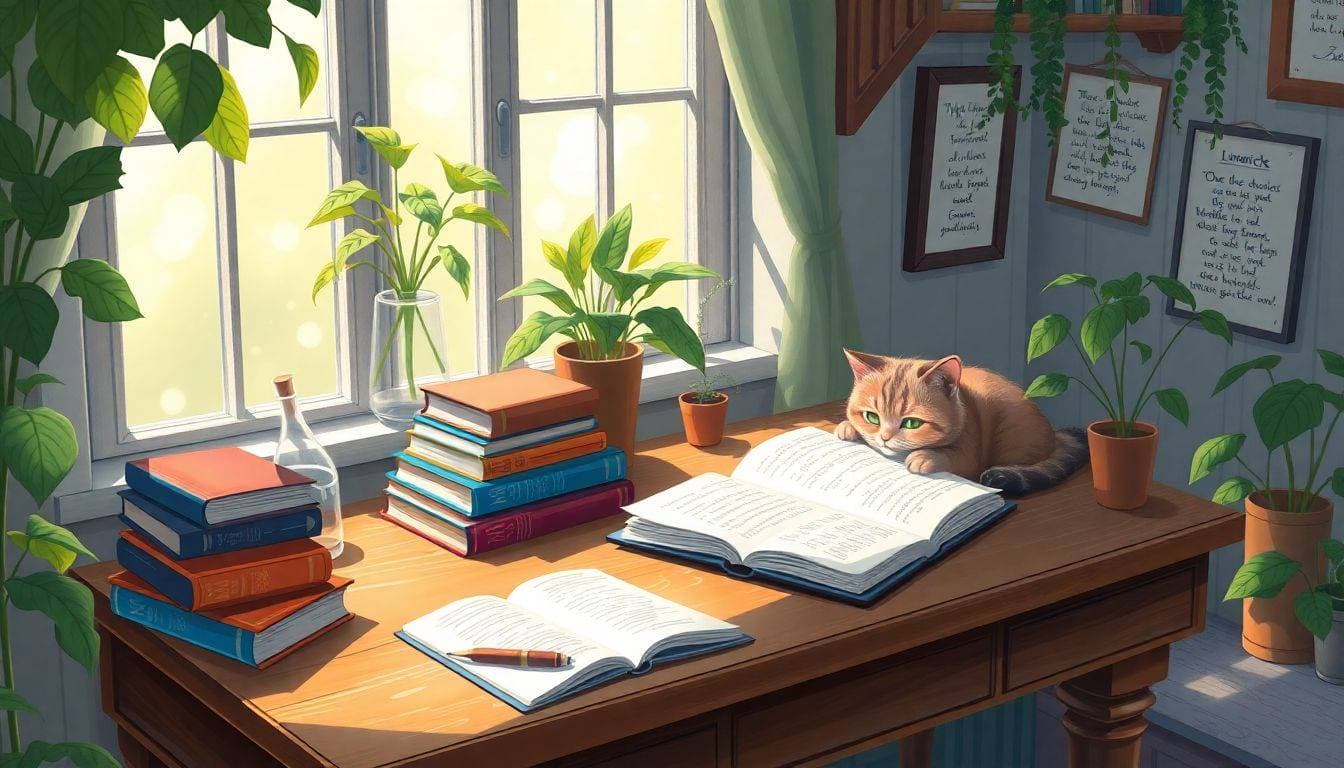
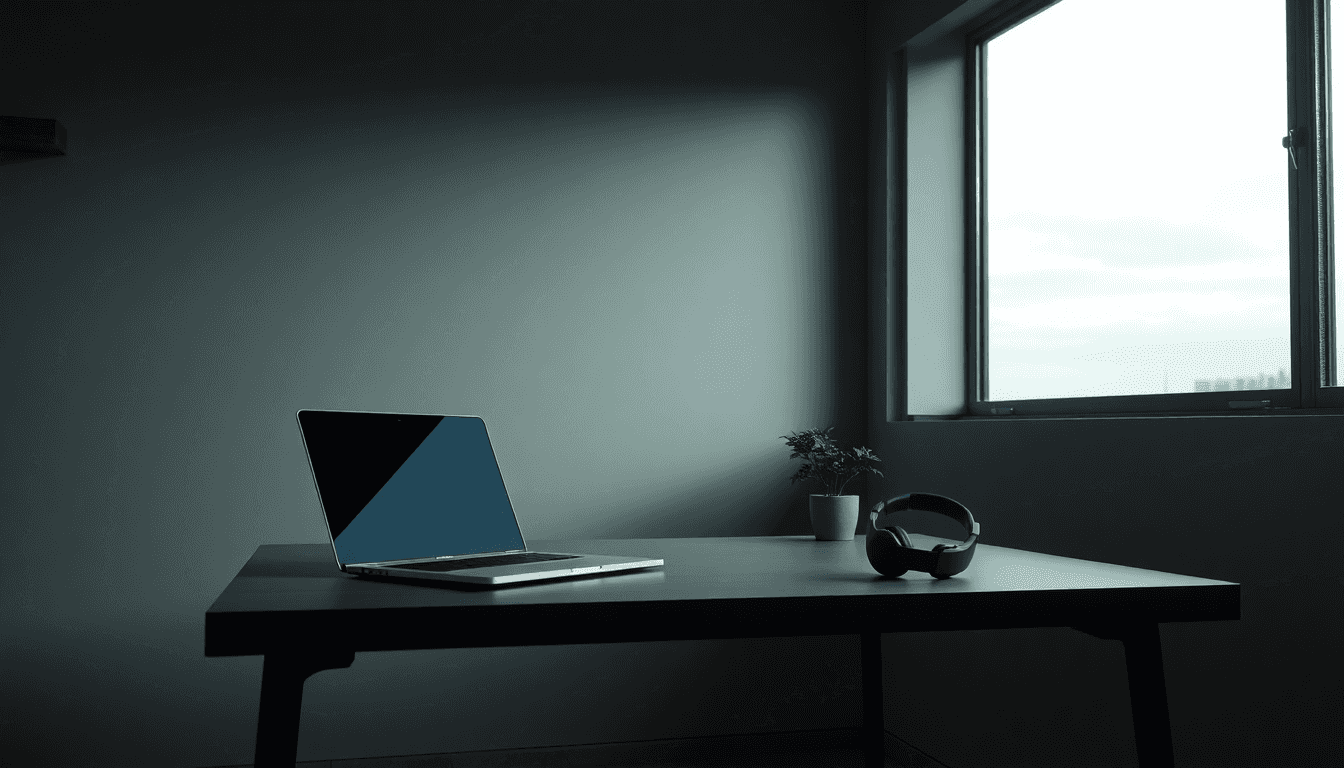
What I recommend is simple: keep only essentials on your desk. Think “writing tools + water + a pen.” Everything else goes in a drawer or cabinet.
Layout matters too. If your desk faces a window with strong daylight, you might get glare on your screen. That’s a focus killer because your eyes keep working harder than they should.
In shared spaces, you can’t always “soundproof” a room. But you can control your placement. Even choosing a corner away from foot traffic can cut the number of interruptions you experience.
For more on building a writing life around your work setup, you might also like our guide on freelance writing opportunities.
Digital Distractions and Clutter
Notifications are obvious. Toolbars, sidebars, and endless tool switching are sneakier. If you can see social feeds, chat windows, or “recommended” content while you write, you’re basically inviting yourself to procrastinate.
Start with full-screen writing mode. In apps like FocusWriter, you can hide everything except the document. In Scrivener, you can use focus-oriented views so you’re not constantly looking at the whole project dashboard while drafting.
Then go one step further: block interruptions during your session. Cold Turkey Writer is popular for a reason—it can lock down your interface and block specific sites/apps for a set time. Instead of using it casually, set it up like this:
- Before you start: create a “Writing Session” block that prevents access to your usual distraction sites/apps.
- During: use a timer so the block ends when your session ends (no “I’ll just check one thing” after the block expires).
- After: remove or disable the block so you can switch back to normal life without friction.
Is it going to magically make you write faster? No. But it removes the easy escape route—so when you feel the urge to bail, you can’t.
Poor Seating and Lighting: Ergonomics That Actually Helps You Write Longer
If you’ve ever had to stand up mid-paragraph because your back hurts or your neck feels tight, you already know this: discomfort kills momentum.
Good ergonomics isn’t about “perfect posture.” It’s about reducing fatigue so your brain can stay on the work.
Choosing the Right Seating
Look for a chair that supports your back and keeps your hips stable. A common target is roughly a 90-degree angle at the hips and knees so you’re not slumping or reaching.
Monitor height is the other half. If your screen is too low, you’ll crane your neck. If it’s too high, you’ll strain your eyes and eyebrows.
If you don’t have an ergonomic chair, you can still improve things quickly:
- Use a cushion or lumbar support if your lower back collapses.
- Raise your laptop with a stand so the screen is closer to eye level.
- Keep your keyboard and mouse close enough that you’re not reaching forward.
Optimizing Lighting for Creativity
Warm light often feels more natural for long sessions. A lot of people find that around 2700K–3000K (warm white) is easier on the eyes than icy, high-contrast lighting.
Why do I mention that range instead of a single “magic number”? Because what matters is comfort: no glare on your screen, no harsh shadows, and no flicker that makes you feel weird after 30–60 minutes.
Try this practical test:
- Set your lighting to your current best guess (warm bulb or adjustable lamp).
- Write for 25 minutes.
- Ask yourself: do my eyes feel strained? Am I squinting? Does my screen look washed out?
If the answer is “yes,” adjust brightness and placement before you blame your focus.

Tools That Help (But Only If You Configure Them)
I’m a fan of distraction-free tools, but I’ll be honest: “installing” them is not the same as using them. The best results come from setting them up so the interface stays out of your way.
Here are a few tools and what you should actually turn on.
Digital Tools for Distraction-Free Writing
FocusWriter: Use its full-screen mode and keep the interface minimal. If it supports goal tracking for your version, set a goal that matches your session (for example, 25 minutes or a target word count).
Ulysses: If you like typewriter mode, enable it so the text reveals gradually. It helps reduce the “infinite page” feeling when you’re stuck.
iA Writer: Great for minimalism and keyboard-first writing. Turn on features that hide distractions and make the editor feel like a blank page.
Scrivener: Use focus views for drafting and keep the project sidebar from stealing attention while you write.
Physical Aids and Accessories
Headphones help when they solve a real problem. If you’re in a noisy environment, noise-canceling can reduce the brain’s “background scanning” for sound changes.
If you don’t need heavy noise canceling, a steady sound (soft instrumental music or white noise) can be enough to mask random interruptions.
Timers are another underrated “accessory.” Not because they’re trendy—because they create a finish line. If you sit down with no end time, your brain negotiates. With a timer, it commits.
A Simple Solution: Build Your Writing Sanctuary
A “writing sanctuary” doesn’t have to be fancy. It just has to be consistent and intentional.
If you can convert a spare room, great. If not, you can still create a zone. Even a specific desk corner, with a consistent chair and lighting, can train your brain to switch modes.
Designating and Setting Up Your Space
Here’s a setup checklist I use with people:
- Desk facing: point it away from the most distracting direction (traffic, door, TV, window glare).
- One “launch” cue: same lamp, same playlist, or same timer every time.
- Minimal surface: keep only the essentials within arm’s reach.
- Comfort first: adjust chair height and screen position before you start writing.
Plants and artwork can help, but only if they don’t become visual distractions. Keep it calm, not busy.
Establishing Daily Routines and Habits
Routines work because they remove decision-making. You don’t have to “think about starting”—you just follow the same steps.
Try a repeatable start ritual:
- Turn on the lamp (or set the same light level).
- Open your distraction-free editor.
- Start a 25-minute timer.
- Write one small target: “Finish this paragraph,” “Draft 300 words,” or “Outline 5 bullets.”
Also, don’t let your writing space become a general-purpose storage area. If you use it for everything, your brain won’t treat it like a work zone.
If you’re also thinking about how writing fits into your broader career, you may find our guide on finding writing jobs useful.
What About Distraction-Free Writing Tools?
There are a lot of options, but the best ones share the same goal: reduce interface clutter and block the things that pull you off task.
FocusWriter, Ulysses, and iA Writer are popular because they support full-screen writing, typewriter-style viewing, and minimal layouts. Scrivener is useful when you’re juggling chapters and want a “drafting view” that keeps you moving.
Top Software for Minimalist Focus
If you want a quick “pick one” approach:
- If you want simplicity: FocusWriter or iA Writer.
- If you like structured writing: Ulysses.
- If you’re managing long projects: Scrivener.
Then, turn on the features that reduce visual temptation: full-screen, typewriter mode, and keyboard-first editing.
Using Tools to Block Notifications and Interruptions
Cold Turkey Writer is one of the clearer options for locking down access during writing time. Instead of using it “whenever,” schedule it around your sessions.
One practical way to combine zoning + blocking:
- Start your timer.
- Enable your Cold Turkey “Writing Session” block.
- Only after the timer ends, disable the block and check messages.
That simple order matters. It prevents you from bargaining with yourself mid-session.
Silence the Google Docs Interface (Without Fighting Your Workflow)
Google Docs can be tough because it’s designed for collaboration and editing, not for deep single-task writing. Still, you can make it calmer.
Start with full-screen mode to hide toolbars. Then disable notifications and set your device to Do Not Disturb while you write.
If you’re working for long stretches, consider using an editor that supports minimalist writing features. iA Writer is often a good alternative when you want your document to feel like a blank page.
Maximizing Focus in Cloud-Based Platforms
When you’re forced to use a cloud editor, your best friends are:
- Full-screen (hide UI distractions)
- Do Not Disturb (stop the interruption stream)
- Session timer (give your brain an end point)
Also, keep your tab bar clean. If you have 20 tabs open, you’ll “check just one” even if you don’t intend to.
Creating a Minimalist Environment
Disable notifications. Put your phone in another room if you can. If you can’t, at least turn it face down and out of reach.
Then make your physical workspace match your digital workspace: minimal tools, minimal visual noise, and a comfortable view.
For an adjacent skill that helps you stay in flow after drafting, you might like our guide on effective proofreading tips.

Small Layout Tweaks That Make a Big Difference
You don’t need to redesign your life. A few layout changes can reduce the friction that makes you procrastinate.
Keep your desk facing away from distractions. Don’t stack unnecessary devices around your keyboard. If you need a computer and a second screen, consider whether the second screen is truly necessary—or if it’s just a temptation machine.
Adjusting Your Workspace for Better Concentration
Try these practical tweaks:
- Angle your chair: so your body naturally faces the screen and not the room.
- Keep distractions out of peripheral vision: put your phone out of sight.
- Use a “materials tray”: one small container for pen, notebook, and anything you actually use.
Visual calm helps. Plants and artwork can work, but only if they don’t pull your eyes away from the page.
Implementing Focus-Enhancing Techniques
Pomodoro-style work can be useful because it creates momentum. A common setup is:
- 25 minutes writing
- 5 minutes break
- After 3–4 cycles, take a longer break (10–20 minutes)
During the writing block, set a specific target. “Write” is too vague. “Draft the intro paragraph” is actionable.
Also, keep it measurable. Words per session, paragraphs completed, or time-on-task are all easy metrics. If you can’t measure it, it’s hard to improve it.
Conclusion: Make Your Space Work for You
Creating a distraction-free writing environment comes down to three things: your physical setup, your ergonomics, and your digital boundaries. When those line up, focus stops feeling like a struggle.
Build the sanctuary, configure the tools, and keep a simple routine. Then maintain it—because clutter and notification habits creep back in faster than you think.
Your writing space should feel like a place where it’s safe to concentrate. Not perfect. Just reliable.