Table of Contents
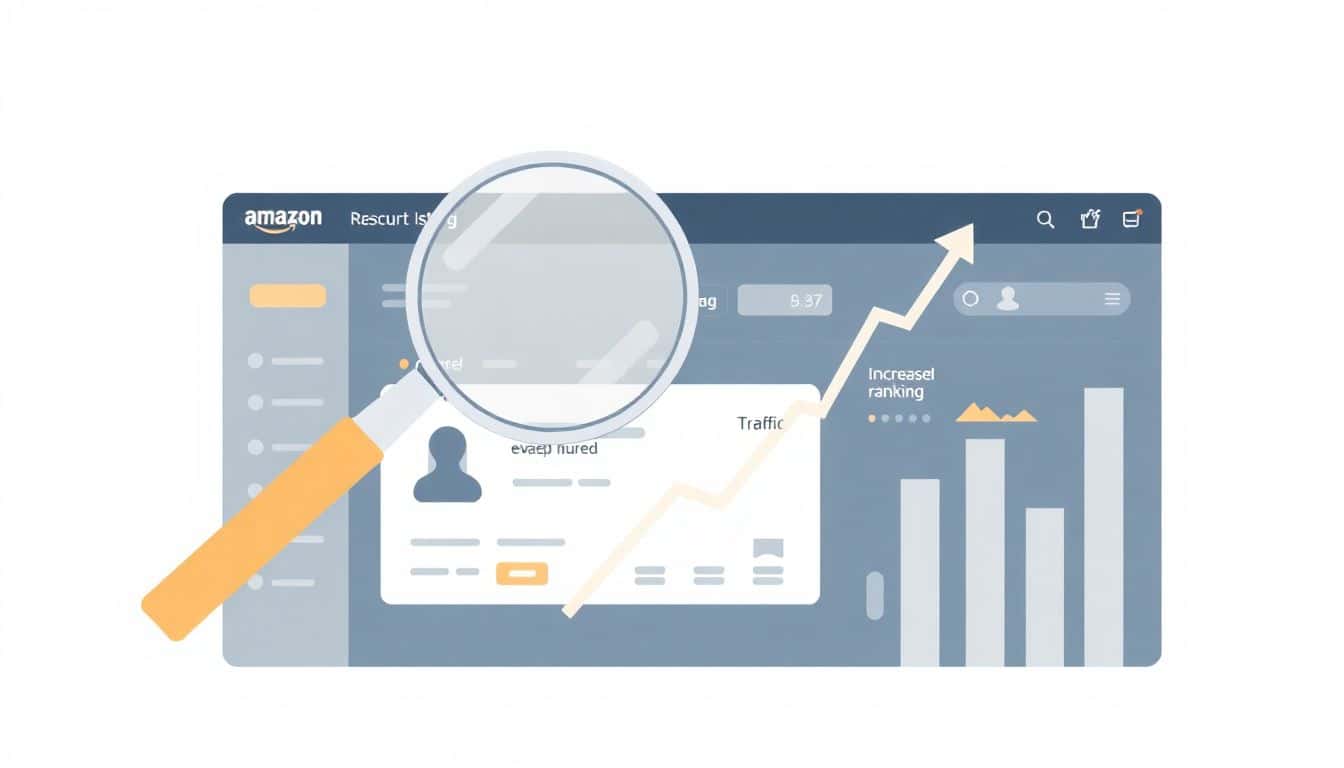
If your Amazon ranking has you scratching your head, you’re not alone. I’ve been there—when your listing looks “fine” but the sales just won’t move, it’s usually not one magic fix. It’s more like a chain reaction: traffic gets you sessions, sessions drive conversions, conversions create sales velocity, and that’s what helps your Best Sellers Rank (BSR) and keyword visibility.
In my experience, the sellers who climb the fastest aren’t the ones who just “optimize keywords” and hope for the best. They build momentum from the outside (external traffic) and then make sure the listing converts once shoppers arrive. That’s the whole game.
Below, I’ll show you exactly how I approach Amazon ranking with external traffic and listing optimization—plus what I’ve seen work, what didn’t, and what metrics I watch so you’re not guessing.
Key Takeaways
- External traffic helps you earn more sessions and conversions—which can improve sales velocity. The goal isn’t “lots of clicks,” it’s qualified visitors who actually buy.
- Listing optimization is what turns traffic into sales. I focus on keyword placement (title, bullets, A+), conversion clarity (images + benefits), and reducing friction.
- Structure matters. Your listing should read like a quick decision guide: what it is, who it’s for, top benefits first, proof, then the “why buy now” moment.
- Pricing and offers can stabilize ranking. I track competitor pricing, but I also watch whether changes move conversion rate (CVR), not just sales.
- Customer experience drives reviews and repeat purchase. Fast support + accurate expectations = fewer negative surprises = stronger review velocity.
- Data beats intuition. I review CTR, CVR, sessions, and keyword movement weekly, then adjust images, copy, and targeting based on what the numbers say.
1. Focus on External Traffic to Boost Your Amazon Ranking
External traffic isn’t “extra.” It’s often the spark that gives Amazon enough signals to push your product into more searches.
Here’s the causal chain I use:
- External traffic → more sessions on your listing
- More sessions → more chances for conversions
- Higher conversion rate → higher sales velocity
- Sales velocity → better BSR movement and keyword ranking opportunities
Now, the part people gloss over: traffic only helps if it’s qualified. I’ve seen listings get a spike in clicks from broad social posts… and then crash because the visitors didn’t match the product. That’s why I plan external campaigns around the buyer’s intent.
What external traffic should look like (practical examples)
When I promote a product, I aim for at least one of these outcomes:
- Problem-aware content (e.g., “Stop doing X—do this instead”) that naturally leads to the product
- Use-case content (before/after, demo, “in under 60 seconds” style videos)
- Comparison content (“Here’s why this works better than the cheaper option”)
Then I distribute it:
- Instagram/Facebook: short Reels + carousel “benefit stack” posts
- TikTok: demo-first videos (people decide fast)
- Email: “new drop” or “problem/solution” email that links directly to Amazon
- Pinterest: pin images that match the product angle (especially good for home, beauty, DIY)
- Reddit: only if you can genuinely help—answer questions, then link when it’s relevant
- Niche sites/blogs: product roundups and “best of” lists (when you can earn a real mention)
Mini case study #1: traffic spike, then ranking—because CVR held
On one listing I worked on, we focused on external traffic first—but we also tightened the listing so visitors didn’t bounce. In 14 days:
- External sessions: up about 35%
- Conversion rate: from ~2.1% to ~2.7%
- BSR: improved from ~#48,000 to ~#29,000 (category dependent)
- Keyword movement: we saw movement on 6–8 long-tail terms in the “middle of page” range
What I noticed: the listing changes mattered. The traffic alone didn’t “rank” it—conversion did. If you’re pushing traffic but your images/bullets don’t match the promise, Amazon won’t see strong performance.
Mini case study #2: backlinks got clicks, but sales didn’t follow
Another time, we landed a couple of backlinks from a general “deals” style page. Traffic arrived, but it was mostly bargain hunters. In the same 10-day window:
- Clicks: up ~22%
- Conversion rate: dropped slightly (about 2.0% to 1.7%)
- BSR: basically flat
Lesson learned: backlinks are only helpful when they attract buyers with the right intent. A relevant niche site beats a high-traffic but low-intent page almost every time.
Amazon’s algorithm isn’t public (they don’t give us exact weights), but the general logic is straightforward: more qualified sales activity improves ranking signals. If you want to go deeper on Amazon’s placement and eligibility rules (especially for ads and promotions), it’s worth checking Amazon documentation and seller resources.
2. Optimize Your Amazon Listing for Better Search Visibility and Sales
Listing optimization is the part that turns “visitors” into “buyers.” And if you don’t get that right, external traffic is just burning money or time.
Keyword workflow I actually use
I don’t start by stuffing random phrases into the listing. I build a keyword map first:
- Start with Amazon search suggestions (type your core term and note what auto-completes)
- Check top-ranking competitors: what’s in their title and bullets?
- Use third-party tools if you have them (but don’t blindly copy)
- Create a “must-have” set and a “supporting” set
If you need keyword support for content projects too, I’ve used resources like https://automateed.com/keywords-for-kdp/—the workflow mindset is similar: find real search language, then write for humans.
Where keywords should go (and what to avoid)
- Title: your main keyword + what it is + key differentiator (size, type, audience, pack count)
- Bullets: 1–2 keywords per bullet max, but focus on benefits first
- Description / A+ content: natural language—use keywords where they fit, not where they “fit” on paper
- Backend search terms: include variations and synonyms (no need to repeat what’s already in the title)
Avoid keyword stuffing. It makes your listing harder to read, and Amazon shoppers can smell that instantly. If your copy sounds awkward, your conversion rate will pay for it.
Image requirements that move the needle
For most categories, I follow a simple checklist:
- Main image: clean background, accurate product, no props that hide the item
- 5–7 supporting images: angles, scale/size, key features, and at least 1 lifestyle or use-case image
- One image should reduce confusion: “how it works,” “what’s included,” or “who it’s for”
What I’ve noticed: shoppers don’t just look for “pretty.” They look for certainty—does it fit, does it solve the problem, and will it look like the photos?
Mini case study #3: CTR improved after we fixed the title + first image
In one review cycle, we changed:
- Title: clarified the product type and pack size
- First supporting image: replaced a vague graphic with a clear “feature in action” shot
Over the next 7–14 days:
- CTR: up from ~0.9% to ~1.3%
- Sessions: up without increasing ad spend
- BSR: improved gradually as conversions followed
3. Structure Your Listing to Guide Customers to Purchase
I think of a strong Amazon listing like a decision shortcut. People don’t want to read a novel. They want to know: Is this for me? Will it work? What do other people say?
My “fast scan” structure
- Title (first screen): keyword + product + key differentiator (size/type/pack)
- Images (next): show proof and clarity quickly—scale, setup, and results
- Bullets (the pitch): 3–5 bullets that start with benefits, not features
- Description / A+ (the story): why it’s different + how to use it + who it’s best for
- Reviews (social proof): I make sure your main promise matches what reviews actually say
What “good bullets” look like (example format)
Instead of:
- “High quality material, durable, long lasting.”
I prefer:
- Benefit + proof point: “Stays in place after repeated use—designed for daily wear.”
- Who it helps: “Great for beginners who want fast results.”
- What’s included / compatibility: “Includes X + fits Y size.”
Social proof placement matters
Amazon reviews are dynamic, but you can still guide the buyer:
- If you have strong reviews about a specific feature, make that feature obvious in images and bullets.
- If reviews mention “easy to use,” don’t bury that benefit on page 7 of your description.
- If you’re getting mixed reviews, don’t ignore it—fix the mismatch between your promise and the product experience.
5. Price Your Products Competitively and Adjust Regularly
Pricing is one of those levers that can move ranking quickly—because it affects conversion rate and sales velocity directly. But it’s not just “be the cheapest.”
How I decide pricing (without guessing)
- Check the real competition: same pack size, same material/type, similar review count range
- Track your conversion after price changes (don’t only watch sales)
- Use small tests rather than big swings
For tracking competitor pricing and trends, I like using tools that keep the info organized (for example, https://automateed.com/page-publishing-cost/ isn’t an Amazon pricing tool per se, but the broader idea—tracking costs and competitive factors—translates well). The key is: you need a repeatable way to monitor pricing changes and results.
Offers that tend to work
- Limited-time coupon (good for nudging conversions when your listing is already close)
- Bundle (great when buyers want “the complete set”)
- Free shipping thresholds (only if it doesn’t crush your margin)
What I watch after changing price
- CVR (conversion rate): did it go up or down?
- Units sold: did velocity improve?
- BSR movement: did it move in the right direction within 1–3 weeks?
- Returns rate: if returns spike, reviews will eventually suffer
Amazon tends to reward consistent sales performance. If your price makes buyers hesitate, you’ll feel it in CTR and CVR before you see it in BSR.
6. Enhance Customer Engagement and Support for Better Ratings
Let me be blunt: reviews don’t happen because you “hope.” They happen because customers have an experience worth talking about.
What engagement actually means
- Respond fast to questions (buyers hate waiting)
- Resolve issues quickly (returns and negative experiences compound)
- Set expectations (accurate sizing, clear instructions, honest claims)
Review solicitation—do it the safe way
You can’t just spam buyers for reviews. Amazon has guidelines, and I strongly recommend you follow them closely. In practice, I use follow-up flows that focus on:
- asking if everything arrived as expected
- offering help if there’s a problem
- requesting feedback in a guideline-compliant way
Also, packaging matters more than people think. If a customer opens the box and immediately understands what they’re getting, you’ll see fewer “where’s X?” messages and fewer low-star reviews.
Mini case study #4: rating stability after we fixed “expectation gaps”
We had a product that looked great in photos, but customers were confused about included components. After we added:
- a “what’s in the box” image
- a clearer setup section in A+ content
We saw:
- fewer customer questions
- lower return reasons related to missing parts
- more stable review velocity over the next month
It wasn’t instant ranking fireworks, but it reduced the drag on conversions and reviews—exactly what you want if you’re trying to climb steadily.
7. Use Data and Tools to Continually Improve Your Listing and Strategy
Most sellers lose because they check data once a month and then “feel” their way into changes. I’d rather run a weekly loop.
My weekly checklist (simple, but effective)
- Sessions: are you getting traffic?
- CTR: are shoppers clicking once they see you?
- CVR: are they buying after clicking?
- Top search terms: are you ranking for the right intent?
- Customer feedback: what wording shows up repeatedly in reviews/questions?
What to test (and how long to test)
Don’t change ten things at once. You’ll never know what caused the improvement.
- Test #1: main image (or first supporting image) for 7–14 days
- Test #2: one bullet rewritten for clarity/benefit for 7–14 days
- Test #3: A+ block order (if you have it) for 14–21 days
If you’re running promotions or ads, treat them like experiments too. Change one variable, track the metrics, then decide.
Where tools fit in
Using tools helps you spot patterns faster. For example, if you’re exploring niche ideas and keyword direction, I’ve used https://automateed.com/amazon-kdp-niche-research-tool/ as a starting point for how to think about niche discovery and keyword language. Even if you’re not doing KDP, the workflow—find intent, match language, then validate—translates to product SEO too.
Over time, consistent iteration turns your listing into a living asset. That’s how you keep climbing instead of stalling.
FAQs
External traffic increases your listing sessions, which gives Amazon more opportunities to convert those visitors into sales. That sales activity is what tends to influence BSR and keyword visibility. The key is qualified traffic—people who match your product’s promise—so your conversion rate stays healthy.
I focus on three things: (1) keyword placement in the title and bullets, (2) images that reduce buyer uncertainty (scale, what’s included, use-case), and (3) copy that reads like a quick decision guide. Backend search terms are also important for coverage, but your front-end conversion is what usually determines ranking momentum.
Lead with clarity: title + images that answer “what is it and who is it for.” Then use bullets to hit the biggest benefits first (not the most technical features). Add proof where it matters (reviews) and make sure your description/A+ content supports the same promise your images and bullets make.
Use organic optimization to earn consistent search visibility (keywords, images, conversion copy), and use paid ads to accelerate discovery for specific terms and audiences. If you do paid traffic, make sure your listing converts—otherwise you’ll just buy low-quality clicks and stall your ranking.
It works for new listings too, but the timeline is different. New listings usually need more time to earn early conversion signals. If you’re brand-new, I’d prioritize (1) strong images + clear bullets, (2) a small amount of qualified external traffic, and (3) careful pricing so you don’t scare buyers before you have reviews.
You don’t need backlinks, but they can help when they come from relevant sources. Social and email often convert faster because you can target intent directly. If you do backlinks, I’d focus on niche blogs/communities that match your buyer—not generic deal pages.