Table of Contents
Start a new paragraph whenever the speaker changes, and indent the first line just as you would in the rest of your story. For a standard submission manuscript following Shunn format, use a 0.5-inch (1.27 cm) first-line indent. If a publisher gives you different instructions, follow those.
The indent belongs at the start of the paragraph, even when an action comes before the speech. Published books may use smaller indents or flush-left chapter openings.
Watch: how to indent dialogue
This four-minute video shows how speaker changes, action beats and first-line indents work together, using the examples below.
Start a new paragraph when the speaker changes
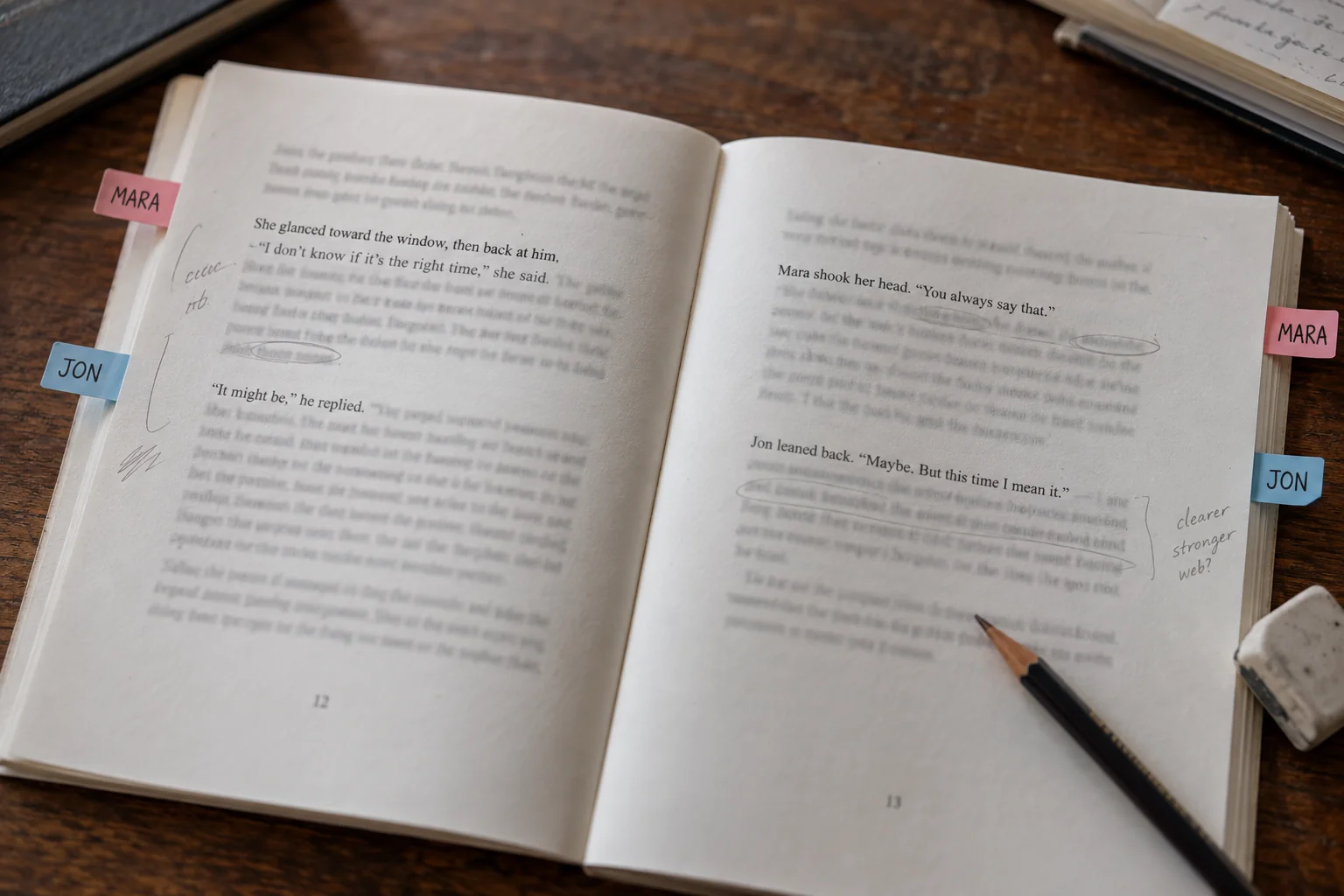
Here's a conversation between Mara and Jon. Each speaker gets a new paragraph, following the convention described by the Chicago Manual of Style.
"The west gate is still open," Mara said.
Jon checked the station clock. "Not for long."
"Then carry the blue case."
He looked at the case but did not touch it. "You never said what was inside."
Jon's turns begin with actions, so indent before Jon and He, not before the quotation marks. Keep each action with its speaker's words.
Now look at exactly the same conversation with the paragraph breaks removed:
"The west gate is still open," Mara said. Jon checked the station clock. "Not for long." "Then carry the blue case." He looked at the case but did not touch it. "You never said what was inside."
Without paragraph breaks, the speakers are harder to follow. Indentation alone can't fix that.
Alternating turns make Mara's “Then carry the blue case” clear. After a long interruption or when a third character joins, add a name or identifying action if the speaker could be unclear.
Dialogue indentation at a glance
Choose a first-line indent for ordinary dialogue. It moves the opening line inward while the remaining lines return to the left edge. A left indent moves the whole paragraph, and a hanging indent leaves the first line out while moving the later lines in. Those settings do different jobs, as Microsoft's indentation guide shows.
Indent the paragraph, not each quotation. A character can speak, perform a brief action, and speak again within one paragraph.
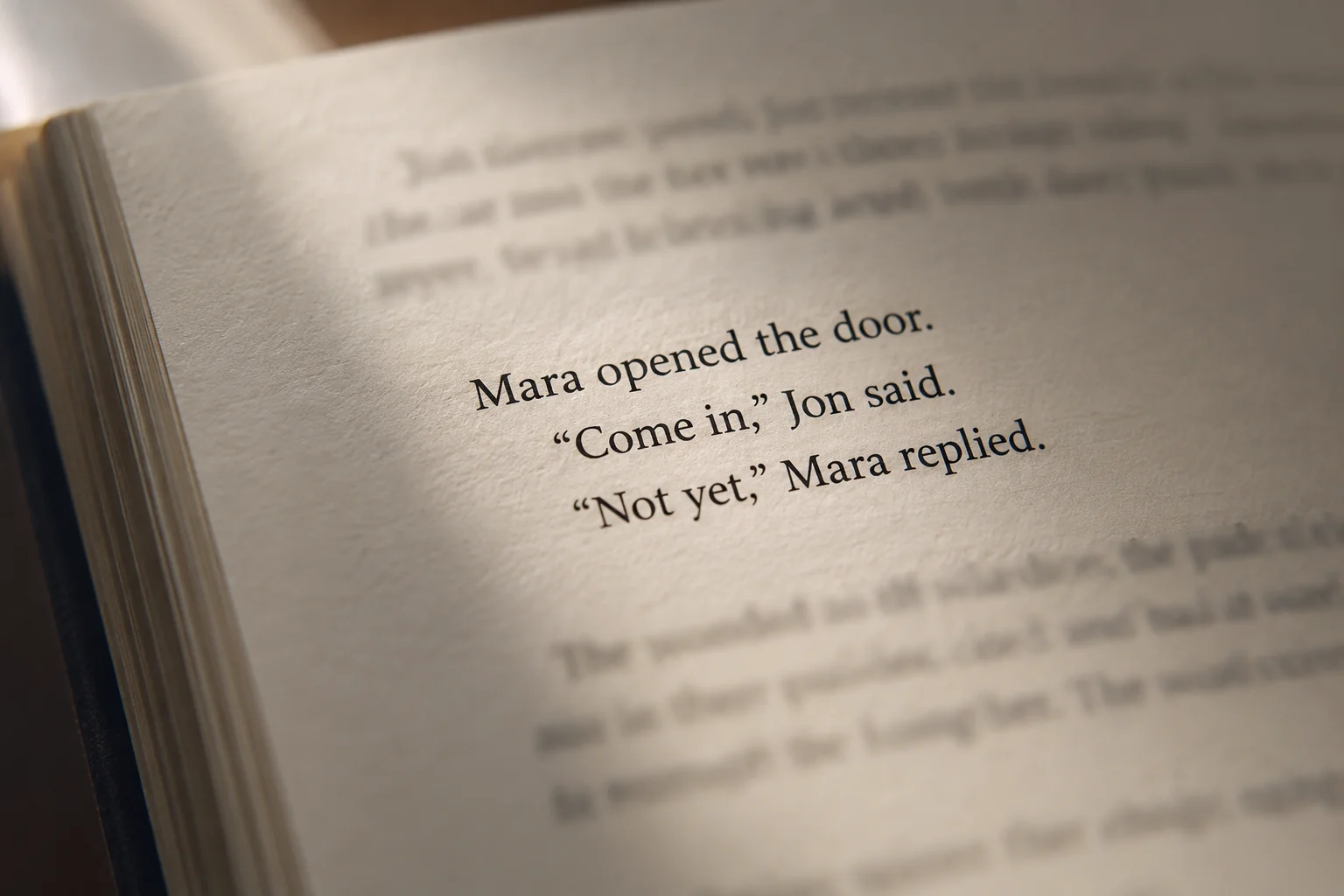
Situation | Paragraph decision | Indent decision |
|---|---|---|
Another character speaks | Begin a new paragraph | Apply the usual body-paragraph style |
The speaker pauses for a short action, then continues | Usually keep the action and speech together | Indent only the paragraph's first line |
A scene begins with speech | Make it the scene's opening paragraph | Use the chosen opening style, whether indented or flush left |
One uninterrupted speech needs several paragraphs | Break at meaningful changes of idea | Apply the appropriate paragraph style to each paragraph |
The text presents a letter, message, or document | Treat it as an extract where appropriate | Use the extract's design rather than automatically copying dialogue formatting |
Use the paragraph ownership test
Ask whose turn am I showing? Another character's reaction and reply usually need a new paragraph.
For example, Lina's denial and Marco's silent reaction are easier to follow on separate lines:
"I never touched the ledger," Lina said.
Marco narrowed his eyes.
If Marco answers, put his words after “Marco narrowed his eyes.” If Lina speaks again, begin a new paragraph for her.
A second character's name alone doesn't require a break. In “Lina watched Marco reach for the ledger,” we're still following Lina's observation.
Separate paragraph structure from dialogue punctuation
Paragraph breaks tell us who is speaking. Punctuation tells us how the spoken words connect to the surrounding sentence. A dialogue tag such as “Inez said” belongs to the speech sentence; an action such as “Inez folded the map” is a sentence of its own. Editor Katie Chambers explains the distinction in her guide to tags and action beats.
Pattern | Example | Why it is punctuated this way |
|---|---|---|
Tag after speech | "Leave the lantern here," Inez said. | The comma connects the speech to its attribution |
Action after speech | "Leave the lantern here." Inez placed it beside the map. | Placing the lantern is a separate action sentence |
Tag interrupting one spoken sentence | "If the bridge is clear," Inez said, "we can reach the mill before dark." | The same spoken sentence resumes after the tag |
Action between spoken sentences | "The bridge looks clear." Inez folded the map. "We should still take the lower path." | Speech, action, and further speech are three complete sentences |
Each example stays in one paragraph because Inez keeps the turn, including when an action separates two spoken sentences.
For a question followed by a tag, write “Did you lock the gate?” he asked. The question mark replaces the comma, but he stays lowercase because the tag continues the sentence. A name such as Jon keeps its normal capital. Chicago's explanation of quoted questions covers this point.
These examples use US punctuation and double quotation marks. Follow your publisher's house style.
One speaker can continue across several paragraphs
When one person speaks for several paragraphs, open each paragraph with a quotation mark and close only the final one. You can give a long speech breathing room without making it sound as though another speaker has taken over. The MLA Style Center describes this convention.
"The archive was not built for visitors. The first room stores maps, and the second stores the names removed from them.
"If you reach the stairwell, wait beside the green cabinet. I will meet you there."
Break a long speech at a change of idea: here, the archive description gives way to directions. Apply the normal paragraph style to both.
The missing closing mark after “them” is deliberate: the speech continues. Don't add it when accepting automated punctuation corrections.
If Jon interrupts, close the current quotation and give him a new paragraph. A paragraph of narration also ends the uninterrupted speech; make the transition clear.
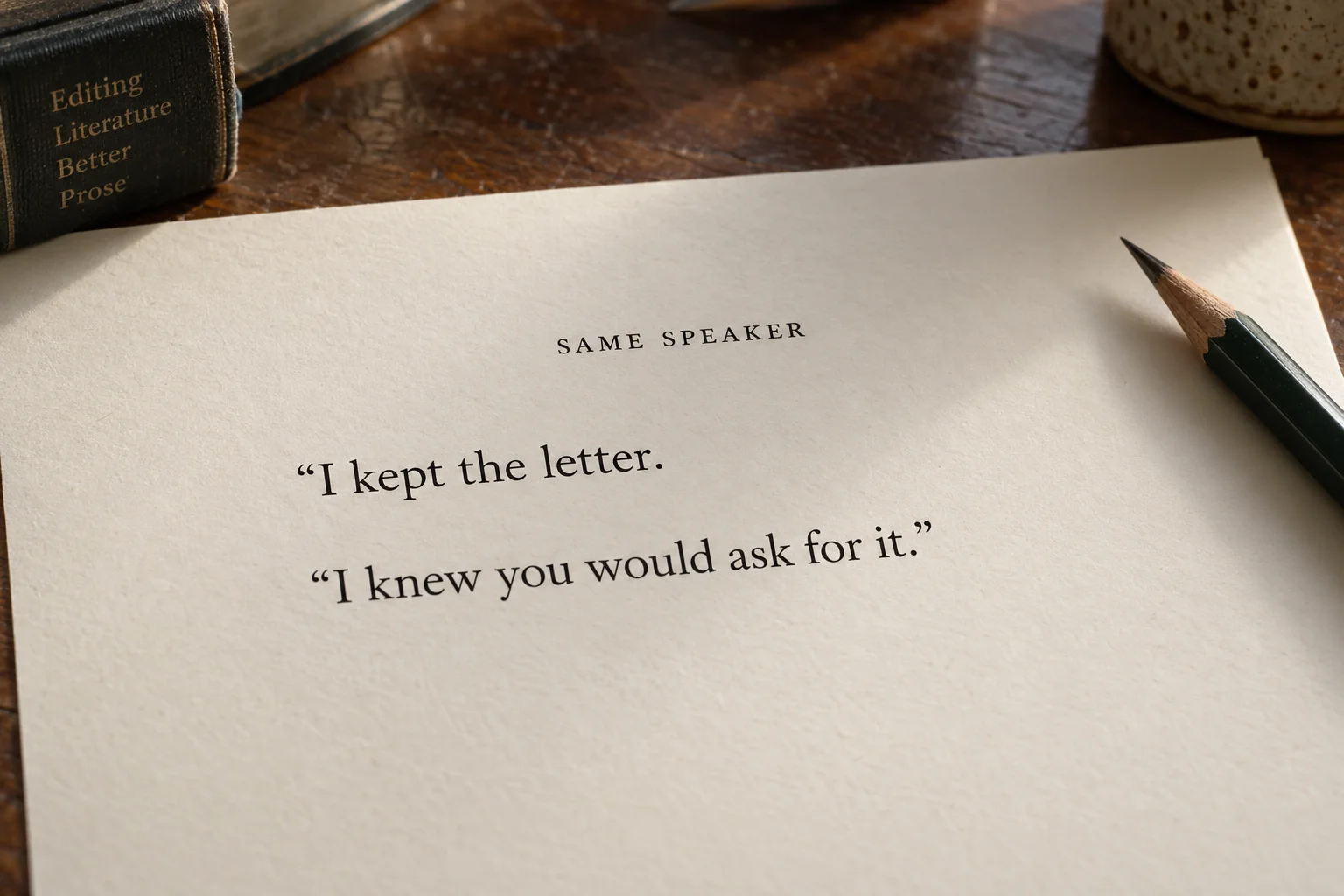
Manuscript format and book-interior format are different decisions
A half-inch indent is a manuscript setting, not a universal rule for printed novels. Choose formatting for the file you're preparing:
Submission manuscript: use the recipient's specifications. As a concrete example, William Shunn's classic manuscript format specifies a 0.5-inch first-line indent for every paragraph. That is a manuscript-format instruction, not a universal measurement for published novels.
Print interior: plan a body style and, if wanted, a flush-left opening style. Apply the opening style because a paragraph begins a chapter or scene, not because it contains dialogue. Compare the result on a full page rather than judging an isolated line.
Reflowable ebook: keep each paragraph as a separate text element and use CSS for its appearance. Amazon's Kindle paragraph-formatting guidance allows paragraph distinction through indentation or additional spacing.
Shunn's half-inch rule includes scene openings. For a print interior, compare pages of short replies and longer narration before choosing the depth.
Set dialogue indentation in Microsoft Word
In desktop Word, put the first-line indent in a paragraph style so you can apply it throughout the manuscript. That saves you from adjusting hundreds of paragraphs individually. Microsoft's styles guide explains how changes to a style update the text that uses it.
Save a copy first: pasted drafts may contain inconsistent styles, tabs, or spacing.
Select a body paragraph and identify its style in Home > Styles.
In desktop Word for Windows, right-click that style and choose Modify.
Open Format > Paragraph. Under indentation, choose Special: First line and enter the required amount in By.
For ordinary body text, check that a separate left indent is not also moving the whole paragraph.
Apply the body style to the appropriate narrative and dialogue paragraphs.
If your interior design uses flush-left openings, create and apply a separate opening style. Make later global changes through the styles rather than individual paragraphs.
These steps are for Word on Windows; Mac and web menus can differ. Look for the First line control in Microsoft's paragraph settings.
For double indents, reveal formatting marks and check for a typed tab before the styled paragraph. Remove only redundant tabs; tables may still need theirs.
Set the paragraph structure in Google Docs
On a computer, select your paragraphs in Google Docs and go to Format > Align & indent > Indentation options. Set the first-line indent there instead of typing spaces or pressing Tab at the start of each reply. Google's indentation instructions identify the menu and its special-indent controls.
Select the paragraphs that should share the same indentation, excluding headings and deliberate exceptions.
Open Indentation options and choose First line under Special indent.
Enter the amount required for your document and select Apply.
Check a wrapped paragraph: only its first line should start inward. For a published-book layout, format scene openings separately if your design requires them to remain flush left.
Use 0.5 inches (1.27 cm) for a Shunn-style manuscript, including scene openings. For spacing controls, see Google's paragraph formatting help.
Export a sample containing a scene opening, a short reply, and a wrapped paragraph. Open it in the receiving program to check that formatting survives.
Use CSS for dialogue indentation in a reflowable ebook
For a reflowable ebook, put each speaker's turn in its own paragraph element and use CSS text-indent to control the first line. Amazon's text guidelines recommend relative units, advise against fixed points or pixels for indentation, and limit body-paragraph indents to 4 ems. Here's a smaller example:
p.body {
  margin-top: 0;
  margin-bottom: 0;
  text-indent: 1.2em;
}

p.scene-open {
  text-indent: 0;
}
1.2em is an example, not a required Kindle measurement. The relative unit scales with the text size. Apply the styles like this:
<p class="body scene-open">"The west gate is still open," Mara said.</p>
<p class="body">Jon checked the station clock. "Not for long."</p>
The opening paragraph uses both classes: the later scene-open rule removes its indent. Jon's reply keeps the body indent. No leading spaces or tabs are needed.
Preview at several font sizes and screen widths. Fix conflicting CSS in the stylesheet rather than adding spaces to compensate.
Diagnose indentation failures
Compare the affected paragraph with one that looks right. Check the speaker break, paragraph style, indent settings, then leading tabs or spaces.
Test a repair on one complete scene before applying it throughout the book.
Symptom | What to investigate | Suggested repair |
|---|---|---|
Wrapped lines also sit too far right | A left indent, block setting, or container margin | Restore the body paragraph's left edge, then set its first-line indent |
Some opening lines extend farther right than others | Leading tabs or spaces, differing styles, or direct formatting | Remove confirmed redundant characters and standardize the paragraph settings |
A reply seems to belong to the wrong character | A missing turn break or misleading neighboring action | Separate the turns and clarify attribution before adjusting appearance |
Scene openings are indented against the intended design | An opening style that is missing, unapplied, or overridden | Define and apply the intended opening style; retain indents if the format requires them |
An ebook indent behaves unexpectedly | Fixed units, inherited CSS, conflicting selectors, or copied spacing | Inspect the paragraph's effective CSS and remove redundant source formatting |
A long speech appears to switch speakers | Missing opening marks, premature closing marks, or unclear interruptions | Read the complete speech and restore marks to match its structure |
Ebook line endings change with font size and screen width. Check for clear paragraph starts and consistent speaker turns rather than matching the printed page.
Final dialogue-formatting check
Check a short exchange and a multiparagraph speech, then inspect the exported file:
Identify the speaker of every quoted line.
Confirm a paragraph break at each speaker change.
Keep tags with their speech and check action beats as separate sentence structures.
Review opening and closing marks in every multiparagraph speech.
Apply the appropriate body and opening styles.
Inspect tabs, repeated spaces, and nonbreaking spaces before removing any that are redundant.
Preview the print PDF at its intended page size, including dialogue near page boundaries.
Preview the EPUB with more than one font size and screen width.
In Automateed, use the chapter-editing guide to make corrections, then open the resulting DOCX, PDF, or EPUB to check what readers will receive.