Table of Contents
With more and more people looking for ways to fit reading into their busy lives, it’s a great time to explore how to make an audiobook as audiobooks have become a fantastic solution.
Creating an audiobook might seem like a big leap, but it’s an exciting journey that opens up your work to a whole new audience. It’s about connecting with your listeners in moments when traditional reading isn’t an option.
Let’s break it down, step by step. Whether you’re a seasoned author or just starting, making your book available in audio form can significantly boost its reach. I’m here to guide you through it, making sure you know all the ins and outs of bringing your book to the ears of eager listeners.
How to Make an Audiobook
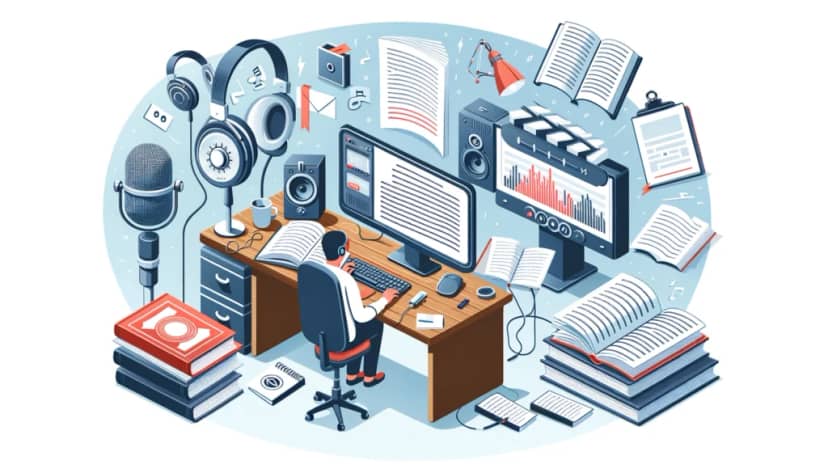
Making an audiobook isn’t just about recording your voice. There are quite a few steps you should take from the idea of an audiobook, to the actual audio file on the phones of your audience.
Let’s take a look at the steps you are to take if you want your audiobook to be the best it can be.
1. Choose the Right Book
When choosing the right book for audio adaptation, you want something that not only fits the story but enhances it.
Truth is that not every book translates well into audio format, so it’s essential to consider a few key factors.
First, think about the content’s suitability. Some books, especially those rich in dialogue or first-person narratives, naturally lend themselves to audio. These types of books can feel more intimate and engaging when you listen to them in audio form.
On the other hand, books with complex diagrams, footnotes, or detailed illustrations might lose their essence when transferred to an audio format.
It’s about matching the nature of your book with the listening experience.
Next, consider your audience demand. Who are your readers, and are they likely to be audiobook listeners?
Some genres, like self-help, business, and fiction, especially thrillers and romance, have a strong following in the audiobook market.
Doing a bit of research to understand your potential listeners’ preferences can guide you in making a choice that resonates with them.
Remember, the goal is to enhance your book’s accessibility and reach. By choosing a book that fits well with the audiobook format and meets your audience’s expectations, you’re not just creating another version of your work; you’re opening up a new pathway for people to connect with your stories and ideas.
So, take a moment to consider which of your books would make the journey into audio a seamless and enjoyable ride for your listeners.
2. Decide on DIY or Professional Help
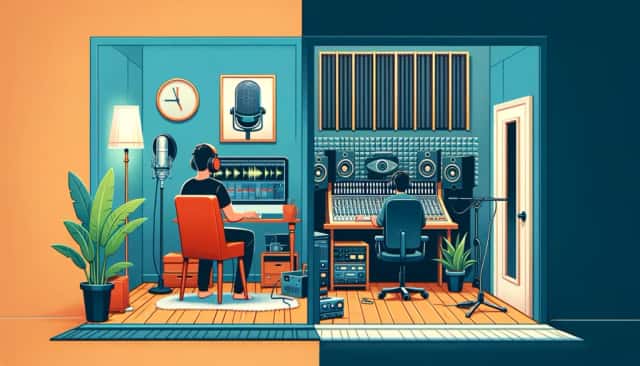
Deciding whether to dive into making your audiobook with a DIY spirit or to bring in the pros is a big decision. Each route has its own set of advantages and challenges, so let’s see what might work best for you.
Going the DIY route is kind of like starting a new hobby. It’s exciting, and there’s a lot to learn. The biggest perk is control. You get to make all the creative decisions, from how the words are spoken to the pacing of the narration.
Plus, it can be more budget-friendly since you’re not hiring out for each step of the process.
However, the flip side is the steep learning curve. Good quality audio isn’t just about reading out loud; it involves mastering recording equipment, understanding acoustics, and getting the hang of audio editing.
If you’re not tech-savvy, it might take a while to get up to speed.
On the other hand, hiring professionals can take a lot of the guesswork out of the process. Professional narrators bring your characters to life with their expertise, while audio engineers ensure the sound quality is top-notch.
This route can significantly enhance the listening experience, making your book more appealing to audiobook fans.
The downside, as you have expected, the cost. Professional services don’t come cheap, and depending on the length of your book and the fame of the narrator, it can be a significant investment.
Plus, you’ll have less control over the minute details of the production process.
In the end, it’s about weighing what’s most important to you: the control and personal satisfaction of DIY, or the polished, professional finish that comes with hiring experts.
Think about your goals for the audiobook, your budget, and how much time and energy you’re willing to invest. Both paths have their merits, and the right choice depends on what fits best with your vision and resources.
3. Select Your Narrator
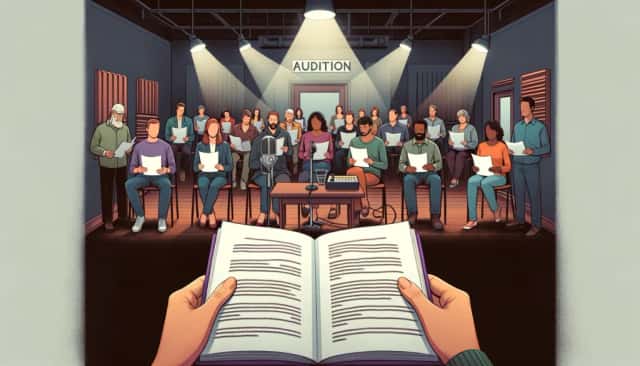
The voice you choose can make or break the listener’s experience.
If you’re thinking about narrating your own book, ask yourself a few questions first. Do you have a clear and pleasant voice? Are you comfortable with long hours of recording?
Narrating your book can add a personal touch that fans might appreciate, especially if you’ve got a good speaking voice and your book is non-fiction, where the author’s personal connection to the content can enhance the listener’s experience.
Besides, no one can know your vision for your book better than yourself.
However, it’s crucial to be honest about your capabilities. Narration is an art that requires practice, stamina, and skill to maintain listener engagement over several hours.
On the other hand, professional narrators can breathe life into your characters, maintain a consistent pace and energy throughout the book, and bring a level of polish that might be hard to achieve on your own.
When choosing a professional, consider their experience, range, and, most importantly, how their voice fits with your book’s tone and characters. Listen to samples of their work to get a sense of their style and see if it aligns with your vision.
Don’t rush this decision. Consider conducting a few auditions, asking potential narrators to read a passage from your book.
This can give you a clear idea of how they interpret your characters and whether their voice is a good match for your story.
Remember, the right narrator can elevate your audiobook, making it a memorable experience for your listeners, so take your time to find the perfect fit.
4. Prepare Your Script
Preparing your script for audio narration is a crucial step in the audiobook production process. It’s all about adapting your written words into a format that’s engaging and clear for listeners. Here are some tips to help you prepare your script for the spotlight.
First off, read through your book with an ear for audio. Some passages that work well on the page might not translate as smoothly to spoken word.
Look for areas that might need clarification or simplification for listeners. This could include visual descriptions that need to be more vivid for the imagination or complex sentences that could be simplified for easier listening.
Pay special attention to dialogue. In written form, it’s easy to follow who’s speaking with the help of dialogue tags and paragraphs. In audio, however, it’s not always as clear. Consider tweaking dialogue to ensure listeners can easily follow who’s talking without the visual cues they’d have on the page.
Consider the listener’s experience. Think about adding brief introductions or conclusions to each chapter, especially if they provide context or enhance the listener’s understanding of the story. However, avoid over-explaining or adding unnecessary details that could disrupt the flow of the narration.
Lastly, format your script in a way that’s easy for the narrator to read. Use a clear, legible font and include notes on pronunciation for any unusual names or terms.
Break the text into manageable sections, and clearly mark chapter breaks and headings. This will help the recording process go smoothly and ensure your story is presented in the best possible light.
And keep in mind that if the unabridged version doesn’t fit the bill, you can always go for abridged version.
5. Record the Audio
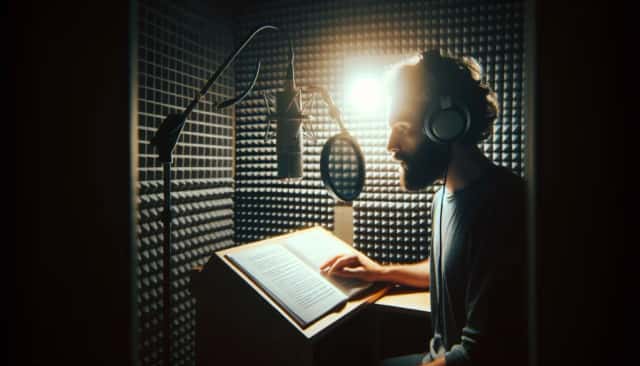
Recording the audio for your audiobook is where your story truly starts to come to life. Whether you’re stepping into a professional studio or setting up your own recording space at home, the goal is the same – to capture clear, engaging audio that does your book justice. Here are some best practices to help you achieve that.
In a Professional Studio
One of the biggest advantages of recording in a professional studio is access to experienced technicians and state-of-the-art equipment.
Rely on their expertise to get the best sound quality. They can guide you on how to use the microphone effectively and maintain consistent energy levels throughout your session.
But before you step into the studio, practice reading your script out loud. Get comfortable with the pacing, intonation, and any character voices you need to perform. The more prepared you are, the smoother your recording session will be.
Now, recording can be more tiring than you anticipate. Schedule regular breaks to rest your voice and maintain energy levels. Staying hydrated is key to keeping your voice in good shape throughout the session.
At Home
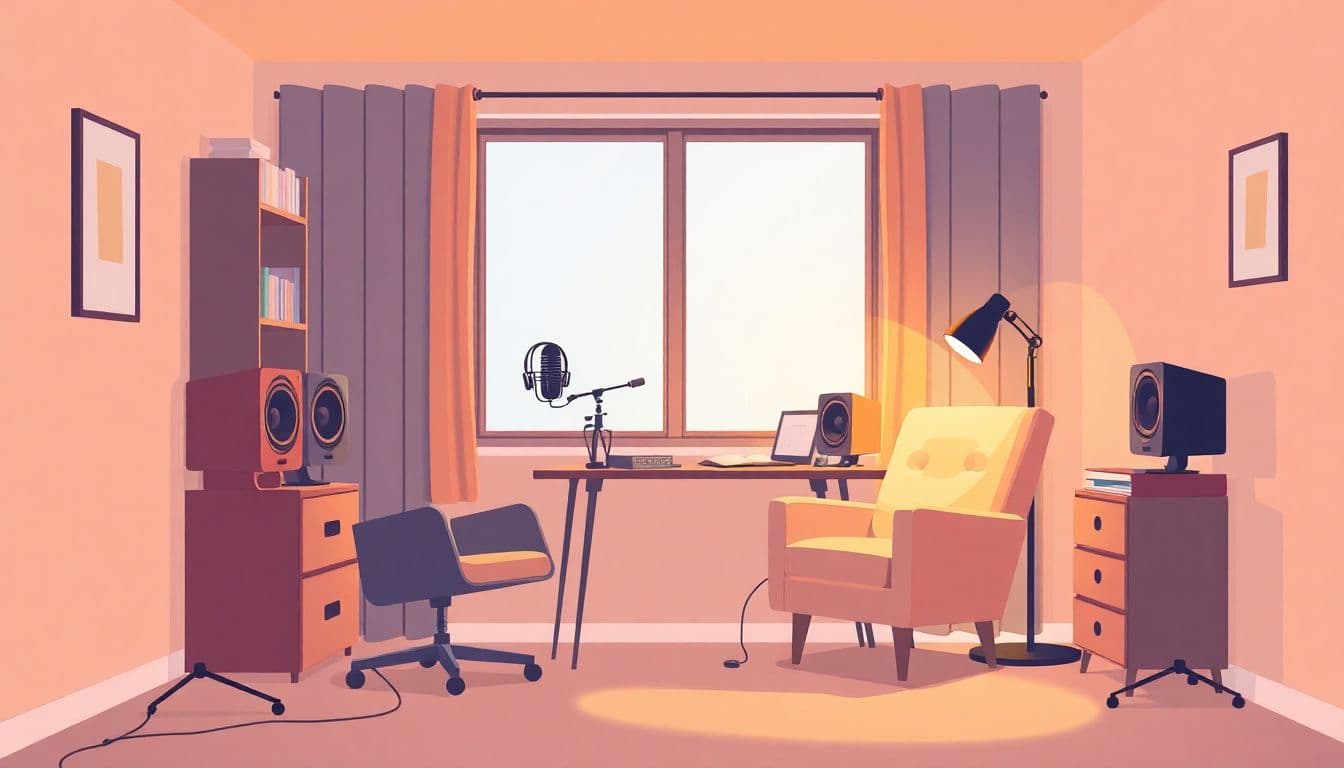
Choose the quietest room in your house to set up your recording space. Soft furnishings can help absorb sound and reduce echo. Consider using blankets, curtains, or even bookshelves filled with books to dampen noise.
But blankets and cushions won’t replace proper equipment. A high-quality microphone and headphones are essential for recording audiobooks at home.
You don’t need to break the bank, but do your research to find equipment that delivers clear, clean sound. A pop filter is also a good investment to soften any harsh “p” and “b” sounds.
Next up is the software. Choose one that suits your budget and skill level. Look for software that’s intuitive to use and provides the functionality you need to capture and edit your audio effectively.
And of course, be mindful of background noise that could interfere with your recording, such as traffic, appliances, or pets. Try to record at times when your house is quietest.
Whether you’re in a studio or at home, patience and attention to detail are your best friends in the recording process. Take your time to get each section right, and don’t be afraid to re-record parts that don’t meet your standards.
The effort you put into recording high-quality audio will pay off when your listeners are transported into the world of your book, hanging on every word.
6. Edit and Produce the Audiobook
Editing and producing your audiobook is where everything comes together to shine. This stage is crucial for ensuring that your audiobook is a pleasure to listen to, free from distractions or errors that could pull listeners out of the experience. Here’s how to tackle this phase:
Editing the Audio Files
Start by listening through your recordings to identify any mistakes, inconsistencies, or unwanted noises.
Editing involves cutting out these errors, as well as adjusting pauses to ensure the pacing feels natural. This can be tedious but is essential for quality.
Software like Audacity (free) or Adobe Audition (paid) can be invaluable for this process. These programs allow you to trim, splice, and clean up your audio.
Look for tools within these programs to reduce or remove background noise and normalize your audio levels for consistent volume.
Adding Music or Sound Effects
Music and sound effects can enhance your audiobook, but they should be used sparingly and thoughtfully.
An intro or outro piece of music can set the tone for your story, while subtle sound effects can enrich the narrative without distracting the listener.
Ensure any music or sound effects you use are royalty-free or that you have the rights to include them in your production.
There are numerous online libraries where you can find suitable tracks and effects.
Finalizing the Production
Once your audio is edited, and any additional sounds are added, the next step is mastering. This process involves fine-tuning the final audio file to ensure it meets industry standards for audiobooks.
It includes adjusting the overall volume, balancing frequencies, and ensuring there’s a consistent sound quality throughout.
Finally, you’ll need to format your audiobook according to the specifications of your chosen distribution platforms.
This typically means exporting your audio in a high-quality, compressed format like MP3, with specific bit rates and naming conventions for the files.
Throughout this process, it’s important to maintain a listener’s perspective. Regularly take breaks and come back to your editing with fresh ears.
It can also be helpful to have someone else listen to your audiobook before finalizing it, as they might catch issues you’ve missed.
7. Publish and Market
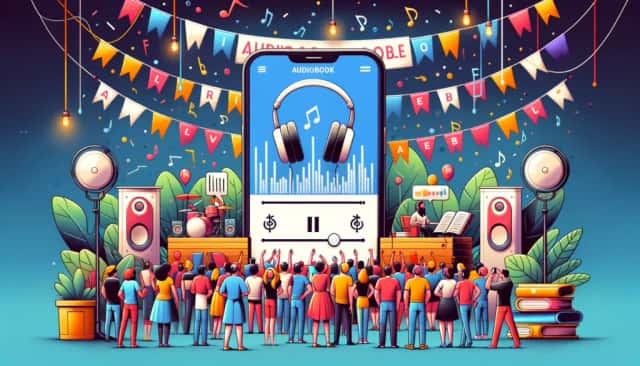
When it comes to publishing your audiobook, platforms like Audible (through ACX, the Audiobook Creation Exchange), iTunes, and Google Play are key players.
ACX is a popular choice because it not only allows you to distribute to Audible and iTunes but also provides a range of production resources if you need them. Google Play Books is another excellent platform for reaching Android users.
Each platform has its own set of requirements and revenue-sharing models, so it’s worth doing your homework to understand which option or combination of options best fits your goals.
For broader distribution, you might consider using an aggregator service that can place your audiobook on multiple platforms, including smaller, niche ones.
This can maximize your reach but be mindful of the fees or percentages these services take.
As for marketing, it requires a mix of strategy, creativity, and persistence. Here are some strategies to consider:
- Leverage Social Media: Use your existing platforms to tease audio snippets, share behind-the-scenes glimpses of the production process, and announce release dates. Engaging with your audience in this way can build anticipation and early demand.
- Get Reviews: Reach out to audiobook reviewers and offer them a free copy in exchange for an honest review. Positive reviews on Audible and other platforms can significantly boost your visibility and credibility.
- Use Promo Codes: Platforms like ACX provide authors with promo codes for free audiobook downloads. Distribute these codes to influencers, reviewers, and loyal fans to generate buzz and encourage word-of-mouth marketing.
- Create a Launch Plan: Much like launching a traditional book, your audiobook release should be an event. Consider hosting a live Q&A, an online listening party, or partnering with relevant podcasts to discuss your book and its themes.
- Bundle Your Audiobook: If you have the book in other formats, consider bundling them together for a special price. This can appeal to readers who appreciate having multiple formats and can boost overall sales.
Conclusion
Learning how to make an audiobook opens up new avenues for sharing your stories and connecting with readers in a personal and dynamic way. It’s about bringing your written words to life, allowing listeners to immerse themselves in your narratives wherever they are, whatever they’re doing.
The process of creating an audiobook might seem complex at first, but with the right approach and understanding, it’s an incredibly rewarding. Embrace the challenge, and you’ll find that making an audiobook can be a fulfilling addition to your creative repertoire.
FAQ
How do I turn a book into an audiobook?
Turning a book into an audiobook involves several key steps, including choosing the right title, preparing a script optimized for listening, selecting a narrator, recording the audio, and editing the final product for clarity and engagement. Consider whether you want to do it yourself or hire professionals for different stages of the process, such as narration and audio editing. Publishing platforms like ACX can help distribute your audiobook to major retailers like Audible and iTunes.
Do audiobooks get paid?
Yes, audiobooks generate income for authors and publishers through sales, royalties, or licensing deals. The specific amount you can earn depends on various factors, including the distribution platform, pricing strategy, and the audiobook’s popularity. Many platforms offer a royalty model, where you earn a percentage of each sale.
Is it legal to make an audiobook?
Creating an audiobook is legal as long as you have the rights to the source material. If you’re the author and hold the copyright to the book, you can produce an audiobook version. If the book is by another author, you must obtain permission or license the rights to create its audiobook version.
How much does it cost to build an audiobook app?
Building an audiobook app can vary widely in cost, depending on features, complexity, and whether you hire a developer or use a platform. Basic apps might start from a few thousand dollars, while more advanced apps with custom features can cost tens of thousands of dollars or more. Consider your target audience and required functionalities to estimate the budget.
What app turns books into audio?
Several apps can turn books into audio, including text-to-speech (TTS) software like Speechify, Voice Dream Reader, and NaturalReader. These apps use synthetic voices to read digital text aloud, allowing you to listen to books, articles, and documents as audiobooks.
How to create audiobooks for free?
You can create audiobooks for free by using open-source or free audio recording and editing software, such as Audacity. Record your narration using a good-quality microphone in a quiet space to ensure clear audio. Free distribution platforms like YouTube or SoundCloud can host your audiobook, but for wider distribution on commercial platforms, you may need to navigate their specific requirements and possible costs.