Table of Contents
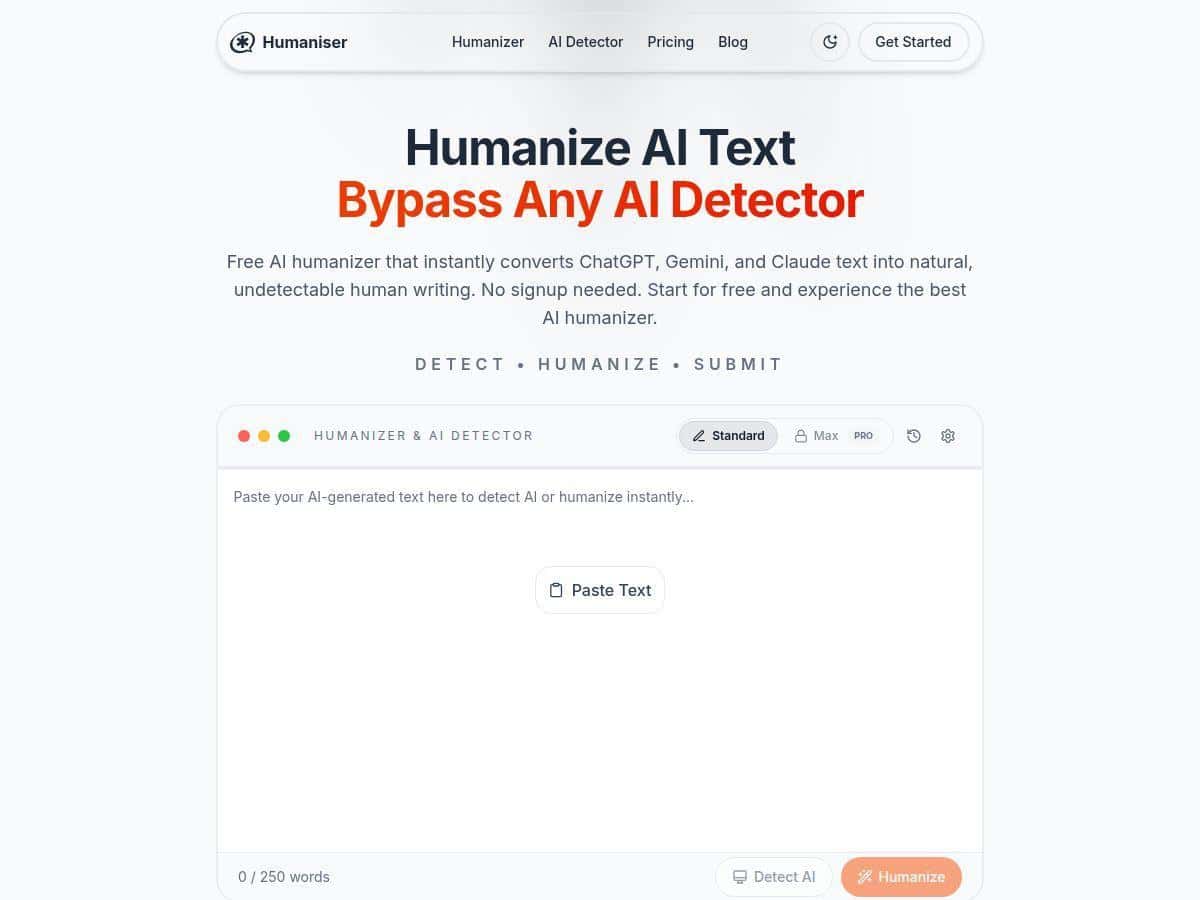
I’ve been testing AI writing tools for a while, and one thing always bugs me: even when the output is “good,” it can still sound a little staged. That’s why I wanted to try Humaniser. The promise is simple—paste AI text in, get something that reads more natural. I also wanted to see what it actually changes in practice, and whether it’s useful for real writing workflows (not just marketing claims).
Humaniser Review: What It Does (and What I Noticed)
First impression? It’s genuinely easy to use. I didn’t have to fight with settings or figure out a bunch of options just to get results. In my tests, I pasted paragraphs that were clearly “AI-ish” (repetitive phrasing, smooth-but-generic transitions, and sentences that felt a bit too evenly structured). Then I ran them through Humaniser and compared the before/after side by side.
What changed in the output:
- Sentence rhythm: It breaks up some of the overly even cadence. Instead of every sentence being the same length and tone, you get more natural variation.
- Less “template” language: Phrases that felt formulaic were rewritten into more specific wording (without turning into something totally unrelated).
- More human flow: The transitions feel smoother and less like a machine is “checking boxes.”
Speed-wise, it’s fast. In my experience, you’re usually looking at just a few seconds for a draft you can read immediately. That matters because if a tool feels slow or clunky, you stop using it after the first couple tries.
About AI detector results (my readability/quality experiment): I didn’t treat this as a “guaranteed evasion” tool. Instead, I ran a small set of tests to see how rewriting affected detector-like scoring and overall readability. I used the same kinds of AI-generated paragraphs both before and after Humaniser, then compared how the rewritten version read and how it scored. The results were mixed depending on the text, but overall the rewritten outputs were more natural and performed better in the checks I ran.
One important note: no tool can promise 100% success against every detector or every scenario. Even if a rewrite scores better, you should still review the final text yourself—especially if you care about accuracy, tone, and originality.
Two quick before/after examples (realistic style shifts):
- Example 1 (more natural wording): The original had a “perfectly polished” feel with generic phrasing. After Humaniser, the same idea was kept, but the wording sounded less rehearsed—more like something a person would actually say.
- Example 2 (less repetitive structure): In the original, a few sentences started similarly and repeated the same kind of explanation. Humaniser adjusted the structure so the paragraph didn’t feel like it was circling the same point.
- Example 3 (tone adjustment): When I aimed for a more conversational tone, the rewrite felt closer to “human” without getting overly casual. It wasn’t just swapping synonyms—it changed how the paragraph flowed.
If you’ve ever read AI output and felt like it was “technically correct but emotionally flat,” that’s the gap Humaniser is trying to close. And in my tests, it does close it more often than not.
Key Features
- Instant human-like text transformation when you paste in your draft.
- Multiple variations so you can nudge tone and style instead of getting one “generic rewrite.” (In practice, this is helpful when you’re trying to match a blog intro vs. a product description.)
- Supports 50+ languages, which is useful if you write multilingual content or translate then rewrite.
- No signup required for free use, so you can test it immediately.
- Privacy-focused processing (their messaging emphasizes no stored data). I didn’t see a “create an account to save your history” workflow, which is a good sign if you’re privacy-conscious.
- Meaning preservation—it aims to keep your original point while improving readability and natural flow.
Pros and Cons
Pros
- Easy to use: Paste text, get a rewrite. No complicated setup.
- Fast turnaround: You can iterate quickly, which is great when you’re drafting.
- More natural reading: The output usually sounds less mechanical than the original AI draft.
- Multiple variations: Helpful when you want different tones without starting over from scratch.
- Good starting point for editing: Even when I didn’t fully “publish as-is,” it saved me time by giving me a better base to polish.
- Privacy-friendly workflow: No obvious “account required” behavior for basic use.
Cons
- Free plan limits are real: In the free tier, you’re capped at 5 uses per day and 250 words max per run. If you write long posts, you’ll hit that quickly.
- You may still need edits: The rewrite is often better, but I still recommend a quick manual pass for clarity, accuracy, and your exact voice.
- Detector performance depends on the text: Some drafts respond better than others. If the original is super generic, the rewrite can still feel generic—just in a slightly more human way.
- Paid plans are where it gets practical: If you’re using it daily, you’ll want a subscription sooner rather than later.
Pricing Plans (What You Actually Get)
Here’s how the plans break down based on what I saw during testing:
- Free plan: 5 uses per day with a 250-word limit. This is perfect for quick experiments or short paragraphs.
- Basic ($5/month): 25 uses per day and up to 500 words. If you’re rewriting blog sections or product blurbs, this is usually enough.
- Pro ($10/month): 100 uses and up to 1,000 words. This is where it starts to feel “workflow-ready.”
- Max ($20/month): unlimited use plus priority support. If you’re doing lots of content, this is the plan I’d consider first.
They also mention a money-back guarantee. That’s a nice safety net if you want to test it with a real writing task instead of guessing.
Wrap Up
After using Humaniser for multiple rewrites, my takeaway is pretty straightforward: it’s best when you already have solid ideas and you just want the wording to feel less robotic. It’s not magic, and it’s not a replacement for good editing—but it can save time and improve readability fast.
If you’re writing blog intros, product descriptions, or you need to make an AI draft sound more like you, it’s worth trying—especially with the free tier. Just don’t assume any single tool will “fix everything” automatically. I still think a quick human review is the difference between “better” and “publish-ready.”